
To practise cold calls with AI, build a voice agent that plays the prospect, with a persona prompt that holds the objections your reps hear most. Reps call it by browser or phone, then review the recording and transcript with a QA score. Dograh, the open-source AI voice agent platform, can be self-hosted or run on Dograh Cloud.
Key Takeaways
- The agent plays the prospect, so reps practise without spending real leads.
- Practise over a phone line too, because phone audio sounds different.
- A written QA rubric grades the rep's side of every practice call.
This post is part of our guide to AI voice agents for outbound sales, where the agent places the sales call and hands ready buyers to a rep. Here we flip the roles and build a practice prospect in Dograh, and show how a rep reviews each practice call.
What you need before you start
Live conversations are scarce in a rep's day, so practice has to come from somewhere else. The Bridge Group's 2025 SDR report found that phone-centric SDR teams average 56 dials and 4.6 quality conversations a day. A new rep who learns only on live calls burns real leads on every mistake in the opener.
Practise on a voice call, not in a text chat. Text skips the parts reps get wrong most, such as pace and being talked over.
You need a Dograh account or your own install, and the objections your reps actually hear, written down from real calls. A phone number in Telephony can wait until Step 4.
Step 1: Create the agent and write the persona
The agent plays the prospect, so the rep is the caller and the agent is set up as inbound. Open Voice Agents in the sidebar, then the Create Voice Agent page. Set Call Type to "Inbound (Users call AI)", write a Use Case such as "Cold call practice prospect" and describe the persona in Activity Description. Click Create Agent.
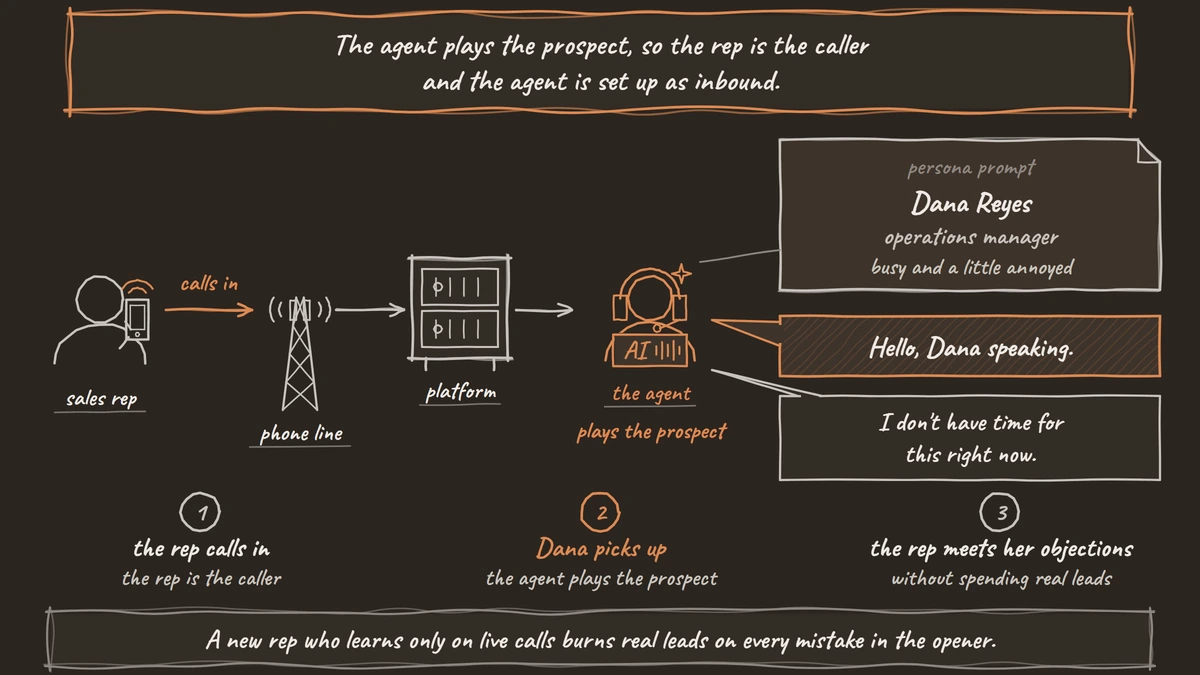
Next, open the Agent Node the builder created and replace its Prompt with the persona. The prompt below sets who the prospect is, in Role, how they feel about the call, in Mood, and what it takes to win a meeting, in What would make you agree.
You are Dana Reyes, operations manager at a 40-person logistics firm,
answering a cold call from a sales rep you have never heard of.

Role: you run dispatch and approve software under $10,000 a year.
Mood: busy and a little annoyed. You were in the middle of something.
What would make you agree: the rep asks how your team handles missed
delivery calls today, then shows they understood your answer.

Rules:
- Stay in character as Dana for the whole call. Never coach the rep.
- Answer in one or two short sentences, the way people talk on the phone.
- Do not mention your missed-call problem until the rep asks about it.
What this does: It gives the model one believable person with a reason to say no and one way to reach yes. A rep who pitches before asking a question gets nowhere, which is the habit the practice breaks.
Check: the new agent opens in the editor, and the Agent Node's Prompt now starts with "You are Dana Reyes".
Step 2: Give the prospect its objections
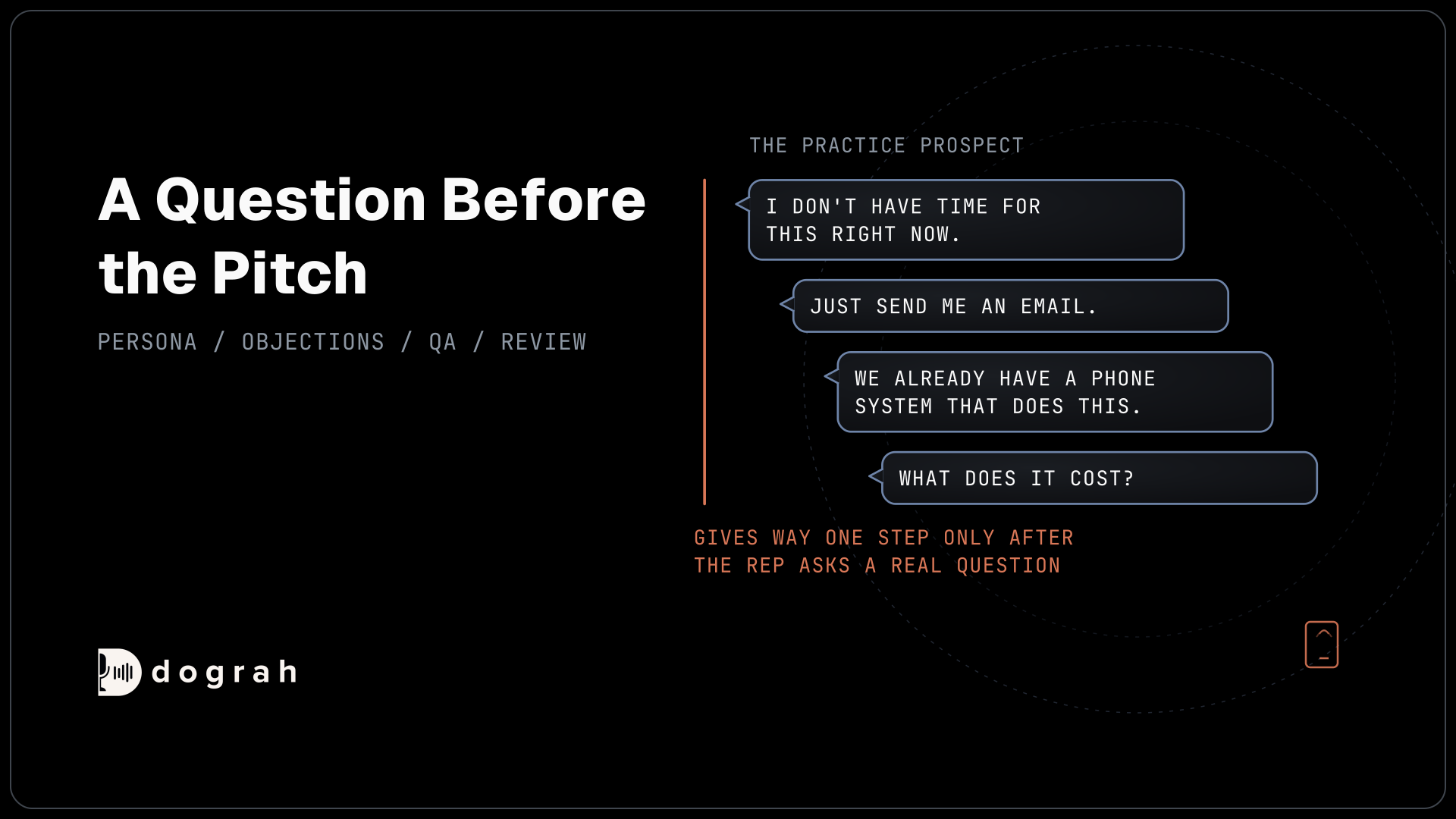
Objections make the practice useful, so add the ones your reps hear most, in the order a real prospect raises them. Put them in the same Prompt, under the persona, with a rule for when Dana gives ground.
Objections, raise them in this order when the rep pitches:
1. "I don't have time for this right now."
2. "Just send me an email."
3. "We already have a phone system that does this."
4. "What does it cost?"

Give way one step only after the rep asks a real question about
your work. If the rep pushes on without asking, repeat the objection
more firmly. After two good questions, agree to a 20-minute meeting.
What this does: Every rep meets the same four objections, so calls can be compared, and the give-way rule rewards a discovery question over a louder pitch.
Keep the rep's answers out of this prompt. Our AI cold call script templates show the seller's objection lines from the other side of the call.
Check: in the Test Chat tab, type "Hi, I'm calling from Acme about your phones" and the reply is one of Dana's objections, not a coaching tip.

Open Source Alternative to Vapi / Retell
Self-hosted voice agent platform — no per-minute fees
dograh-hq/dograh
Star on GitHub
Step 3: Set how the prospect picks up
The first words the rep hears should sound like a real person answering a phone. Open the Start Call node and write the Greeting Text, which the agent speaks word for word as the call connects, for example "Hello, Dana speaking."
Leave Allow Greeting Interruption on, as it is by default, and keep Allow Interruption on for the Agent Node, because real prospects talk over reps. The greeting can also be an uploaded recording if you want a real human voice for the pickup.
Check: start a test call and the first thing you hear is "Hello, Dana speaking."
Step 4: Call it from the browser, then a phone
Start in the browser, then move to a real phone line before reps rely on it. In the agent editor, open the Test Audio tab and click Run Test. The browser call runs the full pipeline, and each call becomes a run with its own record.
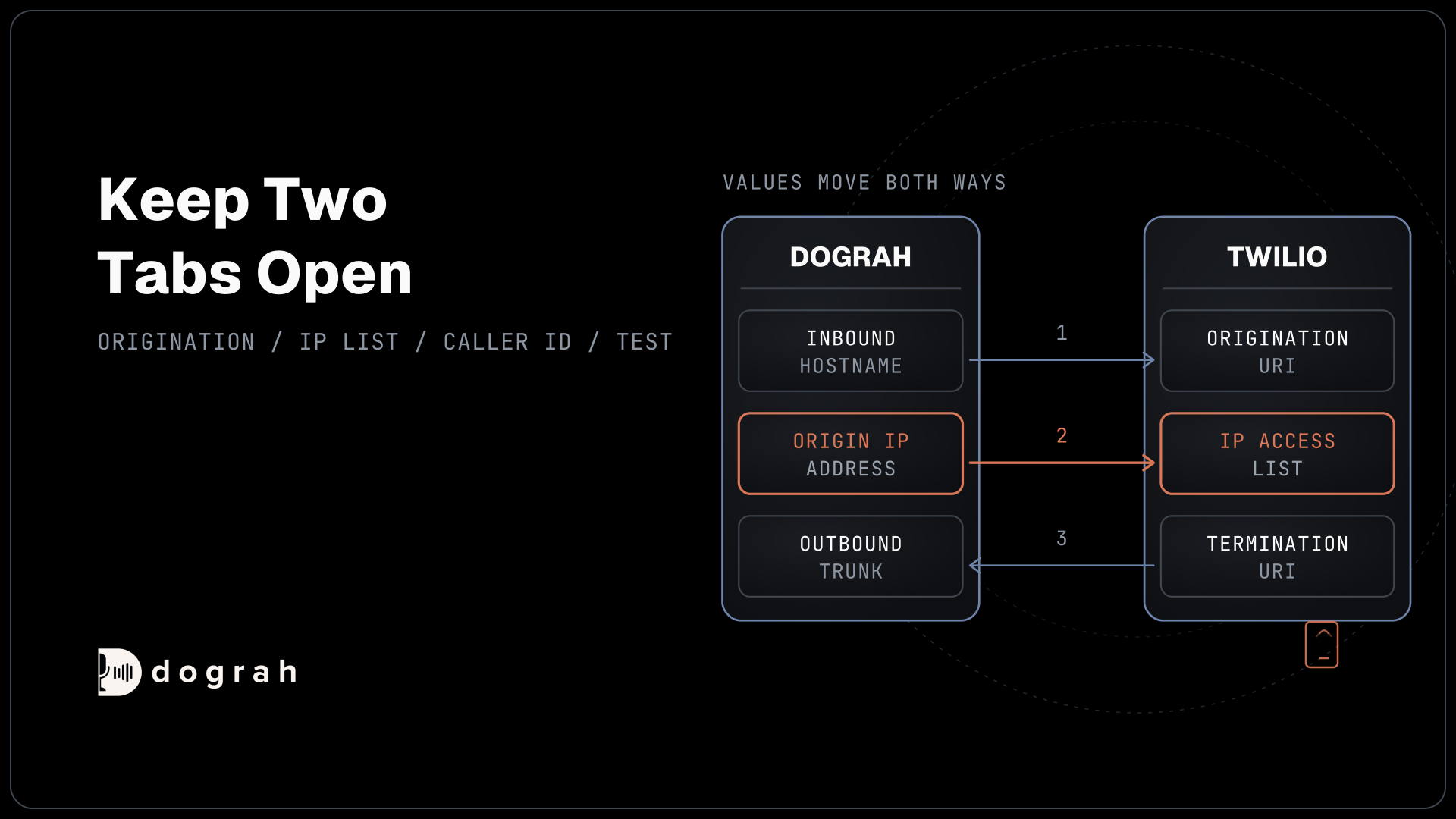
Then point a phone number at the agent. Open the number in Telephony and set its Inbound workflow to the practice agent, so reps dial in from their own phones. Most phone calls still reach the agent as 8 kHz audio, while a browser call runs at 16 kHz, so a mumbled opener the browser forgives can fail on a real line.
Check: call the number from your mobile, give your opener, and Dana answers with her first objection.
Step 5: Score the rep with a QA rubric
A written rubric turns each practice call into feedback the rep can act on. Add a QA Analysis node anywhere on the canvas, and replace its default System Prompt with one that grades the user side of the transcript, because on this agent the user is your rep.
You are a sales coach reviewing a cold call practice transcript.
The "user" is the sales rep. The "assistant" is a practice prospect.
Grade only the rep. Return a JSON object with these fields:
- "named_company_in_opener": true or false
- "asked_discovery_question_before_pitch": true or false
- "objections_handled": objections answered with a question, 0 to 4
- "asked_for_meeting": true or false
- "score": 1 to 10 for the call overall
- "coaching_note": one sentence the rep should act on next call
What this does: Every practice call gets the same checks and one note, so a rep can watch one item improve over a week. The first lines say which side to grade, since the default QA node grades the agent.
Minimum Call Duration is 15 seconds by default, so a rep who loses the prospect that fast gets no score. Lower it to grade openers alone. QA reads the transcript text, never the audio, so it judges words, not tone. Our post on automated QA for voice agents covers how scores come back for each step of a call.
Check: after a practice call longer than 15 seconds, open the run and the QA Analysis section shows your six fields.
Step 6: Review the recording and transcript
The review is where the rep improves, so do it after every practice call. Open Agent Runs in the sidebar and pick the call. The run page has Download links for the Transcript and the Recording, and its Split Tracks card plays the User and Bot sides apart, so a coach can hear the rep alone.
View Trace shows the timing of every turn. In Test Chat, a coach can type the rep's weak line and use "Edit and rerun this turn" to try a better wording against Dana.
Keep the scores for coaching, out of performance reviews. In the EU, AI that evaluates workers is a listed high-risk use, as our post on whether your voice agent is high-risk explains, and the Commission's guidelines on prohibited AI practices allow emotion tracking for personal training only when results stay away from HR. Check with counsel before scores feed pay or promotion.
Join the Dograh Community
Dograh is an OSS alternative to Vapi. Join our Slack community for queries, releases, best practices & community interactions.
Before you ship it
Run three practice calls yourself before you hand out the number, and check that Dana holds character through all four objections. Then add a second agent with a harder persona, such as a prospect who likes their current supplier, for reps whose scores hold steady.
Practice recordings hold your reps' voices, and self-hosted they stay on your own servers. With your own keys, a stronger model can play a tougher prospect. Self-hosted Dograh has no per-minute platform fee, but servers, model keys and phone minutes still cost money. Dograh Cloud charges a 1¢-a-minute platform fee.
When reps are ready for the real list, How to Build an AI Cold Calling Agent walks through the selling side, from consent to the handover to a rep.
Glossary
- Persona prompt
- The instructions that make an agent play one believable person, with a role, a mood and a reason to say yes or no. In a practice caller it also tells the model never to step out of character to coach the rep.
- Discovery question
- A question about the prospect's own work asked before any pitch, such as how the team handles missed calls today. The practice persona gives ground only after one, which trains reps to ask before they sell.
- QA rubric
- The fixed checks a reviewer applies to every call. In Dograh it lives in the QA Analysis node's System Prompt, so each practice transcript is graded on the same fields after the call ends.
- Split tracks
- Separate recordings of each side of a call. On a Dograh run page the User and Bot tracks can be played or downloaded apart, so a coach can listen to the rep without the prospect's voice.