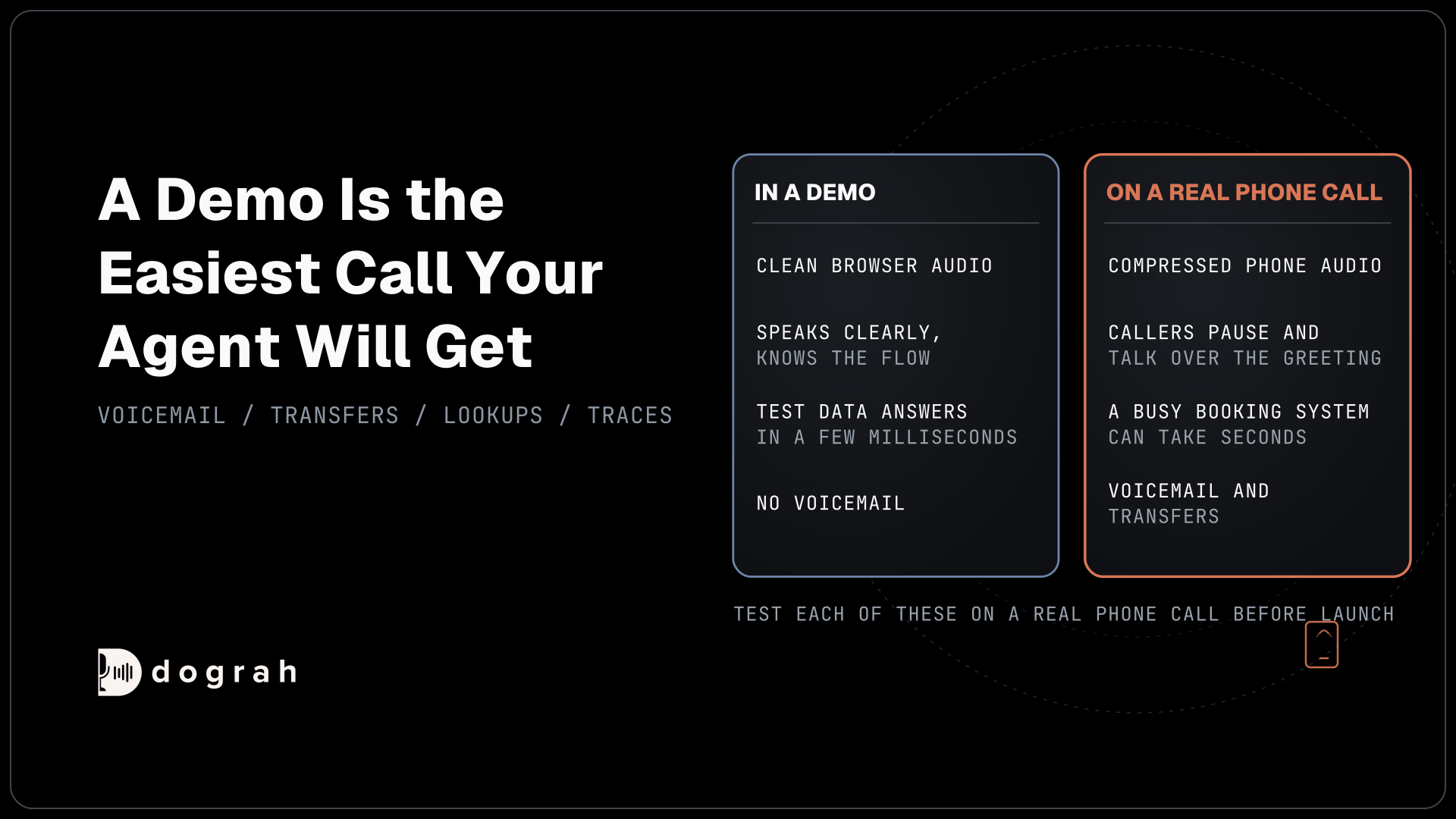

Voice agent demos break on real phone calls because a demo runs the easiest call the agent will ever get: clean browser audio, a builder who knows the script, test data and no voicemail. A phone line brings 8 kHz audio, callers who pause or talk over the agent, slow lookups and transfers. Test them on a real call.
Key Takeaways
- Most of the demo gap sits in the phone path, more than the model.
- Phone audio, interruptions, voicemail and transfers only show up on a real call.
- Test Chat finds flow faults. A phone call and its trace find the rest.
This post is part of our guide to testing, monitoring and scaling AI voice agents, where skipping a phone test is one of the biggest mistakes. We cover each gap between a demo and a phone line, then find each in Dograh, the open-source AI voice agent platform we build.
A demo is the easiest call your agent will get
A demo proves the agent can work once, in conditions no real caller will match. The builder speaks clearly into a laptop microphone and knows which answers the flow expects. The tools answer from test data in a few milliseconds, and nobody's voicemail picks up.
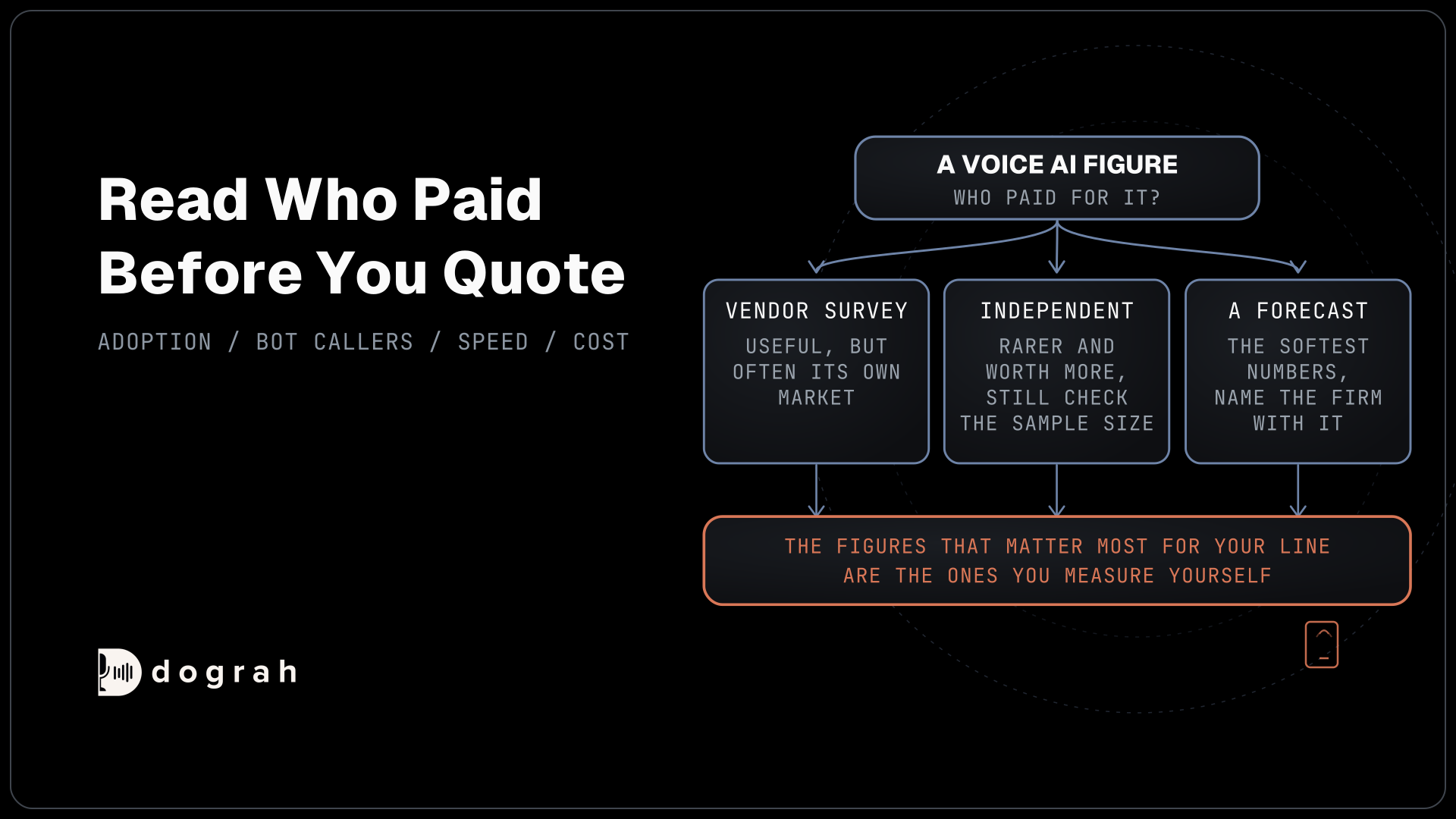
Builders feel the gap themselves. In AssemblyAI's 2026 survey of more than 455 builders, 82.5% said they feel confident building voice agents, yet 75% said they struggle with reliability. The top caller frustration they named, at 55%, was callers having to repeat themselves.
Our view is that most of this gap sits in the path between the caller and the agent, more than in the model. The same prompt and the same models can sound sharp in the browser and lose the thread on a phone line. The line changes both the audio and the way people talk, and a demo tests neither.
Phone audio changes what the agent hears
A phone line hands the agent less sound than a browser does. A web call runs at 16 kHz, the most Dograh's pipeline uses, while most phone calls still reach the agent as 8 kHz audio, compressed by the phone network. Twilio, Plivo, Vobiz and Asterisk send 8 kHz audio into Dograh, and Vonage sends 16 kHz.
The words that break first are the ones a flow depends on. In Caller Digital's vendor benchmark across five Indian languages, long digit strings came out fully right 92.8% of the time on 16 kHz audio and 81.4% on an 8 kHz phone line. A misheard digit sends the agent off to look up the wrong customer.
Spelled details are harder still. In the tau-Elicitation benchmark, a text agent passed all 200 tasks, while four voice setups reached exact success, every detail right across repeated runs, in only 14% to 41% of tasks. Read-back and spelling prompts help, as our post on getting names, numbers and emails right shows.
The voice suffers as well. Narrowband audio strips the high frequencies, so an agent that sounds warm in headphones sounds flatter on a handset. In our experience, speech-to-text errors can be up to 3x higher over a phone call than over a web call. The gap depends on the speech model and the phone path, so measure your own.
Real callers pause and talk over the greeting
A builder at a desk takes turns politely, and real callers do not. They say "hello?" while the greeting plays, or stop halfway through a sentence to find a card. Each habit meets a setting a demo never tests. Allow Greeting Interruption is on by default in Dograh, so a caller who talks over the greeting cuts it short. That suits most calls, but if a notice in the Greeting Text has to play in full, switch the setting off on the Start Call node. After the greeting, the agent gives the caller up to 3 seconds to start talking before it checks in. Later silences use the Max User Idle Timeout, 10 seconds by default.
Ending the turn is the other timing choice. The Detection Strategy setting is Transcription-based by default, while Smart Turn Analyzer listens to the audio itself and waits up to 2 seconds when a turn sounds unfinished. A caller reading out a policy number with pauses is where the two behave most differently. Our post on turn detection for slow speakers and read-out numbers covers which to pick.

Open Source Alternative to Vapi / Retell
Self-hosted voice agent platform — no per-minute fees
dograh-hq/dograh
Star on GitHub
Voicemail, transfers and slow lookups need a line
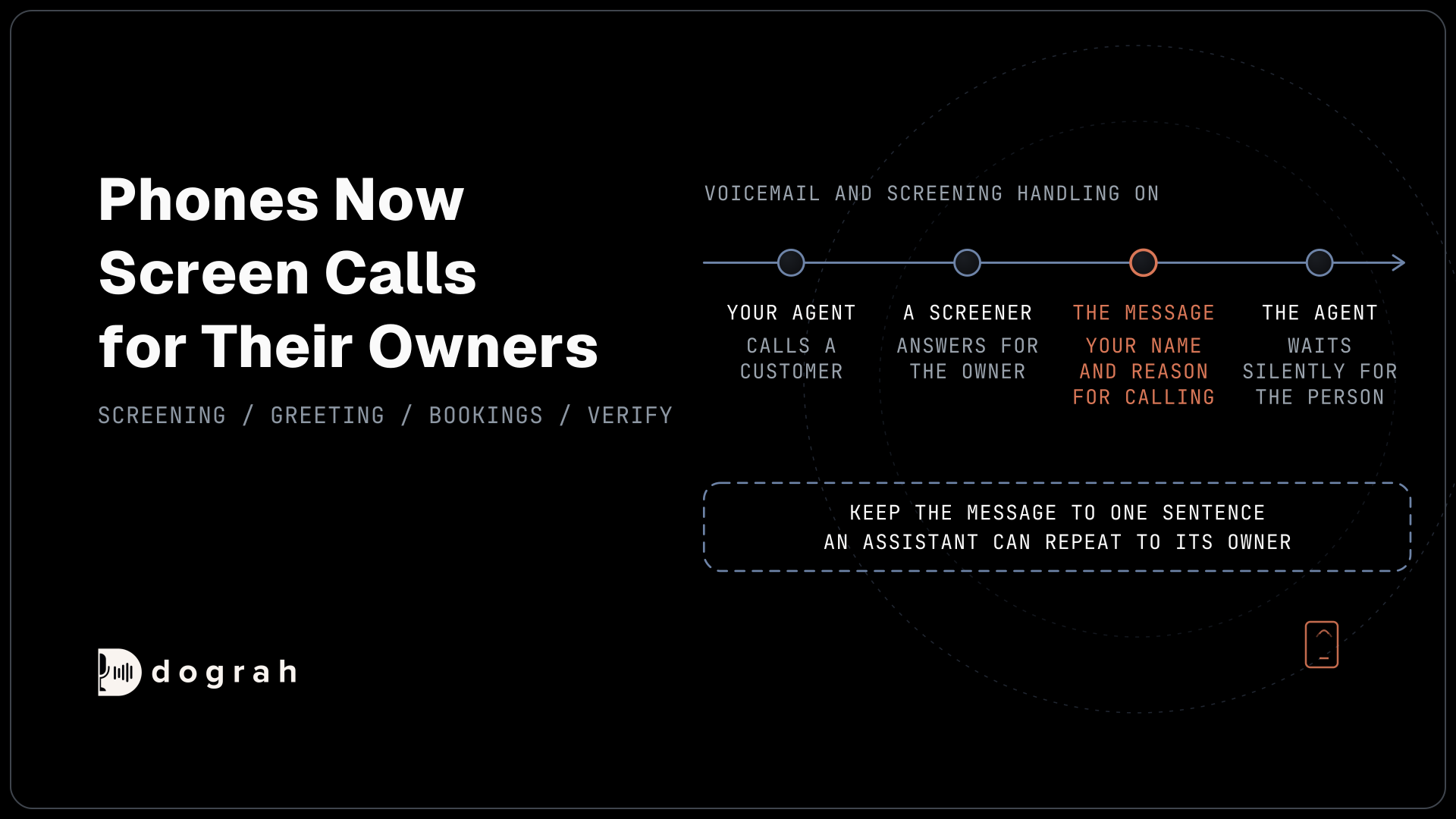
Some parts of a real call never happen in a browser demo, and on outbound, voicemail comes first. A demo call to a colleague always reaches a person, but a campaign reaches mailboxes and call screeners too. Voicemail handling is off by default in Dograh. Once you turn it on, "When voicemail is detected" starts on Disconnect the call, and you can change it to Leave a message.
Transfers only run on the phone. A browser test call cannot run Transfer Call, so test it on a real call through Twilio, Telnyx, Plivo, Cloudonix or Asterisk ARI. The caller hears hold music while Dograh calls the destination, and the call is connected once someone answers. If the destination does not answer, is busy, fails or times out, the agent gets a transfer_failed result and the call carries on with the agent.
Lookups slow down against real systems. A demo tool answers from test data, but a busy booking system at 9 a.m. can take seconds. An HTTP API tool waits 5 seconds by default, does not retry, and hands the error to the agent. Tool Messages play a short line such as "Let me check that" as the request starts, plus updates after delays you set, so the caller never sits in silence.
Calls also run longer than demos. Max Call Duration defaults to 300 seconds and can go up to 1,200, so set it for your longest real call, such as a claim described in detail. Volume is its own test, covered in how to load test a voice agent through the real phone path.
How Test Chat, phone calls and traces find each gap
Each test in the Dograh editor catches a different kind of fault, so run them in order. Test Chat runs the conversation in text and skips the audio side entirely, so it finds prompt and flow faults, such as a wrong branch or a tool error the agent talks past. Each agent turn has "Rerun this turn" and "Edit and rerun this turn" buttons, which make it quick to run a shaky turn several times and see whether it holds.
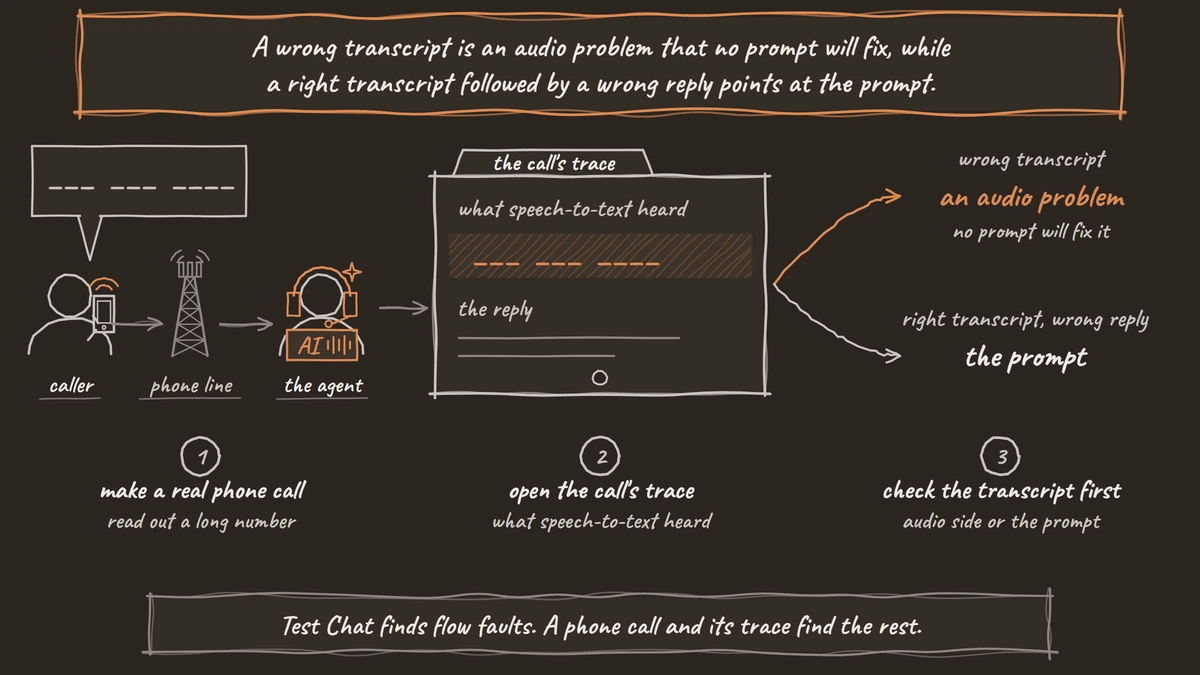
Test Audio runs a browser call through the full pipeline, at 16 kHz. Then the Phone Call button in the editor header rings a number you enter, from one of your own numbers, and runs the draft. Call it from a landline and from a mobile on weak signal, and read out a long number. On outbound, let one call go to voicemail.
After each call, View Trace opens it in Langfuse, once you connect Langfuse to Dograh. It shows what speech-to-text heard, the prompt, every tool request and response, and how long each model took on each turn. A wrong transcript is an audio problem that no prompt will fix, while a right transcript followed by a wrong reply points at the prompt. Once live, keep the QA node's Sample Rate (%) at 100 for the first weeks, then lower it.
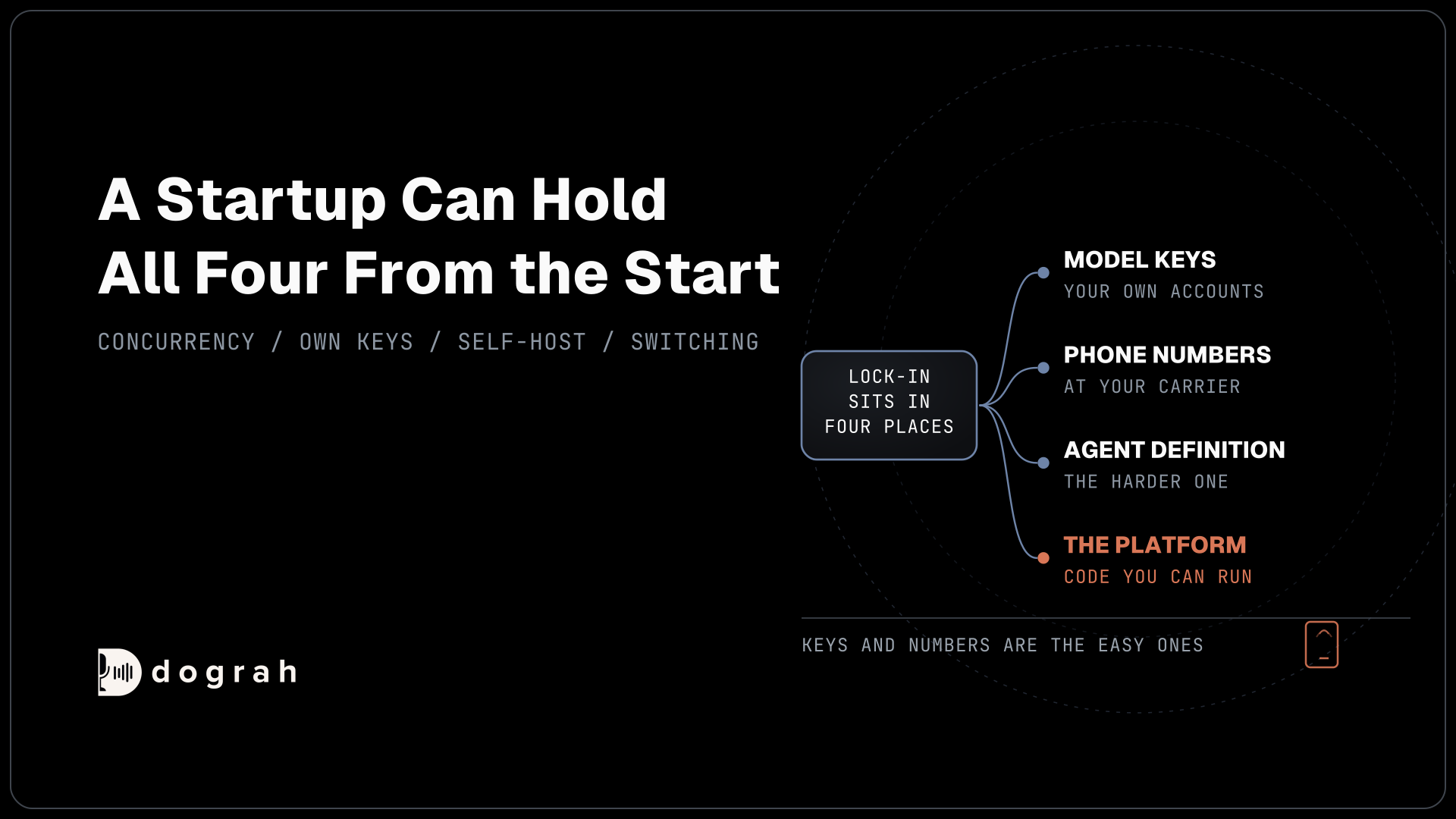
Because Dograh is open source, you can self-host it or run it on Dograh Cloud, with your own carrier and your own keys for speech-to-text, the language model and the voice. Your phone test then runs the same path production will.
Self-hosted Dograh has no per-minute platform fee, but servers, model keys and phone minutes still cost money. Dograh Cloud charges a 1¢-a-minute platform fee. Test calls are billed like any other call, so plan for a few dozen of them before launch.
If you test one thing before launch, make it the real phone call. The full pre-launch order, from the browser to a small load test, is in testing voice agents before you go live.
Join the Dograh Community
Dograh is an OSS alternative to Vapi. Join our Slack community for queries, releases, best practices & community interactions.
Glossary
- Narrowband audio
- Phone audio sampled at 8 kHz and compressed by the phone network, which drops the high frequencies a browser call keeps. Twilio, Plivo, Vobiz and Asterisk send it into Dograh, so speech-to-text hears less than in a demo.
- Greeting interruption
- Letting a caller cut the opening greeting short by speaking. In Dograh it is the Allow Greeting Interruption setting on the Start Call node, on by default, and switched off when a notice must play in full.
- Idle timeout
- How long the agent waits in silence before checking in with the caller. Dograh waits up to 3 seconds for the first words after the greeting, then uses the Max User Idle Timeout, 10 seconds by default.
- Exact success
- The share of tasks where a voice agent captured a spoken detail, such as a name or an ID, exactly right on every repeated run. In the tau-Elicitation benchmark, voice setups managed it on only 14% to 41% of tasks, where a text agent passed every task.