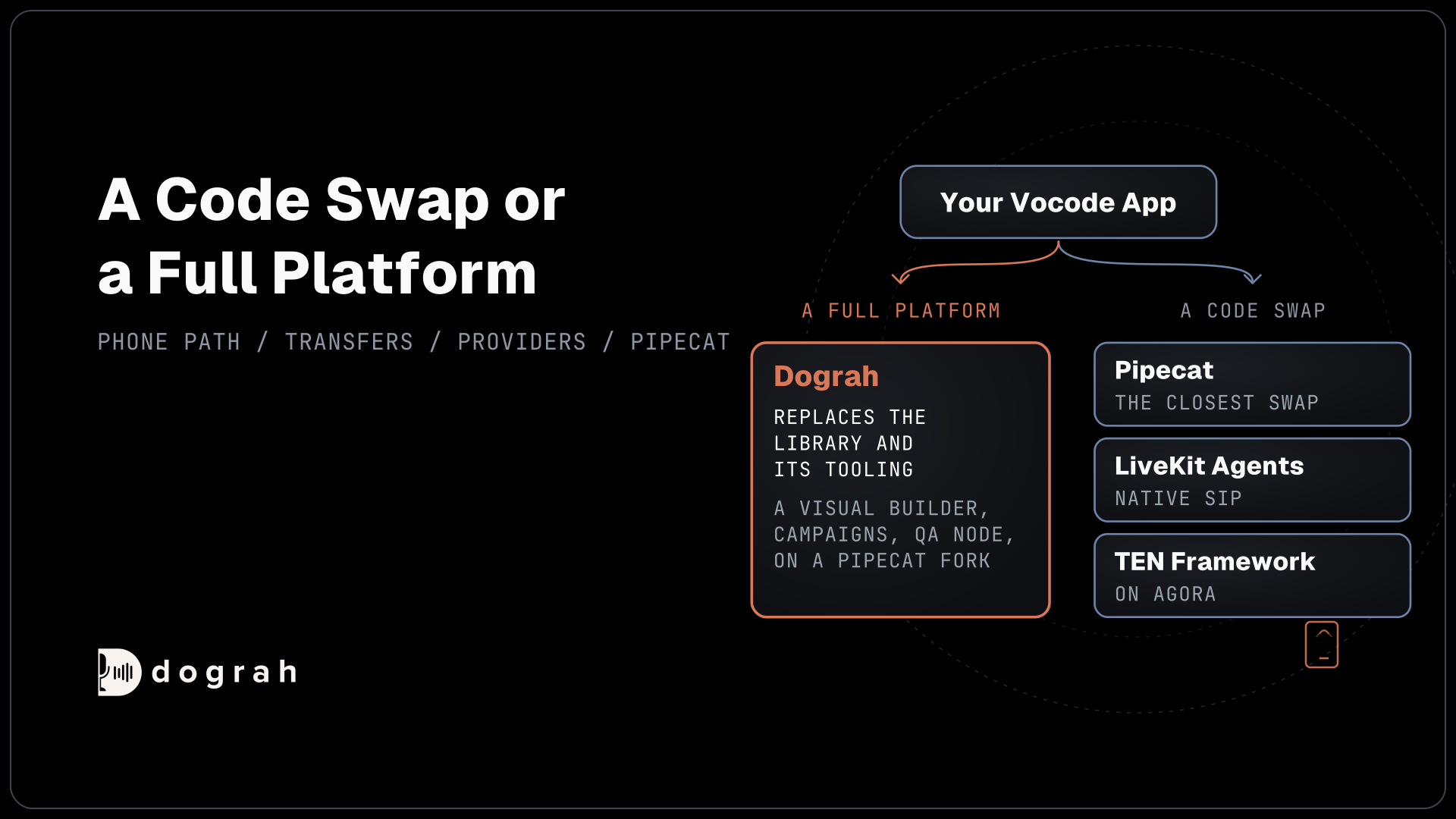

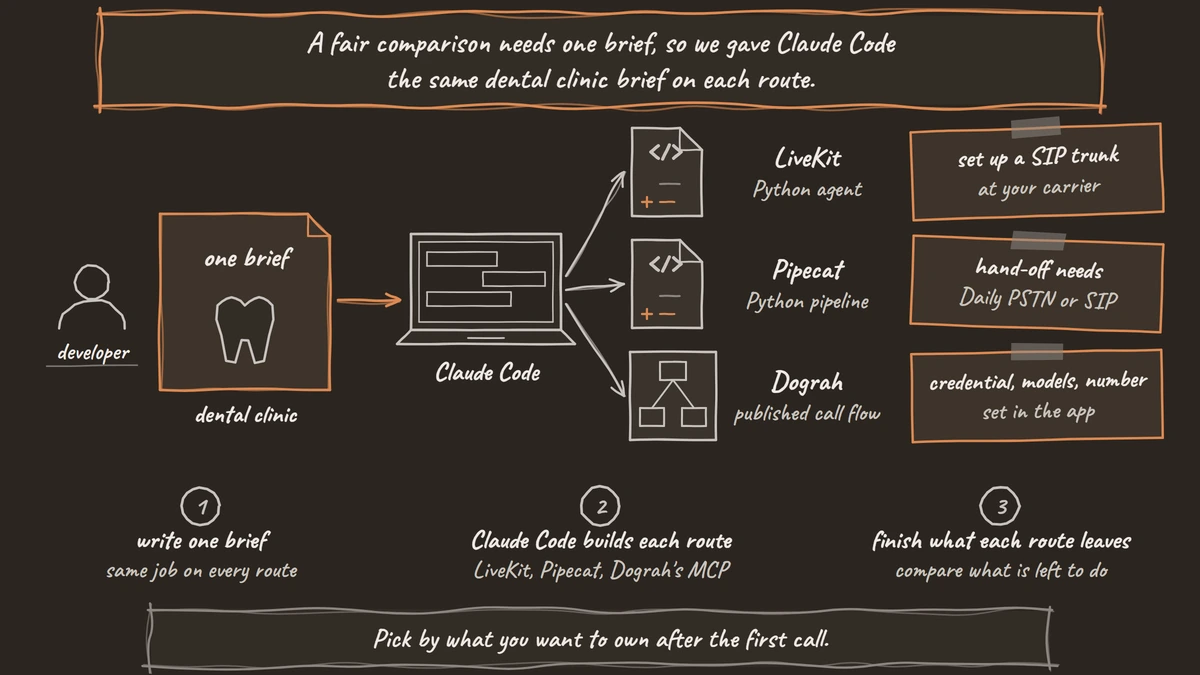
On LiveKit or Pipecat, Claude Code writes the agent's Python with each project's docs tools, and phone wiring and hosting stay with you. Through the MCP server of Dograh, the open-source AI voice agent platform, it plans with you, then builds and publishes the whole call flow. You can self-host it or run it on Dograh Cloud.
Key Takeaways
- Give all three routes the same brief, then compare what is left to do.
- Docs tools help Claude Code write framework code, and phone lines stay a manual job.
- Through Dograh's MCP, phone numbers, secrets, uploads and model settings stay in the app.
This post is part of our guide to open-source voice AI frameworks, where coding agents are one way to write framework code. We give Claude Code the same phone agent brief on LiveKit, on Pipecat and through Dograh's MCP server, then list what each route leaves you to finish.
One brief for all three routes
A fair comparison needs one brief, so we gave Claude Code the same dental clinic brief on each route. It asks for a check of who is calling before any booking detail, a booking tool and a hand-off to a person, because those are the parts that separate a demo from a phone agent:
Build a phone agent for Bright Smile Dental that books cleanings.
Greet the caller, then ask for their full name and date of birth
before you share or book anything. Use our scheduling API to offer
the next two open cleaning slots, book the one they pick and read
it back. If the caller asks for a person, hand them to the front desk.
What this does: It gives every route the same job, with identity checked before booking details, one external API and a transfer. What differs is how much of that each route can finish without you.
Route 1: Claude Code on LiveKit Agents
LiveKit gives Claude Code two kinds of help: skills that teach it how to build LiveKit agents, and a way to read current docs. Install the skills once, create the project from the Python starter, then open Claude Code inside it:
lk skills install --global
lk agent init dental-agent --template agent-starter-python
cd dental-agent
claude
What this does:
lk skills installadds LiveKit's Agent Skills and its free docs MCP server to the coding agents on your machine. The starter brings an AGENTS.md, so Claude Code follows LiveKit's own conventions from the first prompt.
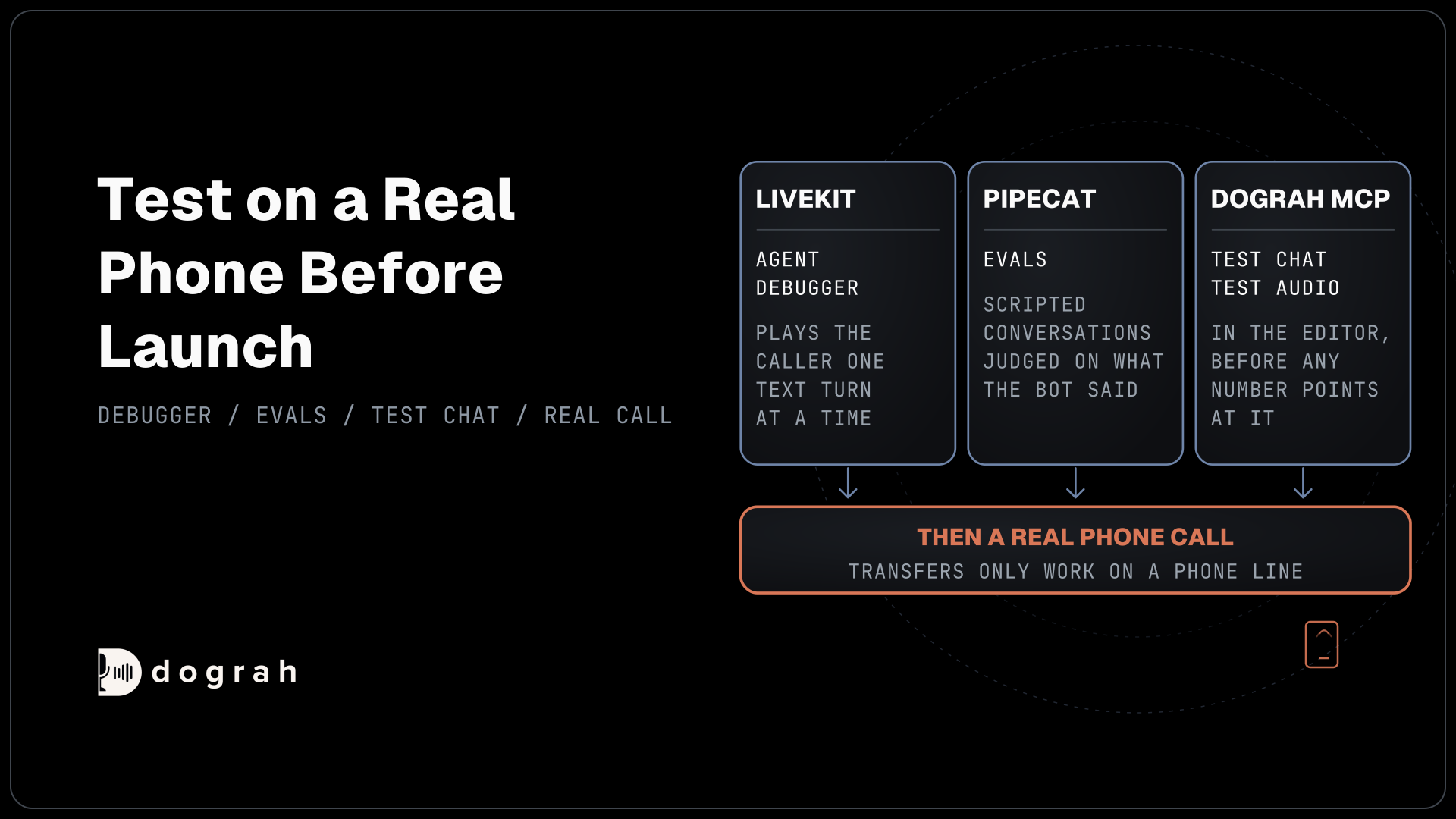
From the brief, Claude Code writes the agent's instructions and Python function tools that call the scheduling API. It can try its work with lk agent debugger, which LiveKit's coding agent guide describes as a harness where the coding agent plays the caller one text turn at a time and reads the tool calls behind each reply. Add --audio to test transcription and turn-taking.
The rest is still yours. The number needs a SIP trunk at your carrier, an inbound trunk and a dispatch rule, which our LiveKit Agents tutorial walks through. You deploy with lk agent create or run your own servers with a separate SIP service. The front-desk transfer works only once calls arrive over SIP, so it gets tested on a real phone.
Route 2: Claude Code on Pipecat
Pipecat prepares the project for a coding agent from the first command. pipecat init writes an AGENTS.md and a CLAUDE.md, then asks whether you want to build with a coding agent or scaffold the bot yourself. Choose the coding agent path and let it build the Context Hub:
uv tool install "pipecat-ai[cli]"
pipecat init
pipecat context-hub refresh
claude
What this does:
pipecat initregisters the Context Hub's MCP server with the coding agents it finds. Therefreshline builds the local index of Pipecat's docs and source if you skipped it during init, so start Claude Code only after it finishes.
Pipecat's coding agent guide puts the index at about 900 MB and the build at upwards of three minutes. With it, Claude Code writes the pipeline, the prompt and function calls for the scheduling API from current APIs rather than old training data. Pipecat also has evals, scripted conversations judged on what the bot said, which the coding agent can run after each change.
The phone side is where the brief runs short. A Twilio number needs a TwiML Bin, a public server and the Twilio transport, which our Pipecat tutorial covers. Pipecat's WebSocket routes cannot transfer calls, so the front-desk hand-off in our brief cannot run on that route. It needs Daily PSTN or SIP, and hosting and call review are still to build.
Route 3: Dograh's MCP server
Dograh's MCP server changes what the coding agent produces. It builds the call flow inside your Dograh workspace, and Python is never in the picture. The connection steps live in our tutorial on spinning up a voice agent from Claude Code via MCP, so here we only give it the same brief.
The coding agent plans with you first. It asks about anything the brief leaves open, then shows a plan and waits for your approval. After that it builds the whole call flow with its prompts and tools and publishes it, while phone numbers, secrets, file uploads and model settings stay in the Dograh app. For this brief, that means an HTTP API tool for slots and bookings, a Transfer Call tool for the front desk and an end-call step.
A new agent built this way is published as version 1 straight away, so test it before any phone number points at it. Use Test Chat and Test Audio in the editor, then a real phone call, because browser test calls cannot run Transfer Call. The MCP server also lets Claude Code read call transcripts later and propose prompt fixes, and every later edit saves as a draft until someone publishes it.
What each route leaves you to finish
The table shows where the same brief ended up on each route. The rows that matter most for a phone agent sit near the bottom.
| Job | Claude Code on LiveKit | Claude Code on Pipecat | Claude Code with Dograh's MCP |
|---|---|---|---|
| Prompts and call logic | Written in Python | Written in Python | Built as a call flow and published |
| Scheduling API | Python function tools | Python function calls | HTTP API tool, with its credential added in the app |
| Hand-off to the front desk | Cold or agent-assisted transfer over SIP | Needs Daily PSTN or SIP, not carrier WebSockets | Transfer Call on Twilio, Telnyx, Plivo, Cloudonix or Asterisk ARI |
| Phone number | Carrier trunk, inbound trunk and dispatch rule, set by you | TwiML Bin and a public server, set by you | Assigned in the Dograh app |
| Hosting | LiveKit Cloud, or your servers plus a SIP service | Pipecat Cloud, or your own HTTPS server | Dograh Cloud, or your self-hosted copy |
| Testing | Agent debugger and simulations | Evals | Test Chat, Test Audio, then a real call |
| Call history and review | Agent Observability on LiveKit Cloud | Yours to build | Transcripts, traces and a QA node on each call |
| Who edits it later | Developers | Developers | Developers through MCP, or anyone in the visual builder |
LiveKit's tooling gives Claude Code the stronger testing loop of the two frameworks. Our post on the LiveKit MCP server compares its docs server with Dograh's in more depth.

Open Source Alternative to Vapi / Retell
Self-hosted voice agent platform — no per-minute fees
dograh-hq/dograh
Star on GitHub
Which route fits your team
Pick by what you want to own after the first call. If your product is the voice agent itself and your developers want every line in Python, LiveKit or Pipecat with Claude Code is a fast start, and LiveKit's native SIP covers the front-desk transfer sooner. If you want Claude Code to produce a phone agent your whole team can open, test and change, the Dograh route ends closer to production.
This route still leaves you a few clicks. You add the API credential, choose the models and attach the phone number in the app. Self-hosted Dograh has no per-minute platform fee, but servers, model keys and phone minutes still cost money. Dograh Cloud charges a 1¢-a-minute platform fee.
For any route, set up the coding agent's tools before you open the session, since Pipecat's guide notes that MCP servers load when a session starts. Claude Code's MCP docs cover adding a server and checking that it connected.
Join the Dograh Community
Dograh is an OSS alternative to Vapi. Join our Slack community for queries, releases, best practices & community interactions.
Glossary
- Agent Skills
- LiveKit's packaged instructions that teach a coding agent how to build, test and deploy LiveKit agents. lk skills install adds them, along with LiveKit's docs MCP server.
- Context Hub
- A local index of Pipecat's docs and source that a coding agent queries over MCP. It takes about 900 MB and has to be built before the coding session opens.
- Agent debugger
- LiveKit's lk agent debugger, which runs your agent locally and lets a coding agent play the caller one text turn at a time, showing the tool calls behind each reply.
- MCP server
- A service a coding agent connects to through the Model Context Protocol. Dograh's lets the agent plan, build and publish call flows and read call transcripts in your workspace.