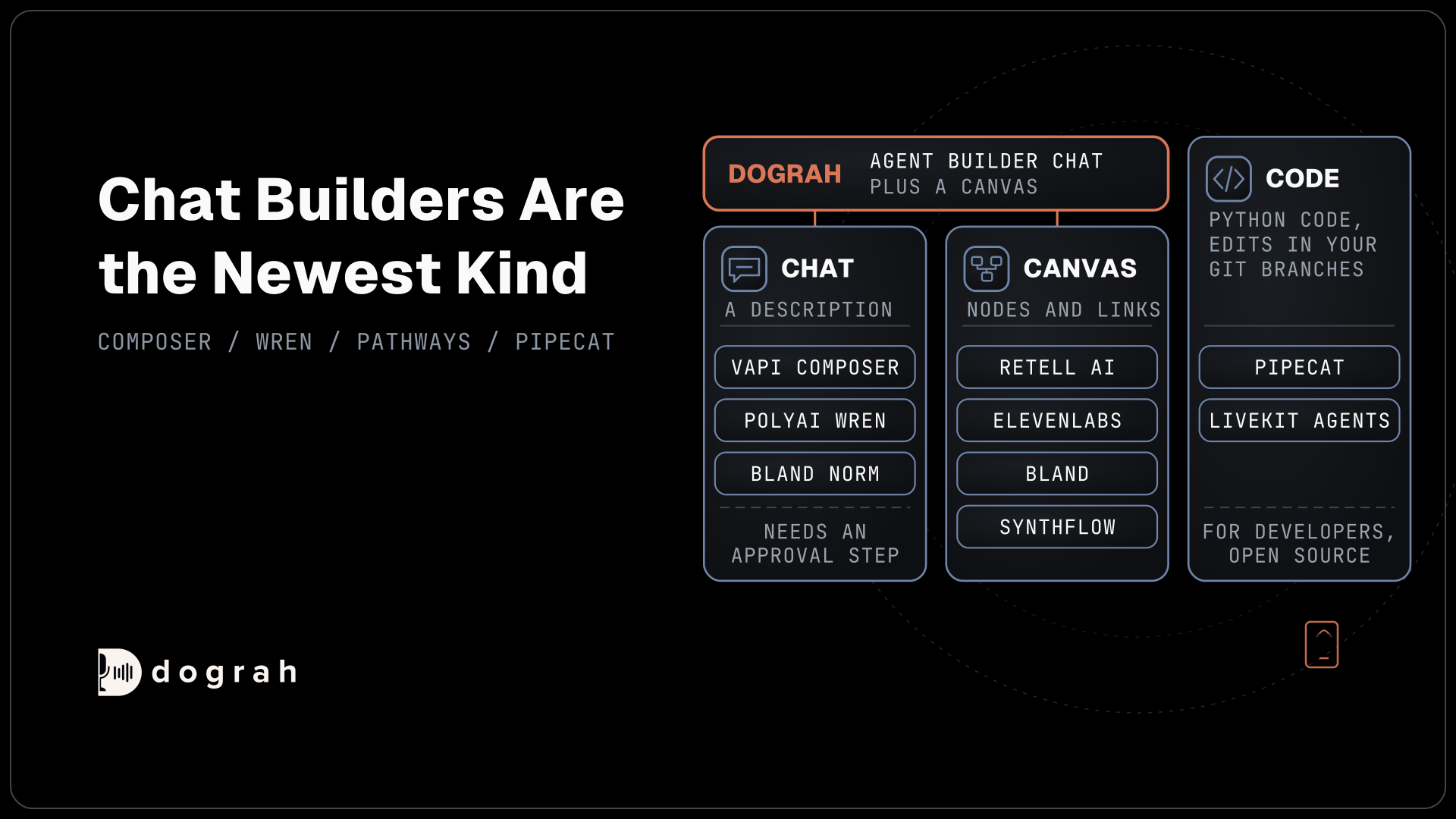

The best AI voice agent builders come in three kinds, chat builders, visual canvases and code frameworks. Vapi Composer, PolyAI Wren and Bland's Norm build by chat, while Retell AI, ElevenLabs, Bland and Synthflow offer canvases. For teams that want to own the builder, open-source Dograh offers both, and you can self-host it or use Dograh Cloud.
Key Takeaways
- Chat builders need an approval step and a draft before edits reach callers.
- Vapi retired its visual Workflows in August 2026 and added Composer chat.
- Dograh's Agent Builder builds from a description and holds later edits as drafts.
A voice agent builder is the screen where you design what the agent says and does, and each kind suits different people. We sort chat, canvas and code builders by who can use them, then talk about where edits wait, how each tests at scale and how Dograh handles both.
Three ways to build a voice agent
There are three ways to build a voice agent today, and they suit different people. A chat builder takes a plain description of the call and drafts the agent for you, so an operations lead can start without learning a tool. A canvas lets you draw the call as nodes and links, which suits teams that want to see every branch. Code gives developers full control and asks them to build everything around the agent.
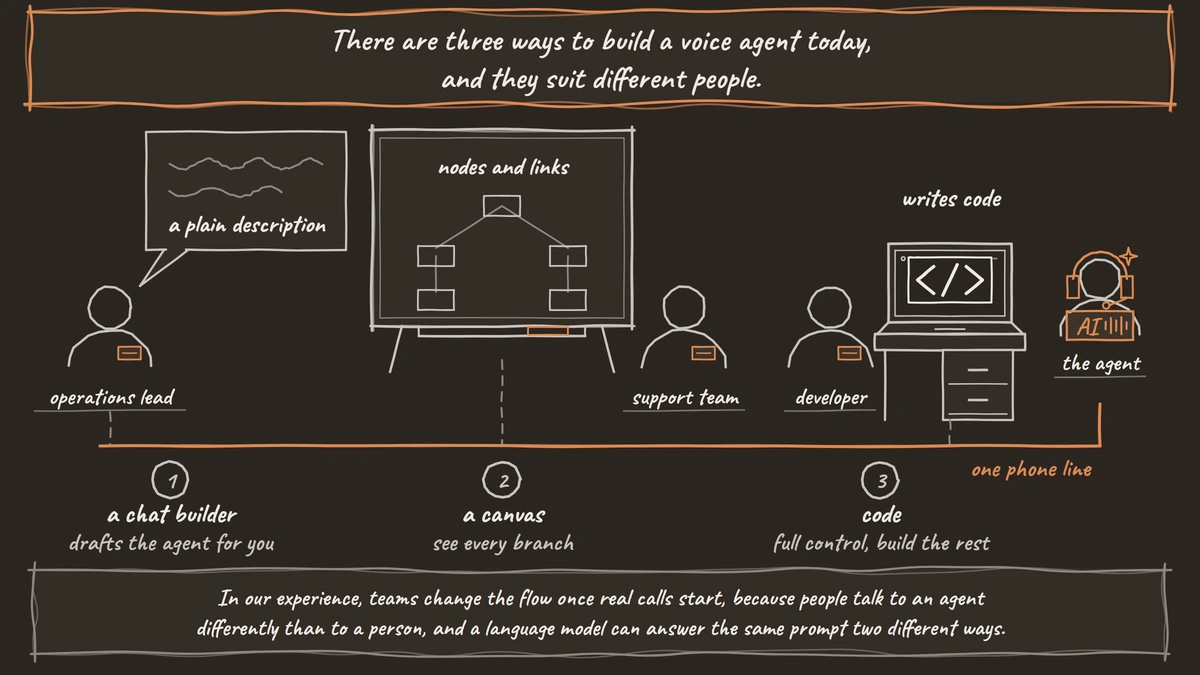
The choice matters most after launch. In our experience, teams change the flow once real calls start, because people talk to an agent differently than to a person, and a language model can answer the same prompt two different ways. So a builder is only as good as its answer to two questions, where does an edit wait before callers hear it, and how do you test that edit at volume. Our list of no-code voice AI platforms covers canvas pricing and where code begins, so this post looks at those two questions instead.
AI voice agent builders compared
The table lines up each builder on how you build, who can use it, where an edit waits and how you test it. Every row except Dograh and the code frameworks is closed code that runs on the vendor's cloud.
| Builder | How you build | Who can use it | Where an edit waits | How you test | Where it runs | Code |
|---|---|---|---|---|---|---|
| Dograh | Agent Builder chat, plus a canvas | Operations teams and developers | Builder-tab edits save as a draft until you publish | Test calls, QA on test and live calls, simulations through Tuner | Your servers, Dograh Cloud, on-prem on Enterprise | Open source, BSD 2-Clause |
| Vapi | Dashboard plus Composer chat (Alpha) | Developers first | Approve or Deny each change | Composer creates and runs simulations | Vapi's cloud | Closed |
| PolyAI | Dialog Studio plus Wren chat | Business teams with PolyAI's help | A Branch you publish yourself | Wren writes and runs simulation tests | PolyAI's cloud | Closed |
| Bland AI | Conversational Pathways canvas, plus Norm from a coding agent | Developers and ops teams | Drafts and saved versions, staging before production | Per-version test calls, Norm simulations | Bland's cloud, on-prem or VPC on Enterprise | Closed |
| Retell AI | Conversation Flow canvas | Ops teams and developers | Changes auto-save, so test in a non-production agent | Test calls | Retell's cloud, on-prem through sales | Closed |
| ElevenLabs Agents | Agent Workflows canvas | Support and brand teams | Workflow JSON you can keep in version control | Test calls | ElevenLabs' cloud | Closed |
| Synthflow | Flow Designer canvas | Agencies and ops teams | Set when you build the agent | Test calls | Synthflow's cloud | Closed |
| Pipecat, LiveKit Agents | Python code | Developers | Your own git branches | Whatever your team builds | Your servers | Open source |
Dograh: a chat builder and a canvas you can run
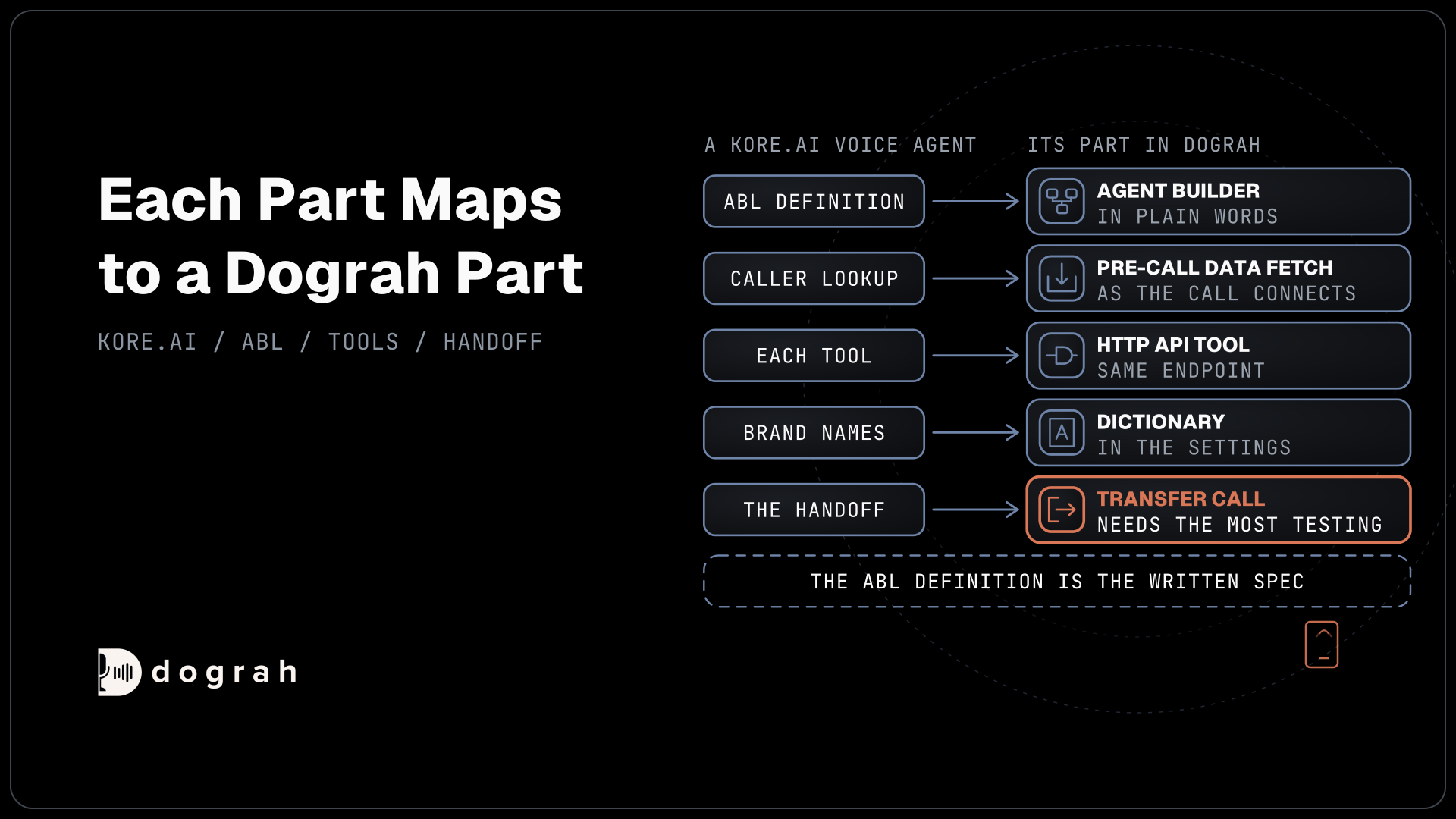
Dograh suits teams that want both ways of building on code they can run themselves. A new agent starts in the Agent Builder. You describe the call, it may ask a few questions, then it shows a "Your agent requirements" card listing the information to collect, the business rules, the successful outcome and the assumptions to confirm, with "Approve & build" or "Request changes". Our post on the AI agent builder for voice walks through those steps.
After that first build, edits happen in the agent editor, whose tabs are Builder, Canvas, Model, Variables and Settings. In the Builder tab you describe a change in plain words, and it edits the agent as a draft while the published version keeps taking calls until you publish. When a change needs a new or edited tool, the builder shows the tool for approval before anything changes. The visual workflow builder stays open in the Canvas tab for hand edits to nodes and pathways.
Testing sits in the same editor. The QA node scores each step of editor test calls and live calls, with a sample rate you set, and simulations run through integrations such as Tuner. Developers who work from a coding agent can use the Dograh MCP server, where a new agent is published as version 1 straight away and edits to an existing agent save as drafts.
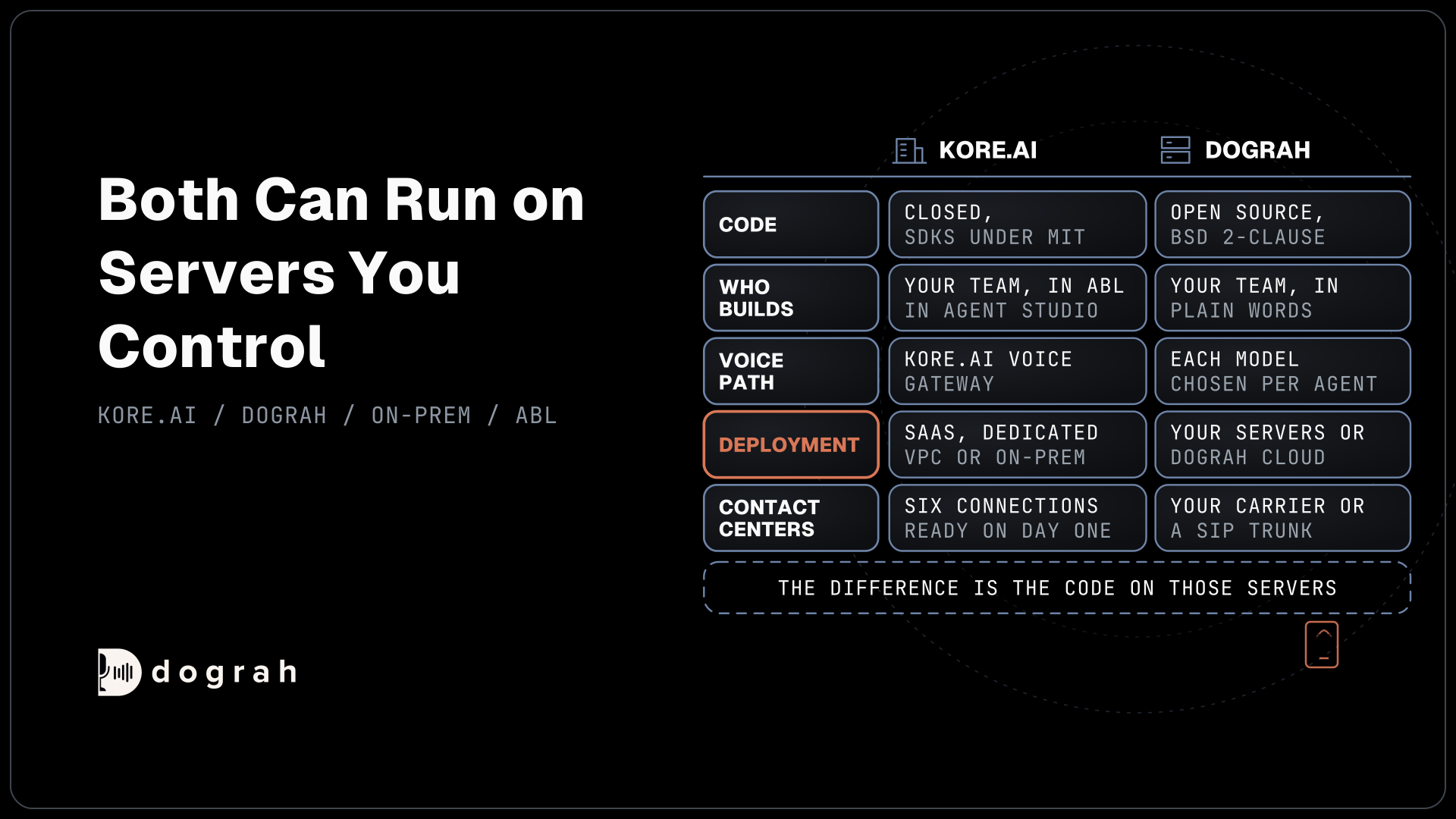
Hosting decides the bill. A self-hosted install comes up with Docker Compose on a server with 8 GB of RAM and 4 vCPUs. Running Dograh yourself means no per-minute platform fee. You still pay for servers, model keys and phone minutes, and your team looks after the database and upgrades. A self-hosted install needs a Service Key to use the chat builder, or you build on the canvas. Support comes from the open-source community, and Enterprise adds custom SLAs. If you would rather not host it, Dograh Cloud runs it for a 1 cent a minute platform fee and bills Agent Builder use in credits.

Open Source Alternative to Vapi / Retell
Self-hosted voice agent platform — no per-minute fees
dograh-hq/dograh
Star on GitHub
Chat builders: Vapi Composer, PolyAI Wren, Bland Norm
Chat builders are the newest kind, and each one puts an approval step between your words and the live agent. Vapi's Composer is in Alpha. It creates and configures assistants, sets up numbers, integrations and webhooks, and can create and run simulations. Each proposed change shows Approve and Deny buttons that expire after 10 minutes, Composer cannot delete anything, and it never deploys to production on its own. Vapi retired its visual Workflows on 18 August 2026, so Composer and the dashboard are now how most teams build there.
PolyAI's Wren works inside PolyAI's Dialog Studio. It reads your project, proposes a plan and writes nothing until you approve. Every edit lands on a Branch, never on Live, and Wren never publishes on its own. It can also write and run simulation tests from the chat. PolyAI prices its managed agents through its sales team, so Wren comes with a PolyAI contract.
Bland's Norm plugin brings chat building to coding agents such as Claude Code, Codex and Cursor through Bland's MCP server. It can build, migrate, validate and simulate Bland agents, and Bland states the rule plainly, "Approval to save a version is not approval to move live traffic."
Canvas builders: Retell, ElevenLabs, Bland, Synthflow
A canvas suits teams that want to see every branch of the call, and the four hosted canvases differ most in how they handle versions. Retell AI's Conversation Flow splits a task into nodes, with function nodes for API calls. Changes auto-save, and an edit to a shared flow applies to every agent that uses it, so Retell advises testing in a non-production agent first.
Bland's Conversational Pathways keep edits in a draft while live calls use the production version, and publishing saves a new version. You can promote a version to staging, or test a draft by number, before it goes live. ElevenLabs Agent Workflows offer subagent, say, tool, transfer and end nodes, and the workflow can be pulled and pushed as JSON for version control. Synthflow's Flow Designer has eleven node types, including Custom Action for calling your own systems, and you choose it or the Prompt Builder when you create the agent. Our post on the visual drag-and-drop builder explains how nodes, edges and variables fit together on Dograh's canvas.
Code builders: Pipecat and LiveKit Agents
Code builders give developers the most control. Pipecat is a BSD-2-Clause Python framework and LiveKit Agents is Apache-2.0, both under active development. With either one, your team writes the call flow, the phone wiring, the call history and the tests, and edits wait in your own git branches. That freedom comes with work. A product team that already ships Python services can treat the agent like any other service, with code review, staging and rollbacks it already runs. A team without that habit ends up building a small version of a platform before the first caller gets through. Our list of voice AI frameworks ranks them, along with the newer agent SDKs from OpenAI and Google.
What stops working at scale
A few things break as call volume grows, and they are the same on every builder. First, every canvas reaches a step where the agent must call your own systems, such as a booking API or a CRM, and someone has to build and maintain that connection. A chat builder drafts the step for you, but it still needs a real endpoint behind it.
Second, edits start reaching live calls. One person fixes a prompt for one caller and breaks the flow for a hundred others. The fix is a draft or branch that holds every change, plus someone who decides when it goes live. Dograh's Builder-tab drafts, Vapi's Approve and Deny, PolyAI's Branches and Bland's versions all do this, and Retell's auto-save puts the burden on a separate test agent.
Third, manual test calls stop covering enough cases. Simulations run many scripted callers through the agent, and QA grades a sample of live calls afterwards. Our list of voice AI with QA and post-call analysis compares those tools in depth.
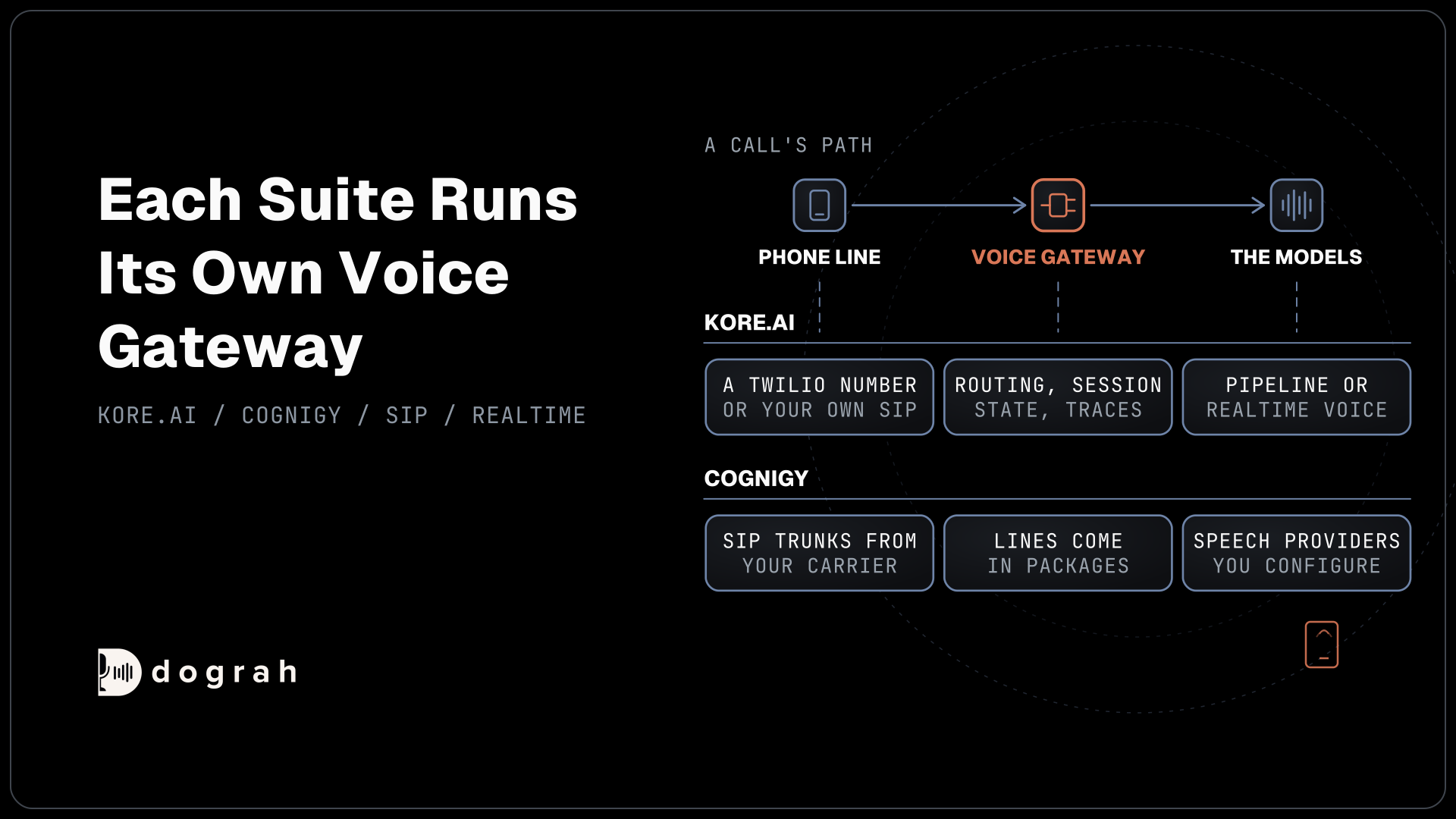
Last, the builder's own test button is not the phone line. Speech recognition that looks clean in the builder can slip on a real call, since most phone calls still reach the agent as 8 kHz audio and the builder's browser test runs at 16 kHz. Some steps only run on a phone call at all. Dograh's Transfer Call and Retell AI's transfer both run on phone calls only, so a browser test never exercises them. Whatever builder you choose, finish every round of edits with a few real phone calls.
Join the Dograh Community
Dograh is an OSS alternative to Vapi. Join our Slack community for queries, releases, best practices & community interactions.
Picking a builder by who will use it
Start with who will sit at the builder. If an operations lead with no developer will build and change the agent, pick a chat builder with a draft step, and check that it can also show the flow on a canvas. If a support team wants to see every branch, a canvas fits, with Bland's versions or a separate test agent on Retell. If your developers want the agent in code, Pipecat or LiveKit Agents give them that, along with the work of building the rest.
If you want chat and canvas on code you can run, start with Dograh and build one agent both ways. Whatever you pick, make one deliberate change to the agent before you sign, and watch where that edit waits, who approves it and how you test it before a real caller hears it.
Glossary
- Draft
- An edited copy of an agent that callers do not hear until you publish it. In Dograh, Builder-tab edits save as a draft while the published version keeps taking calls.
- Branch
- PolyAI's word for a working copy of a project. Wren writes every edit to a Branch, and a person publishes the Branch to Live.
- Simulation test
- A scripted caller, often played by a language model, that runs through the agent many times. It finds failures before real callers do, though it cannot replace a real phone test.
- Dograh Service Key
- The key a self-hosted Dograh install adds in Model Configurations to use the Agent Builder. Without it, agents are built on the canvas.