
A voice agent qualifies a B2B quote request by phone by collecting the product or spec, quantity, delivery date, ship-to location and who gets the quote. A Dograh agent writes that record to your CRM through an HTTP API tool, so the salesperson's first callback can give a price.
Key Takeaways
- Ask what, how many, by when and where it ships.
- Budget and authority questions can wait for the salesperson.
- Write the request to the CRM during the call, with the run ID attached.
A buyer who phones for a quote has usually finished their research. Below, we cover the questions that make the first callback quotable, what to leave for sales, the CRM write and when to put a request through, set up in Dograh, the open-source AI voice agent platform we build.
A quote call comes late in the buying process
A buyer who calls for a quote is near the end of their decision, so the first callback has to carry a price. The 6sense 2025 buyer experience report, as summarised by CustomerThink, surveyed nearly 4,000 B2B buyers. They first reached out to sellers about 61% of the way through the buying process, 94% had ranked their shortlisted vendors before contacting any of them, and they bought from their top-ranked vendor 77% of the time.
Read those numbers from the seller's side of the phone. The buyer on the line has already decided you are worth a call, and may well be calling you first. If the callback opens with "so tell me what you need", the buyer repeats everything they said yesterday, and the quote slips another day.
The fix is to treat the first call as intake. Whoever answers, human or agent, collects exactly what a salesperson needs to put a number on paper, and nothing that makes the buyer feel tested.
The four questions that make a quote possible
A salesperson can price a request once they know what the buyer wants, how many, by when and where it ships. Those four answers decide the price. The product or spec sets the base. Quantity moves it through price breaks. The delivery date decides whether stock or a rush order is needed, and the ship-to location changes freight, tax and sometimes which warehouse fills the order.
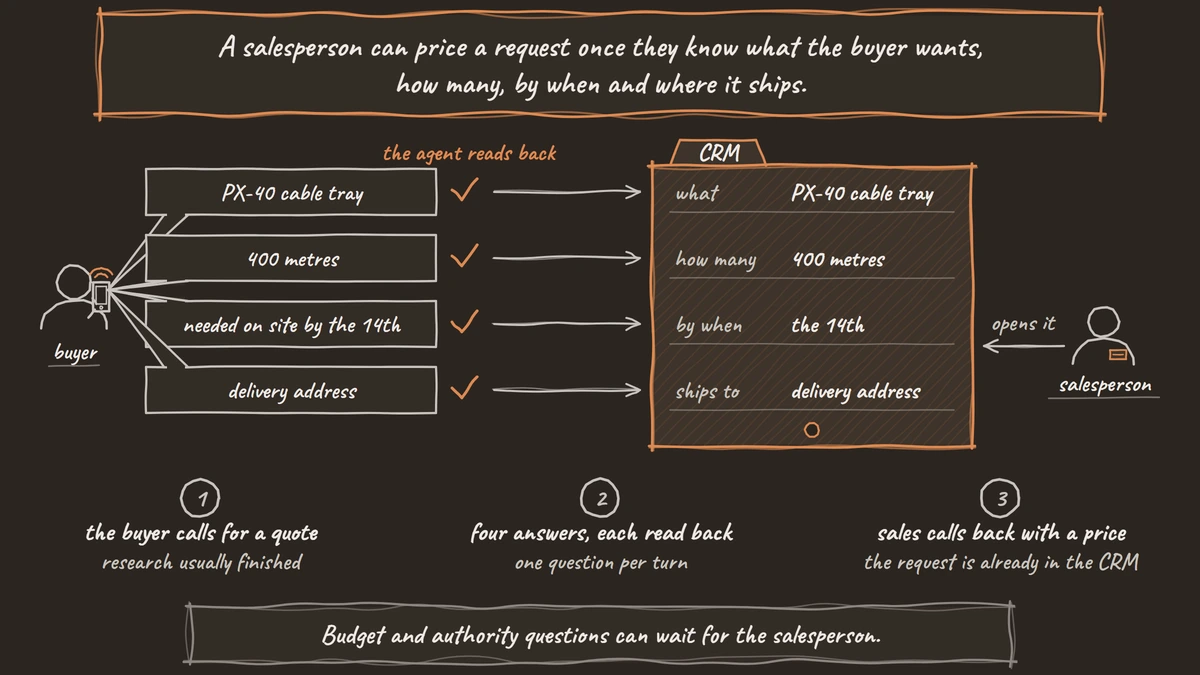
So the agent asks for each one, one question per turn. It asks for the product, part number or spec, how many and in what unit, when it has to arrive, and where it will ship. Then it asks who to send the quote to and takes the company, the contact's name, a callback number and an email address for the written quote.
Part numbers and quantities are easy to mishear, so the agent reads each one back and waits for a yes. Add your product names and part number formats to the Dictionary in the agent's Settings, so "PX-40" is heard as a part number. If the buyer is filling a formal request for quotation, the agent asks for the RFQ number too, because the salesperson needs to answer against it.
Here is how that sounds on an example call. A facilities buyer asks for 400 metres of PX-40 cable tray. The agent reads the part number back, checks that 400 metres is the full quantity, hears that it is needed on site by the 14th and takes the delivery address. It then takes the buyer's name, company, number and email, repeats the four answers once more and says a salesperson will call with the price that afternoon.
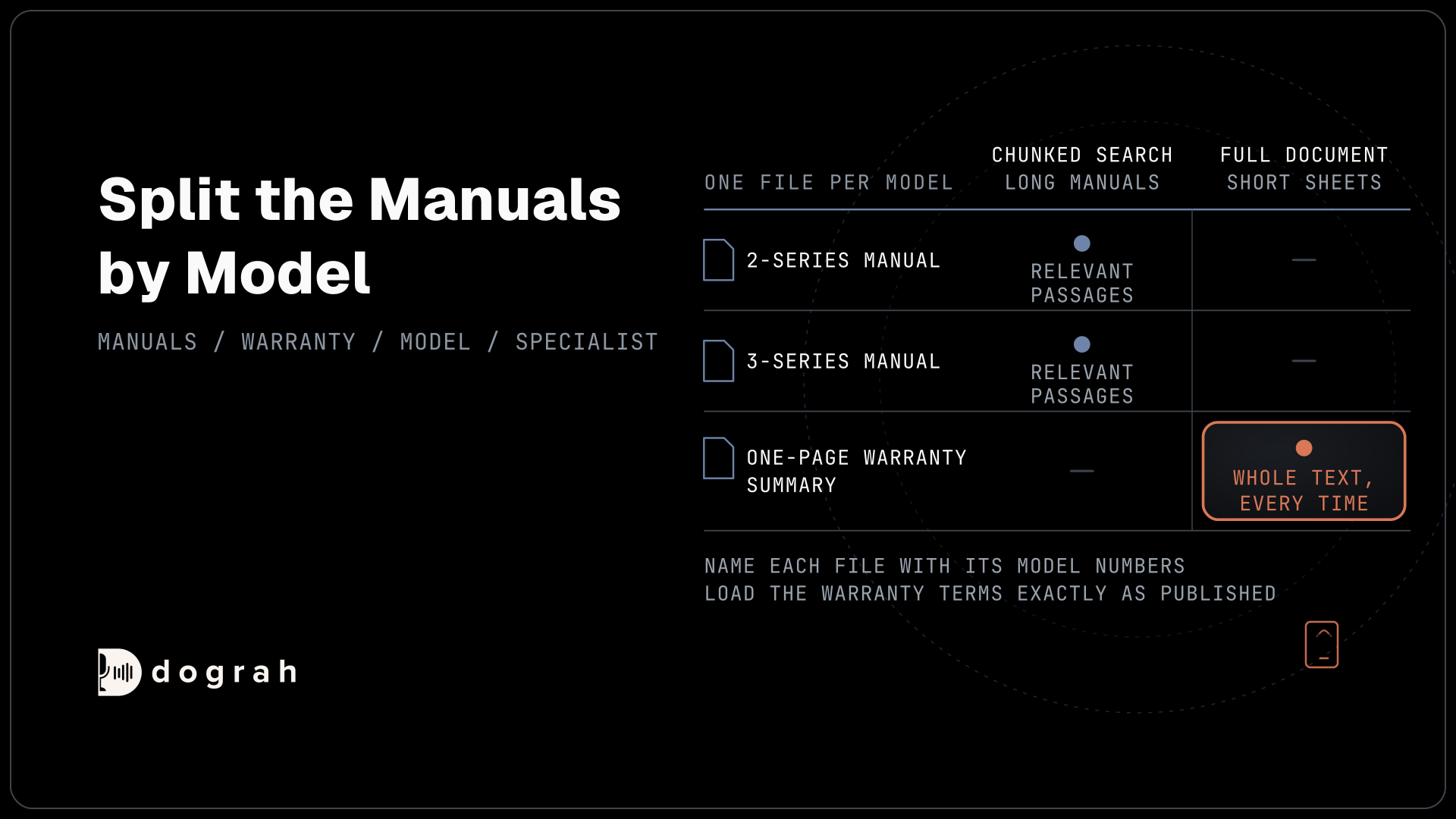
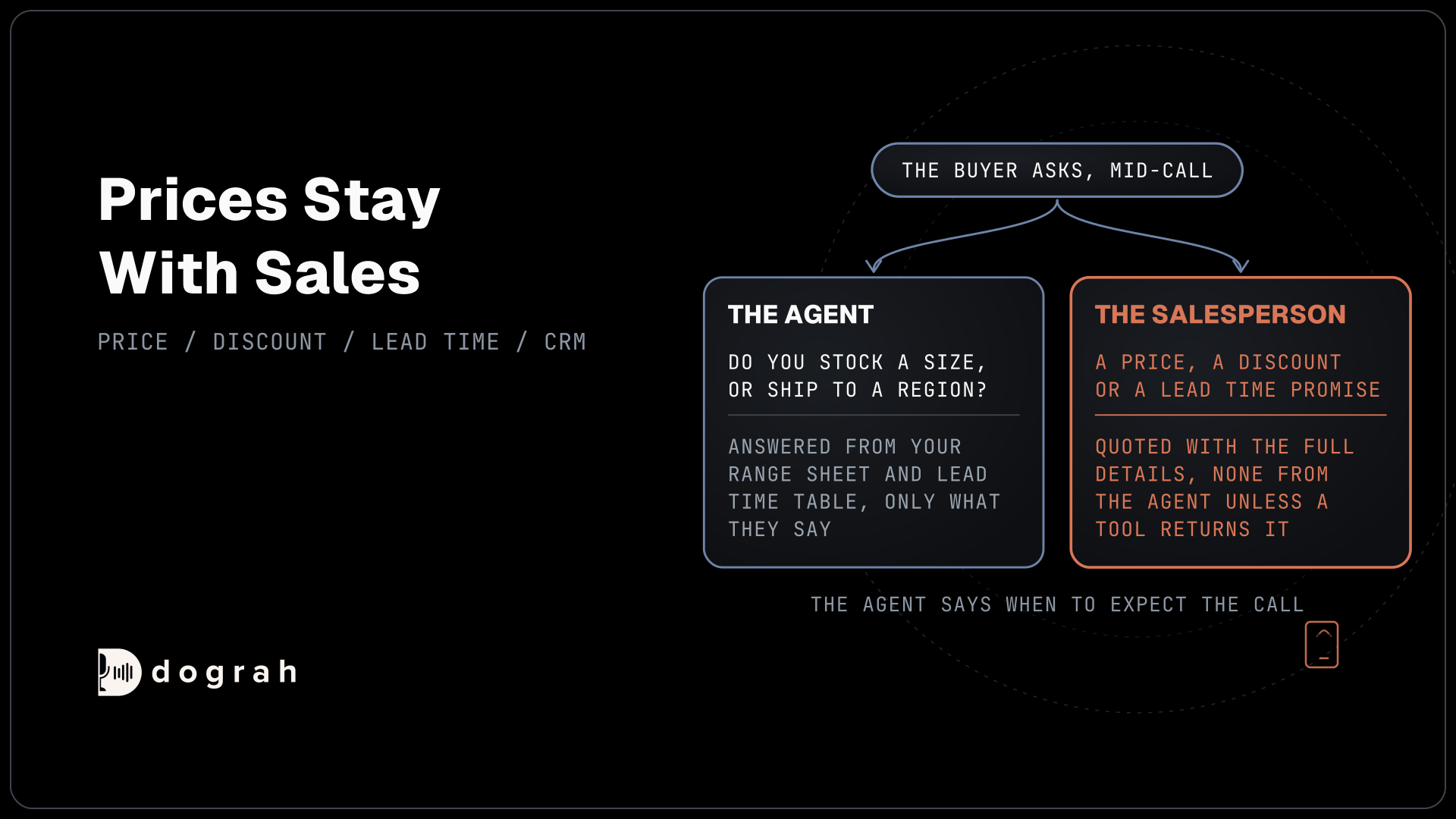
The agent can also answer the questions that come up along the way, such as whether you stock a size or ship to a region, from a product range sheet and lead time table in the Knowledge Base. It states only what those documents say.
What to leave for the salesperson
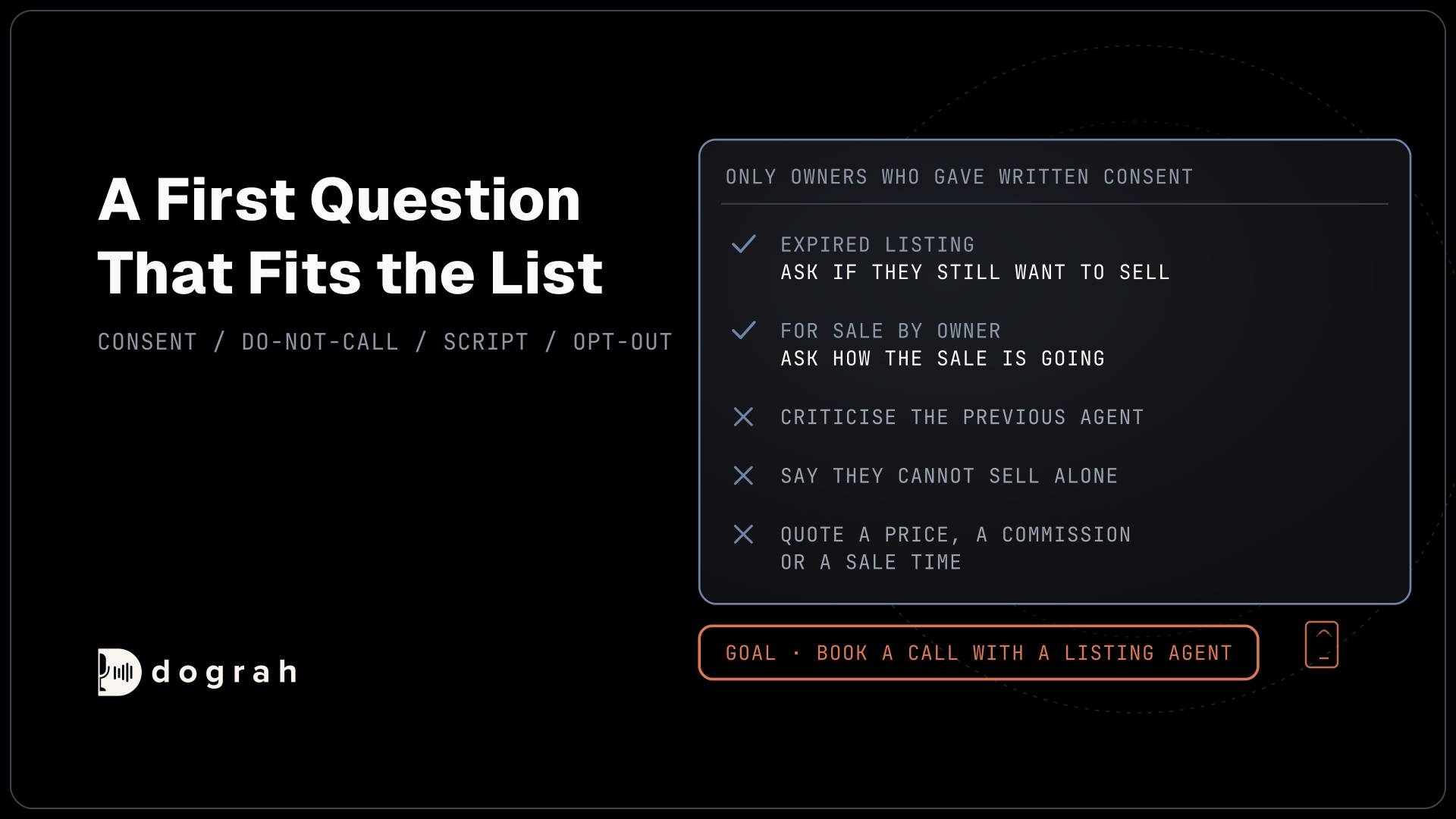
The agent collects the request, and the salesperson handles price and judgment. A common habit in sales qualification is to ask about budget and decision authority on the first call. For a quote request, those questions slow things down. A buyer who has shortlisted you wants a price, and asking who signs off before you have quoted feels like an interview the buyer never asked for.
Prices stay with sales too. Tell the agent in the prompt never to give a price, a discount or a lead time promise unless a tool returns it from your system. If the buyer pushes, the agent says the salesperson will quote with the full details and gives the time they can expect the call. A list price for a standard catalogue item can come back from a lookup tool, but anything with volume or freight in it waits for a person.
Our post on AI voice agents for lead qualification covers the wider qualification call, inbound and outbound, for teams that do need a screening step.

Open Source Alternative to Vapi / Retell
Self-hosted voice agent platform — no per-minute fees
dograh-hq/dograh
Star on GitHub
Write the request to your CRM during the call
The request should be in your CRM before the call ends, so a salesperson can pick it up in minutes. An HTTP API tool sends a POST request to your CRM's API with the fields the model fills in from the conversation, which are product, quantity, delivery date, ship-to location and the contact details. It authenticates with a credential stored in Dograh, such as an API key or bearer token, so the secret never sits in the prompt.
Add a Preset Parameter named workflow_run_id with the value {{initial_context.workflow_run_id}}. The CRM can then use workflow_run_id to keep one copy if the same request arrives twice. Give the tool a short Messages line, such as "Let me log that for the sales team," so the buyer does not sit in silence while it runs.
A successful response from the CRM is your proof the record landed, and an error response means it did not. An HTTP API tool sends each request once, so the prompt tells the agent to try once more and, if that fails too, to tell the buyer sales will still call back. As a second path, a Webhook node can send the same record after the call, from the variables the agent extracted, and it retries temporary failures automatically, up to 5 attempts.
Dograh connects to Salesforce, HubSpot or any other CRM through that CRM's own API. Our tutorial on extracting structured data from calls into any CRM walks through the fields, the extraction and the webhook step by step.
Put hot requests straight through to sales
Some requests should not wait for a callback at all. A rush delivery date, a quantity far above your usual order or a caller from an existing account can go straight to a salesperson while the buyer is on the line. You write those rules in the prompt, and the agent follows them.
The agent writes the request to the CRM first, so the salesperson can see it when the call connects. Then Transfer Call hands the buyer over on Twilio, Telnyx, Plivo, Cloudonix or Asterisk ARI. Dograh calls the salesperson first, the buyer hears hold music while it rings, and the two are connected only once someone answers.
Context Mapping can pick the destination from a field the agent gathered, such as region or product line, so a West Coast request rings the West Coast desk. If nobody answers within 30 seconds, the default, the transfer comes back to the agent as failed and the buyer stays on the line. The agent confirms the request is logged and gives the time sales will call back. Outside sales hours, a dynamic resolver can ask your own system who is on duty at the moment of transfer, or the prompt can skip the transfer and promise a callback time instead.
Check every request is quote-ready
A request missing its delivery date costs the same day you were trying to save. Built-in QA scores each step of a call on its own, and you can write its prompt to tag any call that ended without all four fields or without a read-back of the part number. Sample those calls each week and tighten the prompt where buyers wandered off the questions.
Each call's trace shows when the HTTP API tool ran and what the CRM returned, so a missing record is easy to trace to a failed request or a skipped step. A pre-recorded greeting in a real salesperson's voice can open the call, with a cloned version of that voice for the rest.
You can self-host Dograh on your own servers or run it on Dograh Cloud, with your own keys for any speech and language models.
Self-hosted Dograh has no per-minute platform fee, but servers, model keys and phone minutes still cost money. Dograh Cloud charges a 1¢-a-minute platform fee. Our tutorial on adding tool calls to a voice agent shows the tool setup screen by screen.
Join the Dograh Community
Dograh is an OSS alternative to Vapi. Join our Slack community for queries, releases, best practices & community interactions.
Glossary
- Request for quotation (RFQ)
- A buyer's formal request for a price on a defined product, quantity and delivery. When a buyer calls with one, the agent records its reference number so the salesperson can answer against it.
- Ship-to location
- Where the order will be delivered. It changes freight, tax and sometimes which warehouse fills the order, so a salesperson needs it before quoting.
- Preset Parameter
- A value Dograh adds to a tool request from call data instead of from the conversation. Sending workflow_run_id this way lets the CRM spot and drop a duplicate request.
- Context Mapping
- A Transfer Call setting that picks the destination from a gathered field, such as region or product line, so each hot request reaches the right sales desk.