
An AI answering service for event venues answers door, parking and entry questions from your venue file. It looks up ticket orders after a check and states prices as totals. Refunds, accessible seating and safety calls go to staff. Dograh, the open-source AI voice agent platform, runs the box office line on your own servers or on Dograh Cloud.
Key Takeaways
- Put fixed venue rules in a file, and read today's door times live.
- When the agent states a ticket price, it states the total from your system.
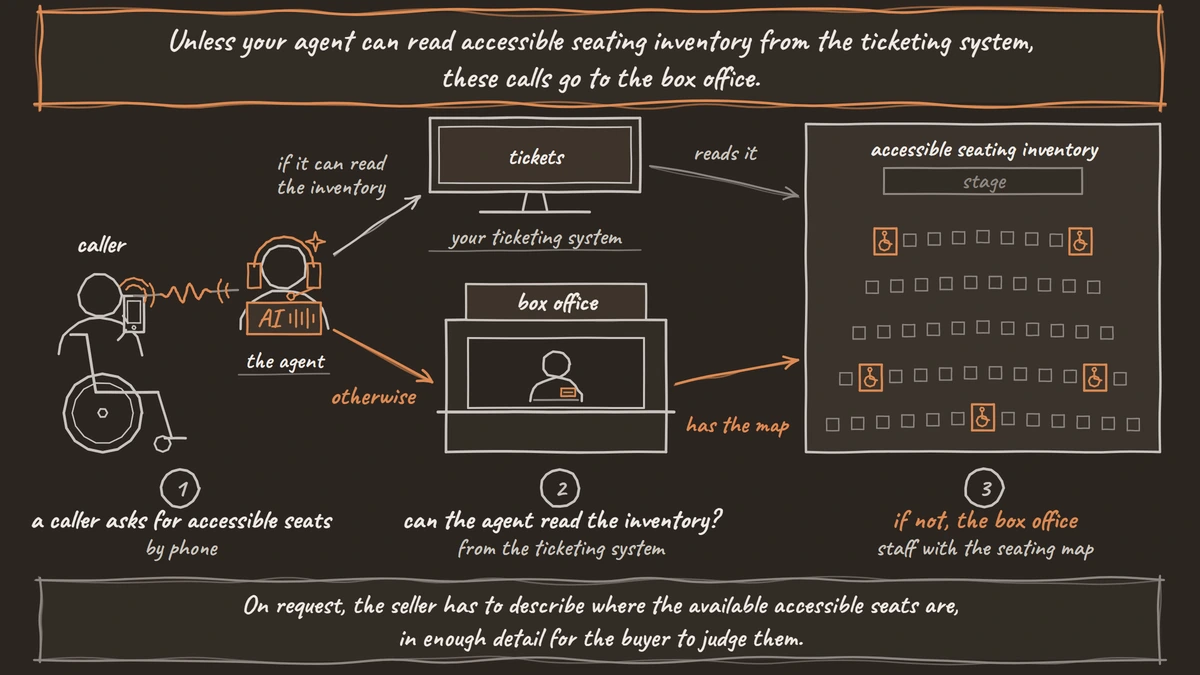
- Set Dograh to route accessible seating calls to staff unless it reads inventory.
On the afternoon of a sold-out show, the box office phone rings with the same questions all day. What follows covers what callers ask, the venue file, order lookups, prices and accessible seats and staff handoffs, ending with how Dograh answers from the file and passes calls on.
The questions a venue's phone line gets
Most venue calls are questions with fixed answers, asked again and again on show days. Callers want to know when doors open, where to park, whether a bag is allowed, whether there is re-entry, whether under-18s can come and where the step-free entrance is. Then come the ticket calls, such as an email that never arrived, a name change or a request to move seats.
Calls also come in waves. On-sale mornings, a postponed show or doors pushed back for weather all bring a rush at once, and a box office with two people cannot answer them all. An agent can take the fixed questions and the order lookups while staff handle the calls that need a decision.
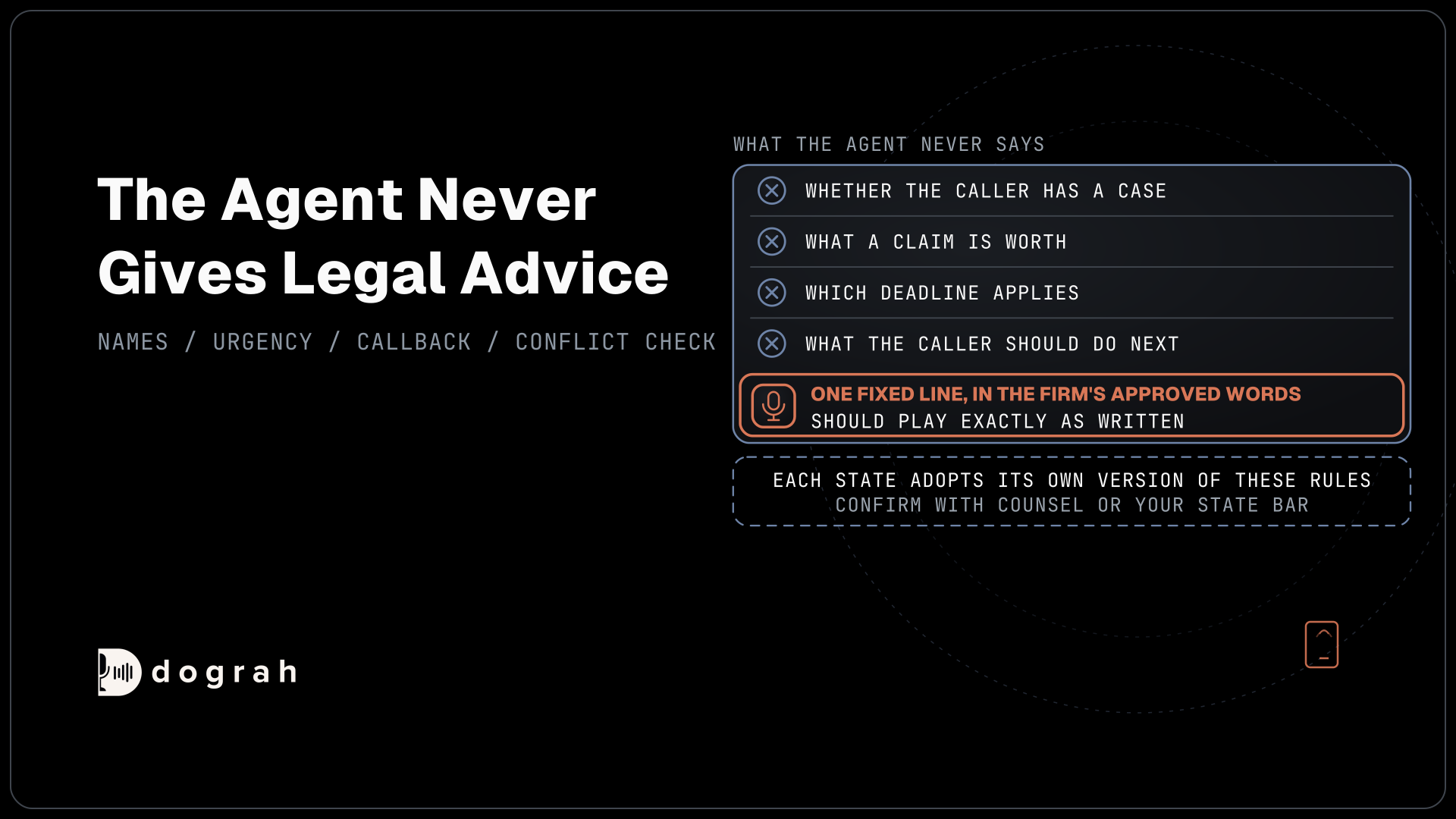
Some jobs stay off the agent's list. It never sells or refunds a ticket by voice or takes a card number, and it offers only seats your ticketing system has returned. When a policy is missing from the file, it says a person will follow up rather than guessing.
What goes in the venue knowledge file
A venue file holds the answers that stay the same from show to show. Door policy, bag rules, banned items, parking and transit, re-entry, age limits, accessible entrances, lost property and the box office hours all belong in it. Write it in short plain sentences, one topic per heading, so the agent can find and read the right line.
Anything that changes by the day comes from a tool, not the file. Tonight's door time, set times, a sold-out notice or a postponement live in your event system, and the agent reads them during the call. A file that says "doors usually open at 7 p.m." is fine as a fallback, but tonight's actual time should come from the system.
A group running several venues gives each venue its own file and its own agent, so a caller to the theater never hears the arena's parking rules. Our post on knowledge-base grounding covers how to write documents a voice agent can use and how to test them with real caller questions.
Looking up a ticket order by phone
Order questions need a lookup, so the agent asks for the order number or the email used to buy. Most ticketing systems can find an order either way. Eventbrite's API, for example, retrieves an order by its order ID and lists orders filtered by buyer email.
The agent checks before it reads anything back. An email or a name is easy for someone else to know, and the event date is public, so the prompt has the agent run the check your venue approves, such as the billing ZIP code on the order. Only then does it say which seats are on the order or whether the tickets were sent. If the tickets never arrived, your ticketing system resends them to the email on file, and the agent never reads ticket barcodes aloud.

Open Source Alternative to Vapi / Retell
Self-hosted voice agent platform — no per-minute fees
dograh-hq/dograh
Star on GitHub
Ticket prices, refunds and accessible seats
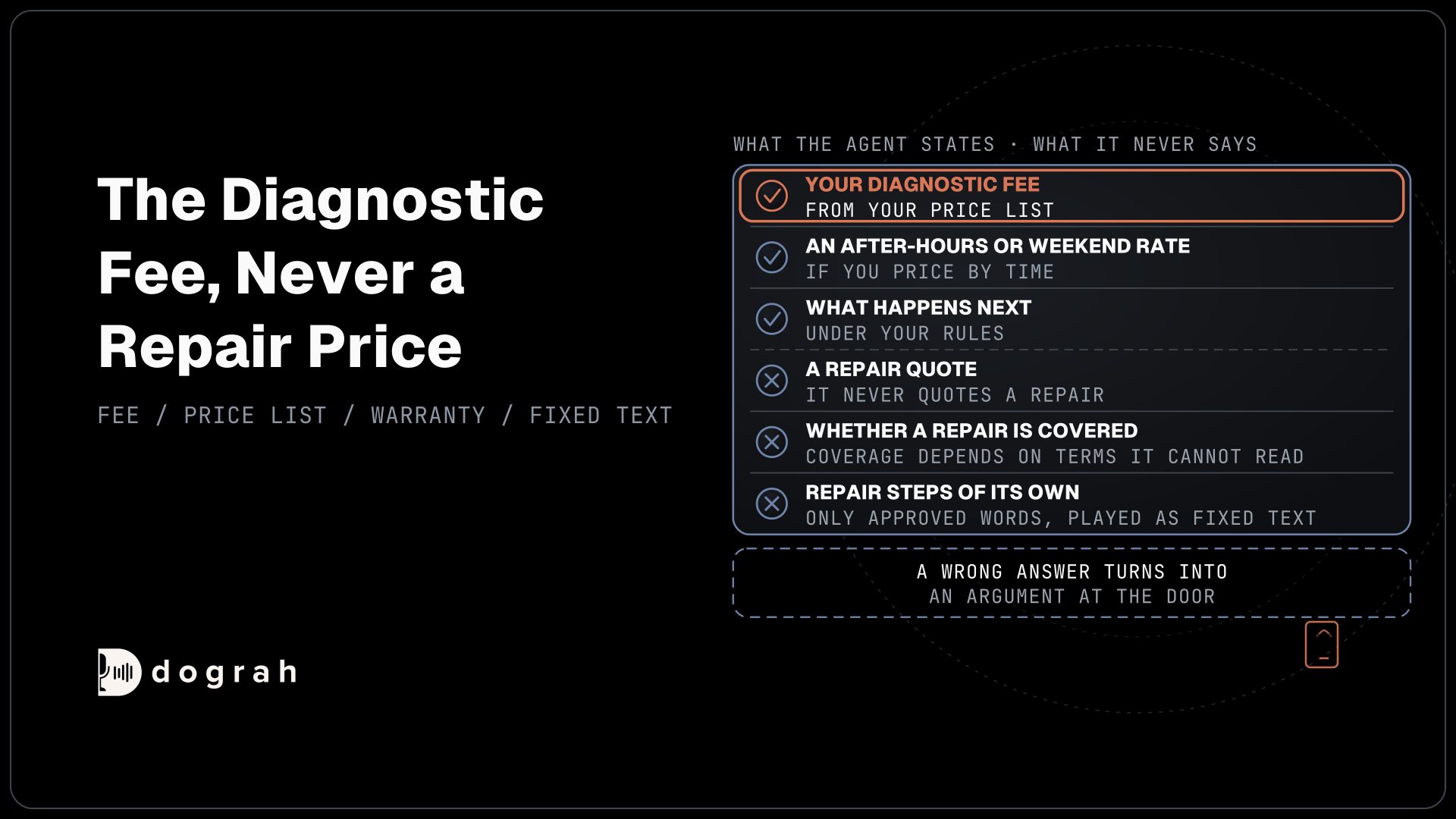
Prices, refunds and accessible seating have rules behind them, so the agent's words come from your system. The Federal Trade Commission's (FTC) rule on unfair or deceptive fees, in effect since 12 May 2025, covers any business that offers or advertises live-event tickets. It requires the total price, including mandatory fees, to be shown more prominently than other pricing, while government charges, shipping and optional add-ons may stay out of it if they are shown before payment. So when the agent states a ticket price, it states the total from your ticketing system.
Accessible seats have their own rule. Under the Americans with Disabilities Act, accessible seating must be sold during the same hours and through the same channels as other tickets, phone sales included. On request, the seller has to describe where the available accessible seats are, in enough detail for the buyer to judge them. Unless your agent can read accessible seating inventory from the ticketing system, these calls go to the box office. Confirm how both rules apply to your venue with counsel.
Refunds and exchanges follow your policy, read from the file, and the agent never decides one. It writes each refund or exchange request to your system for staff to decide, and your ticketing system sends its own secure link for any payment or refund. Card numbers never pass over the call.
When the call goes to staff
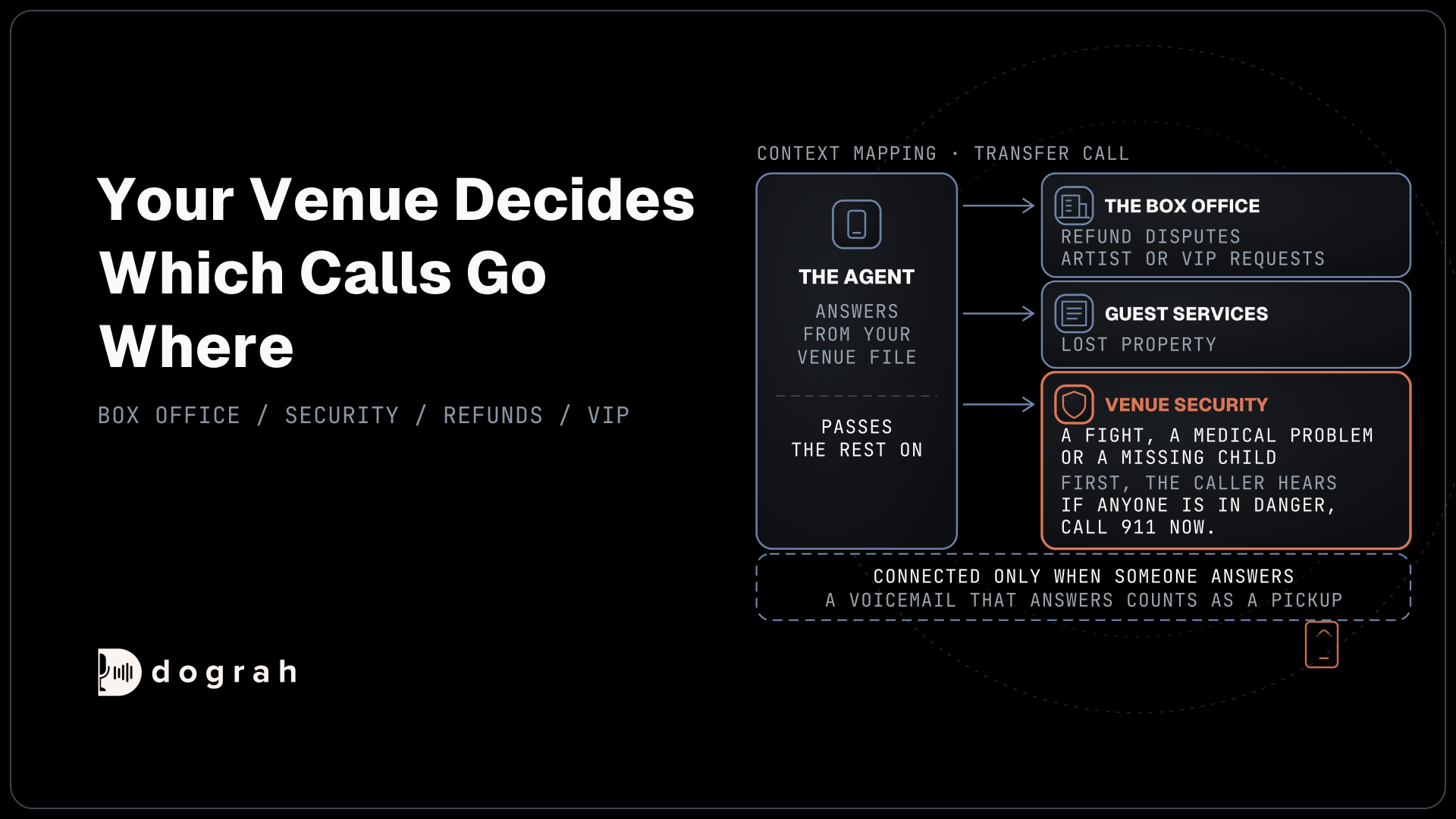
Some calls belong with people, and your venue decides which go where. Refund disputes, suspected fraud, artist or VIP requests and complex access needs go to the box office. Lost property goes to guest services. A caller who reports a fight, a medical problem or a missing child at the venue hears "If anyone is in danger, call 911 now." and then goes to venue security on duty.
On-sale days need a plan for volume. The concurrent call limit is per organization, shared by every agent and campaign. On a self-hosted install, the limit is 10 by default, and you can raise it to what your servers and phone provider carry, while Dograh Cloud pay as you go includes 10 and more means contacting Dograh. Our post on AI voice agents for overflow call handling covers what happens past the limit. For outbound calls about changed or canceled events, see AI voice agents for event and webinar RSVP.
Join the Dograh Community
Dograh is an OSS alternative to Vapi. Join our Slack community for queries, releases, best practices & community interactions.
How this runs in Dograh
The venue file goes into a Knowledge Base. Upload it under Files, as PDF, DOCX, TXT or JSON up to 5 MB, and select it on the agent step under Knowledge Base Documents. A short guide can use Full Document mode with no embedding key, while a long one uses Chunked Search with an embedding key. Files are chosen on the agent step, not per dialed number, so each venue needs its own agent with its own file. Pre-Call Data Fetch can load details for the number dialed, but it does not narrow which attached file the agent searches.
Order lookups run through an HTTP API tool that asks your ticketing system for the order by ID or email. A second tool can ask the system to resend tickets. Each tool's Messages fill the wait with a start line and, after a delay you set, an update. If your ticketing platform runs a Model Context Protocol (MCP) server that a caller line may use, an MCP tool can connect to it instead, with only the order lookup tools allowed.
Calls reach staff through Transfer Call, available on Twilio, Telnyx, Plivo, Cloudonix and Asterisk ARI. Context Mapping sends refunds and accessible seating to the box office, lost property to guest services and safety calls to security. Dograh calls the destination first and connects the caller only when someone answers, and after the 30-second default the caller stays with the agent. A voicemail that answers counts as a pickup, so turn voicemail off on the box office and security lines or set it to answer after the Transfer Timeout. Time variables such as {{current_time_America/New_York}} let the agent answer "are doors open yet?", and performer and section names go in the Dictionary.
The hosting choice is yours. Venues that run Dograh on their own servers skip the per-minute platform fee but still pay for servers, model keys and phone minutes, and their team maintains the database and upgrades. Support comes from the open-source community, and Enterprise contracts add custom SLAs. Venues that prefer a managed setup can use Dograh Cloud, which adds a 1¢-a-minute platform fee to model and phone usage.
Glossary
- Total price
- The ticket price with every mandatory fee included, shown more prominently than other pricing. Government charges, shipping and optional add-ons may sit outside it if shown before payment.
- Accessible seating inventory
- The list of unsold wheelchair and companion seats in your ticketing system. If the agent cannot read it, accessible seating calls go to the box office.
- Chunked Search
- A Knowledge Base mode that searches a long file for the relevant part. It needs an embedding key, unlike Full Document mode.
- MCP tool
- A Dograh tool that connects to an external Model Context Protocol server with a token, so the agent can call the tools you allow from that server.