
To run an AI voice agent on Vobiz, finish KYC, buy an India number, then add your Vobiz Account ID and Auth Token in Dograh, the open-source AI voice agent platform. Dograh creates the Vobiz application with its answer URL, and calls stream to the agent as 8 kHz audio. For domestic calls, keep the agent's servers in India.
Key Takeaways
- Vobiz trial numbers only call out, so inbound calls wait for KYC.
- Leave Application ID blank and Dograh creates the Vobiz application for you.
- Callers who want a person leave a callback request through an HTTP API tool.
Vobiz is an India-first telephony provider built for voice AI, and an agent on its numbers needs paperwork before software. We cover what Vobiz is and what you need first, then we talk about how to connect it to Dograh, test both directions and plan for callers wanting a person.
What Vobiz is and how calls reach the agent
Vobiz sells phone numbers, SIP trunks and a voice API aimed at AI agents, with India as its home market. Founded in 2025 in Bengaluru, it lists the major agent platforms and frameworks among its integrations. Numbers do not point at an agent directly. Each number attaches to a Vobiz application, and the application stores the answer URL that Vobiz calls when a call arrives. Its API follows Plivo's style closely, and Vobiz publishes a guide for teams moving from Plivo, so anyone who knows Plivo will recognize most of the setup.
Once the call connects, Vobiz streams the audio to the agent over a WebSocket. Vobiz's audio stream formats cover L16 at 8 or 16 kHz and μ-law at 8 kHz, and a bidirectional stream lets the agent speak back on the same connection. Phone audio at 8 kHz is narrower than a browser test, so judge voices and speech recognition on real calls.
On cost, Vobiz's pricing shows a free beta plan with 3 calls at once and sandbox minutes, a Build plan where voice starts from ₹0.45 a minute with numbers billed monthly, and custom Scale pricing. India number rental and per-direction India rates are not on the public page, so ask Vobiz for a quote before you plan volume.
What you need before you start
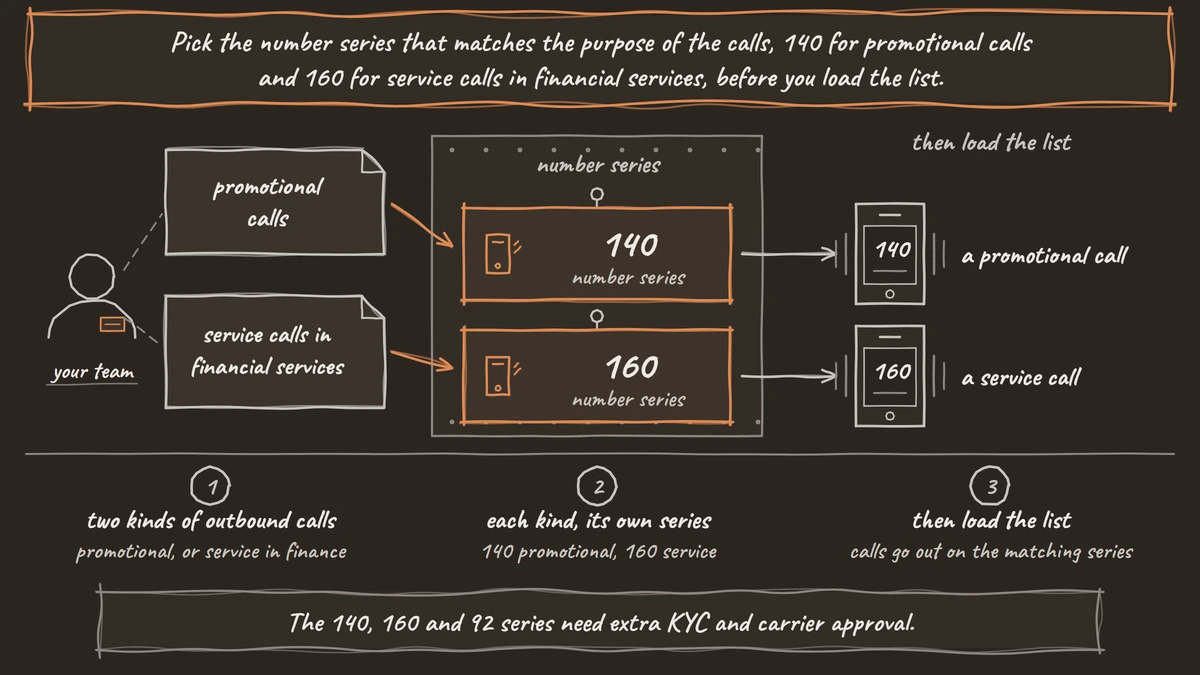
Paperwork comes first. Vobiz asks for KYC before it rents India numbers, with a GST certificate for an organization, sometimes with an authorized signatory, or Aadhaar and PAN for an individual. Vobiz's number guide lists the India series, 140 for promotional calls, 160 for service and transactional calls in banking, financial services and insurance, 1800 for toll-free inbound and 92 for high-pickup numbers. The 140, 160 and 92 series need extra KYC and carrier approval.
Plan your numbers with two more limits in mind. Vobiz cannot port in a number from another provider, so callers will reach a new number. Trial numbers only place outbound calls, and inbound needs KYC and a dedicated number. A newly bought number also takes about two minutes to register before it can call.
Indian domestic calls carry one hosting rule. Vobiz's domestic calling rules say outbound calls must show a Vobiz India number as caller ID, and call media must stay in the same country as the call, so bridging a domestic call to a leg abroad fails with "Violates Media Anchoring". For Indian domestic calls, run Dograh on servers in India, and confirm your setup with counsel before launch. Our guide to international SIP trunks covers the series rules for calls across borders.
Step 1: Copy your Vobiz credentials
Sign in to your Vobiz console and copy two values, your Account ID and your Auth Token. Dograh's form shows an example Account ID that starts with MA_, and some guides call it the Auth ID. Keep the token somewhere safe, since anyone holding both values can place calls on your account. A team with more than one Vobiz account adds one configuration per account in the next step.
You do not need to create a Vobiz application. Dograh can create one for you in the next step, already pointed at the right answer URL.
Check: you have the Account ID and the Auth Token, and at least one Vobiz number on the account, even a trial one.
Step 2: Add Vobiz in Dograh
In Dograh, open Telephony in the sidebar and click Add configuration. Give the configuration a Name, pick Vobiz as the Provider, and paste the Account ID and Auth Token. If you already made an application in the Vobiz console, paste its ID instead and Dograh uses that one. Otherwise leave Application ID blank, tick "Set as default for outbound calls" if Vobiz will be your main outbound route, and click Create.
On save, Dograh creates a Vobiz application named dograh followed by a short ID, with its answer URL set to Dograh's inbound endpoint and the method set to POST. A self-hosted install uses your own backend domain in that URL, which is why the server needs a public domain with TLS. The Vobiz setup steps show the same flow with screenshots.
Check: in the Vobiz console under Applications, a dograh application exists, and its answer URL ends in /api/v1/telephony/inbound/run with the method POST.

Open Source Alternative to Vapi / Retell
Self-hosted voice agent platform — no per-minute fees
dograh-hq/dograh
Star on GitHub
Step 3: Add numbers and attach them
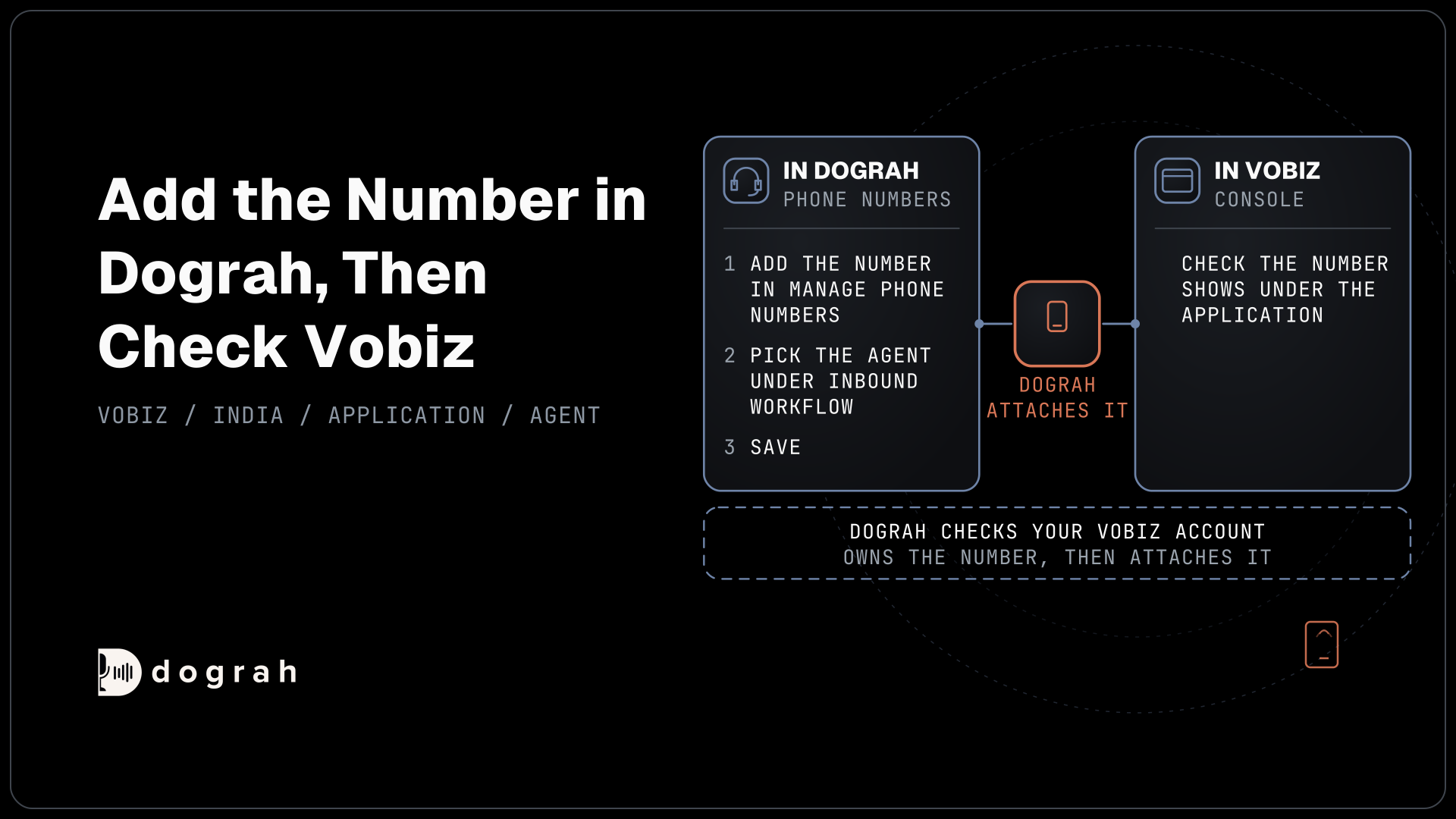
You add each number in Dograh, and Dograh attaches it to the dograh application in Vobiz for you. Open the configuration with Manage Phone Numbers and click Add phone number.
Enter the number in E.164 form with the plus sign, such as +9180XXXXXXXX, set Country (ISO-2) to IN, add a Label, and pick the agent under Inbound workflow. Keep it Active, tick "Default caller ID for this configuration" for the number outbound calls should show, and save. Dograh checks that your Vobiz account owns the number, then attaches it to the Vobiz application. Repeat this for each number. One agent can answer several numbers, and different numbers can point at different agents.
If Vobiz says the number is already attached to another application, attach it in the Vobiz console to the Application ID that Dograh names in the message.
Check: the number appears in the Phone numbers table with its Inbound workflow, and the same number shows under the dograh application in the Vobiz console.
Step 4: Test outbound, then inbound
Test outbound first, because it works on a trial number. Open the agent in the workflow editor and click Phone Call in the header. Pick your Vobiz configuration under Telephony configuration, choose the Vobiz number under Caller ID (from), enter your own mobile number and click Start Call.
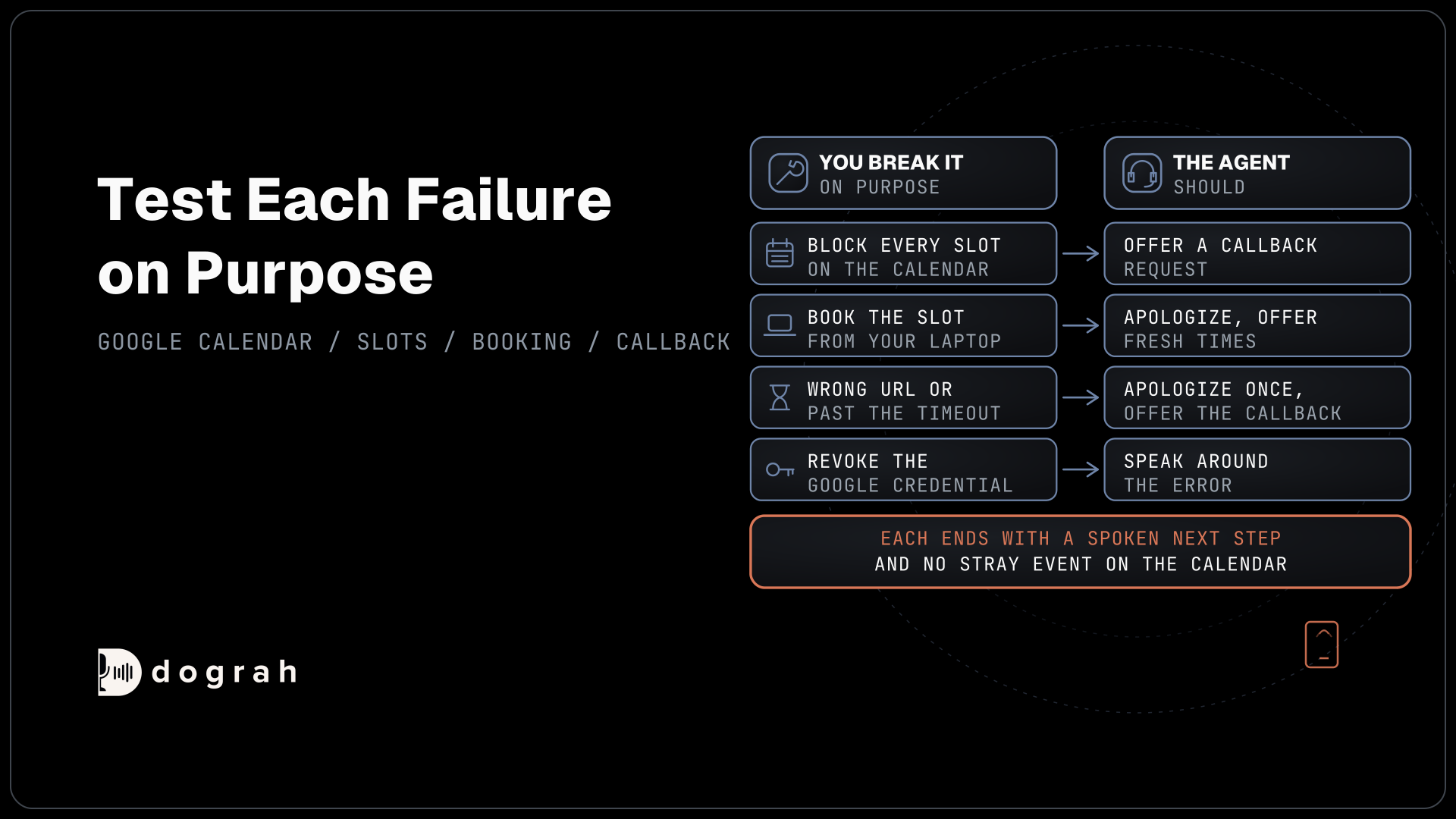
Answer and hold a short conversation. Listen for clipped words, long pauses before the agent speaks and how it handles you talking over it, since those show up on 8 kHz phone audio and not in a browser test. After the call, open its record and read the transcript, play the recording and check the trace for slow turns. Place three or four test calls rather than one, since a single call can hide a problem that only shows up now and then.
If the call does not connect, check the usual causes in order. A number bought in the last few minutes may still be registering, a domestic call must show a Vobiz India number as caller ID, and the free plan allows only 3 calls at once. Dograh's call record and the Vobiz console's call logs together show which side stopped the call.
Inbound comes after KYC and a dedicated number. Saving an Inbound workflow on the number pushes the answer URL to the Vobiz application, so call the number from a different phone and let the agent answer.
Check: both test calls appear in the agent's call history with a transcript and a recording, and the inbound call reached the workflow you picked.
Join the Dograh Community
Dograh is an OSS alternative to Vapi. Join our Slack community for queries, releases, best practices & community interactions.
Plan for callers who ask for a person
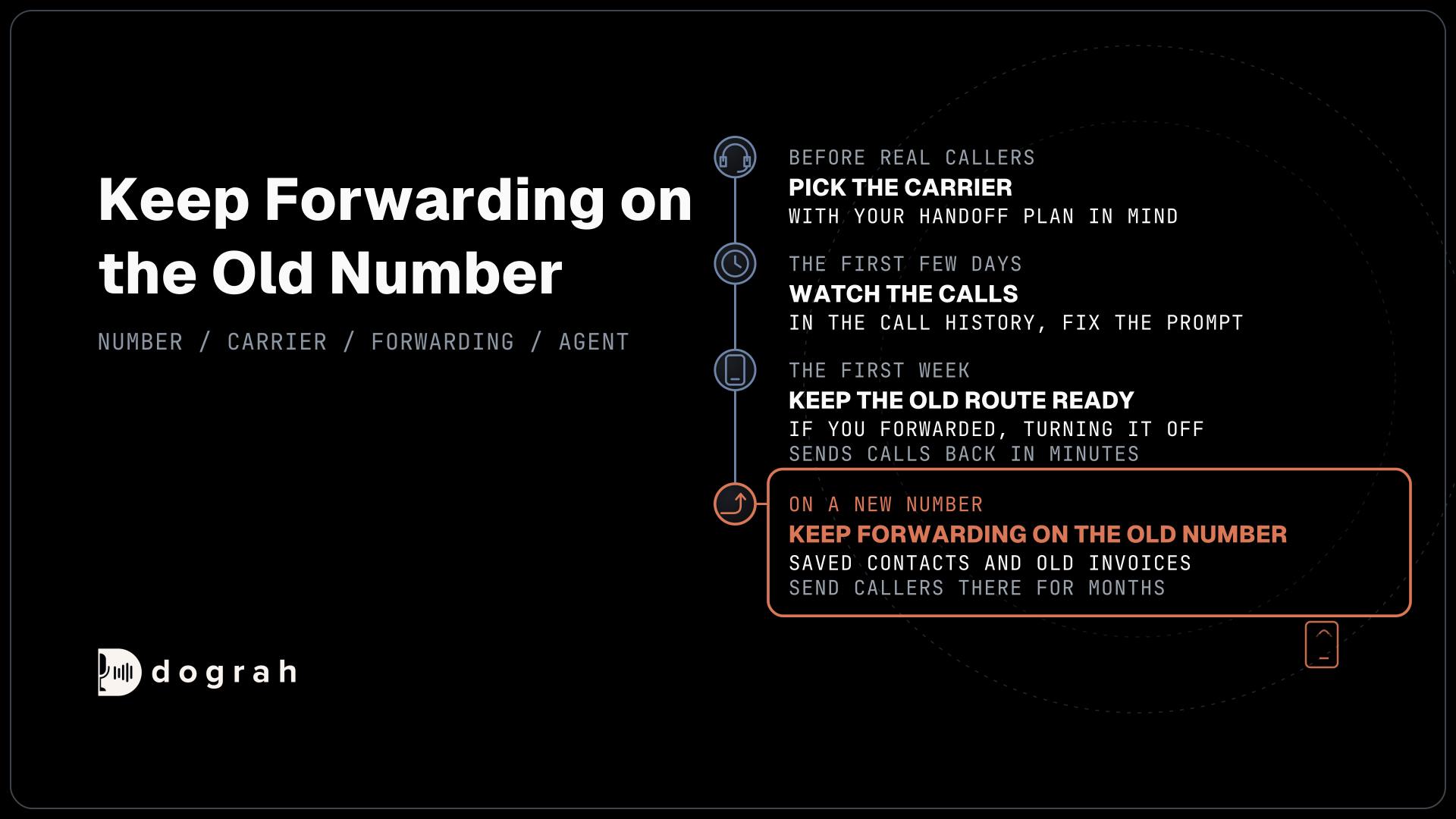
Some callers will want a human, so decide the handoff before launch. On Vobiz numbers, a caller who wants a person leaves a callback request, which an HTTP API tool writes to your system. The agent collects the caller's name, number and reason, sends them to your helpdesk, CRM or a team inbox, and tells the caller when to expect the call. Have the agent read the callback number back before it ends the call, since a single wrong digit turns a callback into a lost lead.
Lines that need a live handoff can use a Plivo, Twilio or Telnyx number in the same Dograh account. There, Transfer Call works, and Dograh calls the destination first and connects the caller only when someone answers. A busy, unanswered or failed attempt hands the call back to the agent, which can then take a callback request instead.
Plivo also covers India on self-serve accounts, which makes it a natural second route for a support line. Our Exotel setup guide walks through building the callback tool in full, and the same steps apply on Vobiz.
Before you ship it
Test on the phones your callers use, across a few networks, since Vobiz is a young provider and call quality varies by route. Keep a second route for any line that needs live transfers, and watch the first week of recordings closely. For Hindi and other Indian languages, our guide to Sarvam AI for voice agents covers the speech and voice models that suit these calls. Test with callers who switch between Hindi and English in the same sentence, because that mix is common on Indian calls and trips up speech recognition tuned for one language.
For outbound lists, Campaigns dial from your Vobiz numbers with retries and calling hours you set. Pick the number series that matches the purpose of the calls, 140 for promotional calls and 160 for service calls in financial services, before you load the list.
Check your limits on both sides before a campaign. Vobiz sets concurrent calls and calls per second per account under Account Settings, Limits in its console, and calls over the limit fail with a 429 or a SIP 503. A self-hosted Dograh install runs 10 calls at once by default with a limit you can raise, and Dograh Cloud includes 10 with more on request.
Where the platform runs sets the cost and the work. Running Dograh yourself means no per-minute platform fee. You still pay for servers, model keys and phone minutes, and your team looks after the database and upgrades. A Docker install needs a server with at least 8 GB of RAM and 4 vCPUs, placed in India for domestic calls. Support comes from the open-source community, and Enterprise adds custom SLAs. If you would rather not host it, Dograh Cloud runs it for a 1 cent a minute platform fee.
Glossary
- Answer URL
- The web address Vobiz calls when a call reaches a number. It lives on a Vobiz application, and Dograh sets it to its inbound endpoint.
- KYC
- Know Your Customer checks a carrier runs before renting numbers, such as a GST certificate for a business or Aadhaar and PAN for a person.
- Media anchoring
- The Indian rule, enforced by carriers, that the audio of a domestic call stays inside India instead of passing through servers abroad.
- μ-law
- The standard encoding for 8 kHz phone audio used on many networks. Dograh asks Vobiz to stream calls in μ-law at 8 kHz.