
To connect a voice agent to Google Calendar, give it two tools. One asks Google's freeBusy endpoint for open times, and one books the caller's pick with events.insert before the agent reads it back. Dograh, the open-source AI voice agent platform, runs both as HTTP API tools, self-hosted or on Dograh Cloud, with the calendar token on your servers.
Key Takeaways
- Check freeBusy, offer two times, book with events.insert, then read it back.
- Keep Google's refresh token in your own endpoint, never inside the agent.
- Dograh books through two HTTP API tools, or an MCP tool you host.
Here we connect a voice agent to Google Calendar step by step in Dograh, our open-source AI voice agent platform. The calendar token stays on your server. Then we talk about how the agent offers times, books the caller's pick and recovers when a slot or a tool fails.
What you need before you start
You need a Google Cloud project with the Calendar API turned on, the ID of the calendar the agent books into, and a way to sign in to Google from code. That sign-in is either a service account or an OAuth client, and Step 1 explains which to pick. You also need a Dograh agent, self-hosted or on Dograh Cloud, and a small endpoint of your own. A few dozen lines of Python or Node will do, and an n8n workflow works too.
Dograh connects to Google Calendar through an HTTP API tool or an MCP tool, so the booking logic lives in code you can read and change. A hosted receptionist with a one-click Google connector is less work for a team with no developer. The trade is that the vendor then holds the token and decides how double bookings are caught. If you already connect a CRM this way, the pattern is the same one from our post on connecting a voice agent to your CRM, and this post sticks to the Google side.
Check: you can open the calendar in Google Calendar and copy its ID from the calendar's settings.
Step 1: Decide where the Google token lives
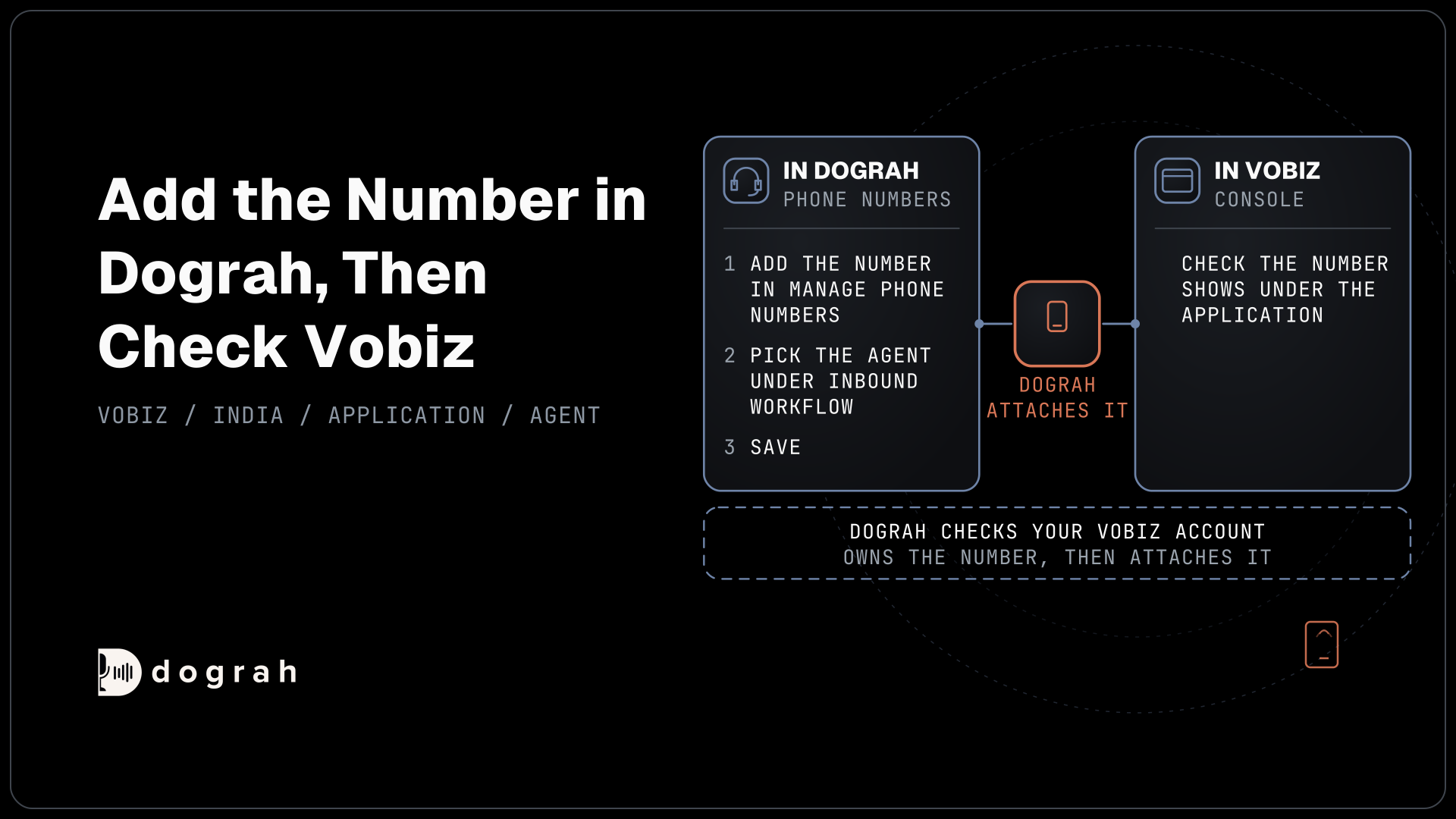
Keep the Google token in your endpoint, and give Dograh a fixed key to call that endpoint. Dograh stores credentials such as an API key or a bearer token and sends them with each tool call. Google's access tokens are short-lived, so the refresh has to happen in code that holds Google's long-lived credential. That code is your endpoint.
A service account is the simplest choice for a business calendar. It needs no person to click "allow", and you share the calendar with the service account's email so it can write events. An OAuth client suits a calendar that belongs to one person's Google account. Read Google's OAuth 2.0 guide before you pick it, because a refresh token stops working after six months unused, and an app whose consent screen is still set to Testing gets refresh tokens that expire after 7 days. That second rule breaks many demos a week after launch.
The MCP route works the same way. Google runs its own Calendar MCP server, in Developer Preview, and it signs in through an OAuth user flow. A Dograh MCP tool connects with a Bearer Token credential, so run an MCP server of your own that holds the Google sign-in and checks your bearer token. Google also warns that calendar text can carry prompt injection, which is one more reason to expose only the two functions the agent needs.
Check: your endpoint can list today's events on the calendar using only its own stored credential.
Step 2: Build the check-slots endpoint
The check-slots endpoint asks Google which times are busy and returns two free times to the agent. Google's freeBusy query takes a start, an end and a list of calendar IDs, and returns the busy blocks inside that window. Your code turns busy blocks into free slots of the right length, inside business hours.
The request below asks about one calendar for one afternoon. Look at timeMin and timeMax, which carry an offset, and timeZone, which decides the zone of the answer.
{
  "timeMin": "2026-11-20T13:00:00-05:00",
  "timeMax": "2026-11-20T18:00:00-05:00",
  "timeZone": "America/New_York",
  "items": [{ "id": "frontdesk@example.com" }]
}
What this does: It asks Google for the busy blocks on the front desk calendar between 1 pm and 6 pm New York time. Without
timeZone, Google answers in UTC, and an agent that reads UTC times aloud books people at the wrong hour.
Return two slots, not ten. A caller can hold two times in their head, and a list of ten read aloud takes longer than the booking itself. Send each slot back with its full start time and offset, plus a short spoken form such as "Thursday at 2 pm", so the agent never has to do time arithmetic.
Check: calling the endpoint for a day with one meeting returns two times that do not overlap it.

Open Source Alternative to Vapi / Retell
Self-hosted voice agent platform — no per-minute fees
dograh-hq/dograh
Star on GitHub
Step 3: Build the booking endpoint
The booking endpoint re-checks the chosen slot, then creates the event with events.insert. The re-check matters because Google does not stop two events from overlapping on an ordinary calendar. If someone booked the slot a minute ago, your endpoint returns a conflict and the agent offers the next time.
The body below creates a 30-minute visit. Watch the id field, which your code builds from the call, and the offsets on start and end.
{
  "id": "run48213t1795201200",
  "summary": "Consultation, Jane D.",
  "description": "Booked by phone agent. Callback number +1415555XXXX",
  "start": { "dateTime": "2026-11-20T14:00:00-05:00" },
  "end": { "dateTime": "2026-11-20T14:30:00-05:00" }
}
What this does: It books a 30-minute visit from 2 pm on November 20. The
idjoins the call's run ID (48213) and the slot's start time, so a repeated request for the same call and slot normally gets a conflict from Google instead of a second event.
Google lets you choose the event ID yourself, as long as it uses lowercase letters a to v and digits, at 5 to 1,024 characters, and is unique on the calendar. That rule is what makes the booking retry-safe, though Google warns it cannot promise to catch every ID collision at the moment of creation, which is why the endpoint re-checks the slot first. The sendUpdates parameter decides who gets an email invite and sends none unless you set it. Only set it to all if the agent collected an email address and read it back, because email addresses are hard to catch by voice. Our post on the appointment booking loop covers reschedules and cancellations, which follow the same pattern with events.patch and events.delete.
Check: sending the same booking request twice leaves one event on the calendar and returns a conflict the second time.
Step 4: Add both endpoints as HTTP API tools
Each endpoint becomes one HTTP API tool, so the agent has a check_slots tool and a book_slot tool. In Dograh, open Tools in the sidebar, click Create Tool and choose HTTP API. Give the tool a Tool Name and a Description that says when to call it, set the HTTP Method and the Endpoint URL, and pick your credential on the Authentication tab. The HTTP API tool sends LLM Parameters, the values the model fills in, plus Preset Parameters that you fix.
For book_slot, add one Preset Parameter named workflow_run_id with the value {{initial_context.workflow_run_id}}. That is the number your booking endpoint folds into the event ID in Step 3. The model fills start_time and caller_name from the conversation, and it never sees the Google token. Our guide to adding tool calls to a voice agent walks through each field in more depth.
Timeout (ms) defaults to 5,000. A freeBusy call plus your own logic usually fits, but test it from your own region. Under Messages, add a line for "When the tool starts", such as "Let me check the calendar", and a second line under "While the tool is running" after about 3 seconds. The caller then hears the agent working instead of silence.
Check: the tool's test run returns your two slots, and the booking tool's test run creates one event on the test calendar.
Step 5: Write the booking prompt
The prompt decides the call flow, so write each rule plainly in the node that books. Attach both tools to that node only. A booking call runs greet, find out what the caller needs, check slots, offer two, book, then read the booking back. If the agent looks up an existing booking by the caller's number, it confirms who they are with an approved check, such as date of birth, before saying anything about that booking.
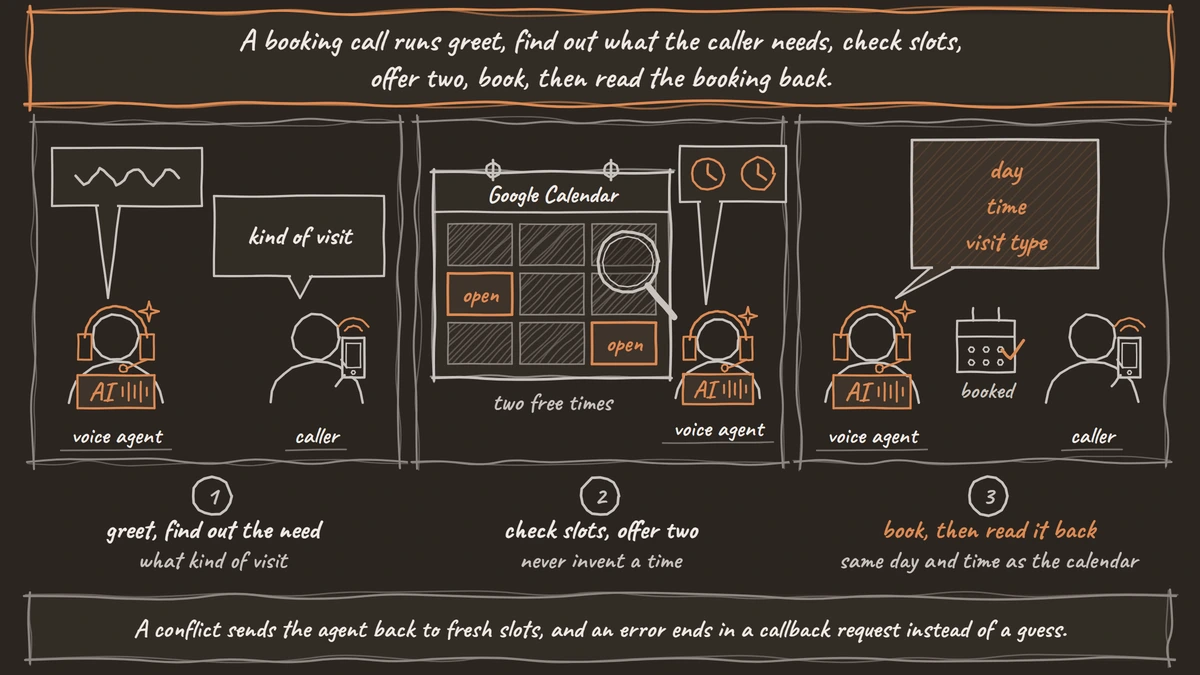
The node prompt below covers the happy path and the failures in one place. It names each tool and says what to do with each result.
Ask what kind of visit the caller needs, then call check_slots.
Offer the two times it returns, using the spoken form. Never invent a time.
When the caller picks one, call book_slot with that start_time.
If book_slot succeeds, read back the day, time and visit type.
If book_slot returns a conflict, say that time was just taken and call check_slots again.
If check_slots returns no times, offer to take a callback request.
If any tool returns an error, apologize once and offer the callback request.
What this does: It keeps the model to times Google returned and gives it a spoken answer for every result. A conflict sends the agent back to fresh slots, and an error ends in a callback request instead of a guess.
If you want the agent to know about an existing booking before it speaks, Pre-Call Data Fetch on the Start Call node can call your endpoint with the caller's number when the call connects. The greeting waits for that answer, and the caller hears ringing meanwhile.
Check: a test call books a slot, and the agent reads back the same day and time that appear on the calendar.
Join the Dograh Community
Dograh is an OSS alternative to Vapi. Join our Slack community for queries, releases, best practices & community interactions.
Step 6: Test the failure paths
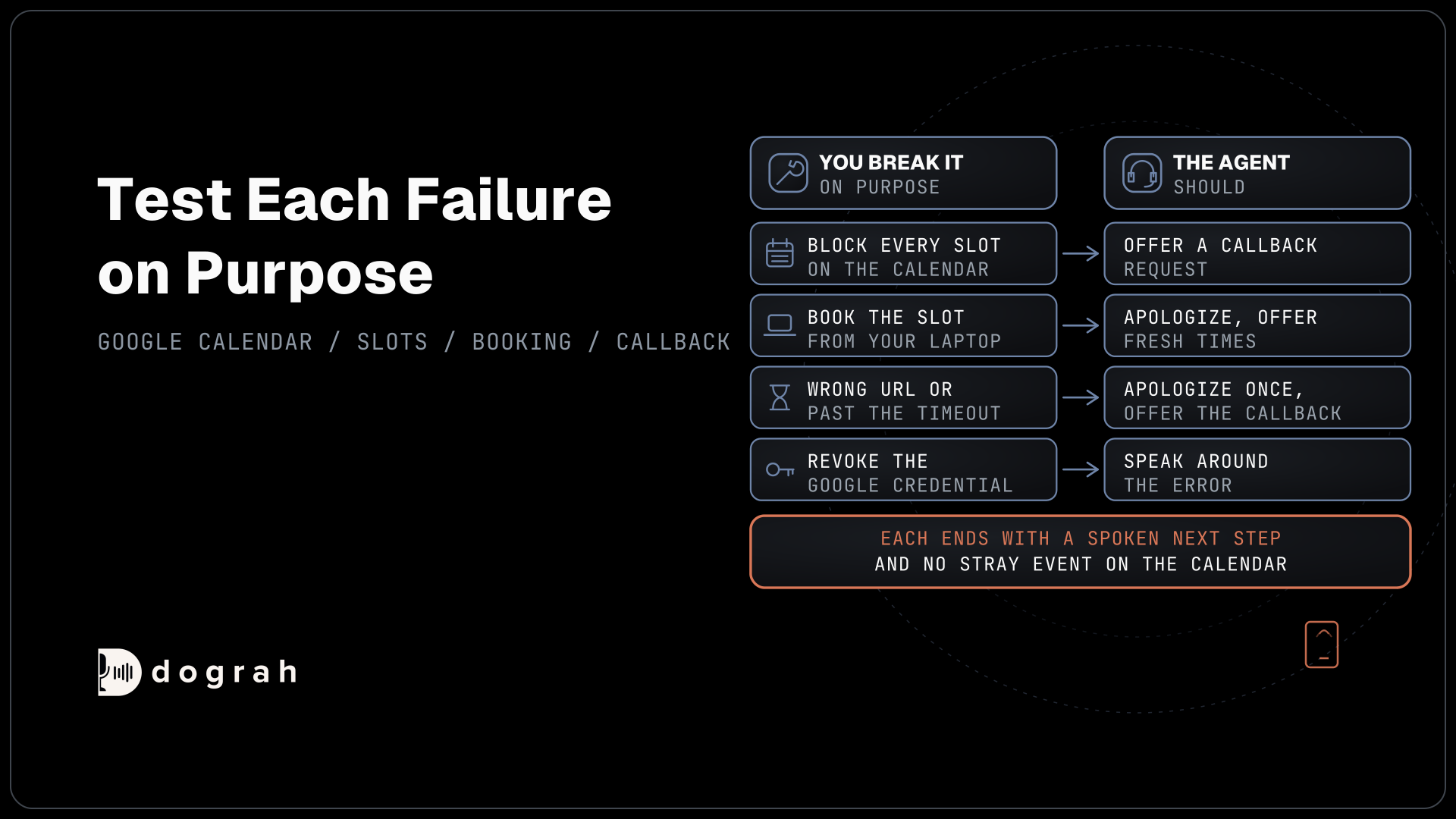
Test each failure on purpose, because production calls will hit all of them. Block every slot on the test calendar and call in, and the agent should offer a callback request. Book a slot from your own laptop between the agent's offer and the caller's pick, and the agent should apologize and offer fresh times.
Then break the tool itself. Point the endpoint at a wrong URL, or let it sleep past the timeout, and the agent receives an error result. HTTP API tools do not retry on their own, so a booking that failed is never sent twice behind your back, and the prompt decides what happens next. Revoke the Google credential too, and confirm your endpoint returns an error the agent can speak around rather than a half-made booking.
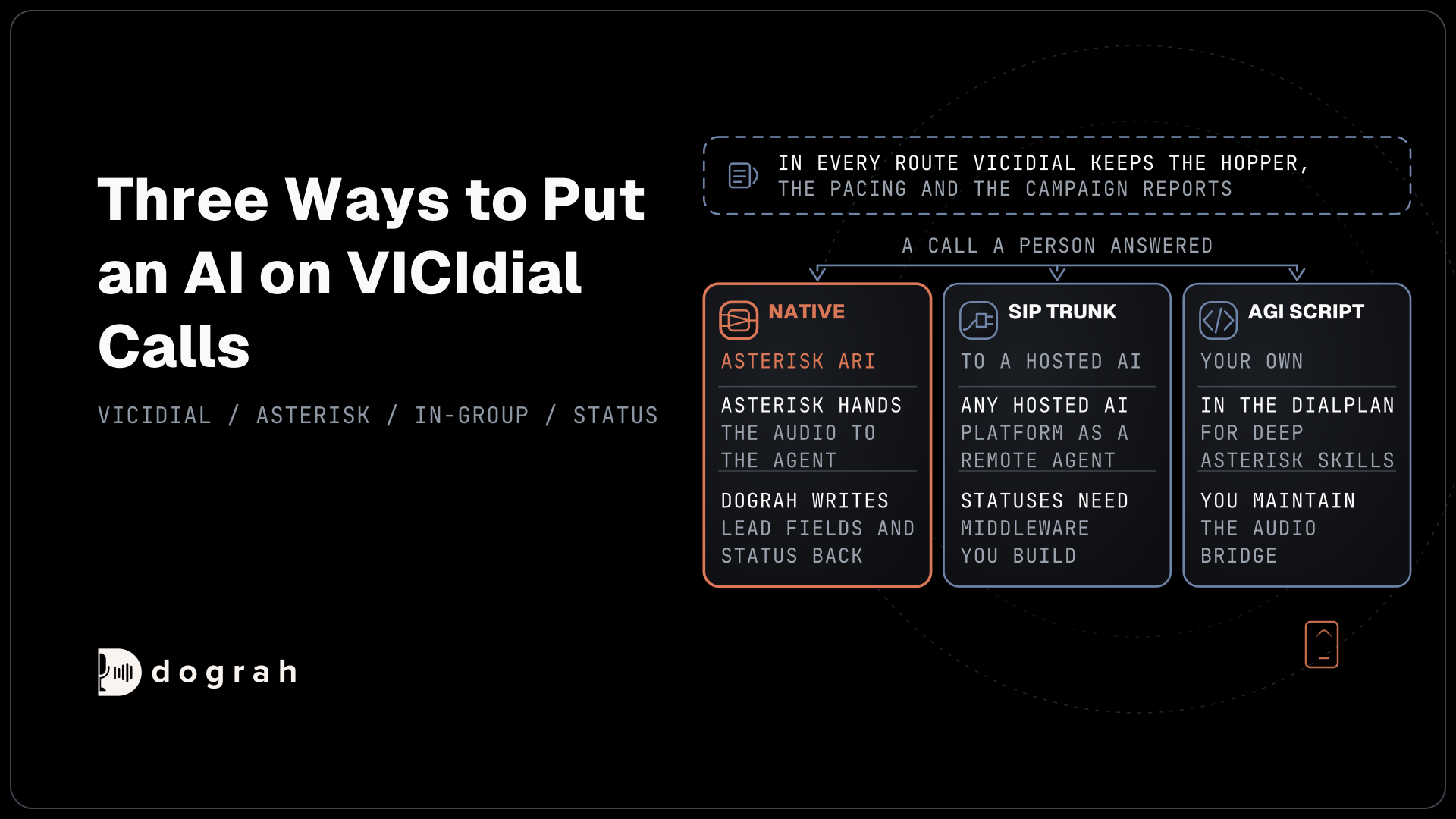
The callback request is a third HTTP API tool that writes the caller's name, number and preferred time to your own system. When a person must take over, Transfer Call works on Twilio, Telnyx, Plivo, Cloudonix and Asterisk ARI. Dograh calls the destination first and connects the caller only when someone answers. If nobody answers, the line is busy or the transfer fails, the call comes back to the agent and continues with the callback request.
Check: each of the four failures ends with a spoken next step and no stray event on the calendar.
Testing it and choosing where it runs
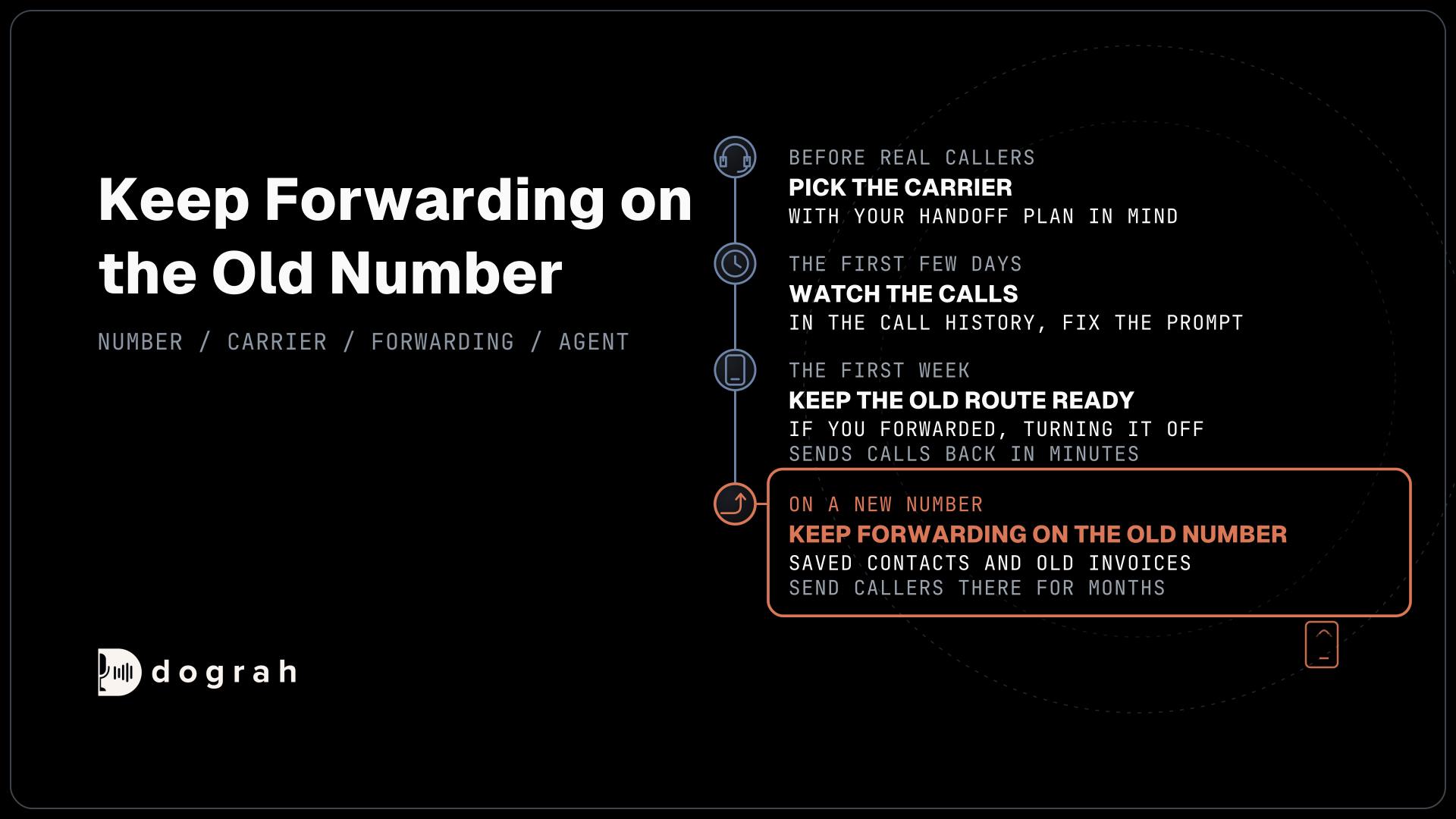
Run the final tests over a real phone line, not only in the browser. Phone audio reaches the agent as narrowband sound, and times such as "two fifteen" and "two fifty" are easy to mishear on it. Have the agent read the time back in full, and keep a test calendar until a week of real calls looks clean.
Where the platform runs decides where the call audio, the transcript and the run logs are stored, while the calendar data stays with Google either way. Running Dograh yourself means no per-minute platform fee. You still pay for servers, model keys and phone minutes, and your team looks after the database and upgrades. Support comes from the open-source community, and Enterprise adds custom SLAs. If you would rather not host it, Dograh Cloud runs it for a 1 cent a minute platform fee.
Start with one calendar and one visit type, and add more only after the read-backs match the calendar on every call.
Glossary
- freeBusy query
- A Google Calendar API call that returns the busy blocks on one or more calendars between a start and an end time. Your code turns the gaps into free slots.
- Refresh token
- A long-lived Google credential that your endpoint trades for short-lived access tokens. It stops working after six months unused, or after 7 days for apps left in Testing.
- Event ID
- An ID your code can set on events.insert, using letters a to v and digits. Google normally refuses a second event with the same ID, which makes a retried booking safer.
- Service account
- A Google identity for code rather than a person. It needs no consent screen, and it can write to any calendar that has been shared with its email address.