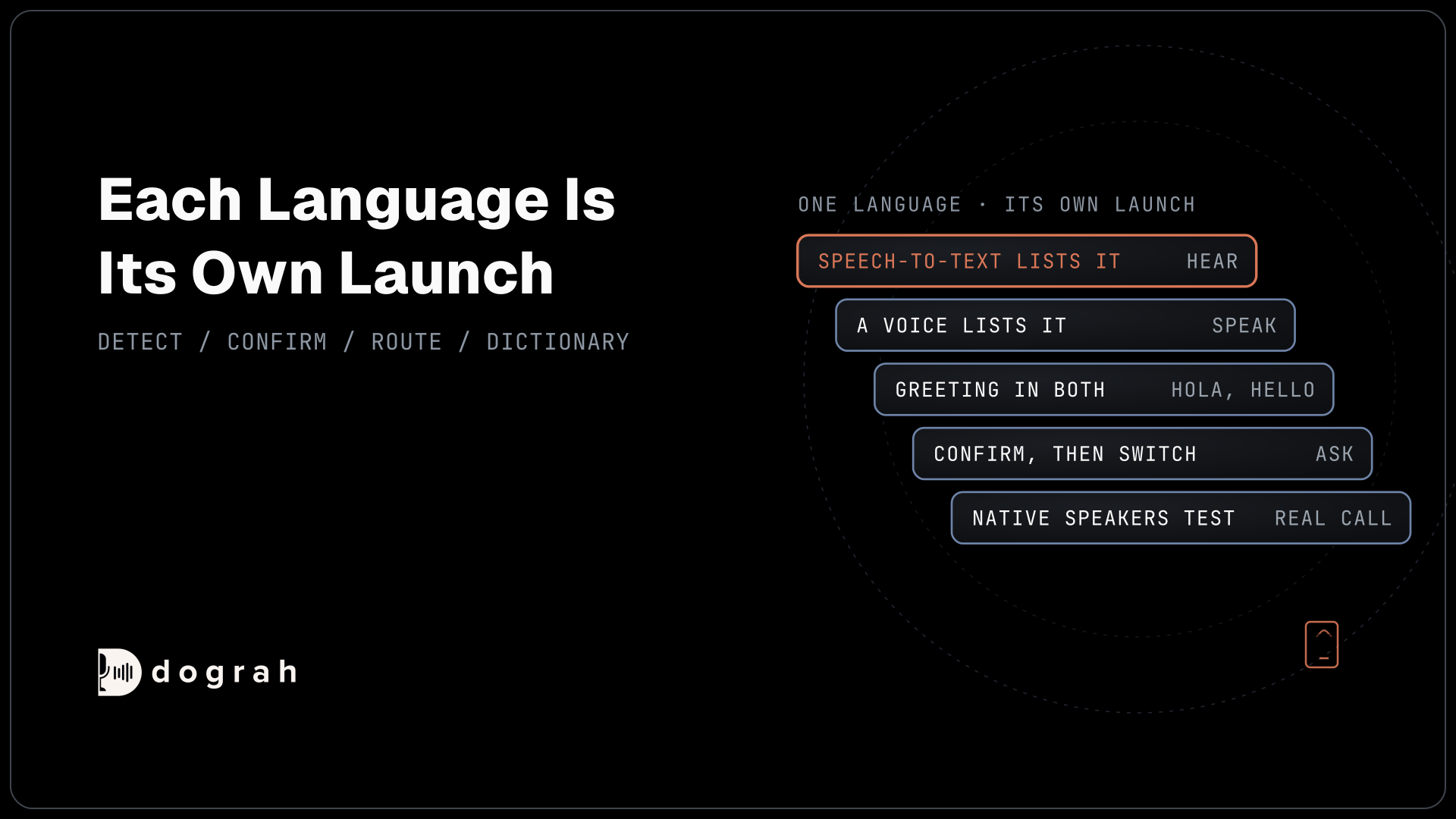

AI voice agents for multilingual support lines in BPOs handle each language with speech models that list it. Pick speech-to-text first, then a voice, from each provider's own language page. The agent detects or asks the caller's language, confirms before switching, and routes to a language-specific agent or a person. Test every language on a real phone line.
Key Takeaways
- The speech models you choose set which languages an agent can handle.
- Confirm the caller's language before switching, never guess.
- Test and score each language separately, over a real phone line.
This post is part of our guide to AI voice agents for BPO and contact centers. The guide's section "Multilingual support lines: pick speech models first" sets the rule: "The languages an agent can handle are set by the speech-to-text and text-to-speech models you choose, so pick those first." Here is how to do that per language, and how the line runs in Dograh, an open-source, self-hostable voice agent platform.
The language mix on multilingual support lines
A BPO's client programs rarely speak one language, even in one country, so a support line in English alone leaves many callers working harder than they should. The mix comes from each client. A US utility may need Spanish and English, while an Indian bank's line may need Hindi, Tamil and English on the same number.
Pick speech-to-text first, then the voice
Choose the speech-to-text model first, because an agent that cannot hear a language cannot help in it. Then pick a text-to-speech voice for each language, and name a provider only when its own language page lists that language. Dograh supports 70+ languages, depending on the speech-to-text and voice providers you choose, so the provider pages decide which ones a given line can take.
The table names three providers you can select in Dograh, each only for the languages on its own list: Deepgram's language list for speech-to-text, ElevenLabs' text-to-speech languages for voices, and Sarvam for Indian languages.
| Language | Speech-to-text, per the provider's own list | Text-to-speech, per the provider's own list |
|---|---|---|
| Spanish | Deepgram Nova-3 (es, es-419) and Flux multilingual | ElevenLabs Multilingual v2 and Flash v2.5 |
| Portuguese | Deepgram Nova-3 (pt, pt-BR, pt-PT) and Flux multilingual | ElevenLabs Multilingual v2 and Flash v2.5 |
| Tagalog / Filipino | Deepgram Nova-3 (tl) | ElevenLabs Multilingual v2 and Flash v2.5 (listed as Filipino) |
| Vietnamese | Deepgram Nova-3 (vi) | ElevenLabs Flash v2.5 |
| Arabic | Deepgram Nova-3 (ar and regional variants) | ElevenLabs Multilingual v2 and Flash v2.5 |
| Hindi | Deepgram Nova-3 and Flux multilingual; Sarvam Saaras v3 | ElevenLabs Multilingual v2 and Flash v2.5; Sarvam Bulbul v3 |
| Tamil | Deepgram Nova-3; Sarvam Saaras v3 | ElevenLabs Multilingual v2 and Flash v2.5; Sarvam Bulbul v3 |
| Bengali, Marathi, Telugu | Deepgram Nova-3; Sarvam Saaras v3 | Sarvam Bulbul v3 |
Deepgram's Flux multilingual model and Nova-3's "multi" setting handle code-switching across ten languages: English, Spanish, French, German, Hindi, Russian, Portuguese, Japanese, Italian and Dutch. ElevenLabs lists 29 languages for Multilingual v2 and 32 for Flash v2.5.
The two sides do not always match. Sarvam's model list gives its Saaras v3 speech-to-text 23 languages, 22 Indian languages plus Indian English, Assamese among them, while its Bulbul v3 voices cover 11. So an Assamese caller can be understood but needs a voice from another provider that lists Assamese, or a person.
One agent or one agent per language
Dograh supports two layouts, and the choice depends on how different each language's script and models need to be.
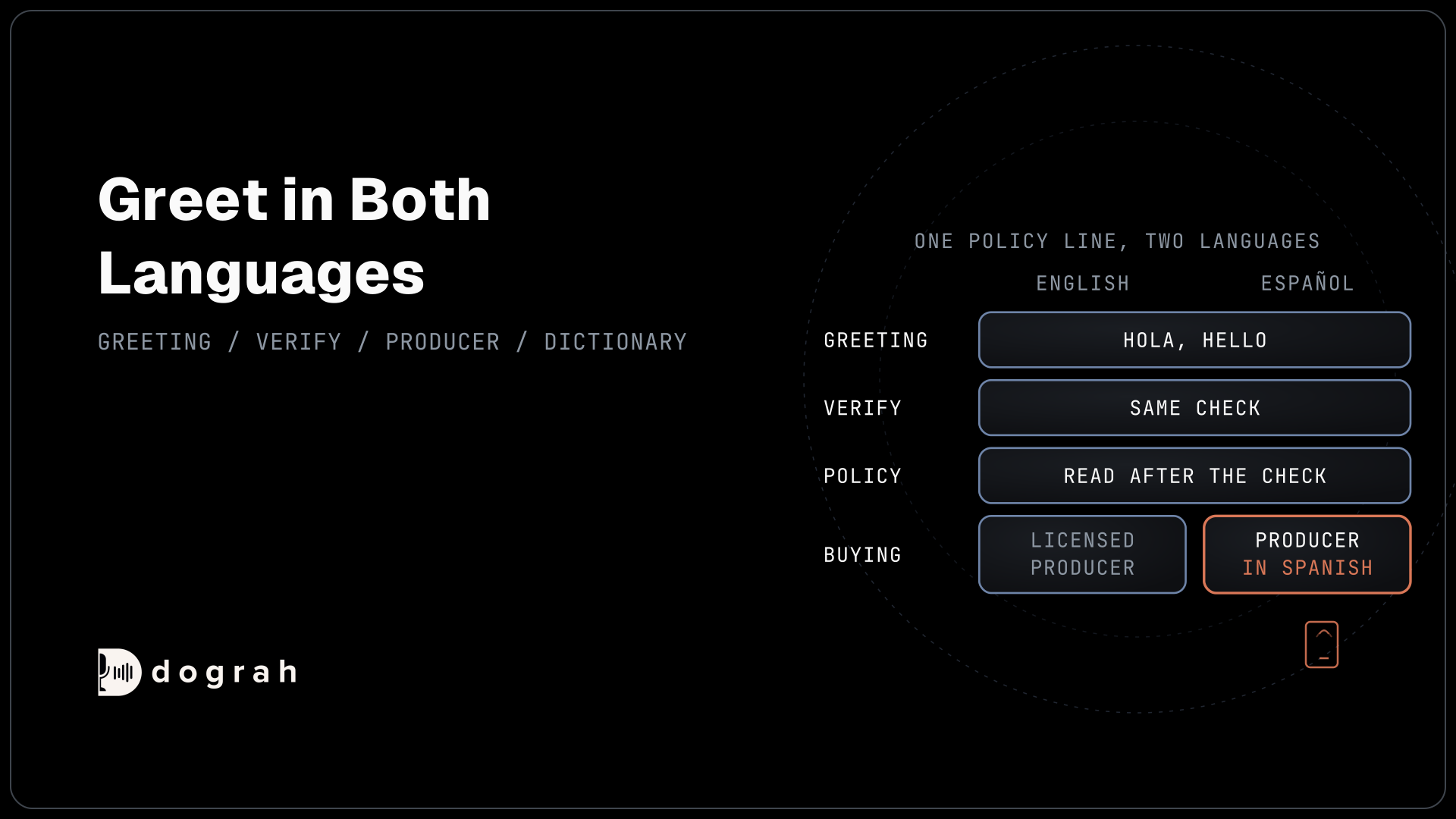
The first layout is one agent for every language. In the agent's Model tab, set the speech-to-text Language to "Multilingual (Auto-detect)". With Dograh's own models or Deepgram Flux, tick the Language hints you expect. The hints cover English, Spanish, French, German, Hindi, Italian, Japanese, Dutch, Portuguese and Russian, and they help only within the languages the Flux multilingual model supports. Greeting Text plays before Dograh can hear the caller's language, so write it in both, for example "Hola, hello".
The second layout is a short router agent in front of one agent per language. The router greets in both languages, finds the caller's language, then hands the call to that language's agent with Transfer to Agent. Each language agent has its own speech-to-text, voice, prompt and documents, so a Hindi agent can run on Sarvam while the Spanish agent runs on Deepgram and ElevenLabs.
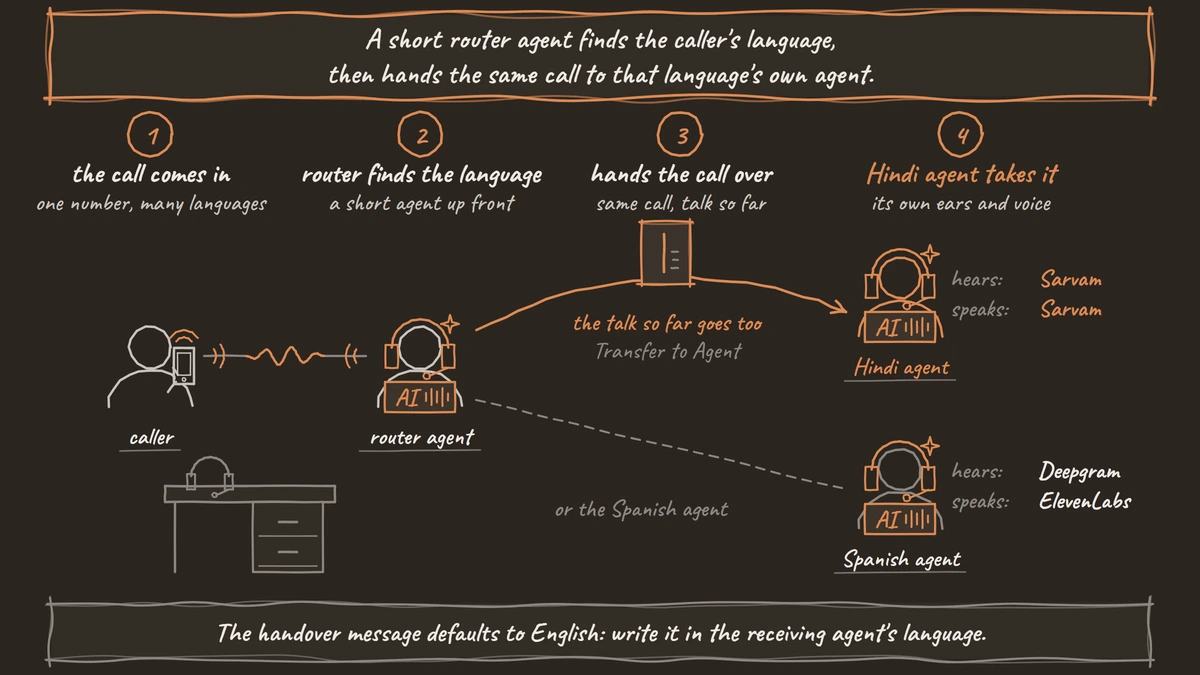
The caller stays on the same call. The destination agent receives the conversation so far as a labelled transcript, so tell it in the prompt not to ask again for details the caller already gave. Write the handover message in the destination's language, since the default is English. Transfer to Agent works on cascade agents, web calls included, and not on speech-to-speech agents.

Open Source Alternative to Vapi / Retell
Self-hosted voice agent platform — no per-minute fees
dograh-hq/dograh
Star on GitHub
When the agent is not sure of the language
Detection can be wrong, and the agent should never carry on confidently in a language it may have misheard. Tell it in the prompt to ask a short question when it is unsure, offering the most likely languages, and to switch only after the caller confirms.
If the caller's language is one the agent handles poorly, or the details still cannot be confirmed, the safest step is a person who speaks it. Transfer Call works on Twilio, Telnyx and Asterisk ARI. It passes no summary by default; on Twilio it can play a short spoken introduction to both people. Write the details to your system with an HTTP API tool before the transfer. Its Context Mapping destination can pick the team's number from the caller's language. On Twilio, set the introduction's language in its instructions, and the agent's voice must support that language.
When no one who speaks the language is free, the caller stays with the agent. Tell it in the prompt to collect only the minimum, such as a name and callback number, and to write a callback request in the caller's language to the client's system through an HTTP API tool. A default language can open the conversation, but it should never stand in for a person who speaks the caller's own. Our post on human handoff routing covers each transfer destination in full.
Test and score each language on its own
Each language is its own launch, because a model that works well in Spanish can still mishear Tamil. Test every language with native speakers over a real phone line before the client goes live.
Most phone calls still reach the agent as 8 kHz audio, while a browser demo runs at 16 kHz, so a language that sounds clean in the browser can fail on the phone. Add client brand names and product terms to the Dictionary in the agent's Settings, one comma-separated box, then Save Dictionary. Dograh passes those words to the speech-to-text provider in any language, and whether they help depends on that provider.
Score each language separately once calls are live. A combined score can hide one language that is failing. QA summaries are in English by default, which suits a reviewer reading across languages. Our post on call QA and scoring in contact centers shows how to build the scorecard, and Spanish AI voice agents for healthcare works through one language in depth.
Self-hosted Dograh has no per-minute platform fee (servers, model keys and phone minutes still cost); Dograh Cloud has a 1¢-a-minute platform fee. Each language agent can use a different provider, so price each language's speech models on their own.
Join the Dograh Community
Dograh is an OSS alternative to Vapi. Join our Slack community for queries, releases, best practices & community interactions.
Glossary
- Code-switching
- A caller moving between two languages in one conversation, or in one sentence. Deepgram's Flux multilingual model and Nova-3's multi setting handle it across ten languages.
- Language hints
- The checkboxes under Dograh's Multilingual (Auto-detect) setting for the languages you expect, available with Dograh's own models or Deepgram Flux. They help only within the languages the Flux multilingual model supports.
- Router agent
- A short agent at the front of a support line that greets, finds the caller's language or need, and hands the call to the right agent.
- Transfer to Agent
- Dograh's tool for handing a live call to another Dograh agent, with the conversation so far as a labelled transcript. It works on cascade agents, including web calls, but not on speech-to-speech agents.