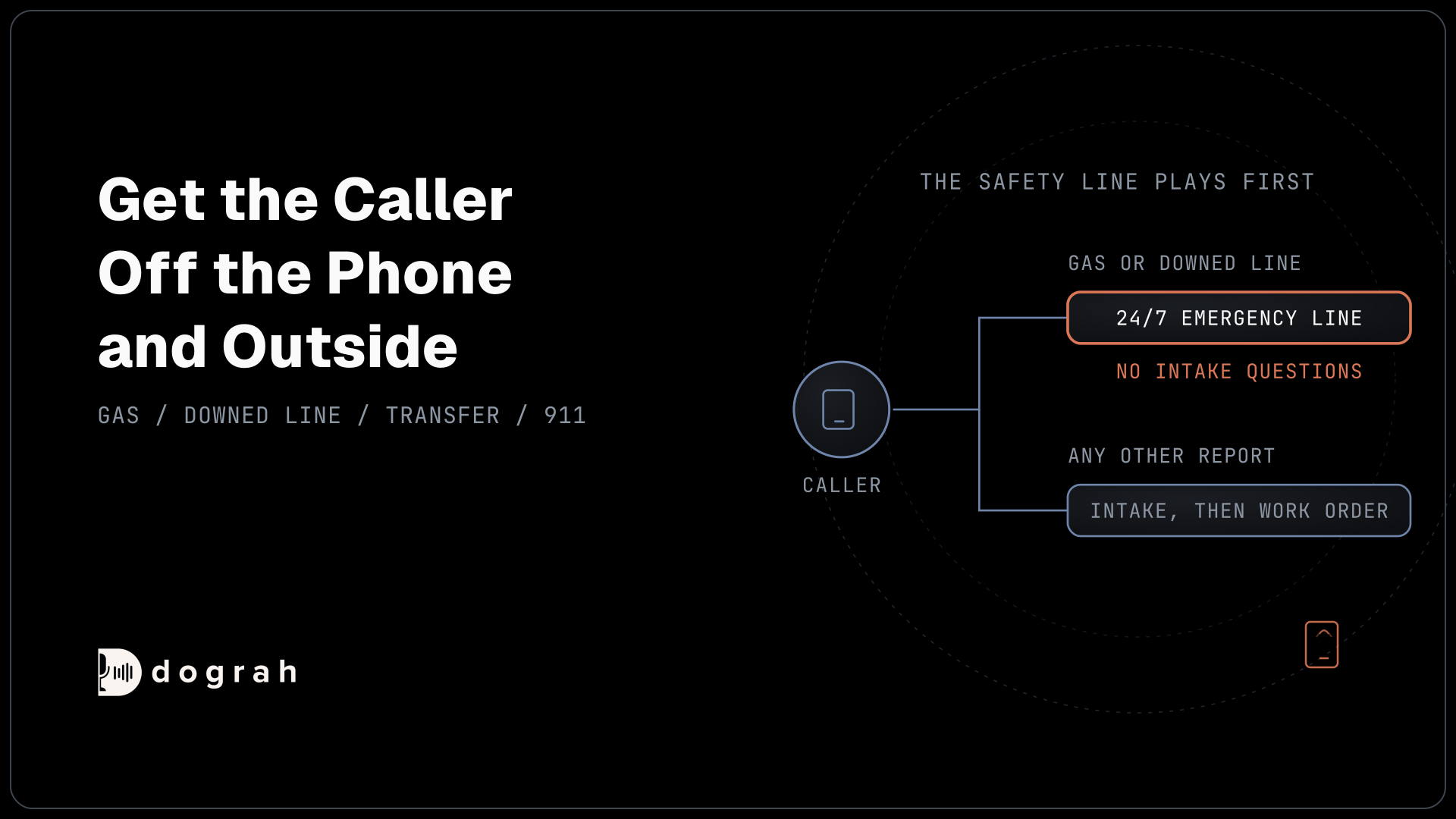

AI voice agents for emergency intake in utilities play a fixed safety instruction to every caller, then send gas leak and downed power line calls straight to the utility's 24/7 emergency line with no intake questions. The instruction tells callers to leave the area and call 911 from a safe place. Non-hazard reports can still use intake.
Key Takeaways
- Put the safety line in the Greeting Text that every caller hears.
- Gas and downed-line calls get no intake questions before the transfer.
- Play the instruction before transferring, because a failed transfer gets generated words.
This post is part of our guide to AI voice agents for utilities and energy. The guide's section "Safety comes first on every utility call" sets the rule in one line: a caller who smells gas or sees a downed power line must hear a fixed instruction before anything else, then reach a person. Here is how that call is built in Dograh, an open-source, self-hostable voice agent platform, and why it asks the caller nothing first.
Why the agent says less on an emergency call
On a gas leak call, every extra sentence keeps the caller on a phone near the leak. The US Pipeline and Hazardous Materials Safety Administration's guidance on natural gas emergencies lists what not to do, starting with "Use a telephone or cell phone (these can ignite airborne gases)". What to do is "Leave the area" and "Telephone 911 from a neighbor's house or other location well away from the gas leak." The caller is already on a phone, so the agent's first job is to get them off it and outside.
Downed power lines carry the same logic. Puget Sound Energy's downed-line guidance says "Assume it's energized", tells people to "stay at least 35 feet away", and says "Call 911 or the utility serving the location." Use your own utility's distance and wording, because guidance differs.
Utilities that automate almost everything else still keep these reports on a voice path to a person. When LG&E and KU launched automated outage alerts in January 2026, they told customers to never text to report a natural gas leak or a downed power line.
That is where this call differs from AI Voice Agents for Emergency and Incident Intake in Government. That post collects structured fields and urgency levels for public reports. On a life-safety call such as gas or a downed line, this agent collects nothing before the handoff.
Where the safety words live in Dograh
The safety instruction has to be fixed text, because generated words can drift. Exact words hold only where Dograh speaks fixed text: the Greeting Text on the Start Call node, a pathway's Transition Speech, the Transfer Call tool's Pre-Transfer Message, or a recorded clip. Inside a node, the language model writes its own words, and a prompt cannot guarantee them.
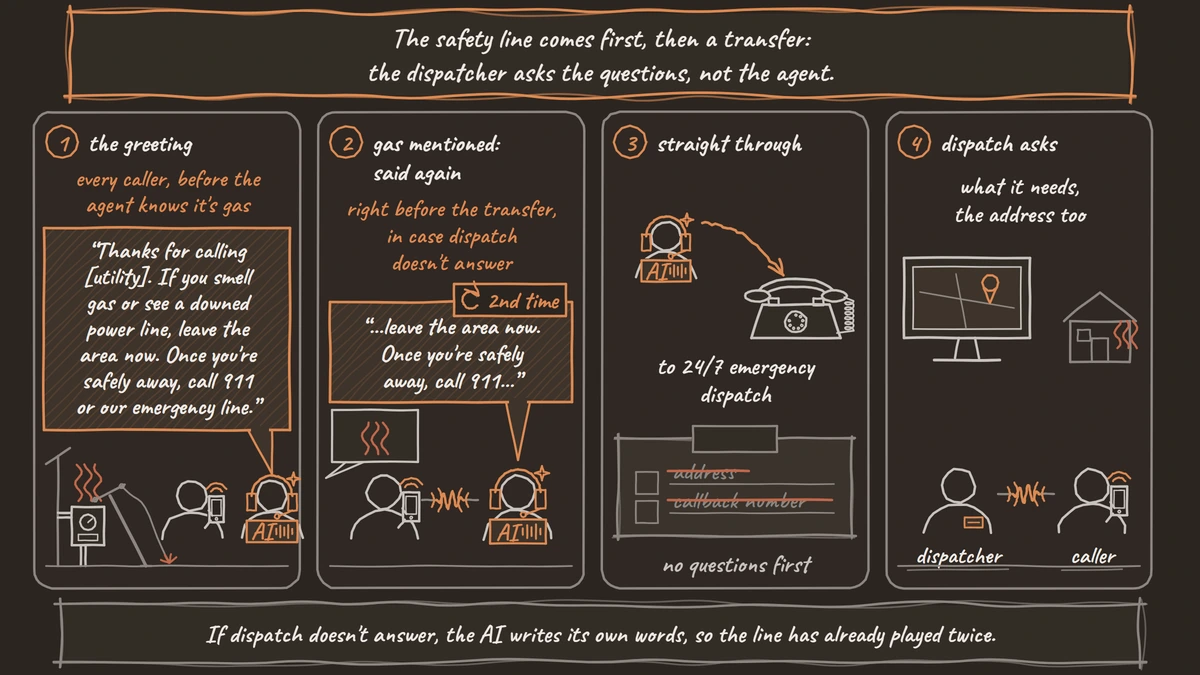
Choosing a pathway is also the model reading a written condition, so detection is never a hard rule. A caller may say "it smells like rotten eggs" or never mention gas at all. So the instruction goes first in the Greeting Text that every caller hears, before the model has decided anything:
"Thanks for calling [utility]. If you smell gas or see a downed power line, leave the area now. Once you're safely away, call 911 or our emergency line."
That is an example only. Your safety team writes and approves the real wording, including the utility's own emergency number. Whether callers should hang up or stay on the line while they move away is also your safety team's decision; 911 call takers often ask callers on a mobile to stay on the line. Greeting Text plays before Dograh can hear the caller's language, so in a bilingual service area, write it in both languages. The greeting needs no per-caller variables, so there is no placeholder to go wrong.
If your agent runs on a speech-to-speech model, text Transition Speech does not play, so use a recorded clip for the emergency pathway. Our post on prompt and flow design patterns for reliable voice agents explains why fixed text and generated text need different jobs.

Open Source Alternative to Vapi / Retell
Self-hosted voice agent platform — no per-minute fees
dograh-hq/dograh
Star on GitHub
The handoff to the emergency line
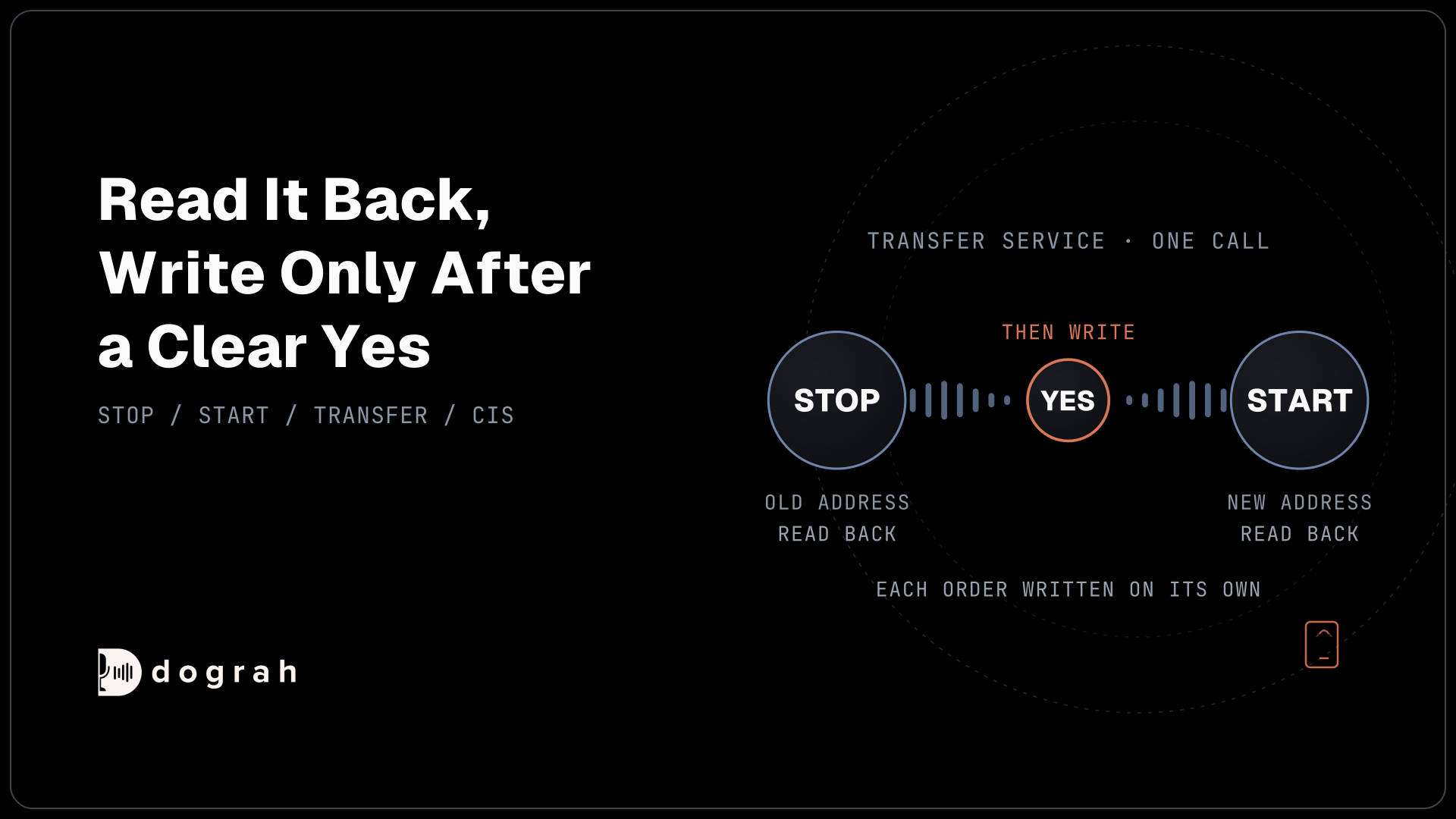
When a caller mentions gas or a fallen wire, the agent repeats the instruction as fixed text and transfers at once. The emergency pathway's Transition Speech repeats the instruction word for word. You can put the same line in the Transfer Call tool's Pre-Transfer Message instead, set to Custom Message or a recorded clip. Then Transfer Call connects the caller to the utility's 24/7 emergency dispatch.
There are no intake questions first, not even the address. The dispatcher asks what they need, in the order they need it. Transfer Call works on Twilio only and passes no summary, so nothing slows the handoff. After the call ends, a Webhook node can send the caller's number and the transcript link to your system for the record.
Gas and electric emergencies often go to different desks. Give each Agent node its own Transfer Call tool with its own number, or use one tool whose Context Mapping picks the number from what the caller reported.
If nobody answers within the timeout, 30 seconds by default and settable from 5 to 120, the caller stays with the agent. Dograh hands the failure back to the model, which writes its own reply. No fixed words play at that point, which is why the instruction to leave and call 911 must already have played twice by then.
Reports that are not emergencies
Hazard-free reports can use normal intake, because nobody is standing near a leak. A broken streetlight or a damaged meter cover with no smell of gas fits here. The agent asks for the location and a callback number and records each answer as the caller stated it. After reading them back, it writes the report to the work-order system with an HTTP API tool. The transcript and recording remain the exact record.
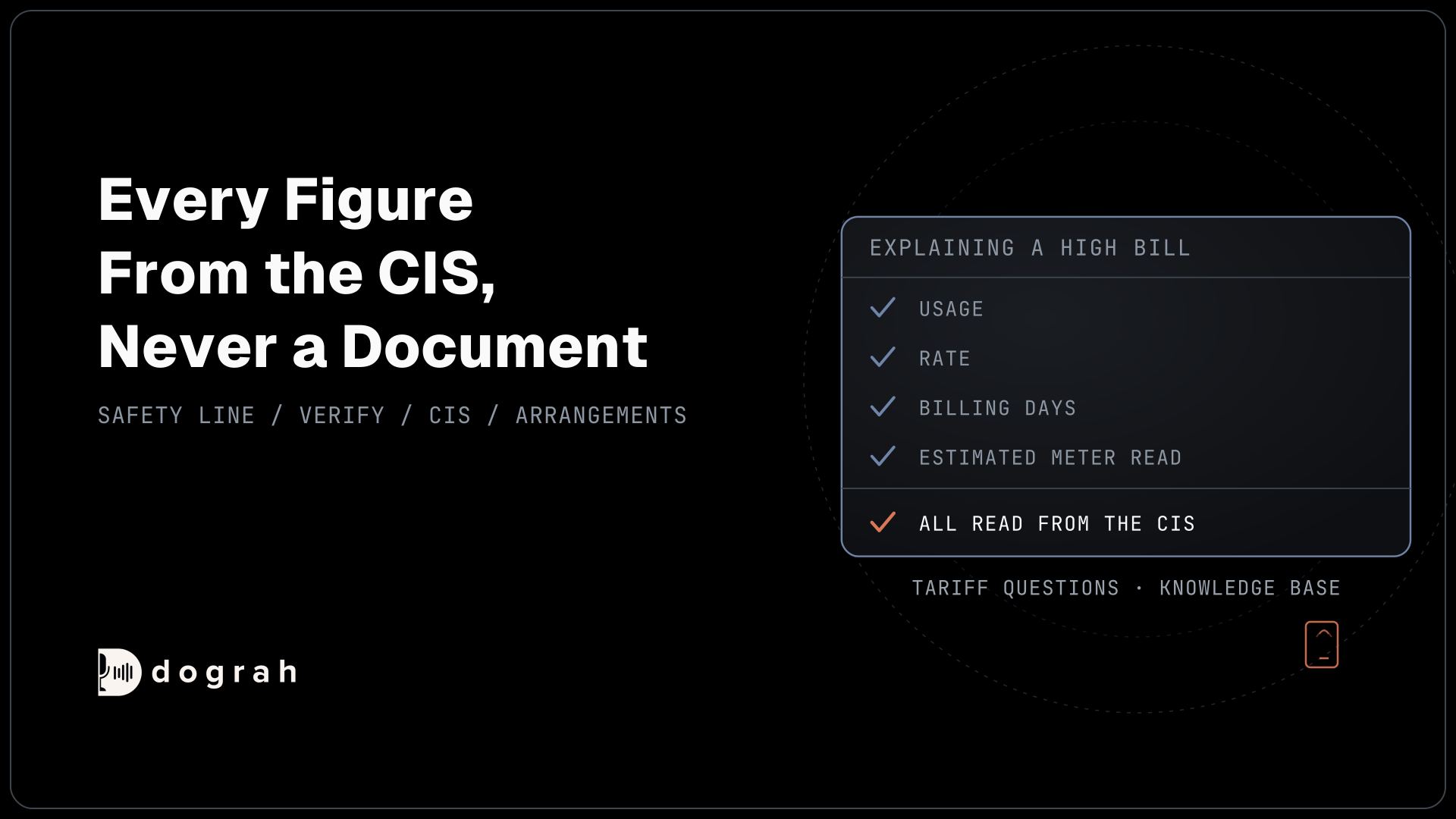
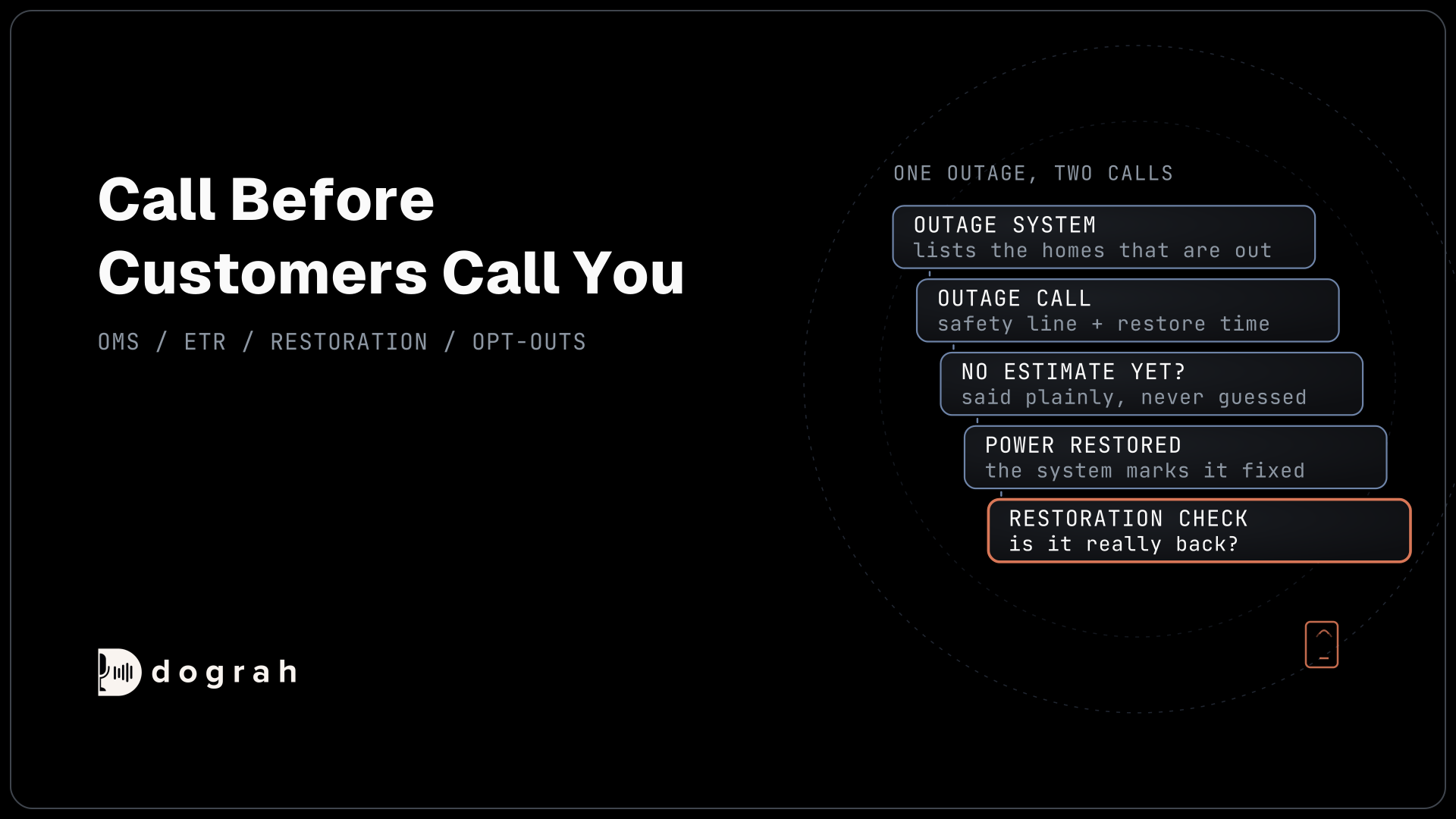
A report about a place needs no account check. If the caller asks about their own account, the agent verifies them before naming any account detail. A caller whose power is simply out is asking about an outage, which AI voice agents for outage notifications covers from the other direction.
Join the Dograh Community
Dograh is an OSS alternative to Vapi. Join our Slack community for queries, releases, best practices & community interactions.
Testing the emergency path before go-live
The emergency path is the one you test hardest, over a real phone line. Browser test calls cannot run Transfer Call, so every transfer test happens on a real call to the real emergency number, with the dispatch desk warned in advance. Try the phrasings people actually use, such as "rotten eggs", "hissing by the meter", "a pole down in the yard" and "a wire down across the road", in every language you serve.
Once live, run QA on a random 5 to 10% sample of calls, and read every transcript that mentions gas or a wire to check it took the emergency pathway. A rule you cannot prove from the model, you prove from the transcripts. Testing Voice Agents Before You Go Live sets out the full test order.
Self-hosted Dograh has no per-minute platform fee (servers, model keys and phone minutes still cost); Dograh Cloud has a 1¢-a-minute platform fee.
Glossary
- Life-safety call
- A call where someone may be in immediate danger, such as a suspected gas leak or a downed power line. A utility voice agent gives the fixed safety instruction and transfers it to a person, with no intake questions first.
- Greeting Text
- Optional fixed text on Dograh's Start Call node, spoken word for word as the call connects. It is the one place every caller hears, so it carries the safety instruction.
- Transition Speech
- Fixed text or a recorded clip that plays when the agent moves to a pathway. On the emergency pathway it repeats the safety instruction before the transfer. Text lines do not play on speech-to-speech models.
- Pre-Transfer Message
- The Transfer Call tool's setting for what plays before the transfer: no message, a custom text message or a recorded clip. It is another fixed place for the safety line.