
Have one person record your agent's fixed lines and give the cloning sample, with their written consent. Clone that voice with a provider such as Cartesia or ElevenLabs. In Dograh, the open-source AI voice agent platform you can self-host or run on Dograh Cloud, upload the recordings and paste the voice ID. Tell callers it is AI.
Key Takeaways
- The same speaker must record the clips and give the cloning sample.
- Get written consent before you clone anyone's voice, staff included.
- Recordings and the cloned voice ID both live in the agent's settings.
Callers notice at once when a recorded greeting and the generated lines after it sound like two different people. We cover written consent, cloning the speaker with Cartesia or ElevenLabs, loading both halves into Dograh, testing the hand-off and telling callers it is AI. It sits under our guide to self-hosted voice models.
Why the recording and the voice must match
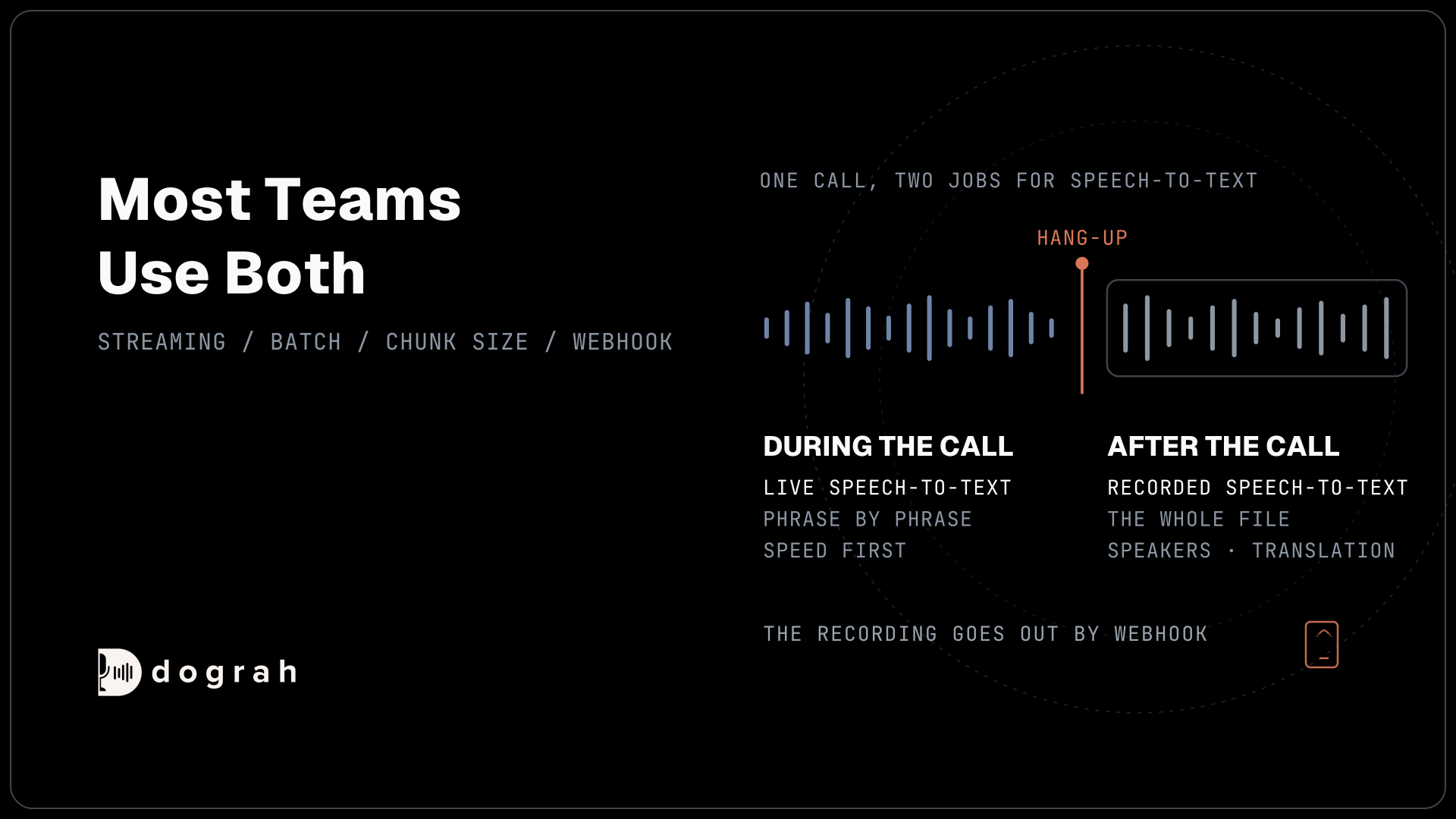
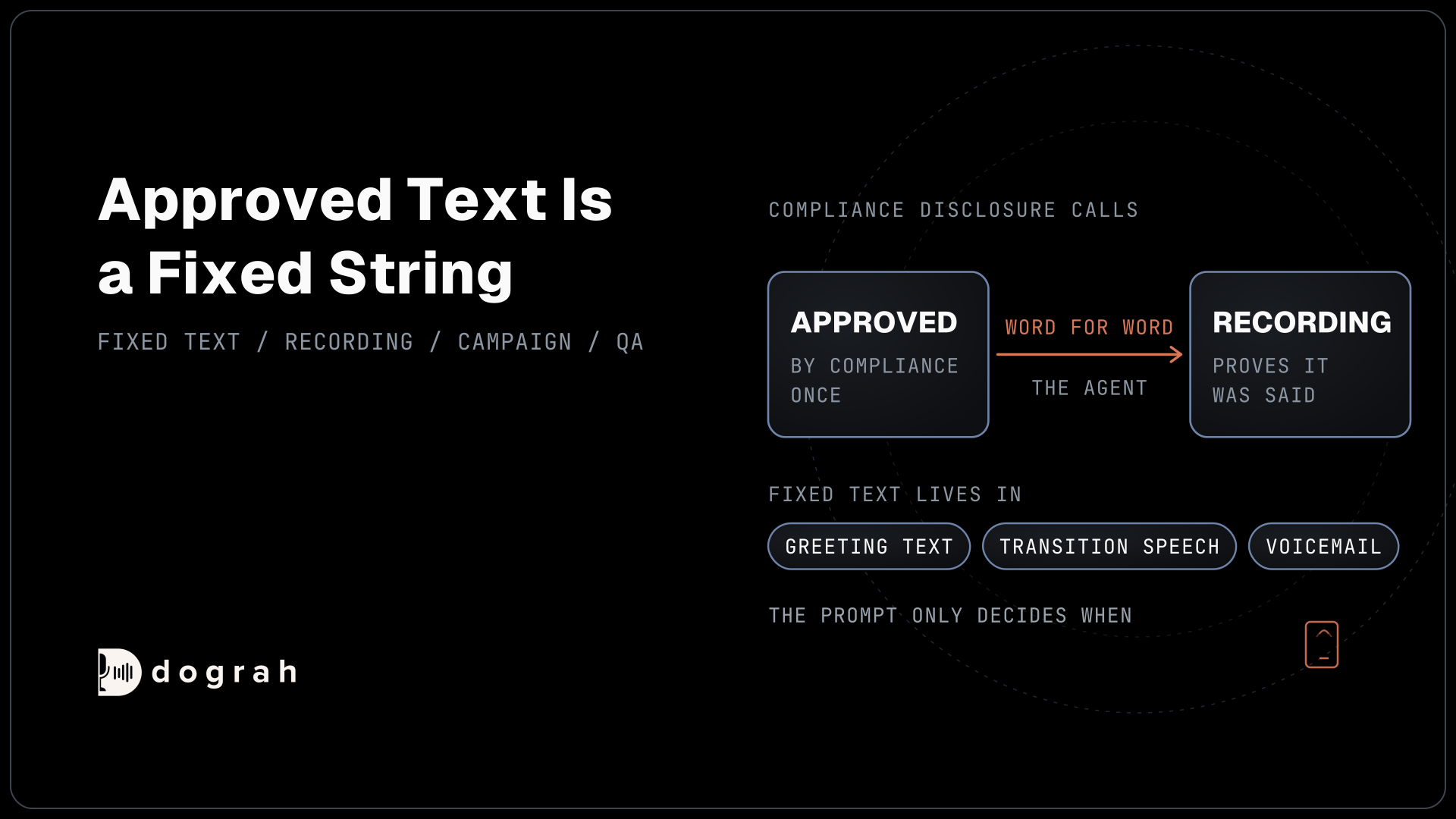
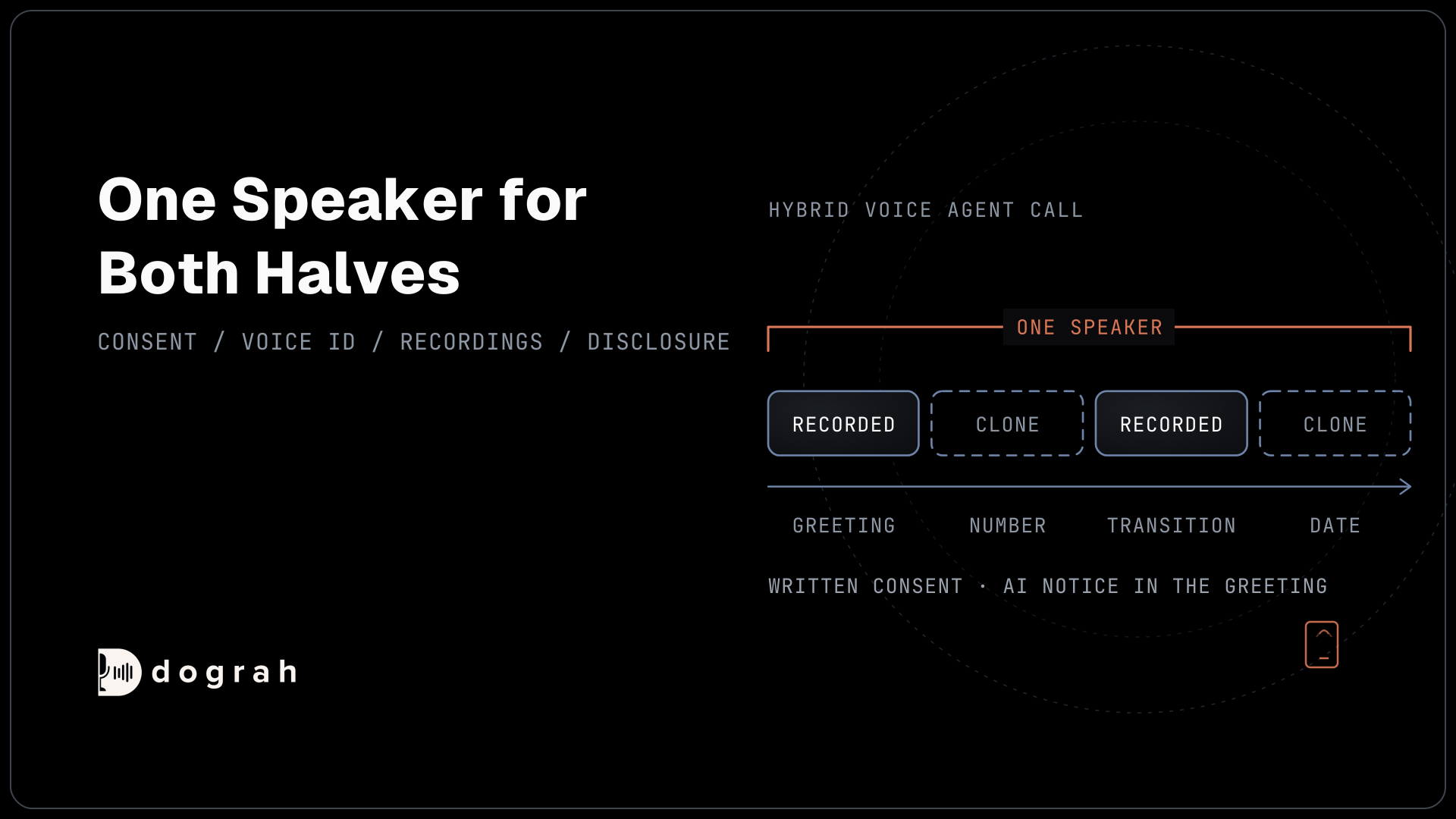
A hybrid voice agent plays a real recording for lines that never change, such as the greeting, and generates the rest, such as an order number or a date. When those two sound like different people, callers hear the switch at once, and the call starts to feel stitched together.
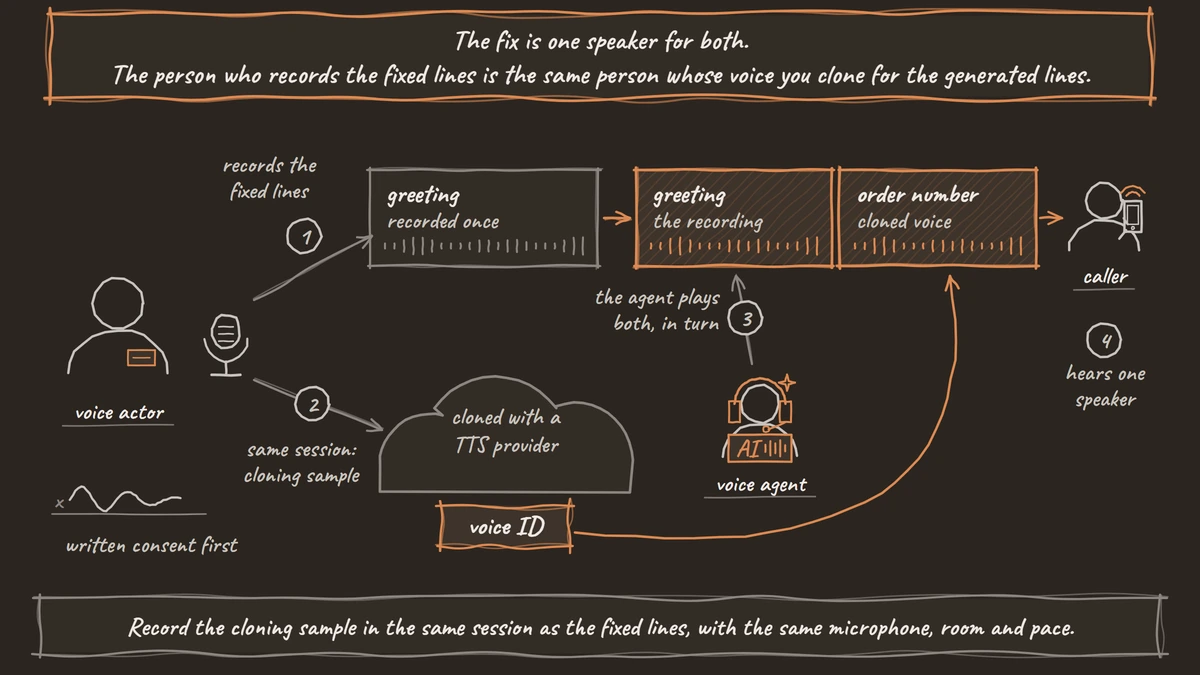
The fix is one speaker for both. The person who records the fixed lines is the same person whose voice you clone for the generated lines. Our post on cutting voice AI costs with pre-recorded audio and TTS works out which lines are worth recording. This one covers how to make the two halves sound like one voice.
Get consent before you clone
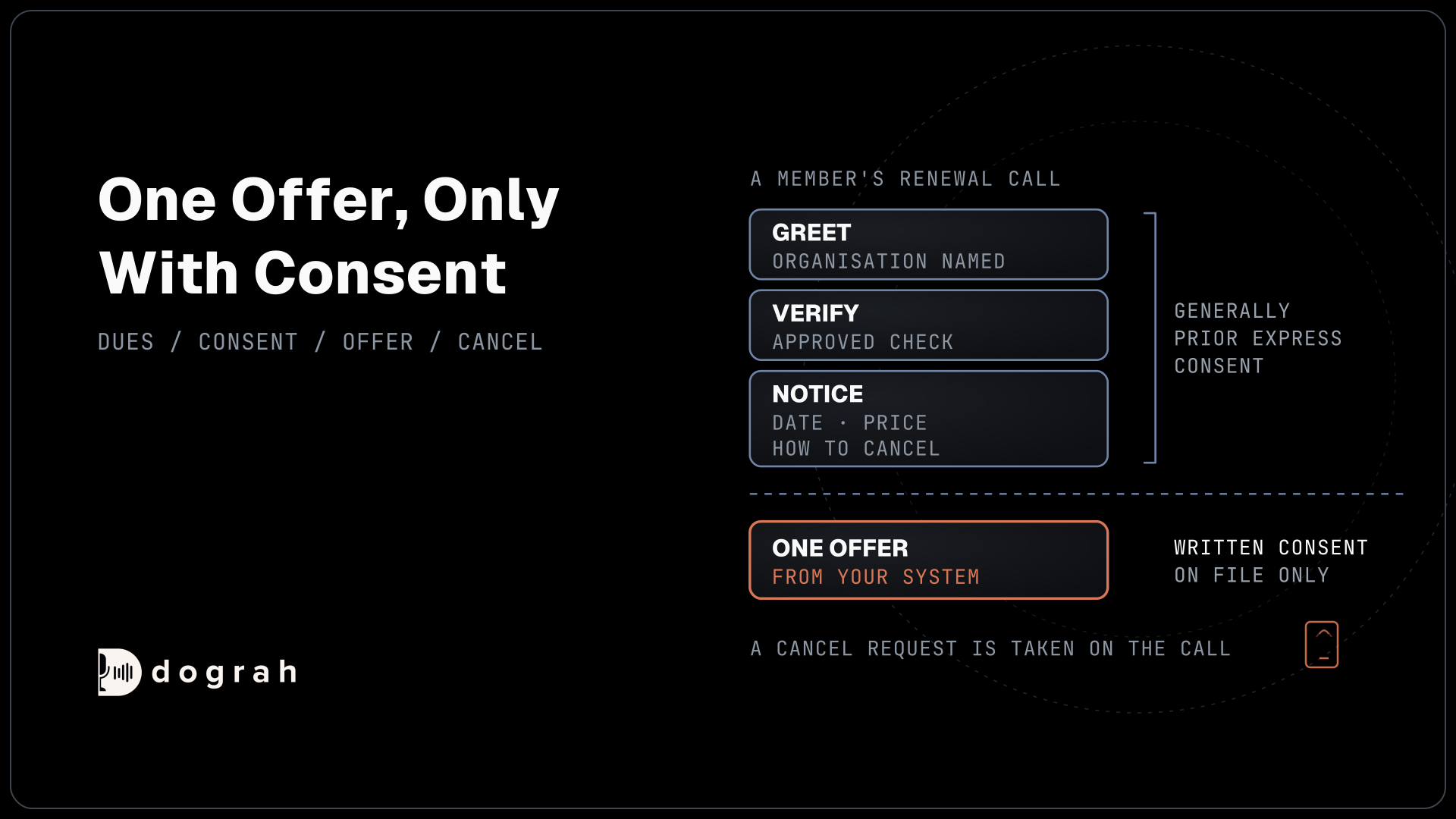
Cloning copies a real person's voice, so start with their written agreement, even when the speaker is your own employee. Get written consent from the person whose voice you clone, covering what the voice will say, where it will be used, for how long, and how they can withdraw it. Store it with the voice ID.
Providers build this in too. ElevenLabs' Professional Voice Cloning only lets you clone your own voice and asks the speaker to pass a verification step. In practice, the voice actor or staff member takes part in creating the clone.
A voiceprint can also count as biometric data in some places. Our post on voice data, privacy and biometric risk covers how to handle the recordings themselves.
Clone the voice with your TTS provider
Clone the voice with a text-to-speech provider that supports cloning, such as Cartesia or ElevenLabs. ElevenLabs' instant clone works from one to two minutes of audio, and its professional clone asks for 30 minutes or more. More clean audio gives a closer match.
Record the cloning sample in the same session as the fixed lines, with the same microphone, room and pace. A clone built from a different day's audio drifts from the recordings in small ways that add up over a call.
The provider gives you a voice ID once the clone is ready. That ID is all Dograh needs. For a voice that stays on your own servers, open models such as Chatterbox can clone from a short clip, and our comparison of Kokoro vs Chatterbox vs Coqui XTTS covers which ones fit and their licenses.

Open Source Alternative to Vapi / Retell
Self-hosted voice agent platform — no per-minute fees
dograh-hq/dograh
Star on GitHub
Put recordings and the clone in Dograh
Both halves go into one agent. Open Recordings in the sidebar and click Upload Recording. You can upload an audio file of up to 5 MB or record in the browser. Dograh transcribes each recording automatically, and you can correct the text and give the recording a name.
The pre-recorded audio guide covers where each recording plays. Set a node's Greeting Type to Pre-recorded Audio to open the call with a recording, and use audio for Transition Speech between steps. Inside a prompt, type "@" to insert a recording, and the agent plays it when that line fits.
For the generated lines, open the TTS tab of your model configuration, as the voice settings describe. Pick the provider you cloned with, open the Voice field, choose Enter Custom Value and paste the voice ID.
Make the hand-off unnoticeable
Small details give the switch away, so test for them on purpose. Record one sentence the agent will also generate, such as "Let me check that for you," and play the recording and the clone back to back. If you can tell which is which, try a small change to the voice's speed, or re-record the sample, before you change anything else.
Keep the fixed lines short and neutral in tone, since a very warm or very fast recording is hard for a clone to match. Avoid recorded lines that end mid-thought into generated speech, where a change in loudness is easiest to hear.
Then call the agent from a real phone as well as testing in the browser. Phone audio flattens both halves, which often hides small differences and sometimes reveals new ones.
Join the Dograh Community
Dograh is an OSS alternative to Vapi. Join our Slack community for queries, releases, best practices & community interactions.
Tell callers they are talking to AI
A matched voice should sound natural while callers still know it is AI, and callers are already wary. Hiya's State of the Call report, a survey of more than 12,000 consumers in six countries, found that 31% had received a deepfake voice call in the past year. In Adobe's survey of US consumers, 77% trust human voices most, and nearly three in four want brands to say when a voice is AI.
The rules point the same way. The US Federal Communications Commission ruled in its declaratory ruling on AI-generated voices that a cloned voice counts as an artificial voice under the Telephone Consumer Protection Act, so outbound calls need the consent that rule requires. In the EU, Article 50 of the EU Artificial Intelligence Act requires telling people when they are interacting with AI. A federal NO FAKES Act on digital replicas has passed a Senate committee and is not law.
So put a short disclosure in the recorded greeting, and tell callers they are talking to an AI where the law requires it. On the Start Call node, turn Allow Greeting Interruption off for that greeting, because by default a caller who talks over the clip can stop it before the disclosure ends. Laws on voice rights differ by state and country, so check with counsel which rules apply to your calls.
Glossary
- Voice ID
- The identifier a text-to-speech provider gives a voice, including a cloned one. In Dograh you paste it into the TTS Voice field with Enter Custom Value, and the agent speaks in that voice.
- Professional clone
- The higher cloning level some providers offer. It trains on 30 minutes or more of the speaker's audio and matches them more closely than an instant clone made from a minute or two.
- Hybrid voice agent
- An agent that plays real recordings for lines that never change and generates the rest with text to speech. It sounds natural only when both come from the same voice.
- Digital replica
- A generated copy of a real person's voice or likeness. Proposed US federal rules and some state laws give people rights over replicas of their voice, which is why consent comes first.