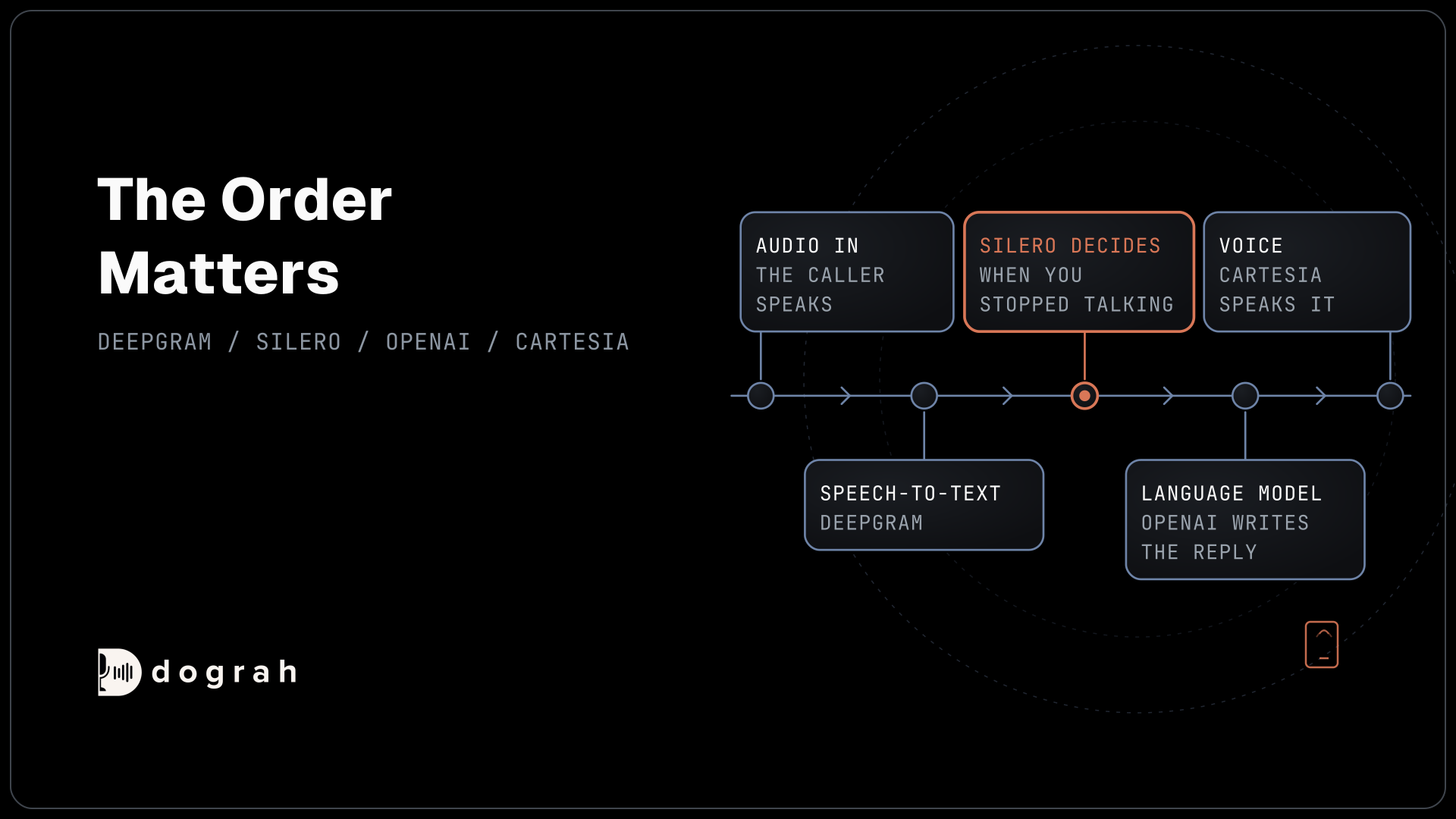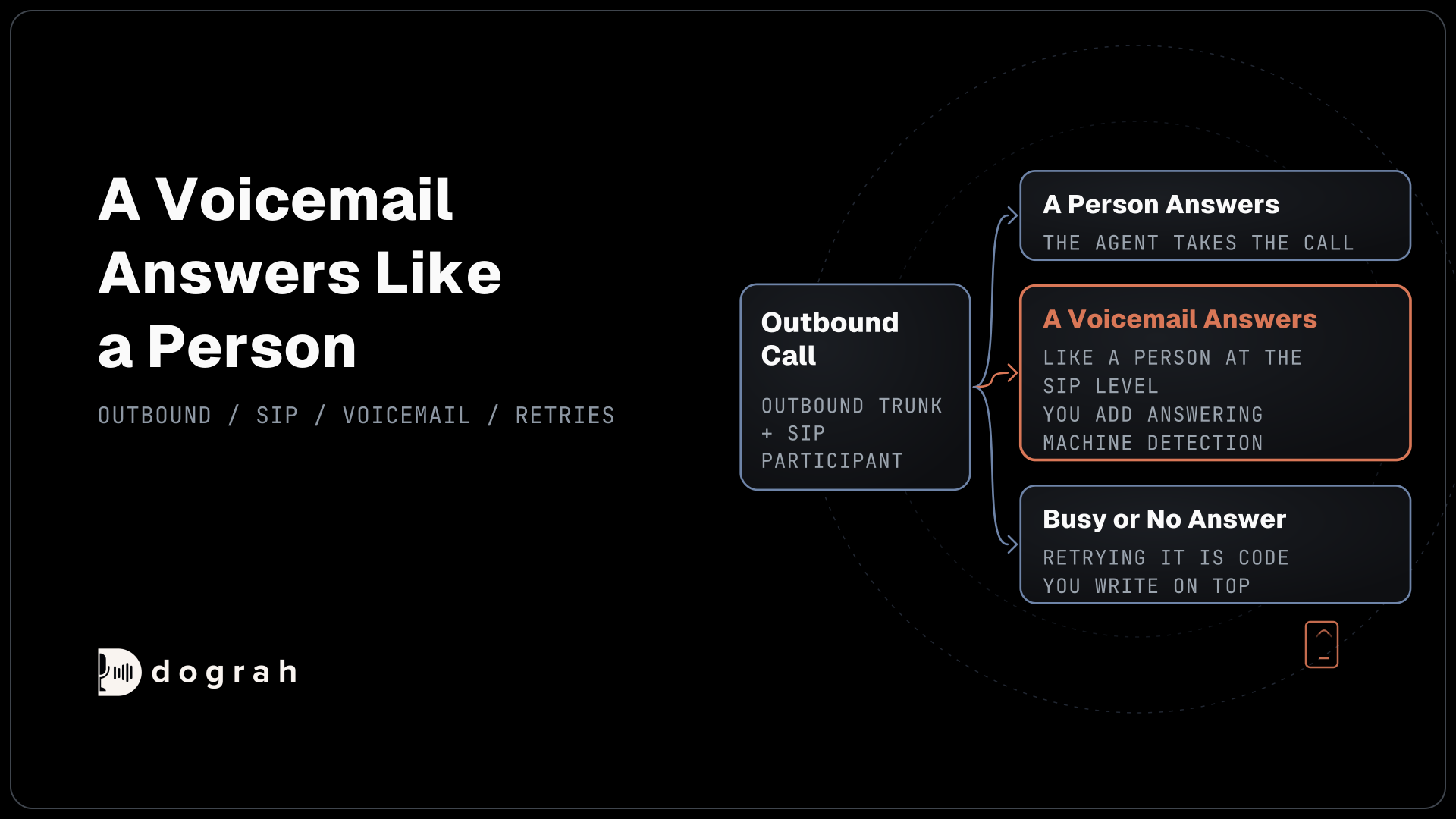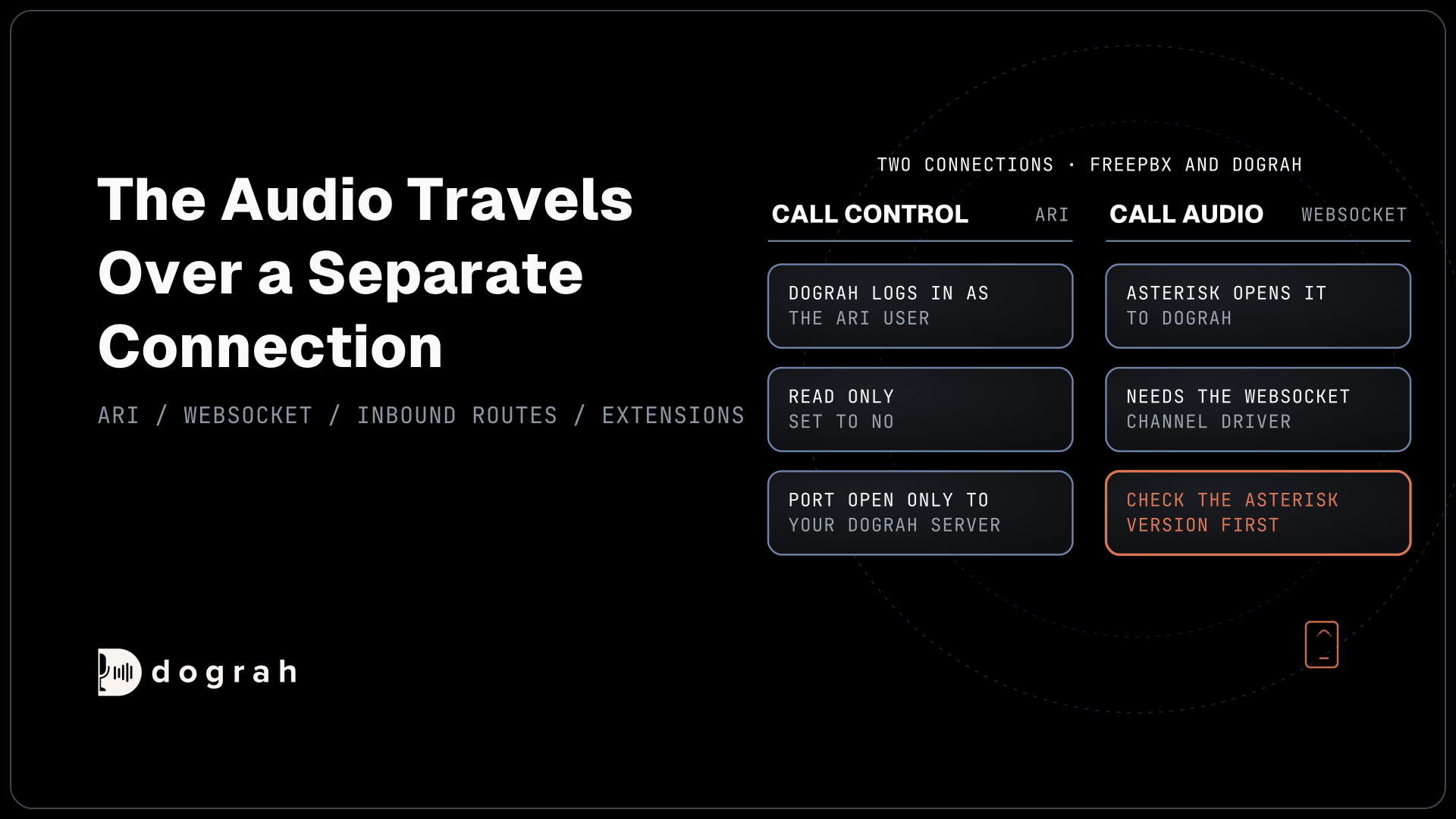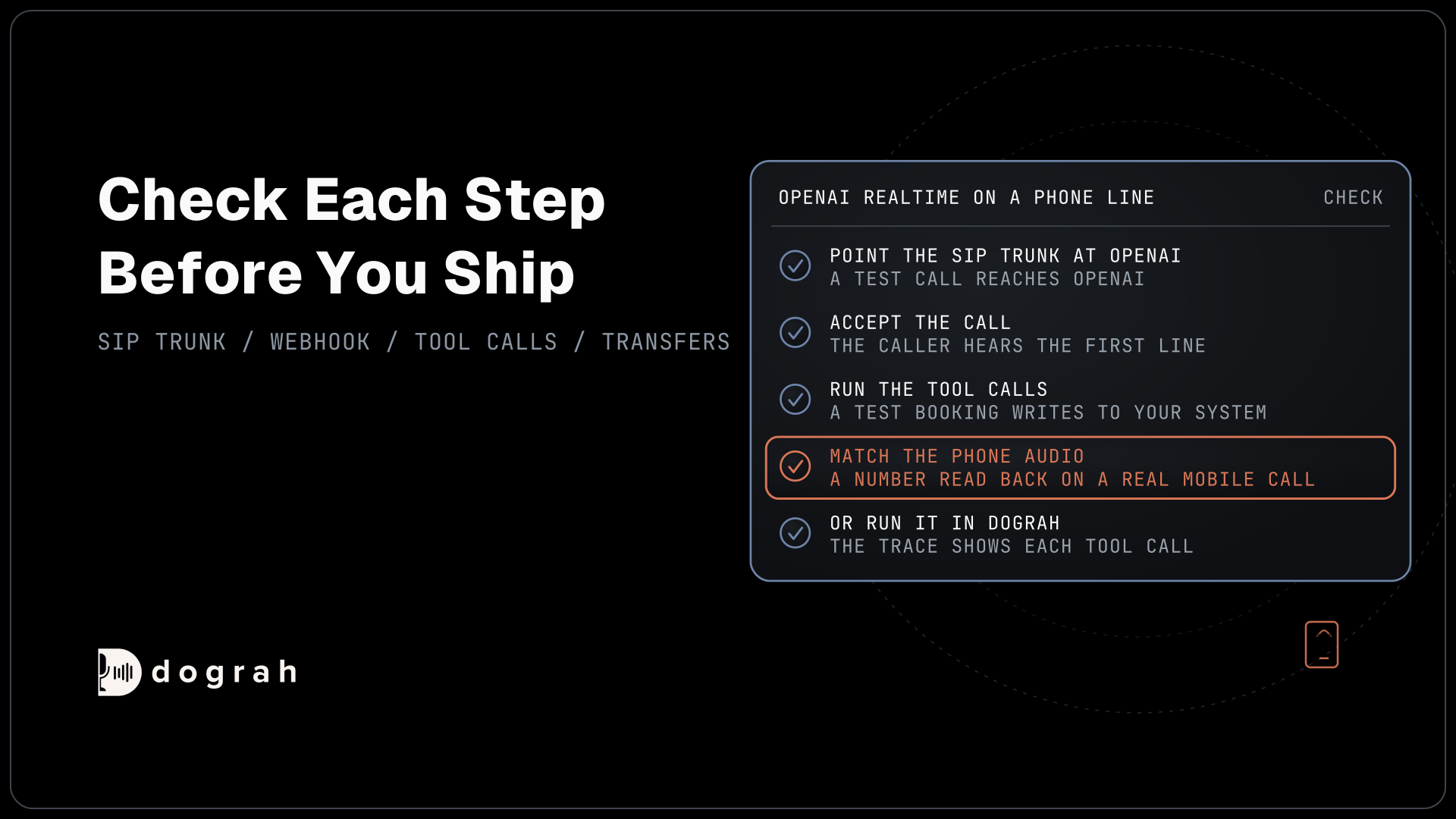

To put the OpenAI Realtime API on phone calls, point a SIP trunk at sip:PROJECT_ID@sip.api.openai.com, accept each call from your webhook and run tool calls on your server. Plan for 8 kHz phone audio and a 60-minute session limit. Dograh, the open-source AI voice agent platform, can carry the call instead, self-hosted or on Dograh Cloud.
Key Takeaways
- OpenAI answers SIP calls itself, but your server must accept each one.
- Tools run on your server, or on GPT-Live's backend model.
- Phone audio arrives at 8 kHz, and resampling cannot restore it.
This post is part of our guide to speech-to-speech voice AI for phone calls, where OpenAI documents its own SIP path. Here we connect OpenAI's realtime models to phones, step by step, over OpenAI's SIP and then in Dograh, our open-source AI voice agent platform.
What you need before you start
You need an OpenAI project with realtime access, a SIP trunk that can send calls to an outside address, and a public HTTPS endpoint for OpenAI's webhooks. Any trunk that supports TLS signalling and SRTP media will do, and Twilio, Telnyx and Bandwidth are named in OpenAI's own partner list.
Check your tier before you plan volume. OpenAI's model page caps gpt-live-1 by concurrent sessions: 50 on Build, 300 on Launch and 500 on Grow, with no access on the Free tier. A busy campaign can reach 50 calls at once quickly. This post leaves cost aside, and our breakdown of OpenAI Realtime API pricing prices a call minute on each model.
Step 1: Point your SIP trunk at OpenAI
Set your trunk's outbound or origination address to OpenAI's SIP endpoint, with your project ID in it. OpenAI's SIP guide gives the address as sip:$PROJECT_ID@sip.api.openai.com;transport=tls, where the project ID starts with proj_. Projects with EU data residency use sip-eu.api.openai.com instead.
Signalling runs over TLS on port 5061, and the call audio runs as SRTP over UDP. Your trunk must support SDES-SRTP, and your firewall must allow traffic to the address ranges OpenAI lists on the same page. A trunk that only offers plain RTP will not connect.
Check: a test call to your number reaches OpenAI and your webhook endpoint receives an incoming-call event.
Step 2: Accept or reject each call
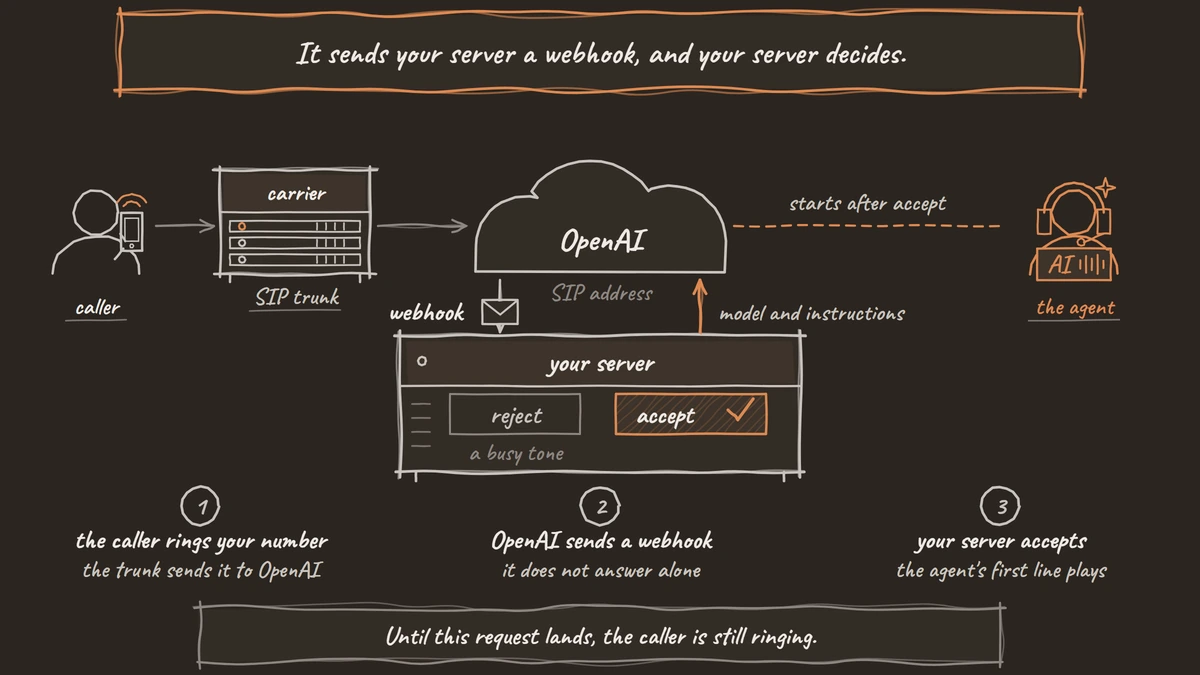
OpenAI does not answer a call on its own. It sends your server a webhook, and your server decides. On the Realtime API flow, which OpenAI now labels its legacy SIP flow, the event is realtime.call.incoming and the call ID sits in data.call_id. On GPT-Live, the event is live.transport.incoming and the ID is data.session_id.
The request below accepts a Realtime API call and tells OpenAI which model to run, in model, and what the agent should do, in instructions:
curl -X POST "https://api.openai.com/v1/realtime/calls/$CALL_ID/accept" \
  -H "Authorization: Bearer $OPENAI_API_KEY" \
  -H "Content-Type: application/json" \
  -d '{
    "type": "realtime",
    "model": "gpt-realtime-2.1",
    "instructions": "You are the front desk for a dental clinic. Ask how you can help."
  }'
What this does: It picks up the waiting call and starts gpt-realtime-2.1 with the clinic instructions. Until this request lands, the caller is still ringing.
To turn a call away, post to the reject endpoint instead. With no status code OpenAI sends 603 Decline, and 486 tells the carrier the line is busy. GPT-Live uses the same pattern at /v1/live/sessions/{session_id}/accept, with the session settings in a top-level session object and no audio format, because SIP agrees the format with the carrier.
Check: the caller hears the agent's first line, and a rejected test call gets a busy tone.
Step 3: Run tool calls and transfers
Tool calls on the Realtime API run on your own server. You open a WebSocket to the call with its call_id, and when the model asks for a function, your code runs it and sends the result back. OpenAI's Realtime conversations guide uses two events for that, shown below with the result in output and the model's next turn in response.create:
{"type": "conversation.item.create",
 "item": {"type": "function_call_output", "call_id": "call_8f2", "output": "{\"slot\": \"Tuesday 10:30\"}"}}
{"type": "response.create"}
What this does: It hands the booking system's answer, a Tuesday 10:30 slot, back to the model and asks it to speak. Skip the second event and the model goes quiet.
GPT-Live works differently. The GPT-Live model page describes a full-duplex voice model that hands reasoning and tool use to a backend agent, and OpenAI leaves permissions and confirmations to your application. That handoff is why it scores well on tool tasks, as our comparison of GPT-Live-1 vs Gemini Live vs Grok Voice shows.
Transfers and keypad tones also go through your server. A POST to the call's refer endpoint with a target_uri such as tel:+1415555XXXX hands the call to that number, and hangup ends it. GPT-Live adds keypad support, with transport.dtmf.received when the caller presses a key and transport.dtmf.send to play a tone.
Check: a test booking writes to your system, and a refer moves the call to the target number.

Open Source Alternative to Vapi / Retell
Self-hosted voice agent platform — no per-minute fees
dograh-hq/dograh
Star on GitHub
Step 4: Match the phone audio rate
Most phone calls still reach the agent as 8 kHz audio, while a browser demo runs at 16 kHz, so your agent hears less than it did in testing. On OpenAI's SIP path, SIP agrees the format with the carrier and you leave the audio format out. If your own code streams phone audio over a WebSocket, you either send OpenAI 24 kHz PCM or pass the phone codec through as G.711, audio/pcmu or audio/pcma.
Resampling to 24 kHz changes only the format. It cannot put back the sounds the phone line cut, so names, numbers and spelled words are where errors show up first. How big that gap is depends on the model and the phone path, and our post on phone audio quality covers what causes it.
Check: read back a phone number and an email address on a real mobile call and compare them with what reached your system.
Step 5: Or run the same models in Dograh
Dograh takes a different route from OpenAI's SIP connector. The call lands on a phone provider you connect, such as Twilio, Telnyx, Plivo, Vonage or Asterisk ARI, and the platform streams the audio to OpenAI with your key and converts the rate. You skip the webhook, the tool loop and the WebSocket code.
Add your OpenAI key under Providers in the sidebar. Then open Models, click Add Configuration, choose Realtime and select the OpenAI connection. The models on offer are gpt-live-1, gpt-realtime-2.1, gpt-realtime-2.1-mini and gpt-realtime-2. A Realtime model configuration also takes a separate language model, which runs variable extraction and QA after the call.
If you pick gpt-live-1, choose the marin or cedar voice and a backend model, gpt-5.4-mini by default, which OpenAI bills apart from the voice minutes. In Dograh the voice model passes every workflow decision to that backend and is told never to claim an action worked before the backend confirms it. Select the configuration in the agent's Settings, then point a phone number's Inbound workflow at the agent.
Transfers to a person use the Transfer Call tool on Twilio, Telnyx, Plivo, Cloudonix and Asterisk ARI. During a transfer the caller hears hold music while Dograh dials the destination, and the two are joined once the destination answers. If the destination is busy or does not answer, or the dial fails or times out, the agent gets transfer_failed back and the call continues.
Typed tool messages do not play on realtime models, so set the line that plays during a lookup as a recording. Self-hosted Dograh has no per-minute platform fee, but servers, model keys and phone minutes still cost money. Dograh Cloud charges a 1¢-a-minute platform fee. The realtime tokens bill to your own OpenAI account either way.
Check: a call to the number reaches the agent, and its trace shows each tool call and the backend's reply.
Join the Dograh Community
Dograh is an OSS alternative to Vapi. Join our Slack community for queries, releases, best practices & community interactions.
Before you ship it
Write down every limit before launch. A Realtime session lasts at most 60 minutes, and on GPT-Live over SIP ringing stops after 3 minutes and a connected call after 2 hours. In Dograh, Max Call Duration defaults to 300 seconds and goes up to 1,200, so raise it in the agent's settings if your calls run long.
Then place a batch of real calls at your busiest hour, from mobiles and landlines. Log the call_id and SIP response of each, and look for calls that never connect or end early, because builders have reported both on the SIP path.
Glossary
- SIP connector
- OpenAI's endpoint that takes phone calls straight from a SIP trunk at sip:PROJECT_ID@sip.api.openai.com. Your server still has to accept each call from a webhook before the caller hears anything.
- call_id
- The ID OpenAI gives each SIP call. Your server uses it to accept the call and to open the WebSocket that carries tool calls, results and events while the audio itself flows between the carrier and OpenAI.
- G.711
- The 8 kHz phone codec, in its mu-law (audio/pcmu) and A-law (audio/pcma) forms. OpenAI's realtime models accept it directly, which avoids a resampling step but not the lost audio detail.
- Backend model
- The text model GPT-Live hands reasoning and tool calls to. In Dograh it defaults to gpt-5.4-mini and is billed separately from the voice minutes.