
Observe.AI alternatives are divided into the automated calls, which open source can take over, and the QA, coaching and live assist for human agents, which stay with Observe.AI or another suite. Dograh is the open-source AI voice agent platform for those calls, self-hosted or on Dograh Cloud. Pipecat and LiveKit Agents are frameworks you build on.
Key Takeaways
- Open source takes over Observe.AI's Voice AI calls, not coaching for people.
- Observe.AI keeps call data in its cloud, in one of four regions.
- Self-hosting Dograh hands your team the server, database and upgrades.
This post moves Observe.AI's automated calls onto open code while its scorecards for people stay where they are. We split its products by job and set the options side by side, then show Dograh running those calls, where call data sits, the self-hosting work and running both together.
Observe.AI's products, split by who is on the call
The quickest way to see what open source can take is to ask who is on the conversation. Observe.AI's site sells Voice AI and Chat AI as agents that resolve conversations on their own. Beside them sit tools for people. A companion Agent gives live agents real-time assist, and Insight and Performance handle analysis and coaching programs tied to outcomes.
A machine is on the conversation in the first group, so an open-source voice agent platform can do that job. Chat AI is outside a voice platform's scope, which leaves Voice AI as the part that moves. In the second group a person is on the call, and Observe.AI helps them during and after it. That is software for a team of people, and it stays with Observe.AI or another suite.
One promise links the two halves. Observe.AI says "Every conversation, AI and human, is evaluated", so supervisors read one scorecard across both. Our post on the open-source alternative to Cresta uses the same split for Cresta's products. If you want to compare other suites, such as Cresta, Balto or NICE CXone, our roundup of Observe.AI alternatives puts them in one table.
Observe.AI and the open-source options
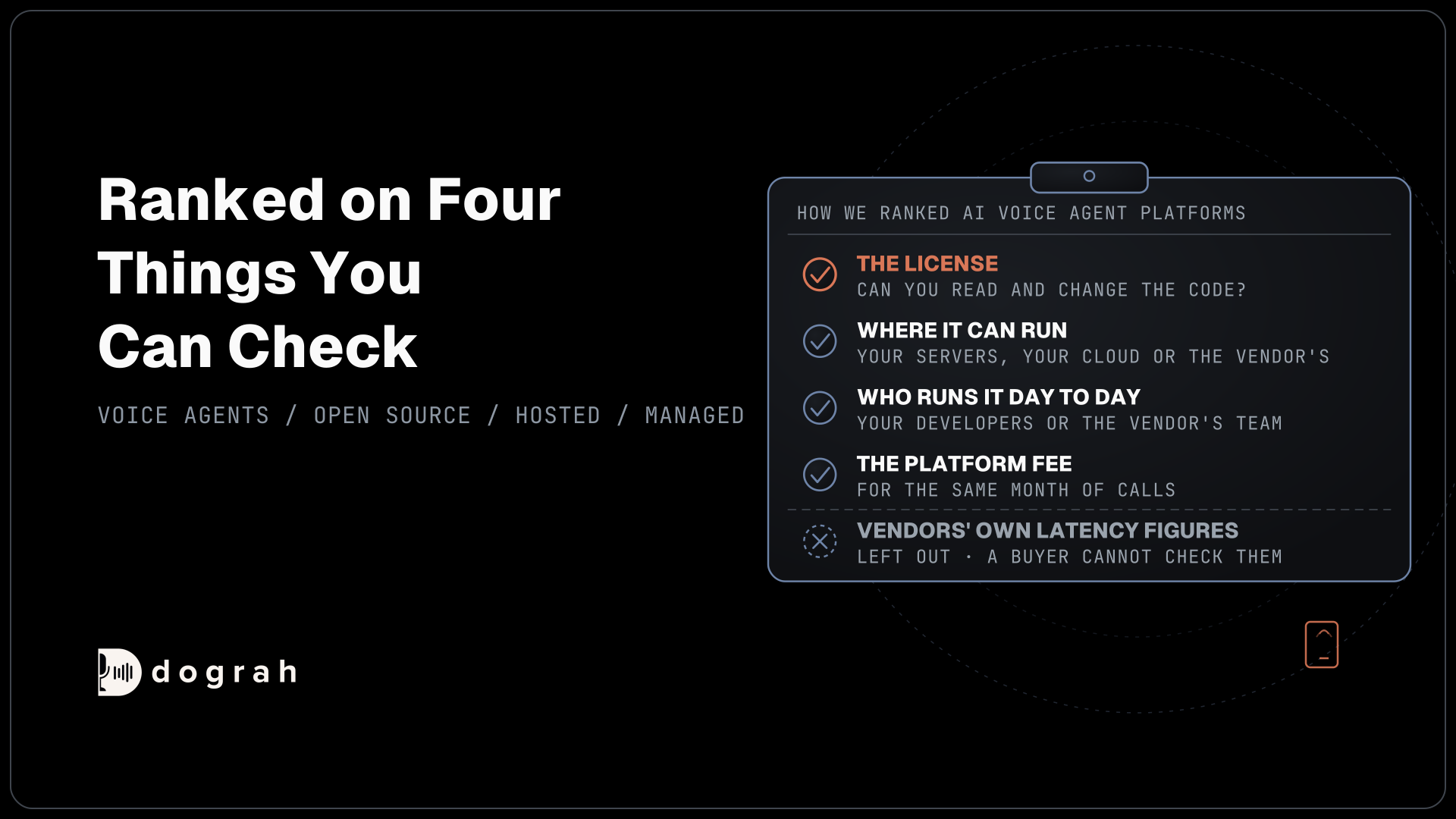
Open source comes in two shapes for this job, a full platform that ships the phone product and a framework you build it on. The table sets each one against Observe.AI's two jobs, with Observe.AI as the baseline.
| Option | What it is | Code and license | Takes over Voice AI calls | Scores human agents |
|---|---|---|---|---|
| Observe.AI (baseline) | Contact center AI with voice and chat agents | Closed, 12-month contracts | It is the Voice AI agent | Yes, with live assist and coaching |
| Dograh | Open-source AI voice agent platform | BSD 2-Clause | Yes, with builder, phone lines, tools, transfers and QA | Hands callers to people. Their scorecards stay with a suite |
| Pipecat | Python framework for real-time voice agents | BSD-2-Clause | After you build the phone wiring, call records and QA | No |
| LiveKit Agents | Agent framework on LiveKit's media server | Apache-2.0, turn detector under the LiveKit Model License | After you build the product around it | No |
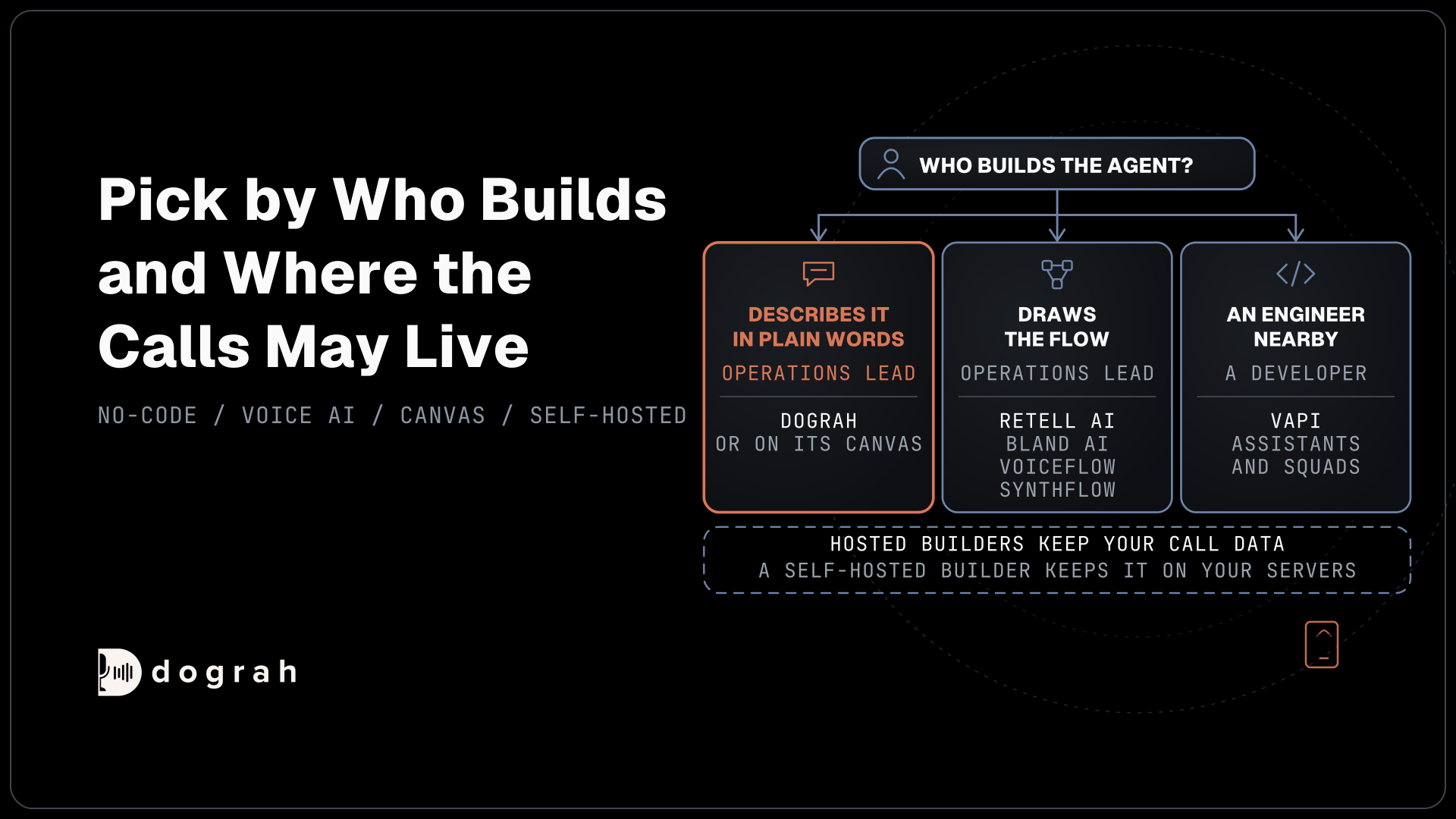
The frameworks suit a team that wants to own every line of the agent and has engineers to build the rest. Dograh itself runs on a fork of Pipecat, with that product layer already built.
Dograh for Observe.AI's automated calls
Dograh answers and places the calls Observe.AI's Voice AI handles today. Its code is on Dograh's GitHub repository under one BSD 2-Clause license, so your team can read every part that touches a call. New agents start in the Agent Builder, where you describe the call, approve a short list of requirements and test what it builds, and the visual canvas stays open for edits by hand.
The agent can know the caller before it speaks. Pre-Call Data Fetch asks your system for fresh records once the call connects, and the greeting waits for the answer. During the call, HTTP API and MCP tools look things up and write changes back. Outbound calling lists become Campaigns, which keep to your calling hours and retry numbers that were busy or went unanswered.
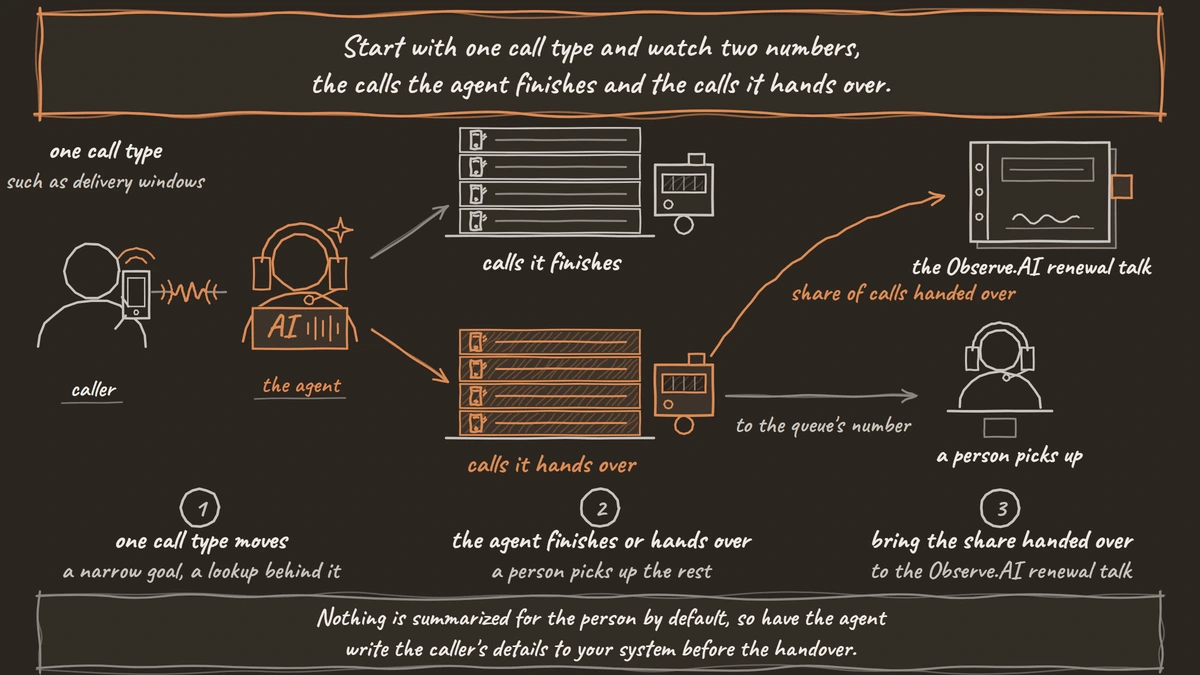
Handing a caller to a person uses Transfer Call, available on Twilio, Telnyx, Plivo, Cloudonix and Asterisk ARI. Dograh calls the destination first and connects the caller only when someone answers, and an unanswered or failed transfer returns to the agent so the call goes on. Nothing is summarized for the person by default, so have the agent write the caller's details to your system before the handover.
The QA step reviews the agent's own calls after they end, on test calls and live ones. Each step of the call gets its own tags, score, sentiment and summary, and a sample rate decides how many calls it checks.
Self-hosted, Dograh adds no per-minute platform fee, and the servers, model keys and phone minutes are still yours to pay. On Dograh Cloud there is a 1¢-a-minute platform fee. A self-hosted install starts at 10 calls at once and one setting raises it, pay as you go on Cloud includes 10, and Enterprise brings on-prem deployment.

Open Source Alternative to Vapi / Retell
Self-hosted voice agent platform — no per-minute fees
dograh-hq/dograh
Star on GitHub
Where call data sits in each setup
Data is where the two setups differ most. Observe.AI stores data in the data region you choose, the US, Canada, the EU or Australia, and adds configurable retention, models that are "Inference-only. Never shared across customers", bring your own keys for the models you run, and VPN and private VPC peering. Its Voice AI also redacts personal, card and health details from transcripts in real time. Those are real controls, and the platform and its recordings still live in Observe.AI's cloud.
Self-hosted Dograh moves that boundary to your network. Each call's recording lands in object storage, and its transcript and run details in a Postgres database, both on servers you run. Nothing deletes them automatically, so how long they stay and who can read them is your team's decision. Recording upload can be switched off for the whole server, not per agent, and transcripts are still saved.
The models are the other half. Dograh orchestrates the call, meaning the flow, the tools and the phone line, while speech and language models sit in a layer of their own that you pick. With your own provider key, the audio still reaches that provider, so the key moves the contract and leaves the data path as it was. Open-weight models served on your own machines, for example through Speaches for speech-to-text, keep the audio inside your network end to end.
What running Dograh yourself takes
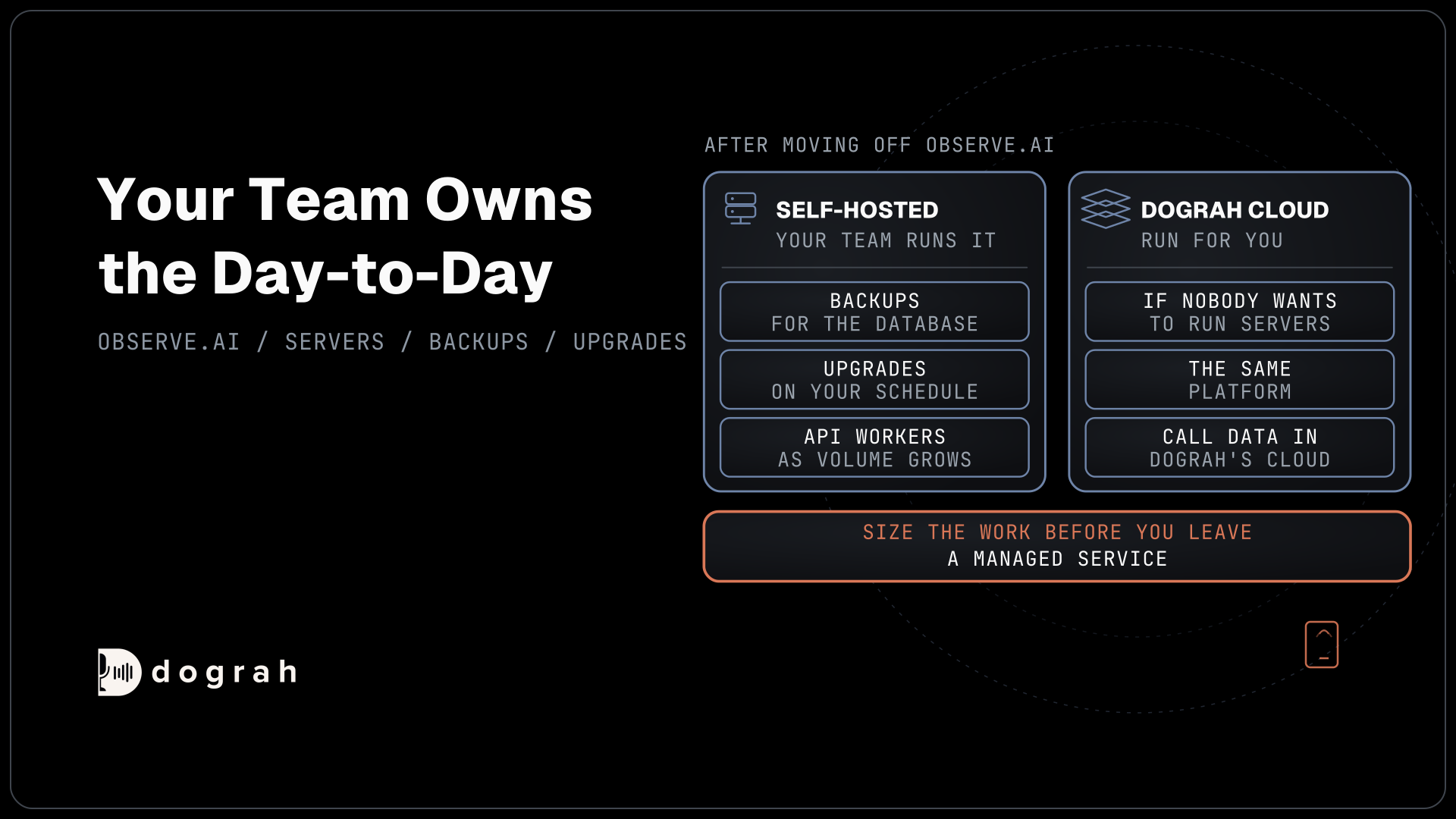
Self-hosting is real work, and it is worth sizing before you leave a managed service. Dograh's Docker install runs a set of services together, Postgres, Redis, object storage, nginx, a TURN server, the API and the UI. The server needs at least 8 GB of RAM and 4 vCPUs, plus open ports for the web app and for browser audio.
From there your team owns the day-to-day. The database needs backups, upgrades are yours to apply on your schedule, and busy installs add API workers as volume grows. A GPU is needed only if you also run open models yourself, and our post on the open-source alternative to Vapi explains why the platform itself needs a server, not a GPU.
Support follows the plan you pick. The open-source version has community support, and Enterprise adds a dedicated account manager and custom SLAs. If nobody on the team wants to run servers, Dograh Cloud runs the same platform for you, with the call data in Dograh's cloud instead of yours.
Running Dograh beside Observe.AI
Most teams that move the automated calls keep the human queue on Observe.AI. The Dograh agent answers first and finishes the calls it can. The rest transfer to the queue's number, where a person picks up and Observe.AI keeps scoring and coaching them as it does today.
That leaves two scorecards. Observe.AI grades the human calls, and Dograh's QA grades the agent's. A Webhook node can send each finished call's results to your own systems, with the details the agent gathered and its QA annotations in the payload. A temporary failure is retried automatically. From there your reporting tool can show both scorecards side by side.
Treat the webhook as a pipeline you own, feeding your own reporting rather than a connector into Observe.AI. Ask Observe.AI whether it can take in transcripts from another agent if you want everything in one place. Our guide to automated QA for voice agents covers how to read the agent's scores in the meantime.
Start with one call type and watch two numbers, the calls the agent finishes and the calls it hands over. The handover share shows how much human volume Observe.AI still has to score, and that is the figure to bring to the renewal talk.
When staying on Observe.AI makes sense
Observe.AI is the better fit when one scorecard matters more than where the platform runs. Supervisors who grade AI and human calls together and coach from those scores get it all from one vendor, with real-time redaction handled as a service. Moving the calls out splits that view in two.
It also suits a team with no appetite for servers. Region choice, configurable retention and your own model keys cover many data policies without running anything yourself, as long as the recordings may stay in a vendor's cloud.
What moving off Observe.AI takes
The contract decides when. Observe.AI's AWS Marketplace listing sells VoiceAI Agents on a 12-month contract, priced by "Minutes per Month" at $4.80 a unit or "Number of Interactions" at $12.00 a unit, with no refunds during an active subscription. Plan the move so it lands at renewal, then size the next contract on the volume left with Observe.AI.
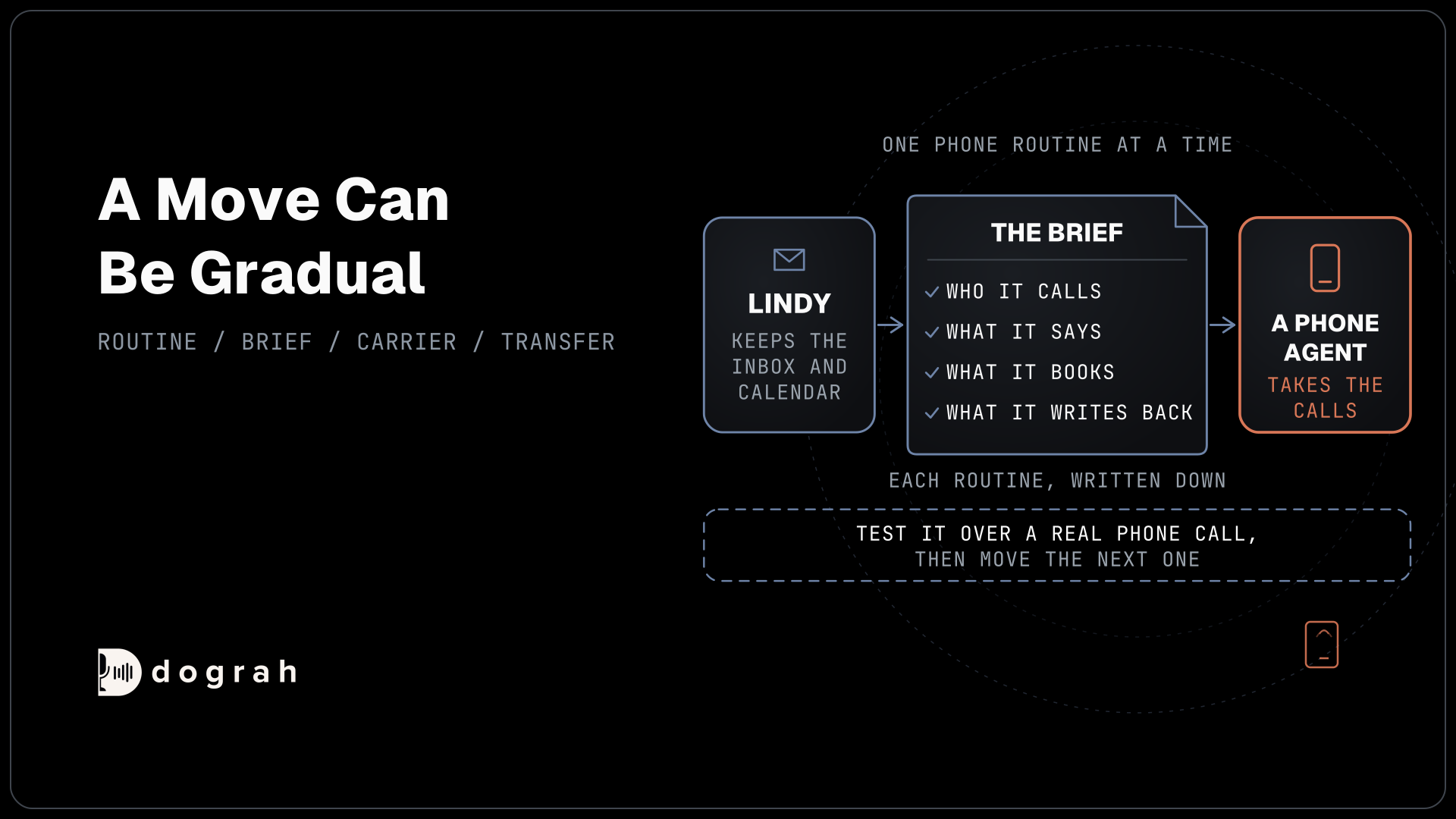
Then rebuild one call type at a time as a Dograh flow and run test calls with QA on. A browser test call cannot transfer, so test each handover over a real phone call. If calls arrive on a Twilio number, saving an inbound workflow on it in Dograh switches that number over immediately, so note its Twilio settings first.
Good first candidates are calls with a narrow goal and a lookup behind them, such as delivery windows or booking changes. Disputes and cancellations need judgment, so leave them with people until the agent has a track record on the simpler calls.
Join the Dograh Community
Dograh is an OSS alternative to Vapi. Join our Slack community for queries, releases, best practices & community interactions.
Picking your Observe.AI alternative
If you want the automated calls on open code, on your own servers or on-prem, start with Dograh, self-hosted or on Dograh Cloud, and keep Observe.AI for your people. If your team wants to write every line itself, Pipecat or LiveKit Agents are the frameworks to build on. If the human side is what you need to change, that is a choice between suites, and our roundup is the place to start.
Glossary
- Bring your own key (BYOK)
- Running a platform's models on your own account with the model provider. You hold the contract and the bill, but the call audio still travels to that provider, so it changes who you deal with rather than where the data goes.
- Data region
- The geography a hosted vendor stores your data in. Observe.AI offers the US, Canada, the EU and Australia, and the data still sits in the vendor's own cloud within that region.
- Object storage
- Storage for files such as call recordings, addressed by name rather than kept in a database table. A self-hosted Dograh install keeps recordings there and transcripts in Postgres.
- Webhook node
- A step at the end of a Dograh call flow that sends the call's results to an address you choose. Its payload can carry the gathered details, QA annotations, the recording link and the transcript link.