
For German, French, Italian and Dutch callers, pick a speech-to-text model and a voice whose provider lists each language, such as Deepgram Nova-3, Speechmatics or Soniox for listening and Deepgram Aura-2, ElevenLabs or Cartesia for speaking. Test regional accents on real phone calls before launch. In Dograh, you choose those providers for each agent.
Key Takeaways
- A language works only when both the speech-to-text model and the voice list it.
- Swiss German and Flemish need a provider that lists the regional code.
- Test each region on a real phone line with native speakers before launch.
Serving callers in Germany, France, Italy, the Netherlands and Belgium means choosing models one language at a time. We start with what each speech-to-text and voice provider lists, then cover regional variants and EU hosting. Then we talk about how to test accents and set providers per agent in Dograh.
One agent per language, or one for all four
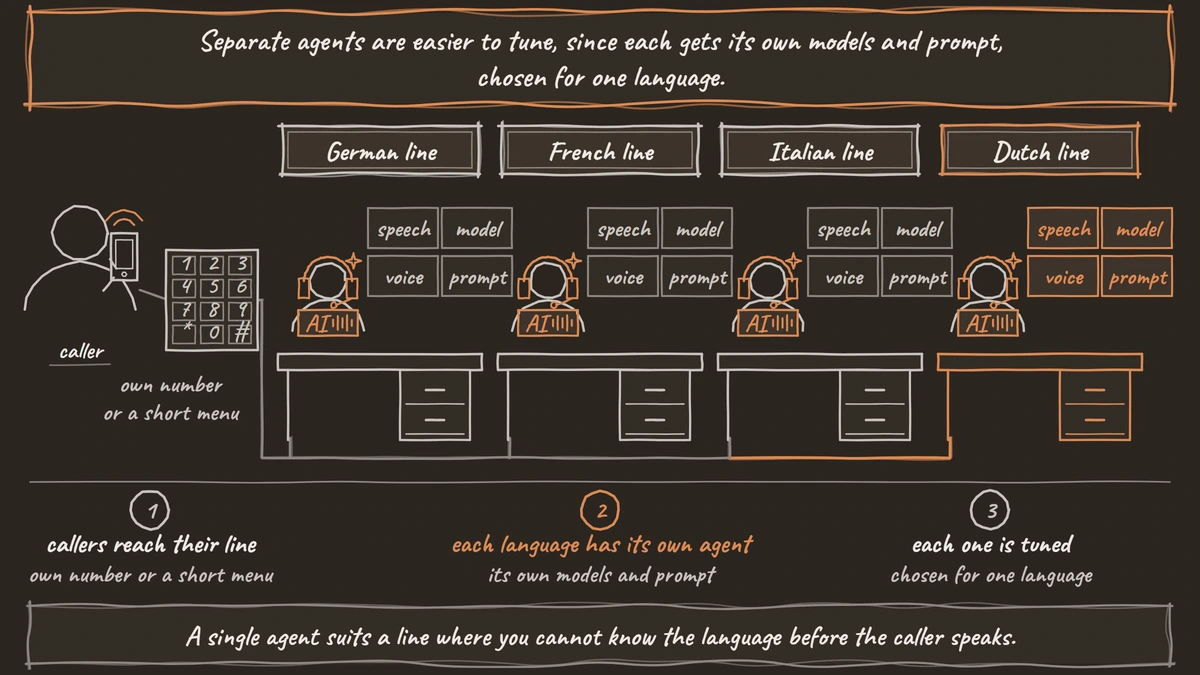
The first choice is about design, and the models come after it. You can run one agent per language, each on its own phone number or behind a short menu, or one agent that detects the caller's language and answers in it. Separate agents are easier to tune, since each gets its own models and prompt, chosen for one language. A single agent suits a line where you cannot know the language before the caller speaks.
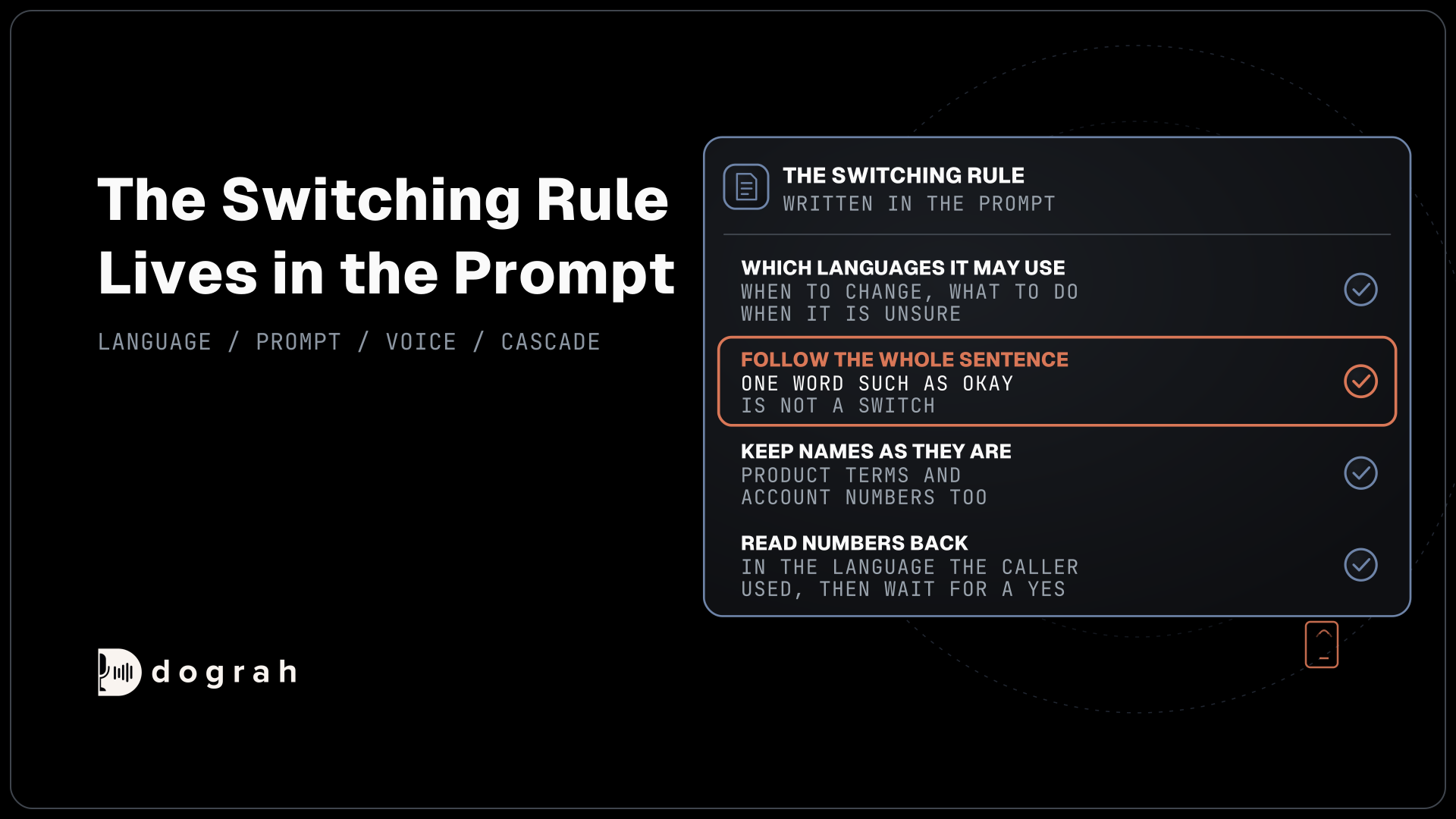
Either way, plan for callers who stay in one language per call. Some speech-to-text models follow a caller who switches mid-sentence and many do not, so a promise of mixed-language conversation is one you cannot test well enough to keep. Our post on multilingual voice agents covers which models follow a switch and what the agent should do when it is unsure.
Belgium and Switzerland need one extra step. The greeting plays before the agent can hear which language the caller uses, so write it in both, for example "Bonjour, goedendag" on a Belgian line, and let the caller's first answer decide.
Speech-to-text for each language
Listening is where regional accents show up first, so choose this layer per language. The table lists what each provider names for the four languages, from its own language page or from the options Dograh passes to it.
| Speech-to-text | German | French | Italian | Dutch |
|---|---|---|---|---|
| Deepgram Nova-3 | de, de-CH | fr, fr-CA | it | nl, nl-BE |
| Deepgram Flux (multilingual) | de | fr | it | nl |
| Speechmatics | de, covering Germany, Austria and Switzerland | fr, covering France, Canada and Belgium | it | nl |
| Soniox | de | fr | it | nl |
| Google (Dograh's options) | de-DE, de-AT, de-CH | fr-FR, fr-BE, fr-CH | it-IT, it-CH | nl-NL, nl-BE |
| Azure (Dograh's options) | de-DE | fr-FR | it-IT | nl-NL |
Deepgram's models and languages page lists Swiss German and Flemish as separate codes for Nova-3, while its multilingual mode drops Swiss German. Speechmatics' language list takes the other route, with one global pack per language that covers the regional accents. Soniox runs one model across 60+ languages, so a single agent can listen in all four.
Voices for each language
Speaking is the other half, and here the lists are longer. Every voice provider below lists all four languages except Rime, which Dograh passes only German and French among them.
| Voice provider | German | French | Italian | Dutch |
|---|---|---|---|---|
| Deepgram Aura-2 | Yes | Yes | Yes | Yes |
| ElevenLabs Flash v2.5 | Yes | Yes | Yes | Yes |
| Cartesia Sonic 3.6 | Yes | Yes | Yes | Yes |
| Azure and Google voices (Dograh's options) | Yes | Yes | Yes | Yes |
| Rime (Dograh's options) | Yes | Yes | No | No |
Cartesia's Sonic page lists 44 languages for Sonic 3.6, and ElevenLabs' models page lists 32 for Flash v2.5. A language on the list is only the start, because voices differ in how natural they sound in each one. Listen to every candidate voice reading your own lines with real names and numbers, rather than the demo sentence.
A good voice also has to handle the parts a demo skips, such as spelled-out order numbers and long compound words in German and Dutch. Our post on multilingual TTS for voice agents walks through that choice for Hindi, Spanish and Arabic, and the same method works here.

Open Source Alternative to Vapi / Retell
Self-hosted voice agent platform — no per-minute fees
dograh-hq/dograh
Star on GitHub
Swiss German, Flemish and Belgian French
Regional variants decide whether the agent understands people outside the capital. Swiss German is spoken very differently from the Standard German most models learn from, even though Swiss callers usually write in Standard German. Pick a model that names it, such as Deepgram Nova-3 with de-CH or Google's de-CH option in Dograh, and test it before you promise it. Austrian callers sit closer to Standard German, and Google's options list de-AT.
Flemish and Belgian French follow the same rule. Deepgram Nova-3 and Google list nl-BE, and Google lists fr-BE and fr-CH, while Speechmatics covers Belgian French inside its global French pack. Voices are listed by language, so check whether a provider offers a regional voice before you promise callers one.
The prompt needs regional care too. German callers expect Sie, French callers vous, Italian callers Lei and Dutch callers u on a business line, so tell the agent which form to use in each language. Dates, postcodes and phone numbers are also read differently in each country, which is worth a line in the prompt for every language you serve.
Keeping each language's audio in the EU
Each language's speech-to-text model, language model and voice is a separate place the call can go, so EU hosting is decided per provider. Deepgram's EU endpoint, api.eu.deepgram.com, keeps its speech-to-text and voices in the EU, and ElevenLabs offers an EU residency address for Enterprise customers. The language model needs its own EU route as well. Our list of EU-hosted LLM, STT and TTS providers covers each route and its limits.
The only way to keep every layer in your own data center is open-weight models on your own servers. That also narrows the choice per language, so test those models on the same calls as the hosted ones.
Testing accents before launch
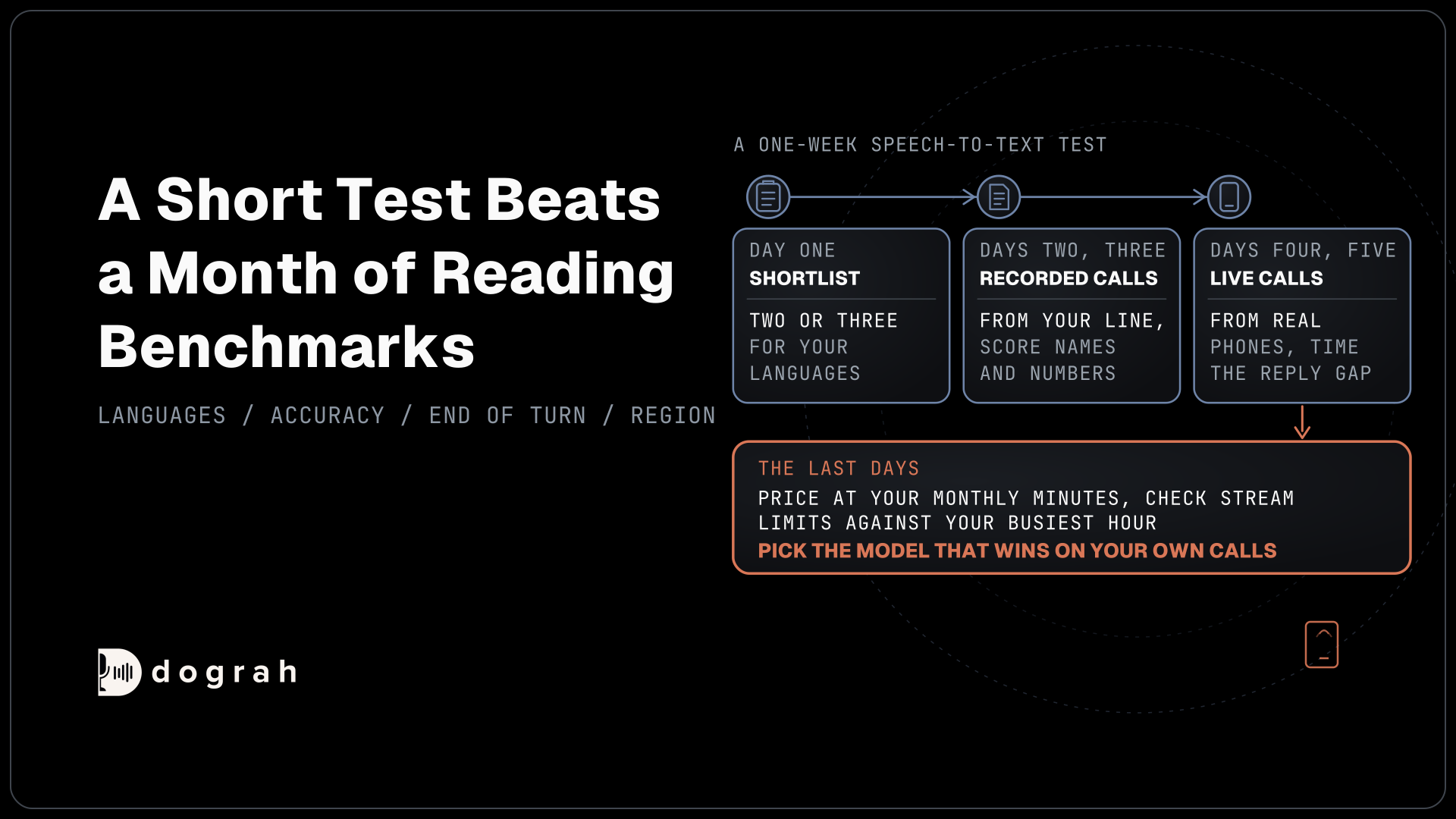
Accent problems show up on the phone far more often than in a browser demo. Most phone calls still reach the agent as 8 kHz audio, while a browser demo runs at 16 kHz, so a model that sounds fine in testing can mishear the same speaker on a real line. Test every language over a real phone call from the start.
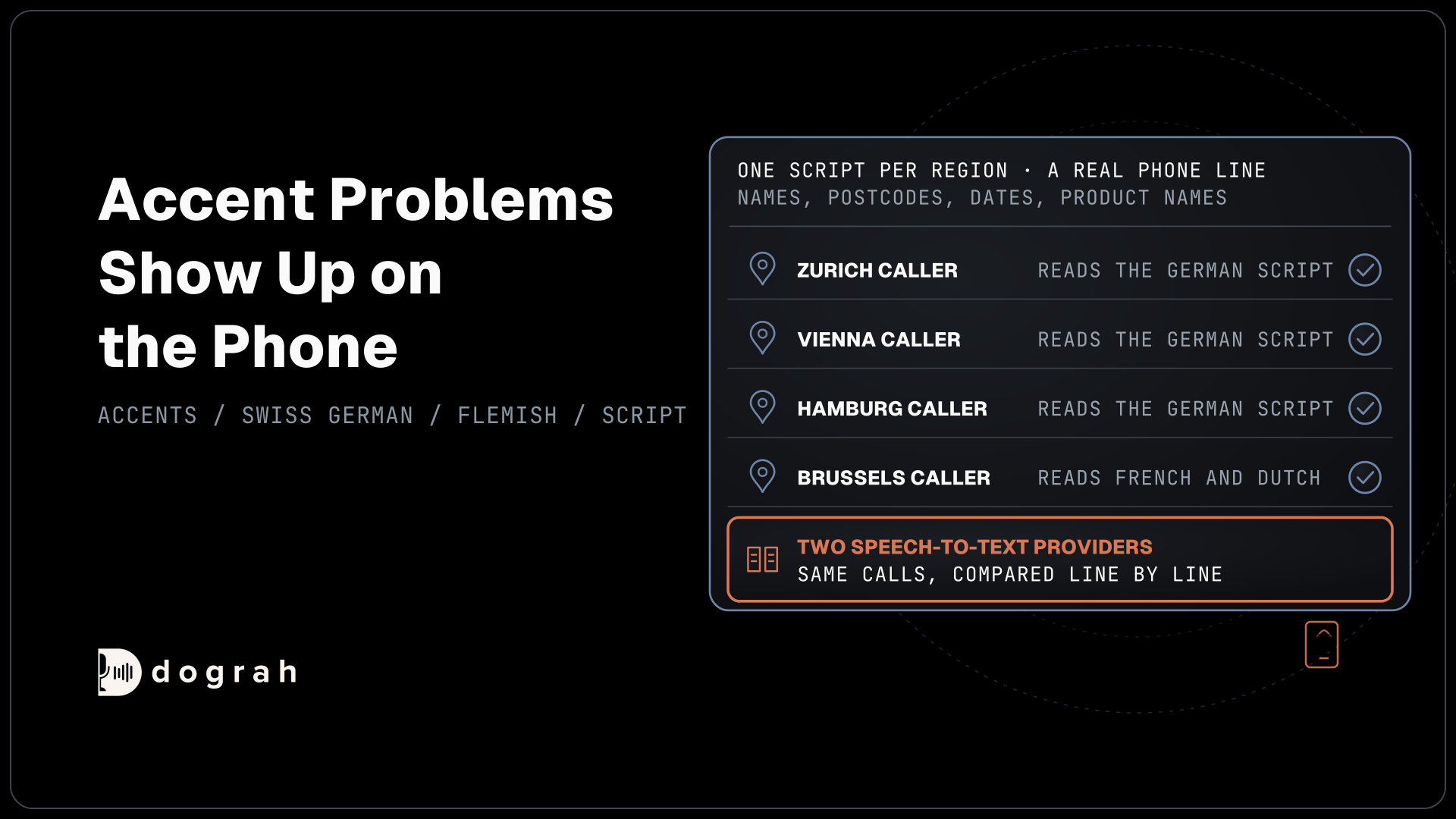
Write a short script per region and have native speakers read it. Include the things agents get wrong most, such as street and town names, postcodes, phone numbers, dates and your product names. A Zurich caller, a Vienna caller and a Hamburg caller should each read the German script, and a Brussels caller both the French and the Dutch one.
Run the same calls through two speech-to-text providers and compare the transcripts line by line, since the gap between models changes by language and by accent. Add hard words such as product names to the Dictionary in the agent's settings. After launch, sample live calls in every language for review, because callers say things no script predicted. Our post on how AI voice agents handle accents and background noise covers the prompt rules for misheard words.
Join the Dograh Community
Dograh is an OSS alternative to Vapi. Join our Slack community for queries, releases, best practices & community interactions.
Choosing providers per agent in Dograh
Dograh, the open-source AI voice agent platform we build, runs the call flow, tools and telephony, so the languages an agent serves come from the speech and voice providers you pick for it. Each agent has a model configuration with its speech-to-text, language model and voice, from the platform's own models, your own provider keys or open-weight models on your own servers.
A model configuration has one voice, and the agent uses it for every reply. That makes one agent per language the simple route, with a German agent on one provider and a Dutch agent on another. Each phone number points at its agent through its Inbound workflow setting, so a Swiss number can reach a de-CH agent and a Belgian number a bilingual one.
For one agent across languages, the speech-to-text settings offer Multilingual (Auto-detect) on the platform's own models, with Language Hints for English, Spanish, French, German, Hindi, Italian, Japanese, Dutch, Portuguese and Russian. Hints work only with those models or Deepgram Flux, and the one voice still has to speak every language you allow.
Running Dograh yourself means no per-minute platform fee. It also lets you run open-weight models next to the platform in your own EU data center. You still pay for servers, model keys and phone minutes, and your team looks after the database and upgrades. Support comes from the open-source community, and Enterprise adds custom SLAs. If you would rather not host it, Dograh Cloud runs it for a 1 cent a minute platform fee.
Glossary
- Locale code
- A language tag with a region, such as de-CH for Swiss German or nl-BE for Flemish. A provider that lists the code has trained or tuned for that variant.
- Code-switching
- A caller moving between languages inside one call or one sentence. Some speech-to-text models follow it and many do not.
- Narrowband audio
- Phone audio sampled at 8 kHz. It carries less detail than the 16 kHz audio of a browser call, so accents are harder to transcribe.
- Language Hints
- Checkboxes under Multilingual (Auto-detect) in Dograh that tell the speech-to-text which languages to expect. They work with Dograh's models or Deepgram Flux.