
Voiceflow is a capable hosted builder for support agents on web chat, phone and SMS, best for teams with someone to build and maintain flows. A phone agent pays for editor seats, credits and voice, and the code is closed. Dograh, the open-source voice agent platform we build, runs on your own servers or on Dograh Cloud.
Key Takeaways
- A Voiceflow phone minute draws 10 credits, $0.05, before speech, voice and model credits.
- Without auto top-ups, a zero credit balance can interrupt agents mid-month.
- The code is closed, and private cloud hosting sits on Enterprise only.
Voiceflow has earned its name as a builder, but a phone agent on it is paid for in layers. We cover its strengths, the bill, zero credits, which plan fits whom, phone calls and where data sits. For open-source or on-prem buyers, the last section covers Dograh.
What Voiceflow does well
Voiceflow is at its best when one support agent has to answer in several places. You build the agent once on a visual canvas and deploy it to web chat, phone and SMS, with the same knowledge base and tools behind every channel. Native tools for Zendesk, Salesforce, HubSpot and Shopify save real build time for support teams that already run on those systems.
The builder also handles the work around a release. Voiceflow keeps a version history with rollback, and environments can split traffic between versions for A/B tests. On the phone, callers can answer with their keypad, and Voiceflow now documents connecting your phone system with SIP for inbound calls, outbound calls and transfers. That helps a team that already has a PBX or a carrier contract it wants to keep.
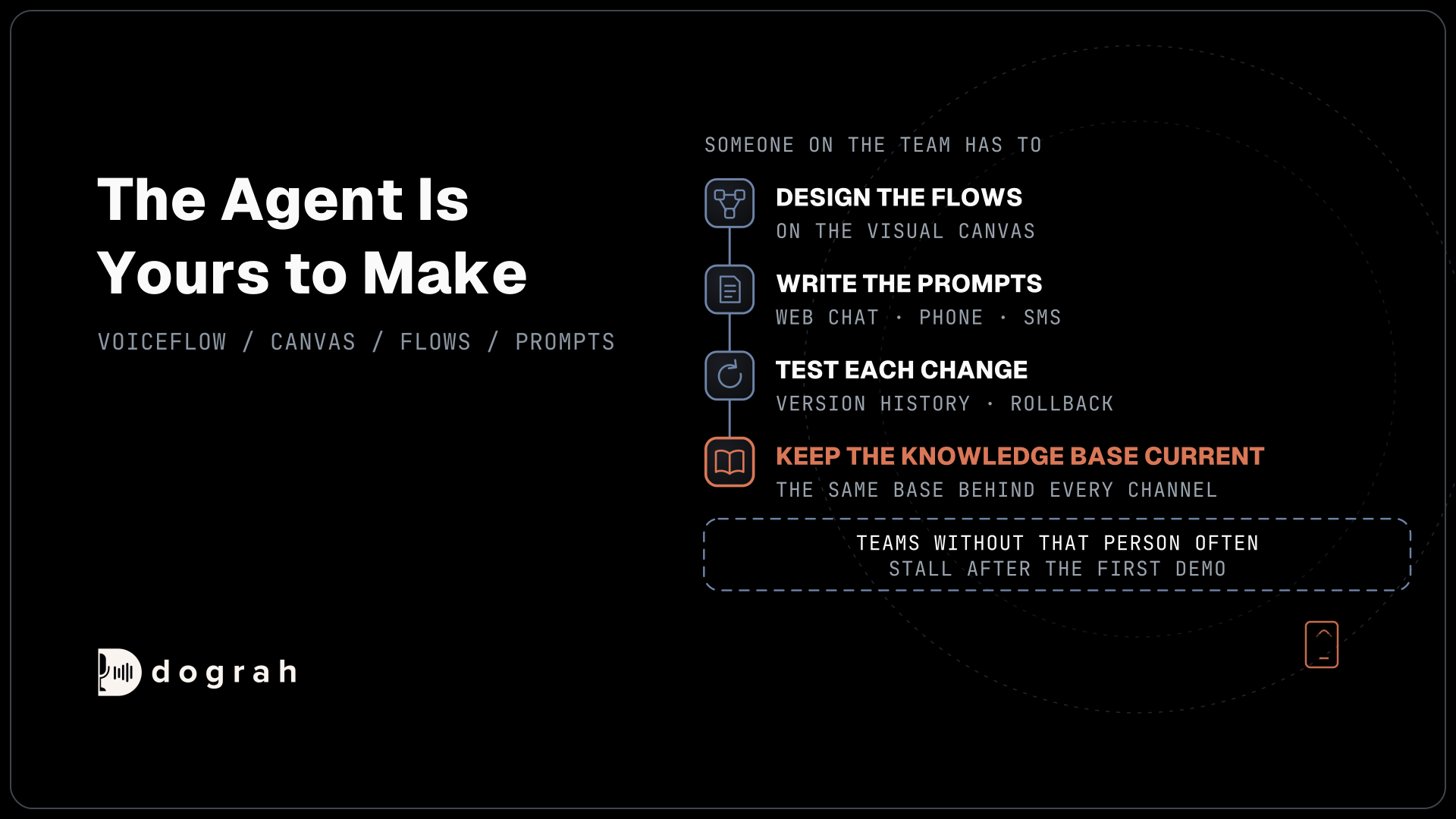
The catch is that you get a builder, and the agent is yours to make. Someone on the team has to design the flows, write the prompts, test each change and keep the knowledge base current. Teams with that person get a lot out of Voiceflow. Teams without one often stall after the first demo, however good the canvas is.
What a Voiceflow bill is made of
A Voiceflow bill has three parts, and each one moves on its own. Voiceflow's billing overview describes it as a monthly plan fee, optional add-ons such as editor seats and phone numbers, and credit-based usage. Plan prices are shown inside the app under Plans and Billing, and businesses are asked to request a quote.
Seats are the part small teams notice first. Every paid plan includes some free editor seats and you buy more as the team grows, while viewers are free and unlimited on every plan. A team where three people edit agents and ten people only read transcripts pays for the three.
Credits cover the usage. A phone minute draws 10 credits, which comes to $0.05 on self-serve plans, and speech-to-text, the voice and the language model draw their own credits on top. So $0.05 is the floor of a phone minute, and the full rate depends on the models you pick. Evaluations use credits as well, because a model reads each transcript to score it, so quality checks and live calls spend from the same balance.
Our Voiceflow pricing breakdown prints the full credit table and walks through the add-ons, so we will not repeat it here. For a review the point is simpler. Budget seats, credits and voice as separate lines, and expect the credit line to move every time you change a model or lengthen a prompt.
What happens when credits hit zero
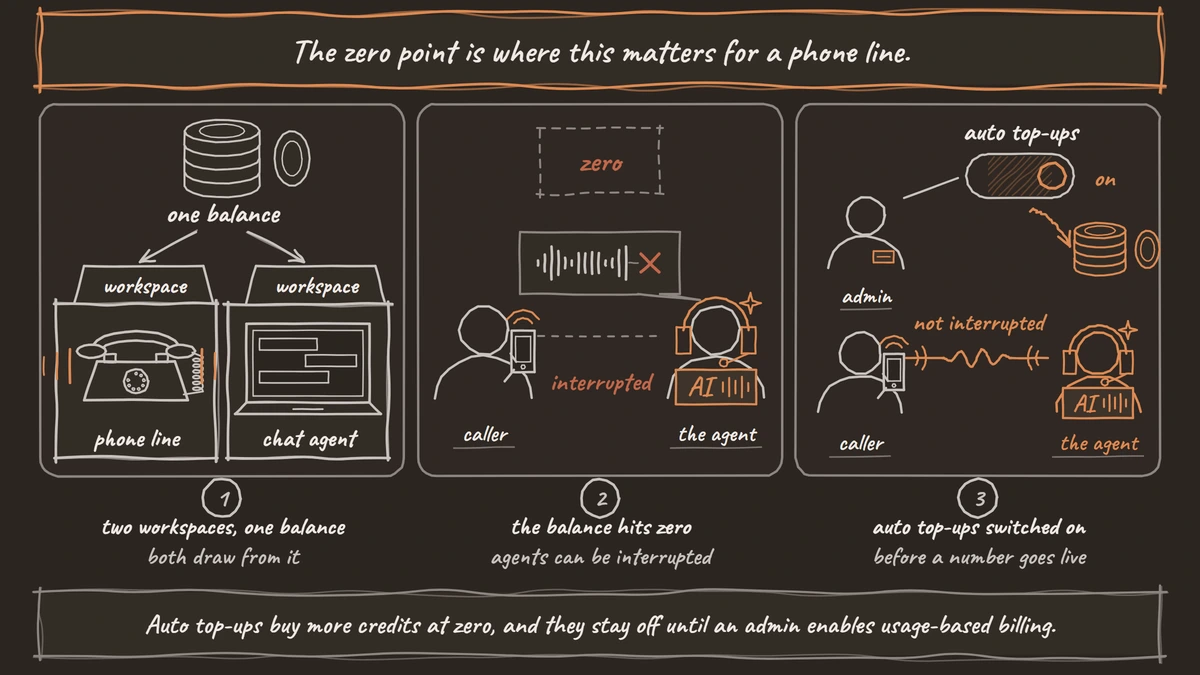
A paid plan's credits arrive as a monthly allotment that resets at the start of each billing cycle, and every workspace in your organization draws from it. A busy phone line in one workspace and a chat agent in another therefore spend from the same balance, and a spike on either side shortens the month for both.
The zero point is where this matters for a phone line. Voiceflow sells auto top-ups that buy more credits when the balance reaches zero, and its subscription guide says they exist so agents are not interrupted mid-month. They stay off until an admin enables usage-based billing. Without them, a zero balance can interrupt your agents mid-month, so turn them on before a number goes live and watch usage closely in the first month.
Canceling is gentle by comparison. You keep paid features until the end of the billing period, and then the account drops back to the free tier, whose one-time credit grant does not renew. If a live agent depends on the account, plan any move before that date.

Open Source Alternative to Vapi / Retell
Self-hosted voice agent platform — no per-minute fees
dograh-hq/dograh
Star on GitHub
Which Voiceflow plan fits which team
Voiceflow publishes four plans and describes each by who it is for, which is the fairest way to match them while prices stay inside the app. Free fits evaluation only. It comes with a one-time credit grant that does not renew, and Voiceflow says plainly that it is not suitable for production. Use it to build one flow and see whether the canvas suits your team.
Pro is for individual builders. It opens every language model and raises the agent limit above Free, which suits a solo developer or a consultant building a prototype for a client before the client pays for anything larger.
Business is for growing teams. It adds fallback language models and priority support. The fallback matters most on a phone line, where a stalled model leaves a caller listening to silence, so a team putting a number in front of customers should treat Business as its starting point.
Enterprise is for large organizations. It brings unlimited product usage, single sign-on, private cloud hosting and custom credit allotments, and it is the plan to ask about when security review or volume pricing drives the decision.
Voiceflow for phone calls
Phone is where Voiceflow asks the most of your setup. Each workspace includes one Voiceflow number, more are an add-on, and the numbers Voiceflow provisions are US or Canadian. Those numbers cannot dial out. Voiceflow's outbound calling guide sends outbound calls through a Twilio, Vonage or Telnyx number you connect, or through a SIP connection with outbound calls and transfers turned on.
Concurrency is a plan limit, raised with an add-on, and it counts calls only. Outbound calls share that concurrency pool with inbound ones, so an evening campaign and your support line compete for the same slots. Size the limit for both before a campaign starts, or the campaign can crowd out customers calling in.
For a team whose support runs mostly in chat, with the phone as one more channel, this setup is reasonable. For a team whose main channel is the phone, test the outbound route through your own carrier and the shared pool at real volume before you commit.
Closed source and where your data sits
Voiceflow is closed source and runs on its own cloud, with private cloud hosting on Enterprise. Its public GitHub holds libraries and tools rather than the platform, so you cannot read the code that handles your calls or run it on servers you control.
Voiceflow does hold serious certifications. It reports SOC 2 Type II, ISO/IEC 27001:2022 and GDPR compliance, and supports HIPAA deployments with a business associate agreement (BAA). For many buyers that settles the security review.
The gap is control. When call recording is on, Voiceflow stores the recordings, and transcripts, prompts and knowledge base files all sit in its cloud under its terms. A hospital or a law firm that must keep call data inside its own network has two routes, Voiceflow's Enterprise private cloud with closed code, or a platform whose code it can run itself. Lock-in follows the same line, so keep each agent's prompts, flows and tool specs in files you own, and a later move starts from your own notes.
Join the Dograh Community
Dograh is an OSS alternative to Vapi. Join our Slack community for queries, releases, best practices & community interactions.
Voiceflow pros and cons
The verdict depends on how central the phone is to your support. Voiceflow is worth it for a support team that runs mostly on chat, has someone to build, and wants the same agent on the phone and SMS with native help desk tools.
| Where it helps | Where it costs you |
|---|---|
| One agent across web chat, phone and SMS | Seats, credits and voice billed separately, with plan prices only in the app |
| Native Zendesk, Salesforce, HubSpot and Shopify tools | A zero balance can interrupt agents unless auto top-ups are on |
| Version history, rollback and traffic splits | Voiceflow numbers cannot make outbound calls |
| Keypad input and a SIP connection | Inbound and outbound calls share one concurrency pool |
| SOC 2 Type II, ISO/IEC 27001:2022 and GDPR | Closed code, with private cloud only on Enterprise |
It is a harder fit for a phone-first team running outbound campaigns at volume, or for any team that must keep call data on its own servers. Those two readers are who the next section is for.
Where Dograh fits
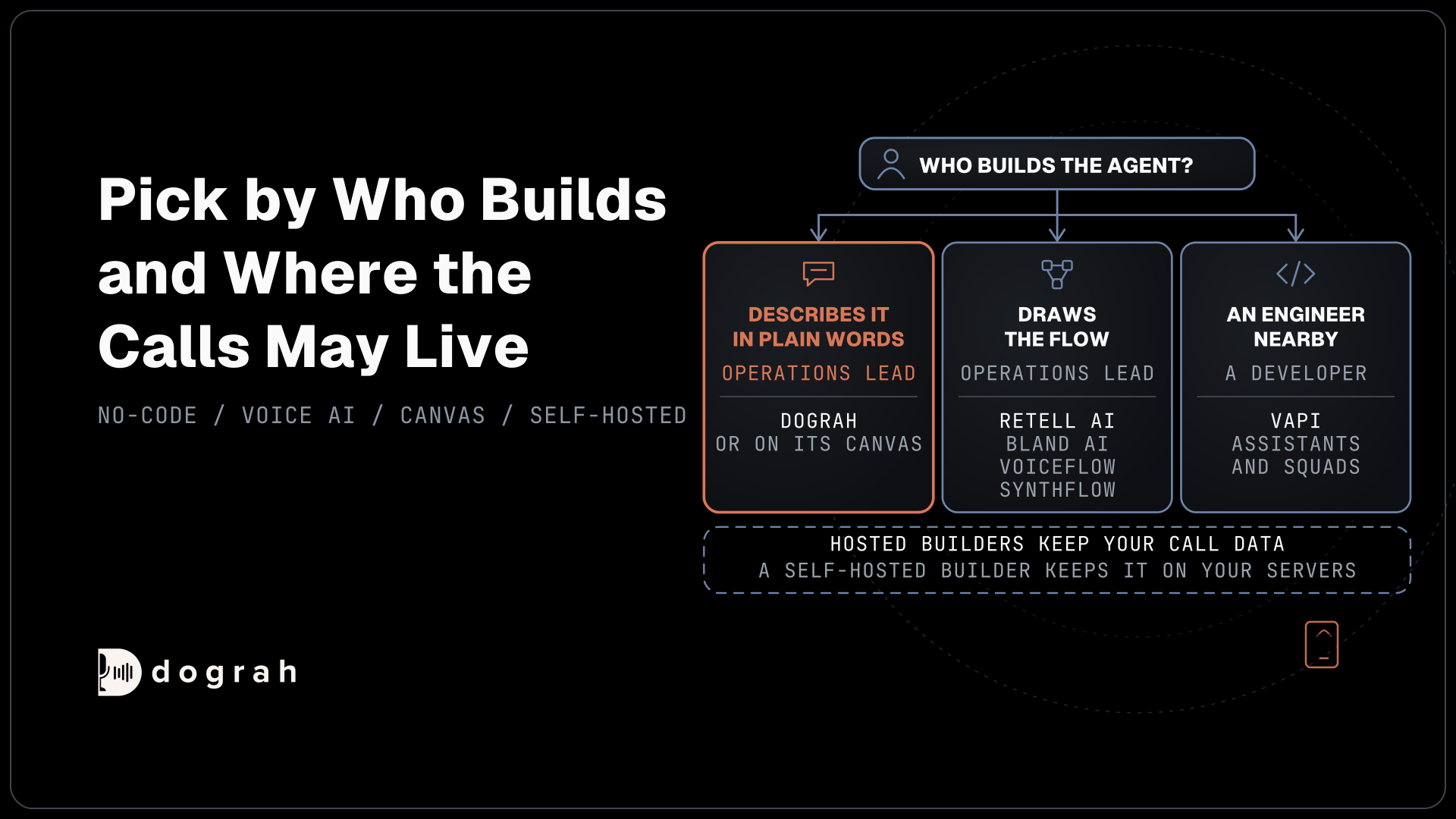
Dograh is built for the readers Voiceflow suits least, teams where the phone is the main channel and teams that must own the platform. Its code is open under BSD-2-Clause, and you can self-host it with Docker Compose on a server with at least 8 GB of RAM and 4 vCPUs. You can also use the managed Cloud, or take on-prem deployment inside your own network on the Enterprise plan.
Building starts in the Agent Builder, on the "Create an agent" page. You describe the agent, answer a few questions and approve the "Your agent requirements" card before it builds, and "Test agent" then publishes version 1. Later edits in the Builder tab save as drafts until you publish. On the Cloud, the builder's use is billed in credits, and a self-hosted install runs it with a Dograh Service Key or builds on the canvas instead. Every model is yours to choose, from Dograh's own to any provider on your own keys or open-weight models on your servers, and on your own keys each provider bills you directly. The QA step scores each step of test and live calls, and each call's trace shows the speech-to-text, AI and voice time for every turn.
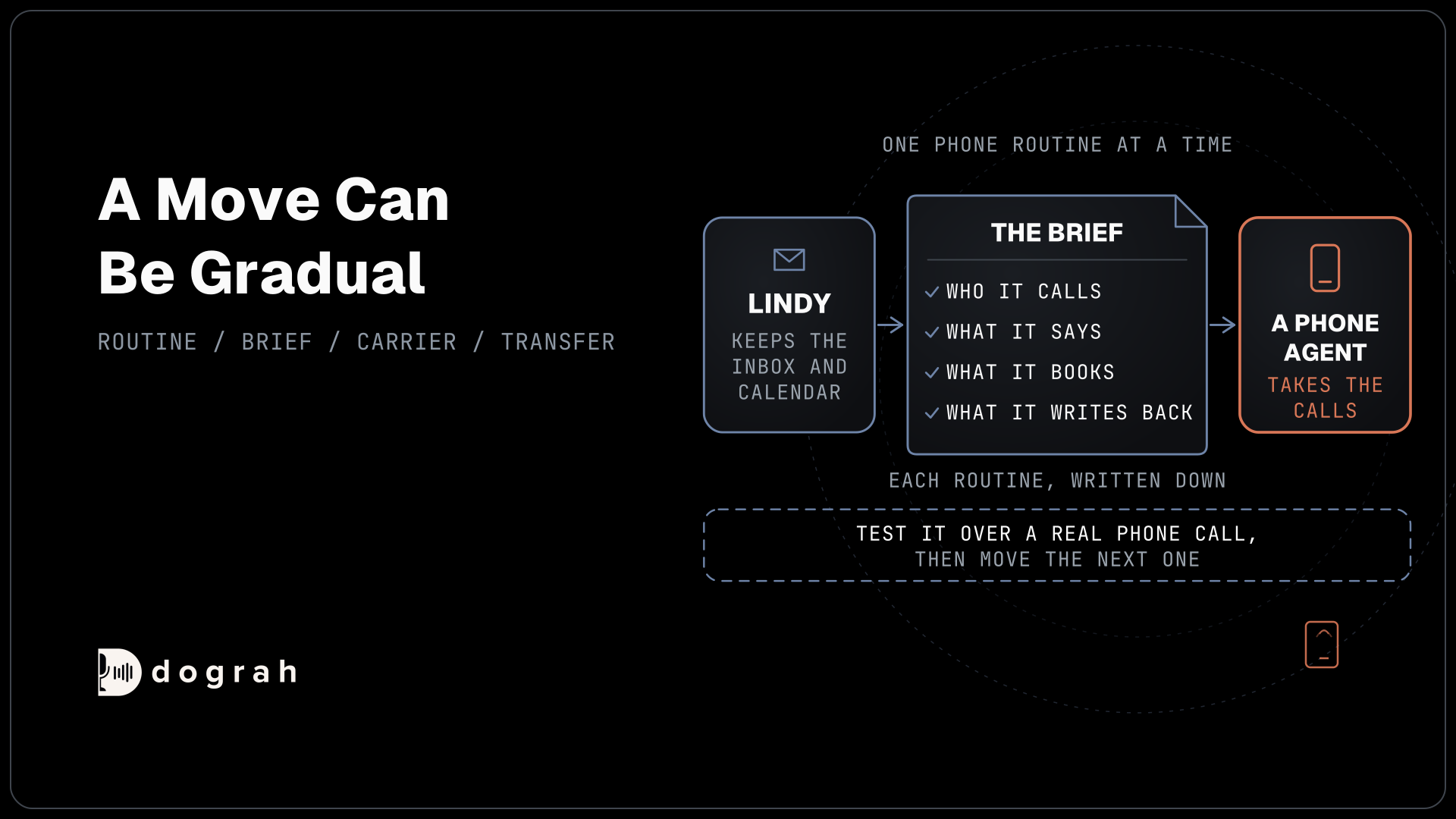
The phone side runs on carriers you already have. Campaigns dial call lists from your own numbers and retry busy and unanswered calls automatically. For a handoff to staff, Transfer Call works on Twilio, Telnyx, Plivo, Cloudonix and Asterisk ARI. Dograh rings the destination first and puts the caller through only once someone answers, and a transfer that goes unanswered, busy or failed returns to the agent so the call goes on.
Pricing follows the same split. Run it yourself and there is no per-minute platform fee, but your servers, model keys and phone minutes are still yours to pay for. On Dograh Cloud the platform fee is 1¢ per minute, with 10 concurrent calls included and more on request. Self-hosting is real work, and it belongs in the decision. Your team runs the server and the database, applies upgrades and watches uptime, with community support in the Dograh Slack for open-source users and custom SLAs and a dedicated account manager on the Enterprise plan.
If you are weighing a move, our guide to Voiceflow alternatives compares the wider field, and How to Migrate From Voiceflow to Open-Source Voice AI walks the switch one number at a time.
Glossary
- Editor seat
- A Voiceflow license for someone who builds or changes agents. Every paid plan includes some, extra builders cost more, and viewers who only read transcripts are free.
- Credit allotment
- The credits a paid Voiceflow plan grants each month, shared by every workspace in the organization. It resets at the start of each billing cycle.
- Auto top-up
- A Voiceflow billing setting that buys more credits when the balance reaches zero. It is off until an admin enables usage-based billing.
- Concurrency pool
- The number of calls a plan can run at once. On Voiceflow, inbound and outbound calls draw from the same pool, and an add-on raises it.