
Export the agent, then move the voice first with the same voice ID on your own ElevenLabs key. Rebuild the prompt and flow, map each tool, upload the knowledge base, and switch numbers one at a time. Dograh, the open-source AI voice agent platform we build, keeps ElevenLabs voices. You can self-host it or run it on Dograh Cloud.
Key Takeaways
- Move the voice first, so callers hear no change while the rest moves.
- Export the agent JSON and knowledge documents before you touch anything.
- Switch one phone number at a time, and keep ElevenLabs live until the last.
Moving an ElevenLabs agent to open source does not mean changing how it sounds. We move it in the order callers would notice. The voice goes first, then the prompt and flow, the tools, the knowledge base and the phone numbers, with a check at the end of each part.
Export the agent before you change anything
Everything you move comes from one export, so take it first. The ElevenLabs get-agent API returns the full agent as JSON: the system prompt, the first message, the voice ID, the tool IDs and built-in tools, the dynamic variables and the knowledge base list inside conversation_config, plus the workflow graph, data collection fields, evaluation criteria and the post-call webhook.
If you prefer the command line, the ElevenLabs CLI does the same with elevenlabs agents pull --agent "<agent-name>", which writes the agent to a JSON file in an agent_configs folder. Run it for every agent you plan to move and commit the files to a repository, so you have a fixed copy to rebuild from.
The knowledge base needs its own pull. ElevenLabs' knowledge base docs note that the CLI does not upload knowledge base documents, and the export lists them by ID. Fetch each document's text through the "get document content" endpoint, or download the original files you uploaded.
Before you change anything, write down which agent answers each phone number and the webhook URL it points to in your Twilio console. That URL is your rollback.
Check: you have one JSON file per agent, one text file per knowledge document, and a list of numbers with their current webhook URLs.
Move the voice first
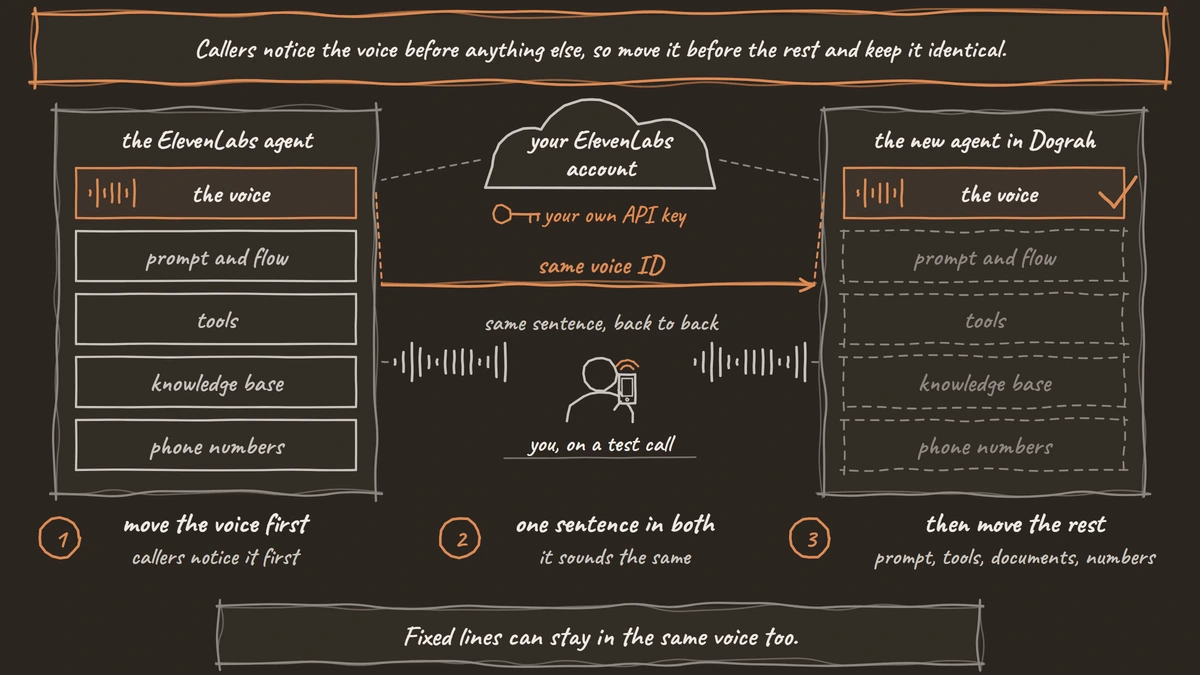
Callers notice the voice before anything else, so move it before the rest and keep it identical. Dograh has ElevenLabs built in as a text-to-speech provider that you use with your own ElevenLabs API key, so the voice your callers know comes from the same account it does today.
Open Providers in the sidebar, click Add Provider, choose ElevenLabs and save your API key. Then open Models, click Add Configuration, choose BYOK mode, and on the voice tab select your ElevenLabs connection. In BYOK mode the voice list loads from your own key, so voices from your ElevenLabs account appear in it, cloned voices included.
If the voice you want is not in the list, tick Enter Custom Value and paste the voice_id from the export. Dograh's voice settings cover adding a voice ID by hand. The default ElevenLabs model is eleven_flash_v2_5, and if your account uses an ElevenLabs data residency region, you can point the connection's base URL at that endpoint.
Save the configuration and click Make org default if every migrated agent should use it. Our comparison of Dograh and ElevenLabs explains what changes when ElevenLabs is only the voice layer.
Fixed lines can stay in the same voice too. If the agent always says the same opening or disclosure, generate it once with your ElevenLabs voice and upload it as a pre-recorded clip. Dograh plays the clip where it fits and falls back to live speech in the same voice everywhere else.
Check: play the same sentence in the old agent and in a Dograh test call, back to back. If they sound the same, the voice has moved.
Rebuild the prompt and the flow
The prompt and flow move by rebuilding them from the export, and there are three ways to do it. Which one fits depends on how big the agent is and who on your team will maintain it.
For a single-prompt agent, open a new agent in Dograh's visual workflow builder and paste the system_prompt into an agent node. The first_message becomes the greeting on the Start Call node. Dynamic variables such as {{customer_name}} become Dograh template variables, filled from the call's data or from a Pre-Call Data Fetch request to your own system when the call connects.
For an agent built with ElevenLabs Workflows, the export's workflow key holds nodes and edges. Each subagent node with its additional_prompt becomes an agent node in Dograh, and each edge's condition becomes a pathway between nodes. Draw it in the visual workflow builder, or write the same graph as JSON and send it to Dograh's Create from Definition API, which builds an agent from a workflow definition with nodes and edges.
The third way is to let an AI coding assistant do the first draft. Connect it to the Dograh MCP server, hand it the exported JSON file, and ask it to build the same agent. Its edits save as a draft until you publish, so you review the result before any caller hears it.
Keypad menus need one design change. In Dograh, the agent asks and the caller says it, so "press 1 for billing" becomes "are you calling about billing or something else?", and a card number is read out rather than typed.
Check: in Test Chat, type the five questions callers ask most and compare each answer with the old agent's transcript for the same question.

Open Source Alternative to Vapi / Retell
Self-hosted voice agent platform — no per-minute fees
dograh-hq/dograh
Star on GitHub
Map each tool to its Dograh match
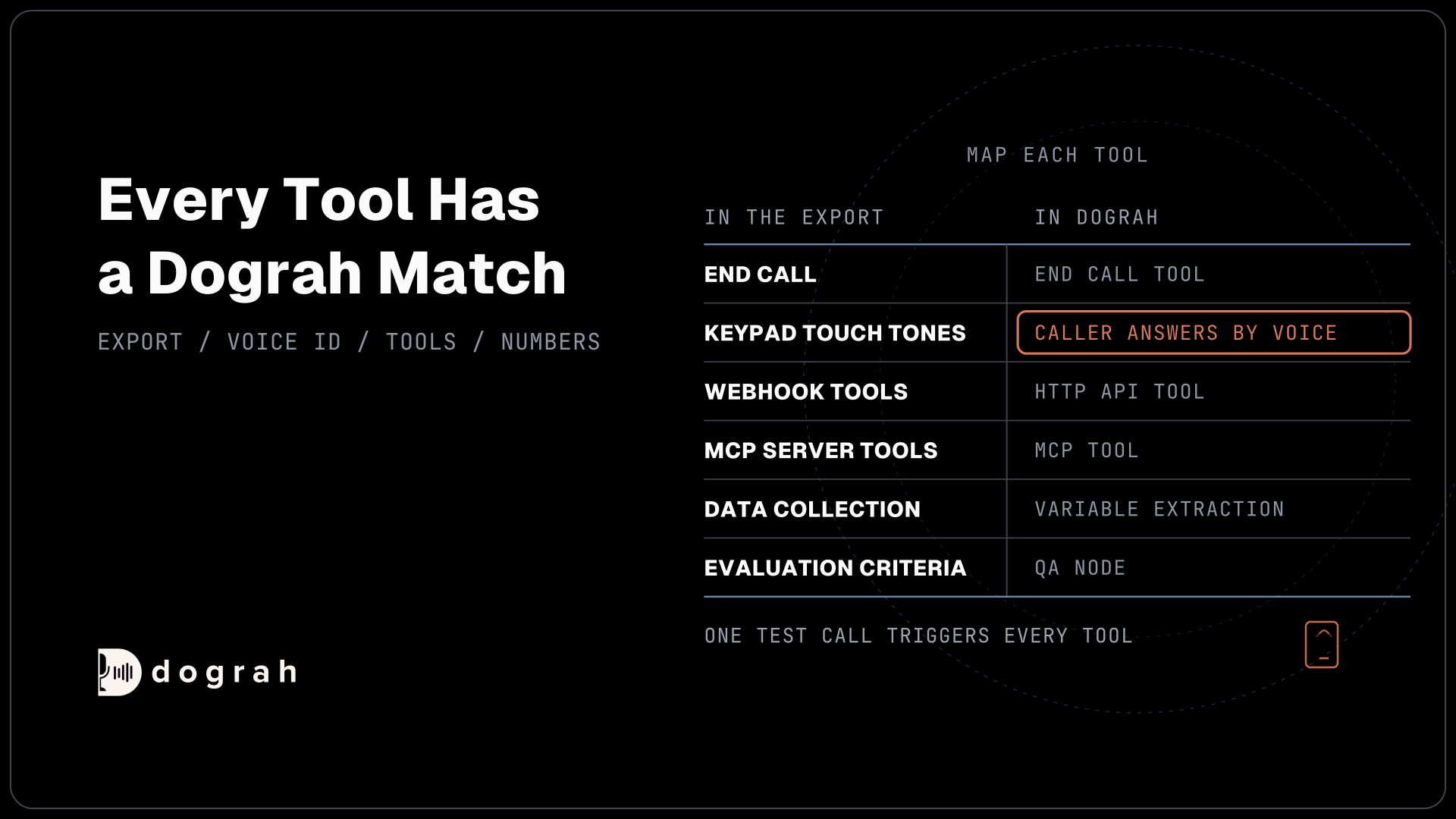
Every tool in the export has a Dograh equivalent or a way to cover it. Work down the built_in_tools and tool_ids lists and add each one to the new agent.
| ElevenLabs export field | Dograh match |
|---|---|
end_call | End Call tool |
transfer_to_number | Transfer Call tool |
transfer_to_agent | Transfer to Agent tool |
voicemail_detection | Voicemail and screening handling in the agent's settings |
language_detection | Auto-detect language with language hints, on Dograh's own speech models or Deepgram Flux multilingual |
play_keypad_touch_tone | The agent asks and the caller answers by voice |
| Webhook (server) tools | HTTP API tool |
| MCP server tools | MCP tool |
dynamic_variables | Template variables and Pre-Call Data Fetch |
data_collection | Variable extraction on agent nodes |
evaluation criteria | QA node |
post_call_webhook | Webhook node |
Two of these behave a little differently, so read them before you test. Transfer Call dials the destination while the caller hears hold music and connects them once someone answers. If nobody answers, the line is busy or the transfer fails, the agent gets transfer_failed back and carries on with the caller. Transfer Call is available on Twilio, Telnyx, Plivo, Cloudonix and Asterisk ARI.
Transfer to Agent hands the call to another Dograh agent with a labelled transcript of the conversation so far. You choose whether the new agent plays its greeting, carries straight on, or introduces itself and then carries on, which covers most ElevenLabs agent-to-agent setups.
For webhook tools, copy the URL, method, headers and parameters from the export into an HTTP API tool, and reuse the same descriptions so the model calls them at the same moments.
Check: run one test call that triggers every tool at least once, and confirm each one fired in the call's trace.
Move the knowledge base
Knowledge moves as files. Upload each document you pulled in the export step, as TXT, or upload the original PDF, DOCX, DOC or JSON files. Dograh's knowledge base docs list the formats and a 5 MB limit per file.
Open Files in the sidebar to reach the Knowledge Base Files page, add a document, choose a retrieval mode and click Upload & Process. Full Document gives the agent the whole text every time and suits short price lists and FAQs. Chunked Search returns only the relevant parts of a long document and needs an embedding key in your model configuration.
Then attach the documents to the nodes that need them, using the Knowledge Base Documents field on the node. An agent that answers from one FAQ sheet needs it on one node, not every node.
Split any file over 5 MB into topic-sized parts before you upload it. Smaller documents also make Chunked Search return tighter answers.
Check: ask the agent three questions whose answers sit only in the documents, and confirm each answer matches the source text.
Move the phone numbers one at a time
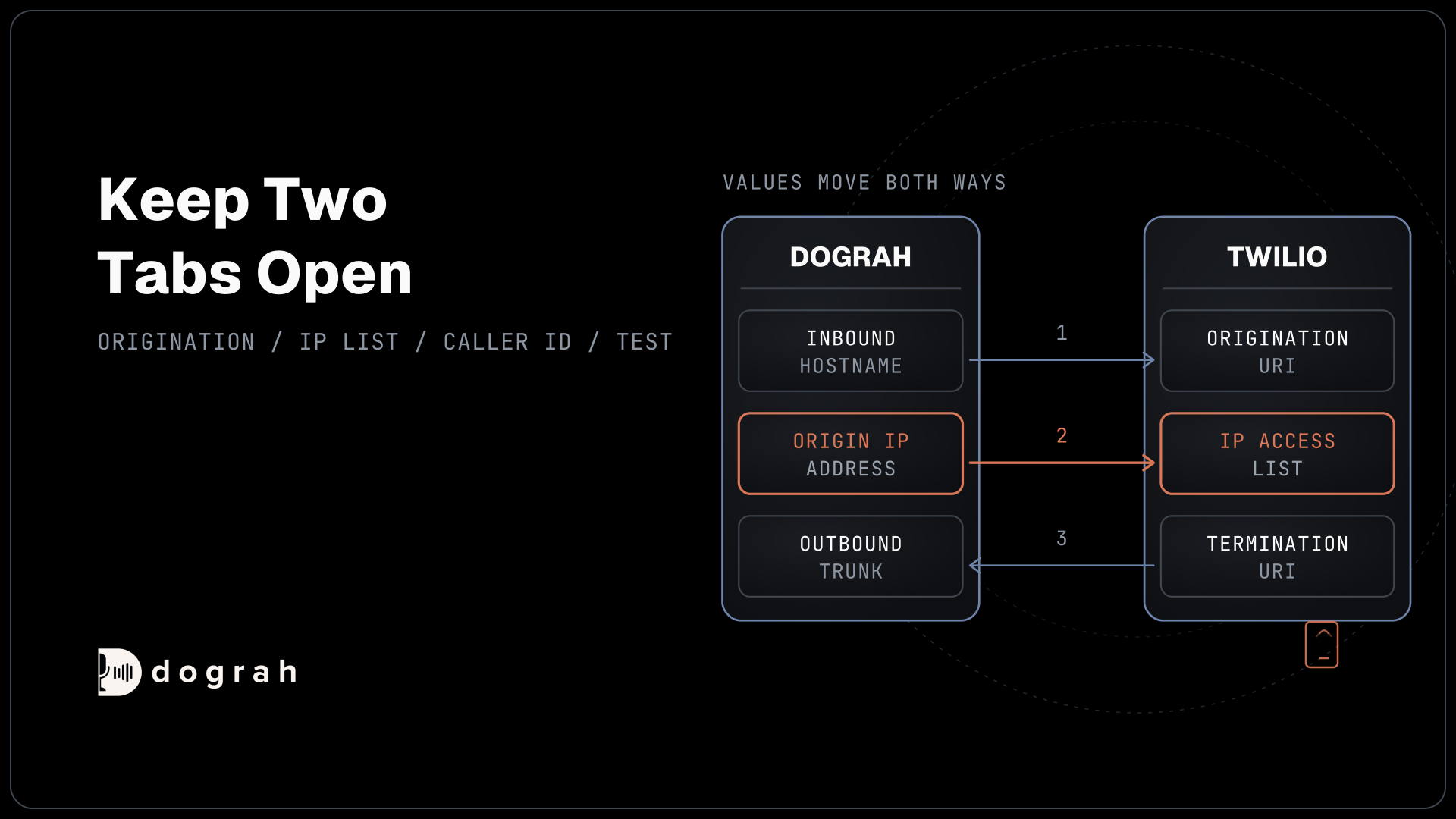
Numbers move by changing where they point, not by porting them. ElevenLabs' Twilio integration works with numbers bought through your own Twilio account, so the numbers stay with your carrier and only their routing changes.
In Dograh, open Telephony in the sidebar, click Add configuration, choose Twilio and enter your Account SID and Auth Token, then click Save Configuration. Open the configuration and use Add phone number to add each number in E.164 format, such as +14155550123. Dograh's Twilio guide walks through each field.
Now move one number. Edit it, set its Inbound workflow to the new agent and save. Dograh pushes its webhook URL to that Twilio number when you save, so calls switch over straight away. Check the number's Voice Configuration in your Twilio console: the webhook should now be Dograh's, with the method set to POST.
Rolling back is a manual step. Clearing the inbound workflow in Dograh does not point the number back at ElevenLabs, so if something goes wrong, paste the old webhook URL you saved during the export step back into Twilio.
Keep the ElevenLabs agent, its phone number entries, tools and webhook secrets untouched until the last number has moved and run for a few days. Deleting them early breaks calls on numbers you have not moved yet. Our guide to Twilio phone number pricing covers what each number costs while both setups run.
Check: call the moved number from your own phone, confirm the new agent answers in the same voice, and confirm the next number still reaches ElevenLabs.
Join the Dograh Community
Dograh is an OSS alternative to Vapi. Join our Slack community for queries, releases, best practices & community interactions.
Check the new agent against the old one
The last step is a side-by-side test on real calls. Run the busiest number's most common call types through both agents for a few days, and compare outcomes rather than wording, because the two will phrase things differently.
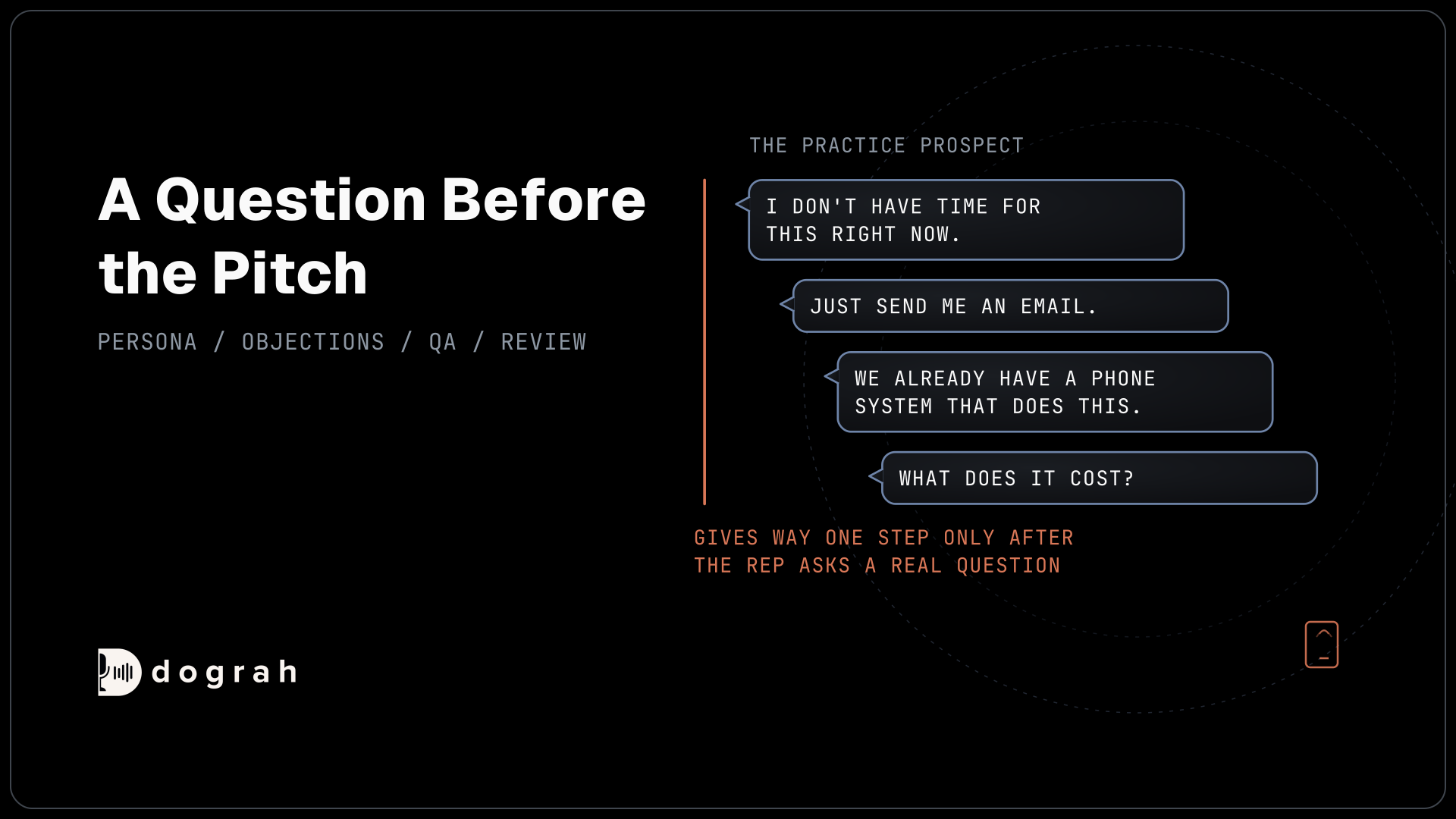
Use the Phone Call dialog in the agent editor to call your own mobile for transfers, since a browser test call cannot transfer. Every call has a trace that shows what the agent heard, what the model decided and how long each turn took. Add a QA node with the same criteria you used in ElevenLabs' evaluation, so both agents are scored the same way.
Keep a short list of every difference you find, even small ones like a slower greeting or a different way of reading dates. Most come down to one prompt line or one setting, and fixing them while both agents still run is far easier than after the old one is gone.
Once everything has moved, you can run the platform yourself or stay on the managed cloud. Self-hosted Dograh has no per-minute platform fee, but servers, model keys and phone minutes still cost money. Dograh Cloud charges a 1¢-a-minute platform fee. Your ElevenLabs voice bill stays on your own ElevenLabs account either way.
Our ElevenLabs alternatives guide compares other places an ElevenLabs agent can move to, if you are still deciding.
Check: a week of calls on the new agent with QA scores at or above the old agent's, and no call that should have transferred and did not.
Glossary
- conversation_config
- The part of an exported ElevenLabs agent that holds the prompt, first message, voice ID, tools, dynamic variables and knowledge base list. Most of a migration is read from it.
- Voice ID
- The identifier ElevenLabs gives each voice in your Voice Library, cloned voices included. Using the same voice ID on your own key keeps the agent sounding the same after the move.
- Inbound workflow
- The Dograh agent assigned to answer a phone number. Saving it on a Twilio number pushes Dograh's webhook URL to that number, which switches its calls over.
- E.164
- The international phone number format: a plus sign, the country code and the number, with no spaces or dashes, such as +14155550123. Dograh expects numbers in this format.