
Google Cloud Text-to-Speech works in a voice agent through streaming, which only supports Chirp 3 HD voices: 30 voices across 53 locales, at $30 per million characters after a free first million each month. Dograh, the open-source AI voice agent platform we build, runs it on your own Google key, self-hosted or on Dograh Cloud.
Key Takeaways
- Only Chirp 3 HD voices stream, so pick one of its 30 voices.
- Streaming ignores SSML, so write numbers and dates as they should sound.
- For Chirp 3 HD, type "eu" or "us" as the location, not us-central1.
This post is part of our guide to voice AI explained, where text-to-speech is the last stage of every reply. Below, we cover which Google voices stream, how to write for them, timing the delay, phone audio and regions, a cost per call, and every Google field in Dograh.
Which Google voices work on a live call
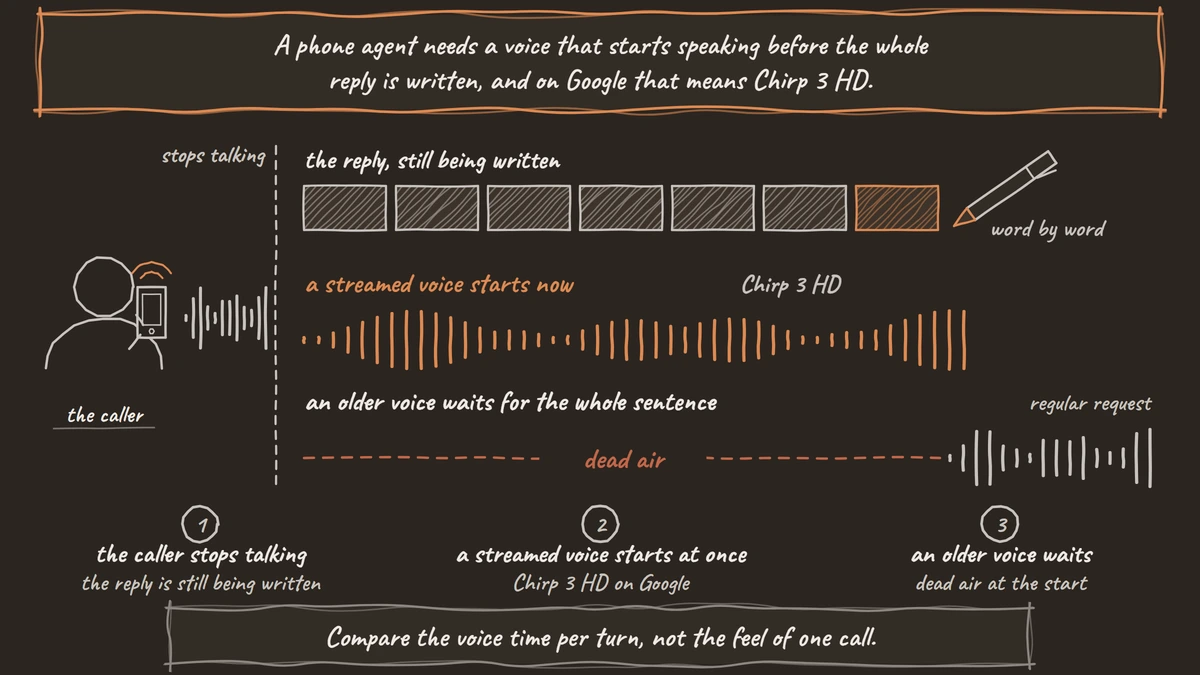
A phone agent needs a voice that starts speaking before the whole reply is written, and on Google that means Chirp 3 HD. Google's streaming page says streaming "is only compatible with Chirp 3: HD voices". Streaming synthesis begins before the full text arrives, which is what keeps the gap after the caller stops talking short.
Google's Chirp 3 HD page lists 30 named voices, 14 female and 16 male, across 53 locales. Each voice name joins a locale and a voice, such as en-US-Chirp3-HD-Charon, which is the default in Dograh.
Older Google voice families can still be used through Google's regular request, which waits for the whole sentence before it returns audio. On a live call that wait shows up as dead air at the start of every reply, so we would not use them for an agent.
If your callers speak Hindi, Spanish or Arabic, our post on multilingual TTS for voice agents compares Chirp 3 HD with the other providers that cover those languages.
Write plain text for a streamed voice
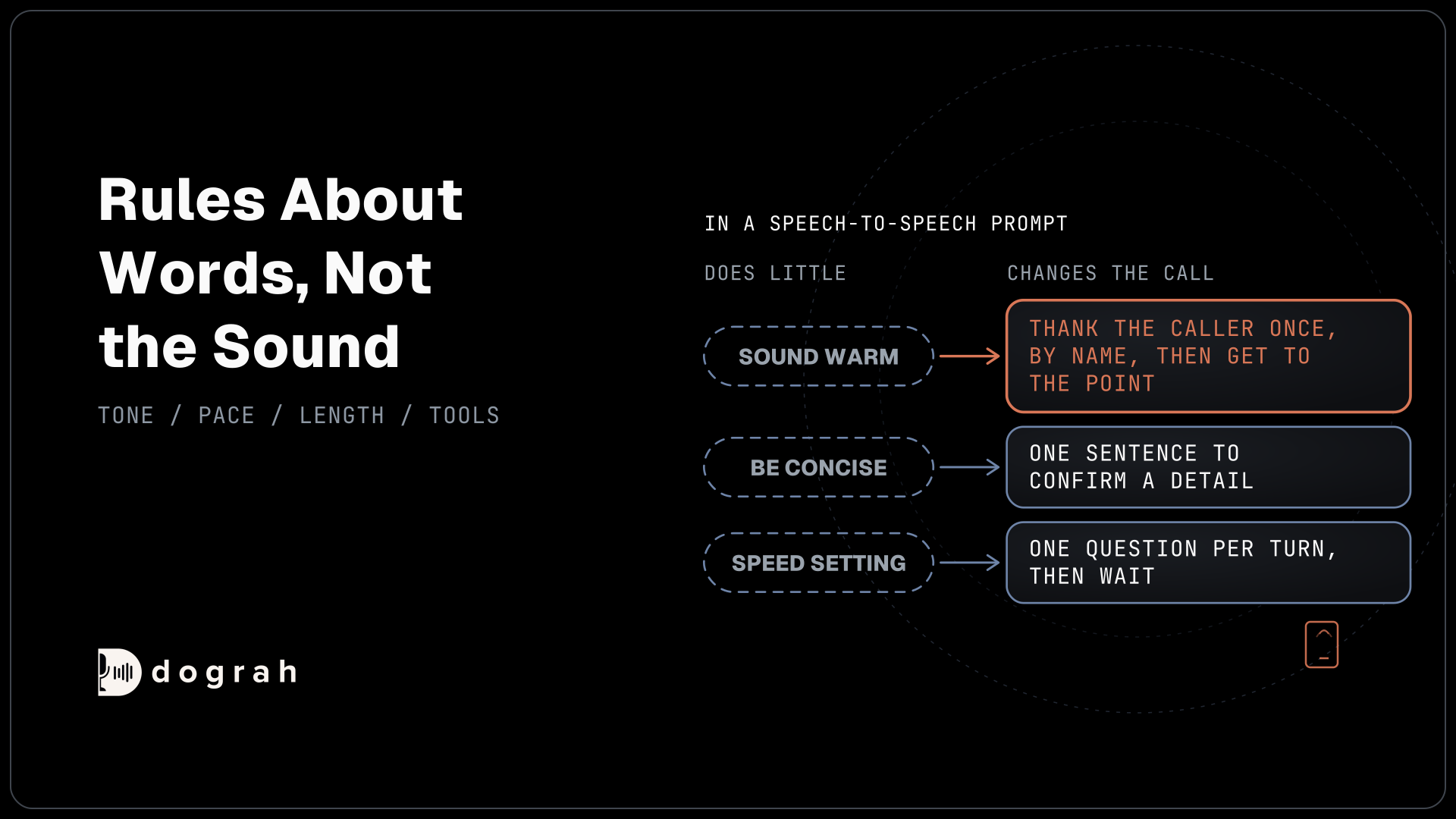
Streaming changes how you write the agent's lines. Google says plainly that "SSML tags are not currently supported for streaming requests", so the break, emphasis and say-as tags that shape older voices do nothing here. Custom pronunciations work only in some locales, too.
That puts the work back on the words. A policy number written as one long figure gets read as a large number, and a date in digits can come out in the wrong order. Tell the language model to write numbers digit by digit with spaces, and dates in words, the way a person would say them. Our post on making TTS sound less robotic has the rules we use for numbers, dates and short sentences.
Speed is the one control you keep. Chirp 3 HD takes a speaking rate from 0.25 to 2.0, where 1.0 is normal, and Dograh exposes the same range as the voice speed. Callers on a phone line follow a slightly slower voice more easily, so try 0.9 before you try anything faster.
How much delay to expect, and how to measure it
Treat any first-audio figure for Chirp 3 HD with care, including one from a vendor or a forum. The number depends mostly on how far your server sits from Google's endpoint and how long the first sentence is. A voice that sounds instant in a demo can feel slow on your own path.
Measure it on the calls that matter. In our experience a reply feels natural when the whole round trip stays under about 800 milliseconds, and speech-to-text is more often the slowest stage than the voice. Each Dograh call has a call trace with the speech-to-text, AI and voice time of each turn, which tells you what share of the gap Google adds.
Place ten calls over a real phone line with Chirp 3 HD, then ten with your second-choice voice, using the same script. Compare the voice time per turn, not the feel of one call. Our post on how the voice AI pipeline works shows where the rest of the time in a turn goes.

Open Source Alternative to Vapi / Retell
Self-hosted voice agent platform — no per-minute fees
dograh-hq/dograh
Star on GitHub
Phone audio and regions
Phone lines carry narrow, compressed audio, and Google's streaming API can produce the two phone formats directly, mu-law and A-law, along with PCM and Ogg Opus. You only need those if you call Google yourself. In Dograh, the Google voice asks for plain PCM at the call's sample rate, and the phone connection converts it for the carrier, so there is no encoding to choose.
Region decides both delay and where the text is processed. Chirp 3 HD is available on the global endpoint and in the us, eu, asia-southeast1, europe-west2 and asia-northeast1 locations. On the EU endpoint, stored and in-use data stays inside Europe's boundaries, according to Google's regional endpoints page.
Dograh's Google connection has an optional Location field, and whatever you type becomes the start of the regional endpoint address. Type "eu" and calls go to eu-texttospeech.googleapis.com, or "us" for the US endpoint. Leave it blank for the global endpoint. Avoid us-central1, the example shown in the field, because Google's endpoints page says that single-region endpoint serves only Neural2 voices, not Chirp 3 HD.
What a call costs with Chirp 3 HD
Google bills Chirp 3 HD by the character. Google's Text-to-Speech pricing lists $30 per million characters, with the first million characters each month free, and billing must be enabled on the project. Here is an example for a reminder line, worked line by line:
- Assume the agent speaks about 2,000 characters on a 5-minute call, roughly 330 words.
- One call: 2,000 x $0.00003 = $0.06.
- 1,000 calls a month: 2,000,000 characters.
- The first 1,000,000 characters are free, so 1,000,000 x $0.00003 = $30 for the month.
Recorded lines cut that further. The Google voice skips any line that plays as a pre-recorded clip, so a recorded greeting and fixed notices cost no Google characters at all. Self-hosted Dograh has no per-minute platform fee, but servers, model keys and phone minutes still cost money. Dograh Cloud charges a 1¢-a-minute platform fee. Google bills its characters to your own project either way.
Join the Dograh Community
Dograh is an OSS alternative to Vapi. Join our Slack community for queries, releases, best practices & community interactions.
Setting up Google TTS in Dograh
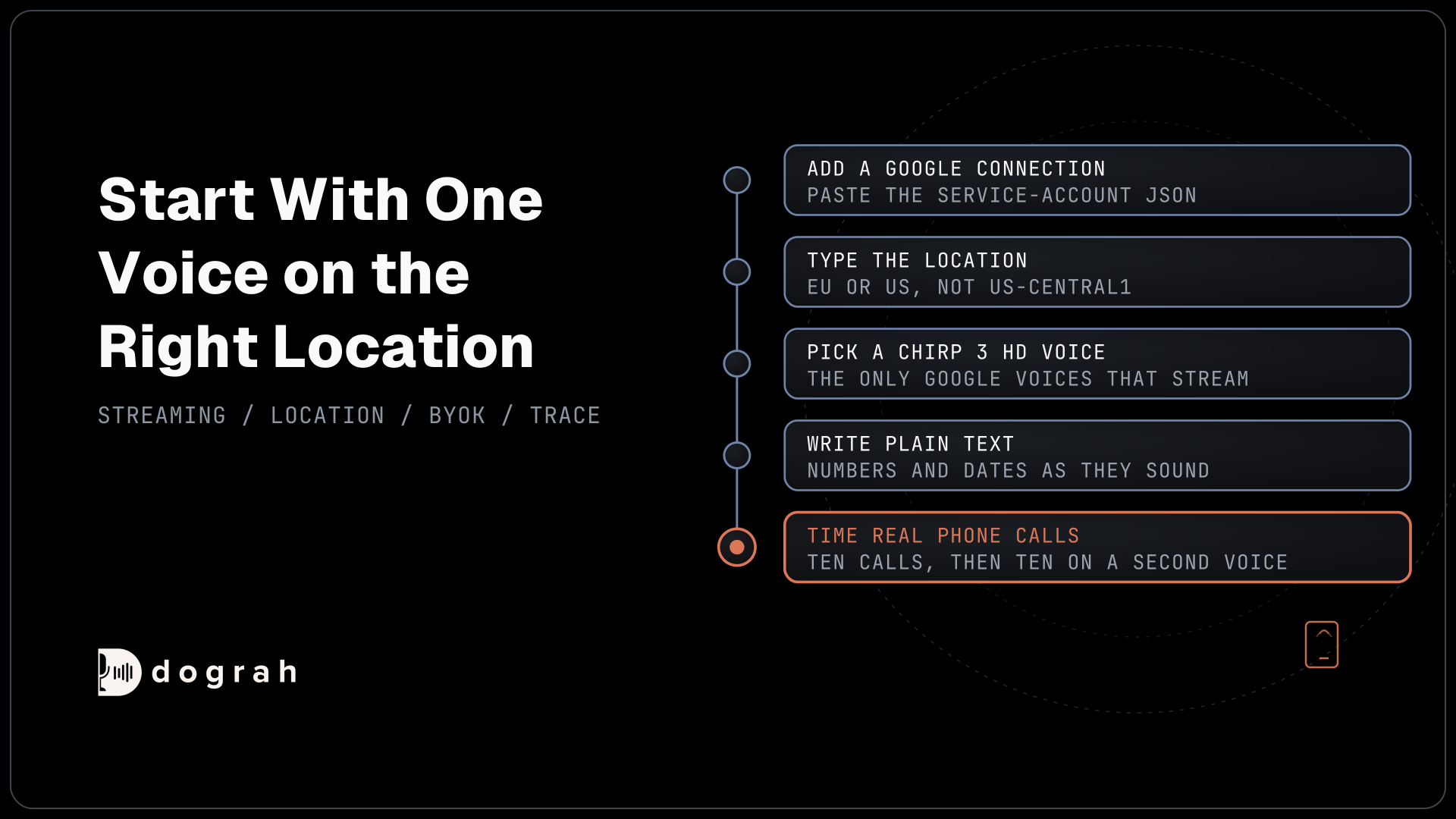
Google is a built-in voice provider in Dograh, so setup is a connection and a model setting. Under Providers in the sidebar, add a Google connection and paste the whole service-account JSON from your Google Cloud project. On a self-hosted server you can leave it empty, and Dograh falls back to Application Default Credentials on that machine. The connection is also where the Location goes. The key sits in your own database on a self-hosted install, so protect database access and backups.
Then open Models, create a BYOK configuration and pick the Google connection for the voice. The voice settings have four fields. Model defaults to chirp_3_hd, Voice to en-US-Chirp3-HD-Charon and Language to en-US, and Speed runs from 0.25 to 2.0. You can type any Chirp 3 HD voice name that is not in the list.
Each agent picks its model configuration in its own Settings, so you can run one agent on Google and another on a different voice from the same account. Google also offers speech-to-text and Gemini Live in Dograh, if you want one Google project for more of the stack. Our guide to the best text-to-speech APIs for voice agents compares Google's rivals on price and speed, and open voices on your own GPU are the route if text must stay in-house. Start with one Chirp 3 HD voice on the right location and time ten real calls before you commit, with a second voice configured in case the first one lags.
Glossary
- Streaming synthesis
- A text-to-speech request where audio starts coming back before the full text is sent. On Google it works only with Chirp 3 HD voices, and it is what keeps the pause before each reply short on a call.
- Chirp 3 HD
- Google's voice family for streaming text-to-speech, with 30 voices across 53 locales and a speaking rate from 0.25 to 2.0. SSML tags are not supported in its streaming requests.
- Regional endpoint
- A Google Text-to-Speech address tied to a location, such as eu-texttospeech.googleapis.com. In Dograh, the Location you type becomes the start of that address, so "eu" selects the EU endpoint.
- Application Default Credentials
- Google's way of finding credentials from the machine a program runs on. If the service-account JSON is left empty on a self-hosted Dograh server, the Google voice uses these instead.