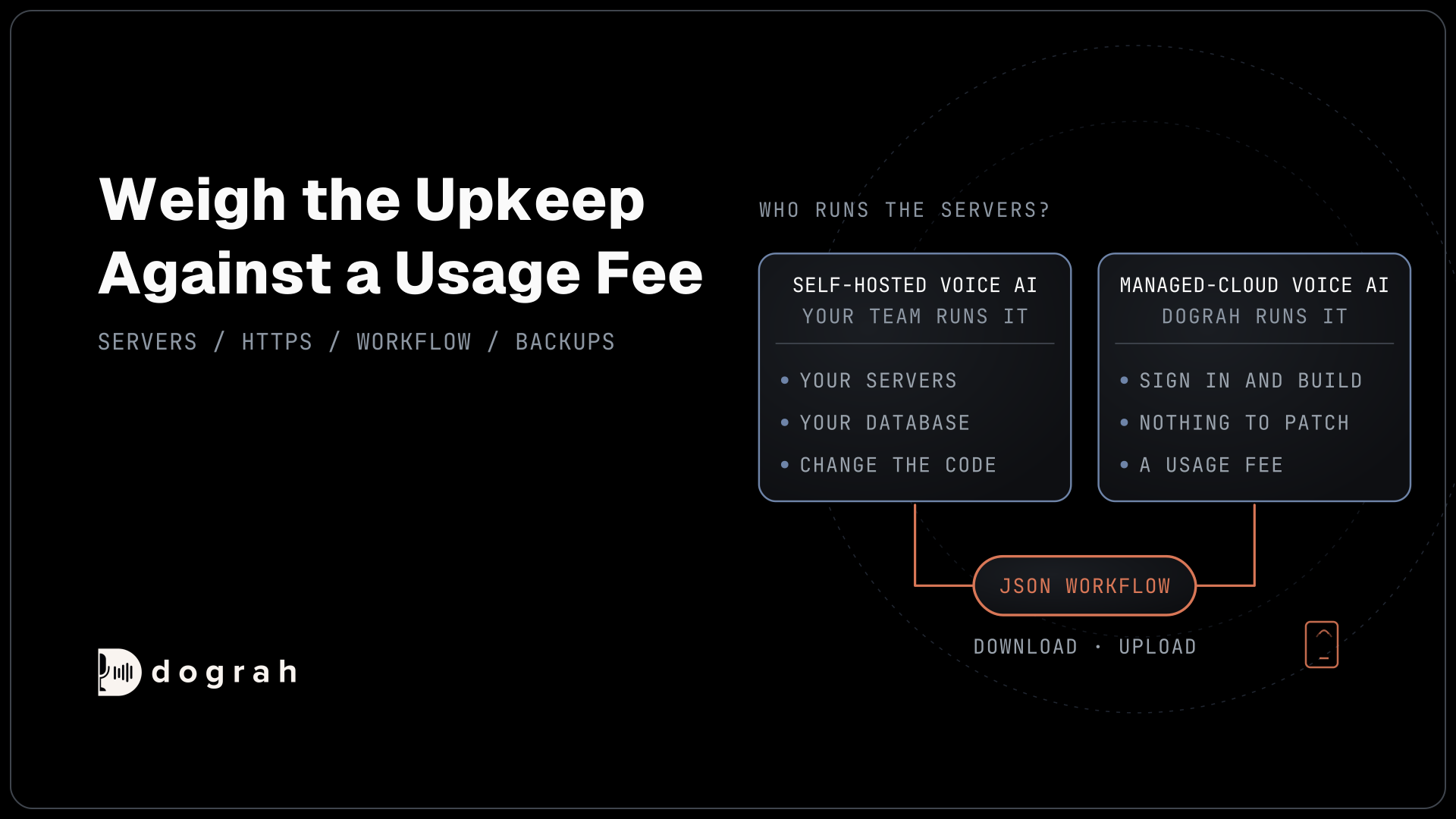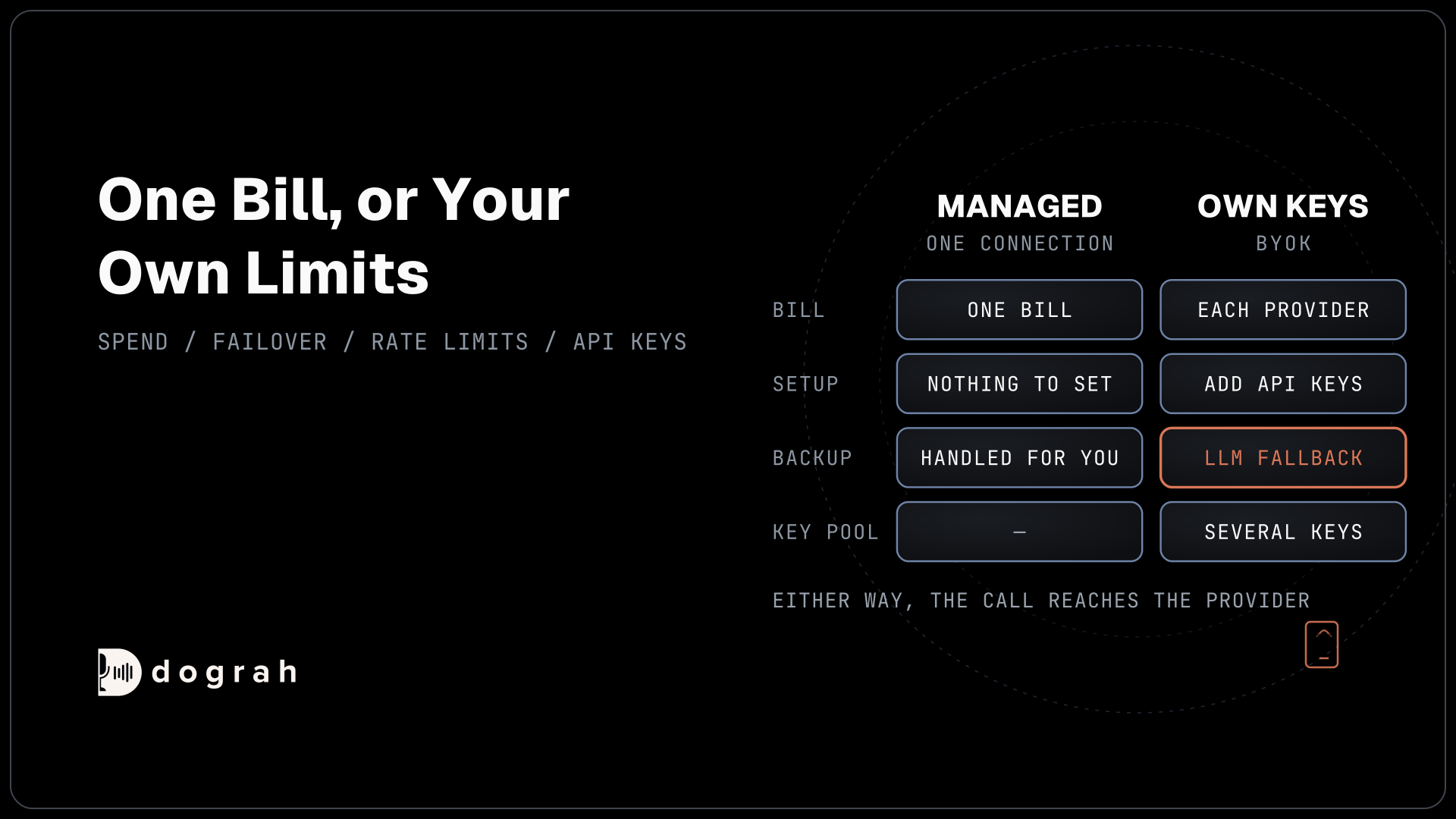

Bring your own key (BYOK) means you pay each model provider directly under your own account, with your own rate limits and backup models. Managed models mean the platform runs and bills the models for you, which is quicker to start. Dograh, an open-source voice agent platform you can self-host or run on Dograh Cloud, supports both, per agent.
Key Takeaways
- BYOK moves the model contract to you, while the call data still reaches the provider.
- Managed models give one bill, and your own keys give your own limits.
- Only your own keys allow backup models and key pools.
This post is part of our guide to running voice AI on local, self-hosted models, whose first section explains what bring your own key changes about data. Here we compare BYOK with managed models on spend control and failover, and the later sections set up each mode in Dograh.
What changes when you bring your own key
A voice agent uses three kinds of model: speech-to-text, a language model and a voice. Someone has to hold the account with each provider and pay the bill. With managed models, the platform holds those accounts and bills you. With your own keys, you hold them.
That changes two things. You pay each provider's list price under its terms, with rate limits and spending caps you set. You can also switch providers, or add a backup, without waiting on the platform.
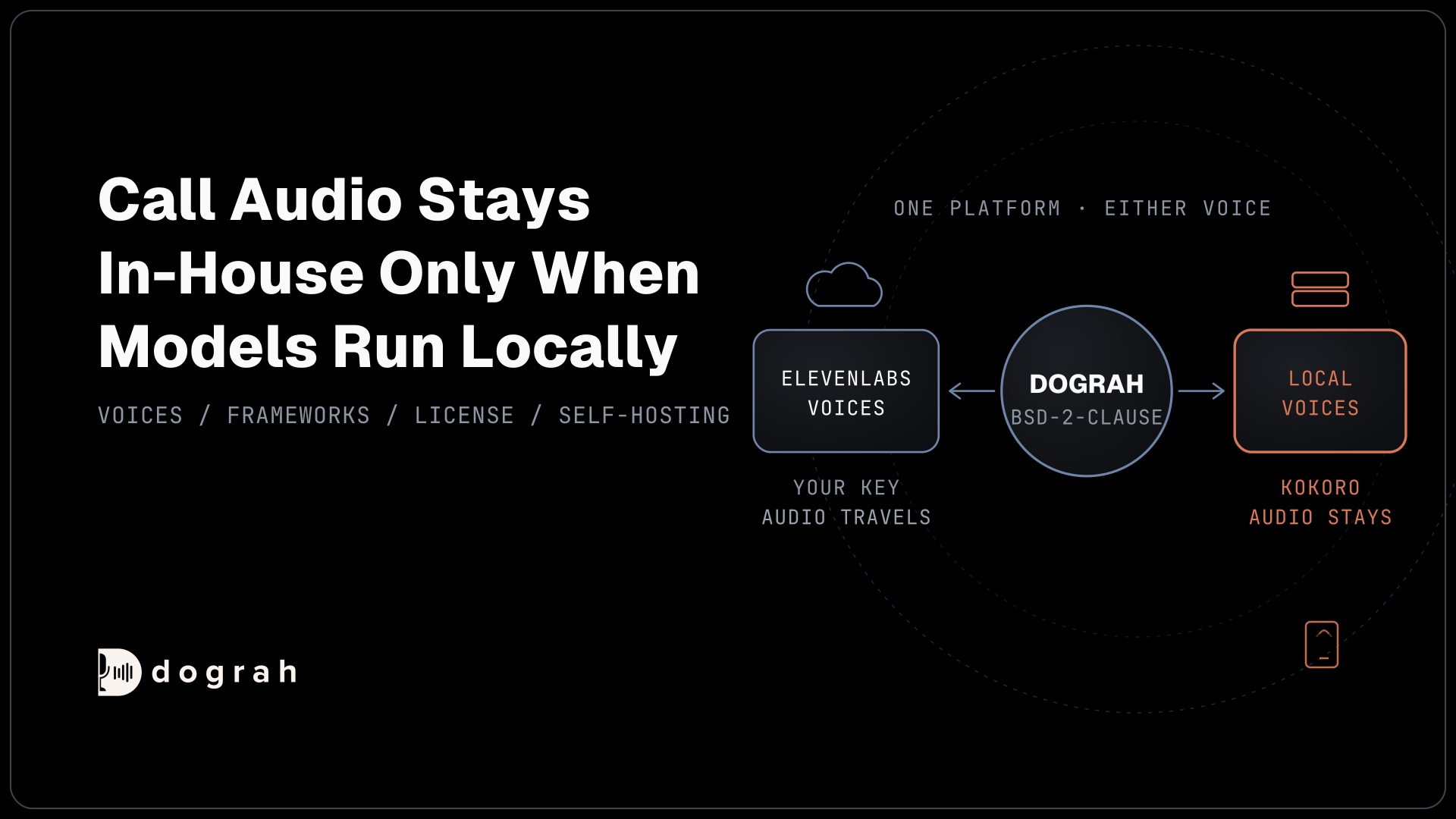
It does not change where the call goes. Your own key changes whose contract covers the model, but the caller's words still go to that provider. Only an open-weight model on your own servers keeps the audio in-house, which our post on why voice data needs to stay local covers.
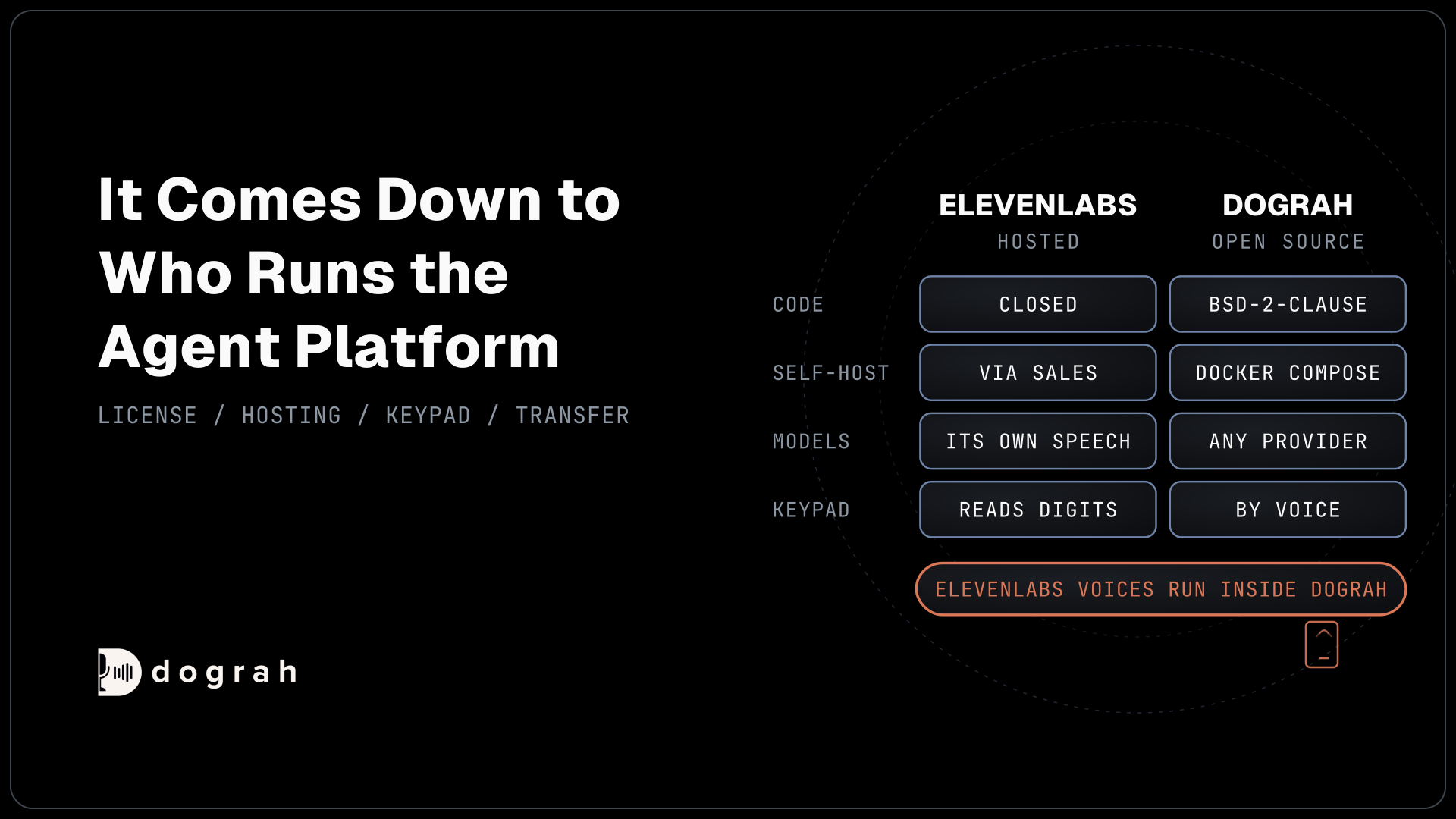
Dograh is the orchestration layer that runs the call flow, tools and telephony, and the speech and language models are a separate layer you choose. Where the platform itself runs is a different choice, covered in self-hosted vs managed voice AI.
How platforms bill for models
Hosted voice platforms bill for models in different ways, and their headline rates cover different things. Each rate below comes from the vendor's own pricing page.
| Option | Who bills the models | What the listed rate covers |
|---|---|---|
| Dograh managed models | Dograh | About $0.07 a minute for most models, separate from the platform fee |
| Dograh with your own keys | Each provider, at its list price | Each provider's own list price, billed by that provider |
| Vapi | Vapi passes model costs through at cost | $0.05 a minute for hosting, with models, voice and phone billed on top |
| Retell | Retell bills the language model per minute | $0.055 a minute for voice infrastructure, plus the model, such as $0.080 for GPT 5.4 or $0.048 for Gemini 3.5 Flash |
| Deepgram Voice Agent API | Deepgram, bundled | From $0.075 a minute for speech, model and voice together, or from $0.050 with your own model or voice |
The rates are not comparable line by line, because each covers a different slice of the call. Phone minutes sit outside all of them. Our breakdown of what an AI voice agent costs per minute adds up a full call on each.
On Dograh, the platform fee is the same whichever way you pay for models. Self-hosted Dograh has no per-minute platform fee (servers, model keys and phone minutes still cost). Dograh Cloud has a 1¢-a-minute platform fee. Dograh's pricing page lists both.

Open Source Alternative to Vapi / Retell
Self-hosted voice agent platform — no per-minute fees
dograh-hq/dograh
Star on GitHub
Controlling spend with your own keys
Your own keys give you the provider's own tools for watching spend. Each provider shows usage per key, and most let you set budgets and alerts on the account. You see exactly what each model cost, call by call, in the provider's dashboard.
You also pick the model per agent. A short booking flow can run on a small model, while a support agent with many tools runs on a larger one. On OpenAI's API pricing, gpt-4.1-mini costs a fifth of gpt-4.1 per token, so that choice matters at volume. Our guide on how to choose an LLM for voice agents covers how to test which model a flow needs.
In Dograh, the model configurations let you add several API keys to one provider connection. Dograh picks one at random each time, which spreads load across keys and accounts. A configuration can be the default for your whole organization, and any agent can override it.
Failover and rate limits
Providers have outages and rate limits, and a voice call cannot wait for them. With your own keys, Dograh lets you add a backup language model, an LLM fallback, for two cases. "Slow response" switches when the main model stays silent past your time limit, 1.5 seconds by default. "Request error" switches when it returns an error.
Both are off until you turn them on. The backup only steps in before the reply or a tool call begins, so it never changes a reply halfway through. A backup request may add cost, and it sends the conversation to the backup's provider, so pick one whose terms you have already accepted.
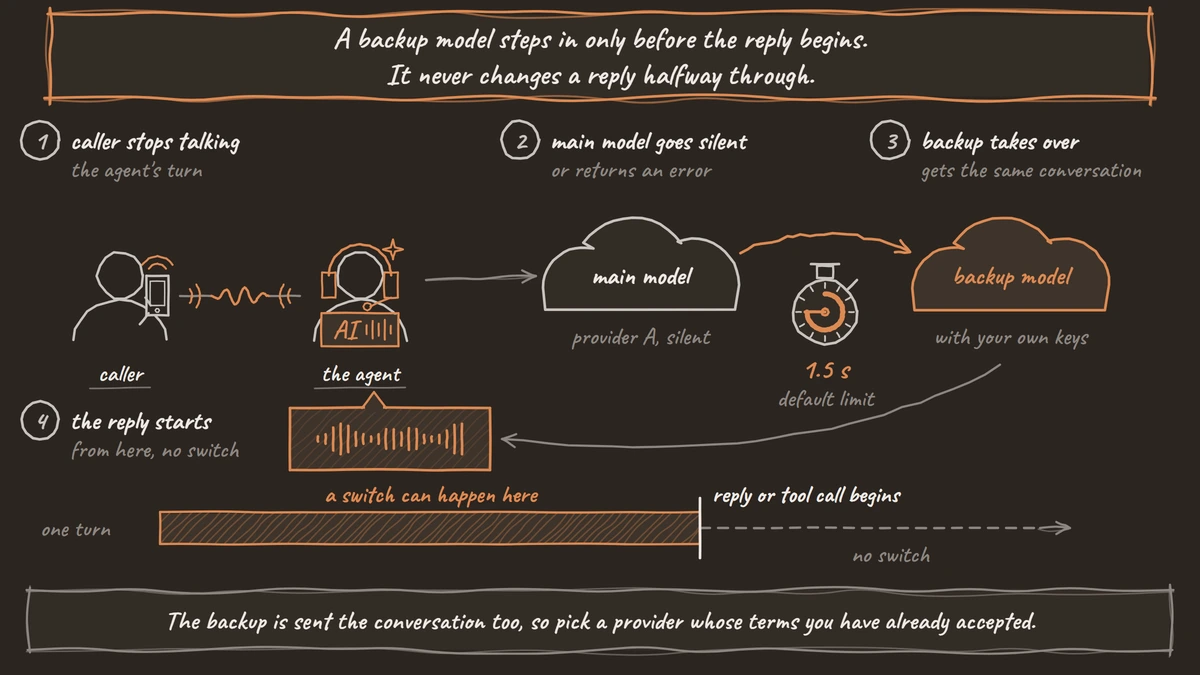
With Dograh's managed models, Dograh handles fallbacks itself, and the backup settings are not available. That is the trade, with less to set up and less to control.
Join the Dograh Community
Dograh is an OSS alternative to Vapi. Join our Slack community for queries, releases, best practices & community interactions.
Setting up each mode in Dograh
New Dograh accounts start on Dograh's managed models, so a first agent works with no keys at all. To bring your own, open Providers in the sidebar, choose Add Provider, then Add API Key. Dograh checks each key when you save it and never sends the secret back to the browser.
Then open Models and choose Add Configuration. Pick the speech-to-text, language and voice providers for that configuration, and click Make org default if every agent should use it. An agent can use a different configuration in its own Settings, and a call started through the API can switch the language model or voice for that one run.
On a self-hosted install, you can use your own keys, or a Service Key from Dograh Cloud to run Dograh's managed models from your own servers, billed to your Cloud account.
Which to choose
Start on managed models while you build the flow, because one connection runs everything and there is nothing to configure. Move an agent to your own keys when you need a backup model or your own contracts and spending caps. Volume is the other reason, once each provider's price is worth watching. If call audio must stay in-house, neither is enough, and an open-weight model on your own servers is the answer.
Glossary
- Bring your own key (BYOK)
- Connecting a platform to model providers with your own API keys, so each provider bills you directly under your own account. It moves the contract to you, while call data still reaches the provider.
- Key pool
- Several API keys for the same provider in one connection. Dograh picks one at random each time, which spreads load and rate limits across keys.
- LLM fallback
- A backup language model that takes over when the main one errors or replies too slowly. In Dograh it is available with your own keys, off by default, and steps in only before a reply begins.