
Azure Speech gives a voice agent both speech-to-text and neural voices from one Azure resource, at $1.00 an audio hour and $15 per million characters in East US. Microsoft stores no real-time audio at rest. Teams that want to own the platform can run it on Dograh, the open-source AI voice agent platform, self-hosted or on Dograh Cloud.
Key Takeaways
- One Azure Speech key and region cover both transcription and the agent's voice.
- In our example, 1,000 four-minute calls cost about $94 a month on Neural voices.
- Dograh runs Azure Speech for both jobs on your own key, set per agent.
Microsoft's own guides point voice agent builders to Voice Live, yet most platforms call Azure's two older Speech services. We cover how each handles phone audio, how Voice Live differs, where the audio goes and a priced month, then connect both to a Dograh agent and test a real call.
One Azure resource for listening and speaking
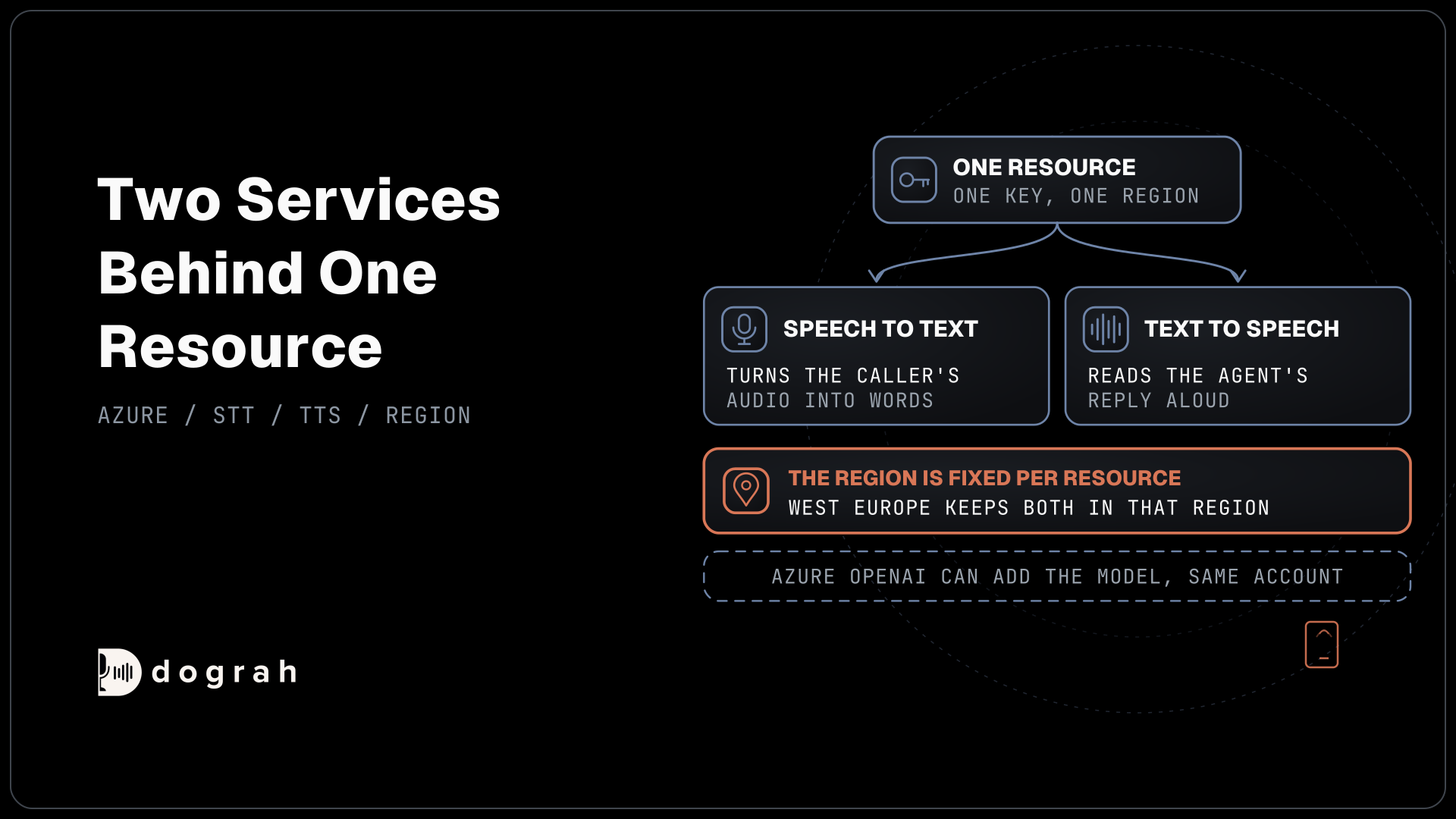
Azure Speech is two services behind one resource. The same key and region serve both speech to text, which turns the caller's audio into words, and text to speech, which reads the agent's reply aloud. A team that already holds an Azure subscription can add both to a voice agent without a new vendor contract, and Azure OpenAI can supply the language model from the same account.
The region is fixed per resource, so the place you create it is where both services run. A resource made in West Europe keeps transcription and voice in that region, while one made in East US runs there. Our list of EU-hosted LLM, STT and TTS providers shows the EU regions for Azure next to the other layers of a European stack.
Speech to text on 8 kHz phone lines
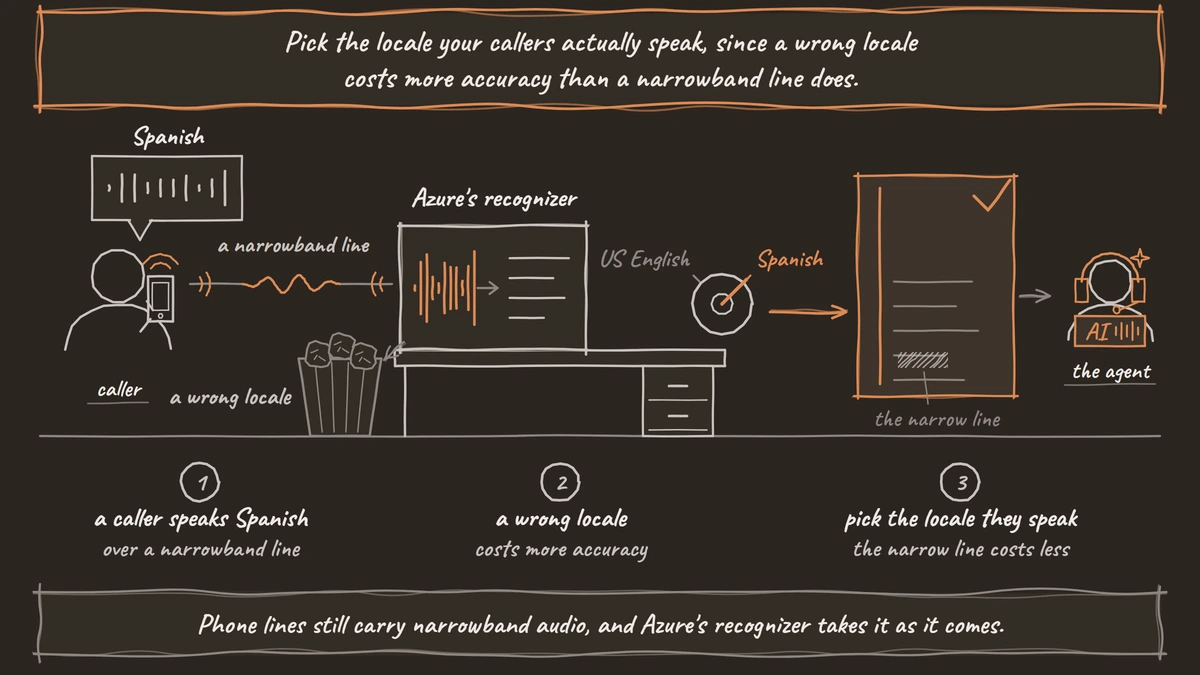
Phone lines still carry narrowband audio, and Azure's recognizer takes it as it comes. The Speech SDK's audio input guide accepts one channel of 16-bit PCM at 8,000 or 16,000 samples a second, so a call does not have to be upsampled before it is transcribed.
Dograh streams the caller's audio to Azure at the line's own rate, which means 8 kHz on Twilio, Telnyx, Plivo, Cloudonix, Asterisk ARI, Exotel and Vobiz, and 16 kHz on Vonage and WhatsApp. The recognizer works in real time, returning words while the caller is still speaking, which is what lets the agent answer quickly once they stop.
The recognition language is set per agent configuration, with en-US as the default and other locales such as Hindi, Spanish or German picked from a list or typed in. Pick the locale your callers actually speak, since a wrong locale costs more accuracy than a narrowband line does.
Neural and HD voices on a phone call
Azure offers two kinds of voice for an agent. Standard Neural voices are the long-running catalog, with a wide spread of locales. HD voices, such as the DragonHDLatestNeural family, are built on large language models and sound more natural, at a higher price per character. Microsoft produces voices at 24 kHz and 48 kHz and resamples them to the rate you ask for.
Listeners rank the two far apart. On the Artificial Analysis Speech Arena, a live leaderboard built from blind votes, Azure HD 2.5 sits at rank 35 and Azure's standard Neural voices at rank 81 of 105 models. Dograh's default Azure voice, en-US-AriaNeural, is a standard Neural voice, so a team chasing the most natural sound should listen to an HD voice before settling on the default. For an agent that switches languages, our post on multilingual TTS for voice agents compares Azure's Arabic, Hindi and Spanish voices with other providers.
Voice Live is a separate Azure product
Voice Live is Microsoft's speech-to-speech API for voice agents, where one service listens, reasons and speaks. It is a different product from the two Speech services in this post, with its own pricing, and Microsoft connects it to phone lines through Azure Communication Services. A phone line carries 8 kHz audio while Voice Live works at 24 kHz, so a gateway resamples the audio in both directions.
Dograh's Azure options are speech to text and text to speech through Azure Speech, the Azure OpenAI language model, and Azure OpenAI Realtime as a speech-to-speech model in Realtime mode. Our comparison of cascade versus speech-to-speech explains when one model that hears and speaks beats three separate layers, and when the separate layers give you more control.

Open Source Alternative to Vapi / Retell
Self-hosted voice agent platform — no per-minute fees
dograh-hq/dograh
Star on GitHub
What a month of Azure Speech costs
Azure charges speech to text by the audio hour and voices by the character. For pay as you go in East US, Azure Speech pricing is $1.00 an hour for real-time transcription, $15 per million characters for Neural voices and $22 per million for HD voices. A free F0 resource includes 5 audio hours and half a million characters a month, enough for testing.
Here is an example for a support line.
- 1,000 calls a month, 4 minutes each, so speech to text listens to 4,000 minutes, or 66.7 hours.
- 66.7 hours x $1.00 = $66.67 for transcription.
- The agent speaks about 1,800 characters a call, so 1.8 million characters x $15 per million = $27 on a Neural voice, or $39.60 on an HD voice.
- Total about $94 a month on Neural or $106 on HD, before the LLM and phone minutes.
Our guide to the best text-to-speech APIs for voice agents puts Azure's per-character rate beside per-minute pricing from other vendors.
Join the Dograh Community
Dograh is an OSS alternative to Vapi. Join our Slack community for queries, releases, best practices & community interactions.
Setting up Azure Speech in Dograh
Azure Speech is a built-in provider in Dograh for both speech to text and voice, so it runs on your own key with no code. Open Providers in the sidebar, click Add Provider and choose Azure Speech Services. The provider connection takes your Speech key and the Region of your resource, and it uses East US when no region is set. Our page on using Azure Speech in Dograh shows how one key and region cover both the caller's transcript and the agent's voice.
Next, open Models, click Add Configuration and choose BYOK. On the STT tab, pick the Azure Speech connection and a Language, with en-US as the default. The transcriber settings list the other locales, and you can type one that is not listed.
On the TTS tab, pick the same connection. The voice settings show Voice, which defaults to en-US-AriaNeural and accepts a typed voice name, along with Language and a Speed from 0.5 to 2.0. Dograh asks Azure for 8 kHz PCM audio, the rate most phone lines carry. The LLM tab can point at Azure OpenAI if you want all three layers in one subscription.
Each agent picks its model configuration in the agent editor's Model tab, or in Settings under Model Configuration, and the live agent changes when you publish. Test with the Phone Call button in the editor header, which calls a phone number or SIP endpoint you enter. The call trace then shows speech-to-text, AI and voice time for every turn.
Where audio goes and running Dograh yourself
Microsoft states in its data privacy note for Speech that for real-time speech to text, audio is processed only in server memory and no data is stored at rest, and that text to speech persists no data. The audio and text still travel to Azure's region for each turn. Bring your own key moves the contract to your Azure account. Dograh runs the call flow, tools and telephony as the orchestration layer, while you choose the speech and language models as a separate layer.
The Azure bill reaches your own account wherever the platform runs, and recordings and transcripts sit in the platform's own storage. Self-hosted Dograh has no per-minute platform fee, but servers, model keys and phone minutes still cost money. Dograh Cloud charges a 1¢-a-minute platform fee. Self-hosting puts the server, the database and the upgrades on your team, with community support for the open-source edition and custom SLAs on Enterprise.
Create the Azure resource in the region your data has to stay in, then judge two or three voices on real phone calls before you pick one.
Glossary
- Azure resource
- The Azure object that holds your Speech key and region. One resource serves both speech to text and text to speech, and its region decides where both run.
- HD voice
- An Azure voice built on a large language model, such as the DragonHDLatestNeural family. It sounds more natural than a standard Neural voice and costs more per character.
- Voice Live
- Microsoft's speech-to-speech API for voice agents, separate from the Speech services. One service listens and speaks, and it connects to phones through Azure Communication Services.
- Real-time transcription
- Speech to text that returns words while the caller is still talking. Azure bills it per audio hour, and Microsoft stores none of the audio at rest.