
AI voice agents for listing-alert callbacks phone buyers who asked for calls on a saved search when a matching home lists or drops in price. The agent reads the listing record as the call connects, offers a showing from live slots and sends price questions to the buyer's agent. Each call invites a purchase, so written consent comes first.
Key Takeaways
- Only buyers who ticked a call box on their saved search get the call.
- The agent reads price and status at the moment the buyer answers the phone.
- Questions about offers or the seller go to a person, written to the CRM first.
A home can go under contract between the alert and the call, so the agent reads the listing live. We cover which buyers get a call, starting it from the MLS feed, booking a showing and passing price talk to a person in Dograh. It builds on our guide to stock and price alerts.
Which buyers get a call
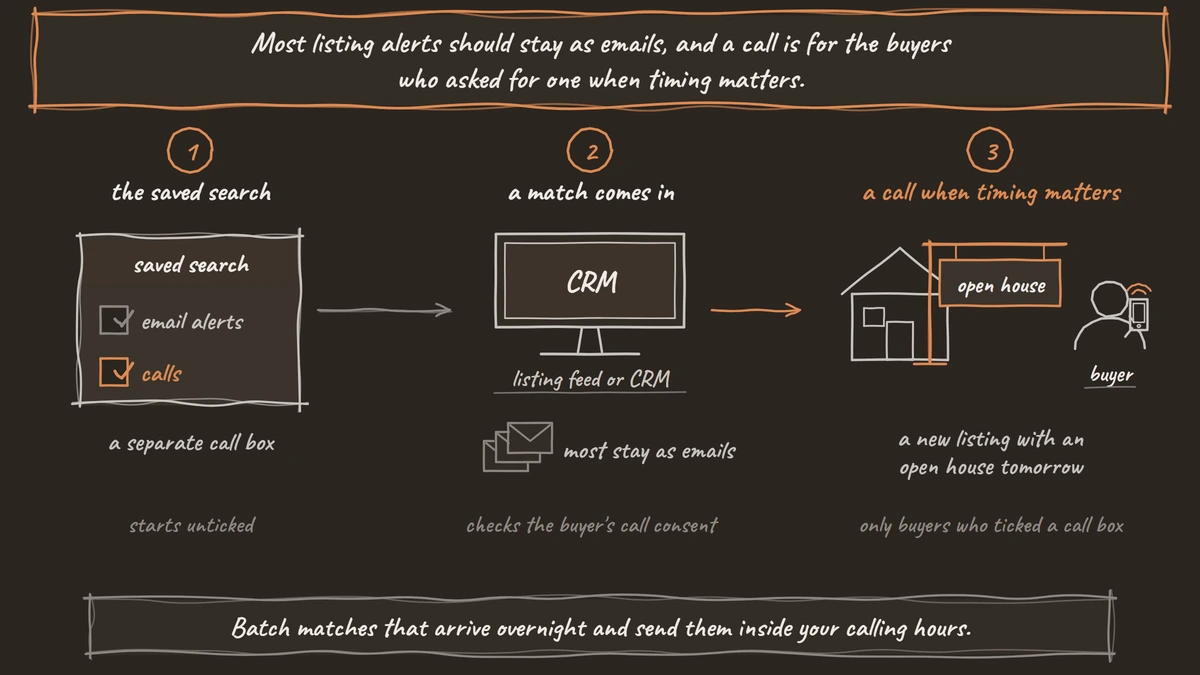
Most listing alerts should stay as emails, and a call is for the buyers who asked for one when timing matters. A new listing with an open house tomorrow, or a price cut that brings a home into a buyer's range, can be gone by the time an email gets read.
First-time buyers are scarcer than they used to be. In NAR's 2025 Profile of Home Buyers and Sellers, covering buyers who closed between July 2024 and June 2025, first-time buyers made up 21% of purchases, a historic low, and the typical first-time buyer was 40. A smaller pool makes each saved search worth a timely answer.
A listing alert encourages a purchase, so it is a sales call. Under the Telephone Consumer Protection Act (TCPA), the FCC's calling rules require prior express written consent for sales calls made with an artificial voice, and the FCC's 2024 ruling on AI-generated voices confirmed an AI voice is one.
So the saved-search form needs a separate call box that names your brokerage and the buyer's number, covers calls made with an AI voice, and starts unticked. Our post on AI voice agents for real estate lead qualification shows how to word that box and check it before any call. Confirm your form wording with counsel before the first alert call.
From the MLS feed to the call
The call starts when your listing feed or CRM spots a match. Your system already compares new listings and price changes against each saved search, so it is the right place to start the call.
When a match comes in, your system checks the buyer's call consent and then calls Dograh's API Trigger with the buyer's number. In initial_context it passes the buyer's first name, a buyer reference and the listing ID. Any MLS feed or CRM that can send an HTTP request can start the call this way.
Batch matches that arrive overnight and send them inside your calling hours. A campaign's calling hours run in one time zone, so a brokerage that spans zones gives each zone its own list.
Read the listing when the buyer answers
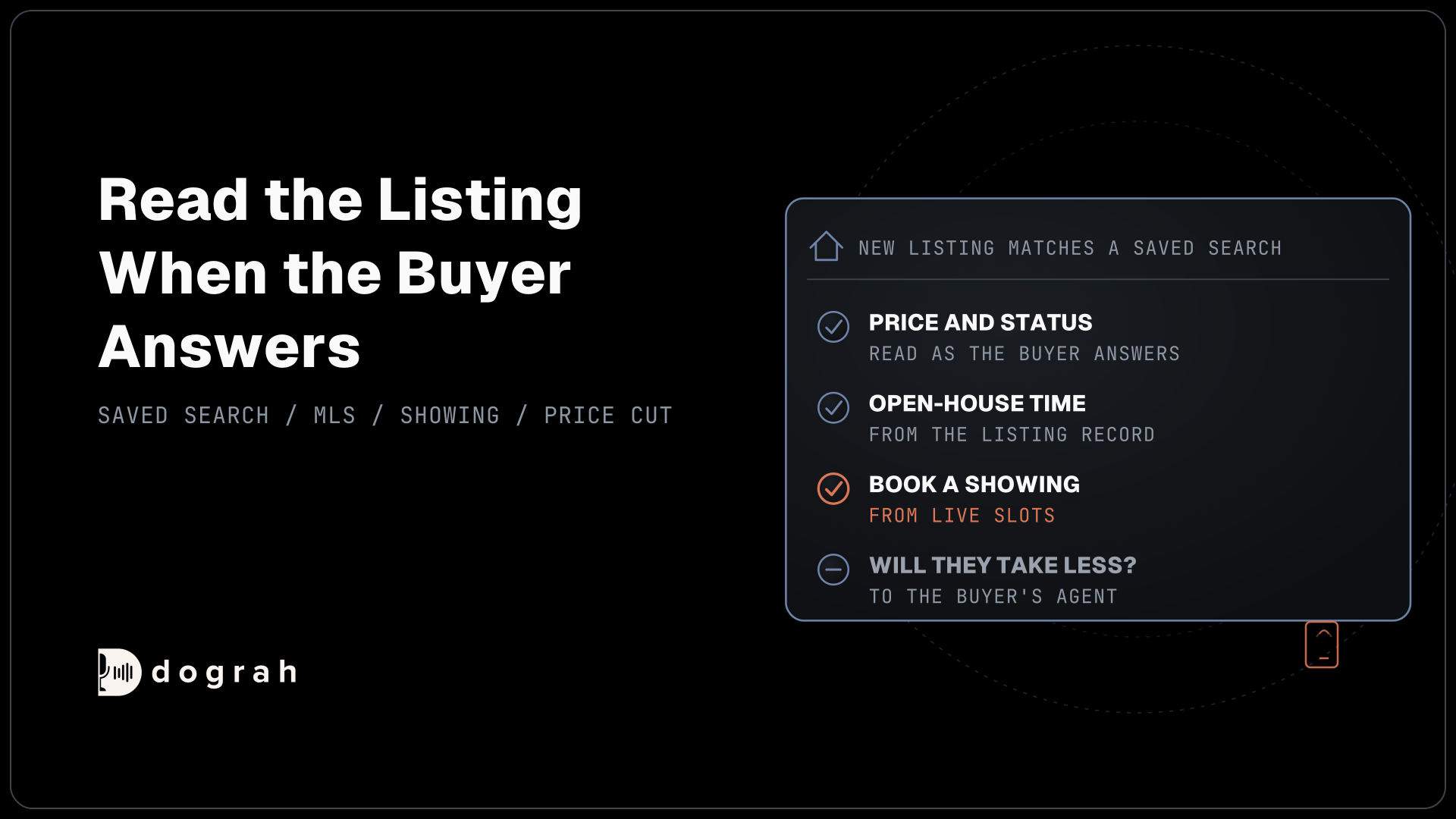
The agent reads the listing's price and status from your record as the call connects. A home can go under contract between the alert and the call, and the agent should never describe a listing that is no longer for sale.
Pre-Call Data Fetch on the Start Call node does this. Set it to Outbound calls only and point it at an endpoint that takes the listing ID and returns the current fields. If the home went pending, or a price cut was reversed, the endpoint returns a greeting_override that says so and offers to keep the alert running.
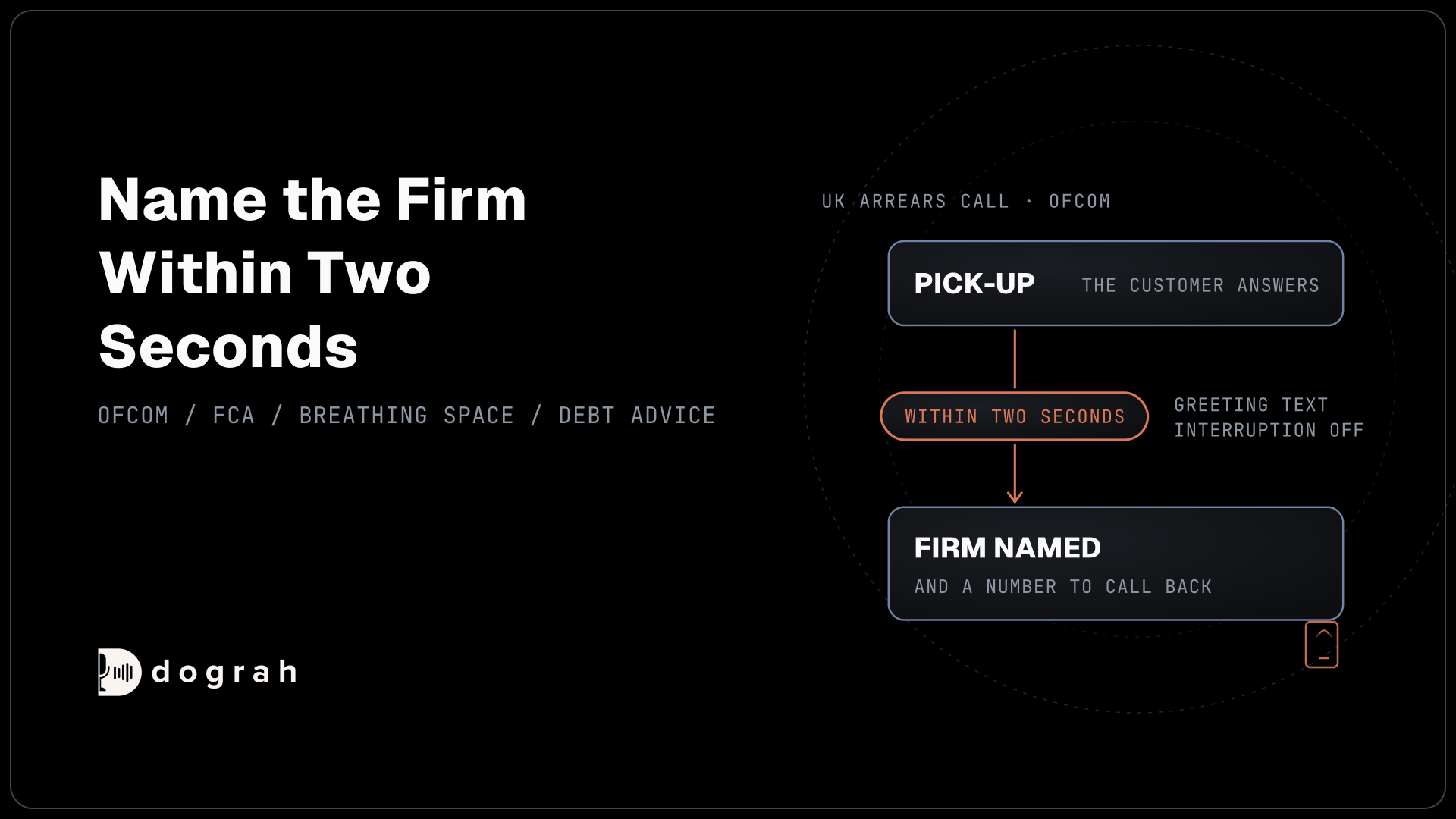
Put the brokerage name in the Greeting Text, the fixed line spoken word for word as the call connects, along with the reason for the call. Allow Greeting Interruption is on by default, so the buyer can cut in after two words. Switch it off on the Start Call node so the brokerage name and the reason always play. If you want to tell buyers they're speaking with an automated assistant, or your location requires it by law, add that to the same line.
The prompt tells the agent to describe the home only from the returned record, such as the price and the open-house time. The agent asks for the buyer by name before it describes anything, and anything not in the record becomes a question for the buyer's agent.

Open Source Alternative to Vapi / Retell
Self-hosted voice agent platform — no per-minute fees
dograh-hq/dograh
Star on GitHub
Book a showing, hand price talk to an agent
The agent's one job after the facts is a showing. Price talk belongs to a person.
An HTTP API tool asks your showing or calendar system for open slots on that listing and books the one the buyer picks. A message, typed or recorded, plays while the request runs. Add a Preset Parameter named workflow_run_id with the value {{initial_context.workflow_run_id}}, so your system can ignore a duplicate booking from the same call. Our post on property-visit scheduling covers the booking loop in full.
Questions such as "will they take less?" go to the buyer's agent. The agent writes the question to your CRM through an HTTP API tool, then uses Transfer Call, which works on Twilio, Telnyx, Plivo, Cloudonix and Asterisk ARI. Dograh calls the destination first and connects the buyer only when someone answers. If nobody answers within the 30-second default, the buyer stays with the agent, which records a callback request.
Buyers also share updates, such as a new budget or a move date that slipped. The agent records each answer as the buyer stated it, and a Webhook node sends them to your CRM after the call, so the saved search can change. A spoken "stop calling me" is written to your CRM during the call, and your system takes the buyer off the next list.
Join the Dograh Community
Dograh is an OSS alternative to Vapi. Join our Slack community for queries, releases, best practices & community interactions.
Where to start
Start with new listings that have an open house in the next few days, the alert where a call clearly beats an email. Add price-cut calls once the first transcripts read well.
Test on a real phone line before buyers hear the agent. Phone audio is narrower than a browser test, so street names and prices can sound different to the speech model, and Transfer Call only works over the phone. Dograh is self-hostable, so a brokerage that wants buyer data on its own servers can run it there, or use Dograh Cloud. Our guide to AI voice agents for real estate covers the other calls a brokerage can hand over.
Glossary
- Saved search
- A buyer's stored search criteria in a brokerage's site or CRM, such as area and price range. New listings and price changes are matched against it, and only searches with call consent lead to a call.
- Prior express written consent
- A signed agreement, electronic signatures included, that names a phone number and allows sales calls with an artificial or AI voice to it. A listing alert call needs it because it encourages a purchase.
- Listing status
- Whether a home is active, pending or sold in the listing record. The agent reads it as the call connects, so a home that went under contract after the alert is never pitched.
- Greeting override
- A per-call replacement for the agent's saved opening. Your Pre-Call Data Fetch endpoint returns one when the listing changed, so the call opens with the news instead of an old price.